
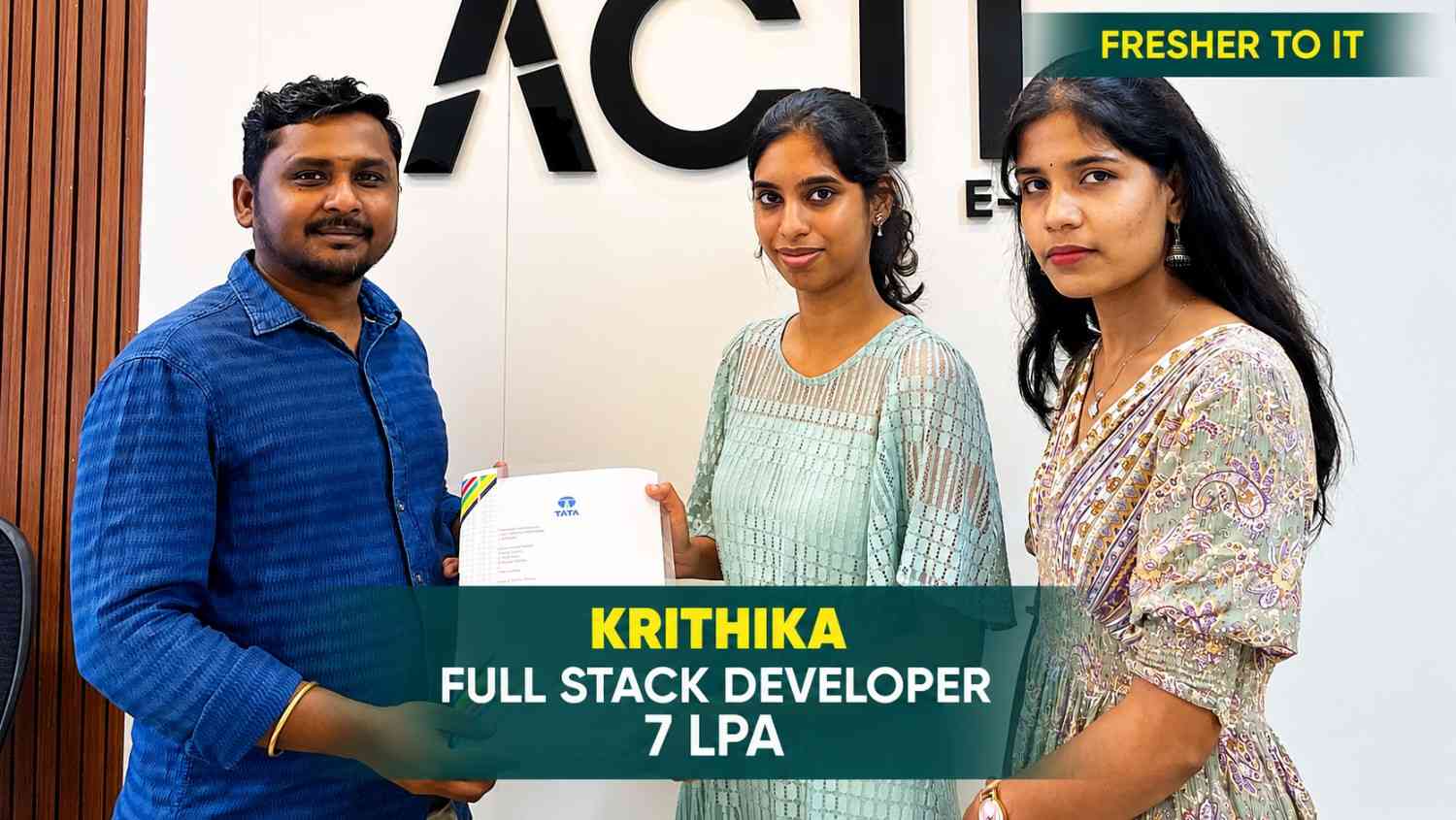
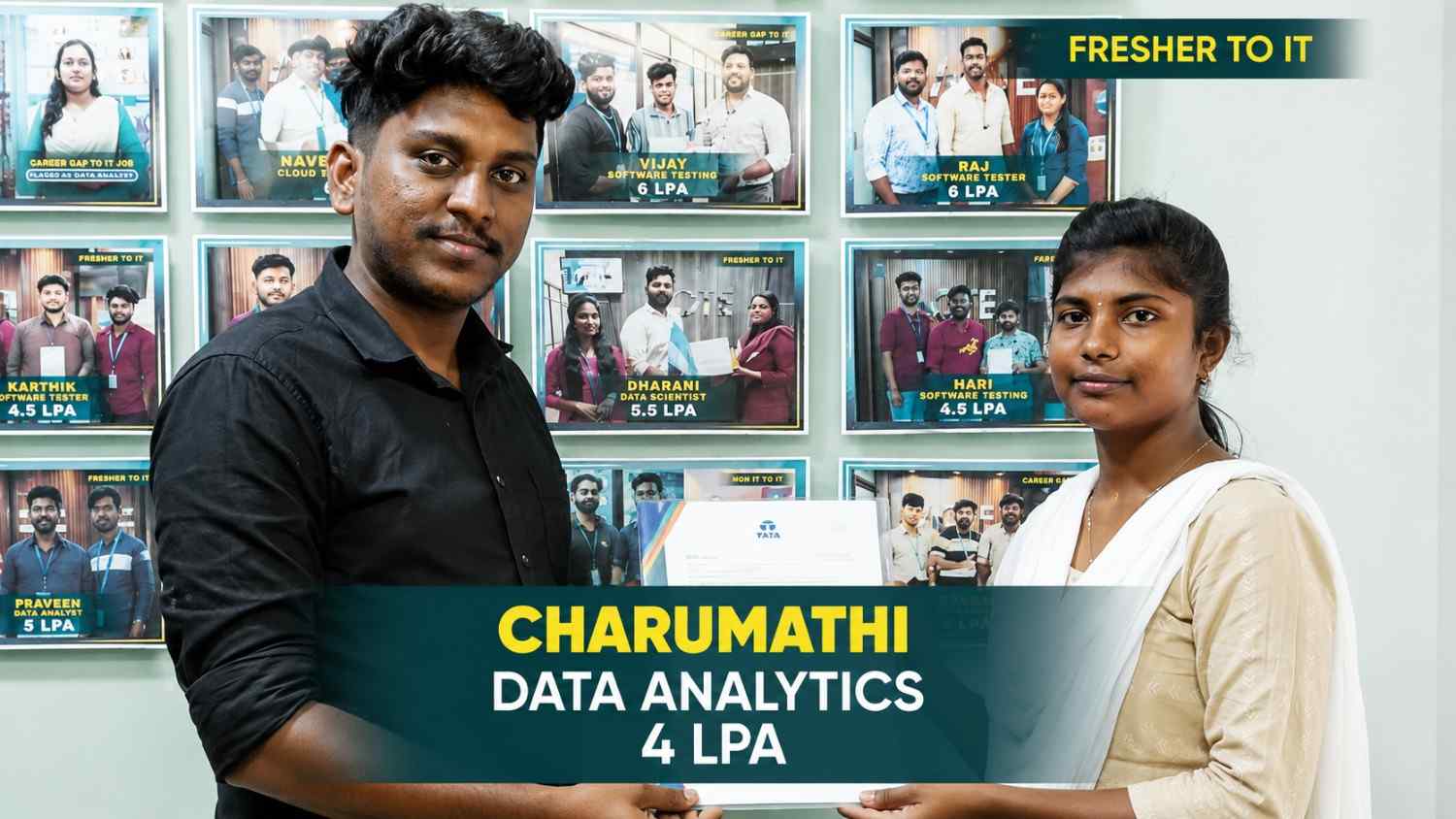
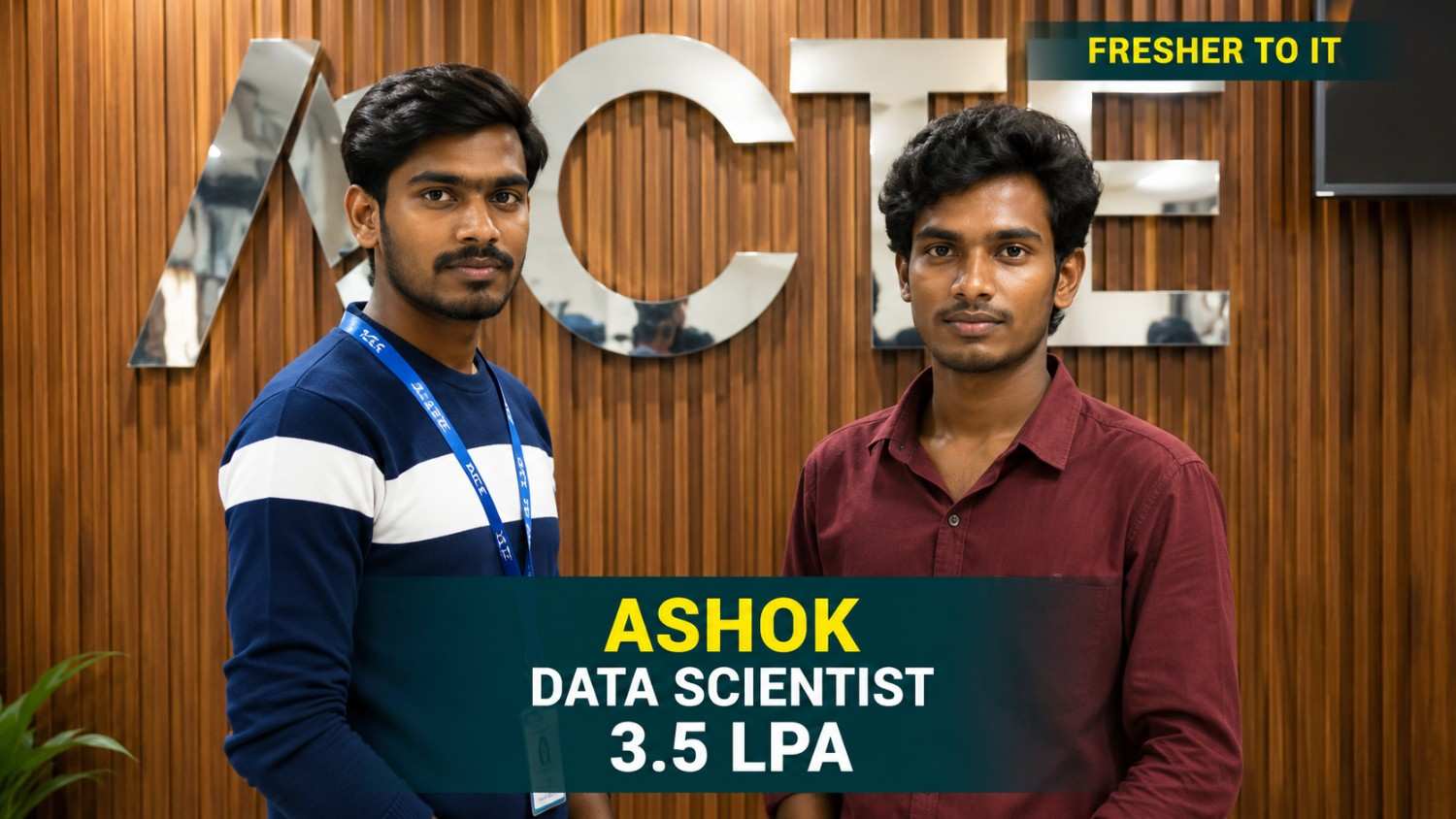
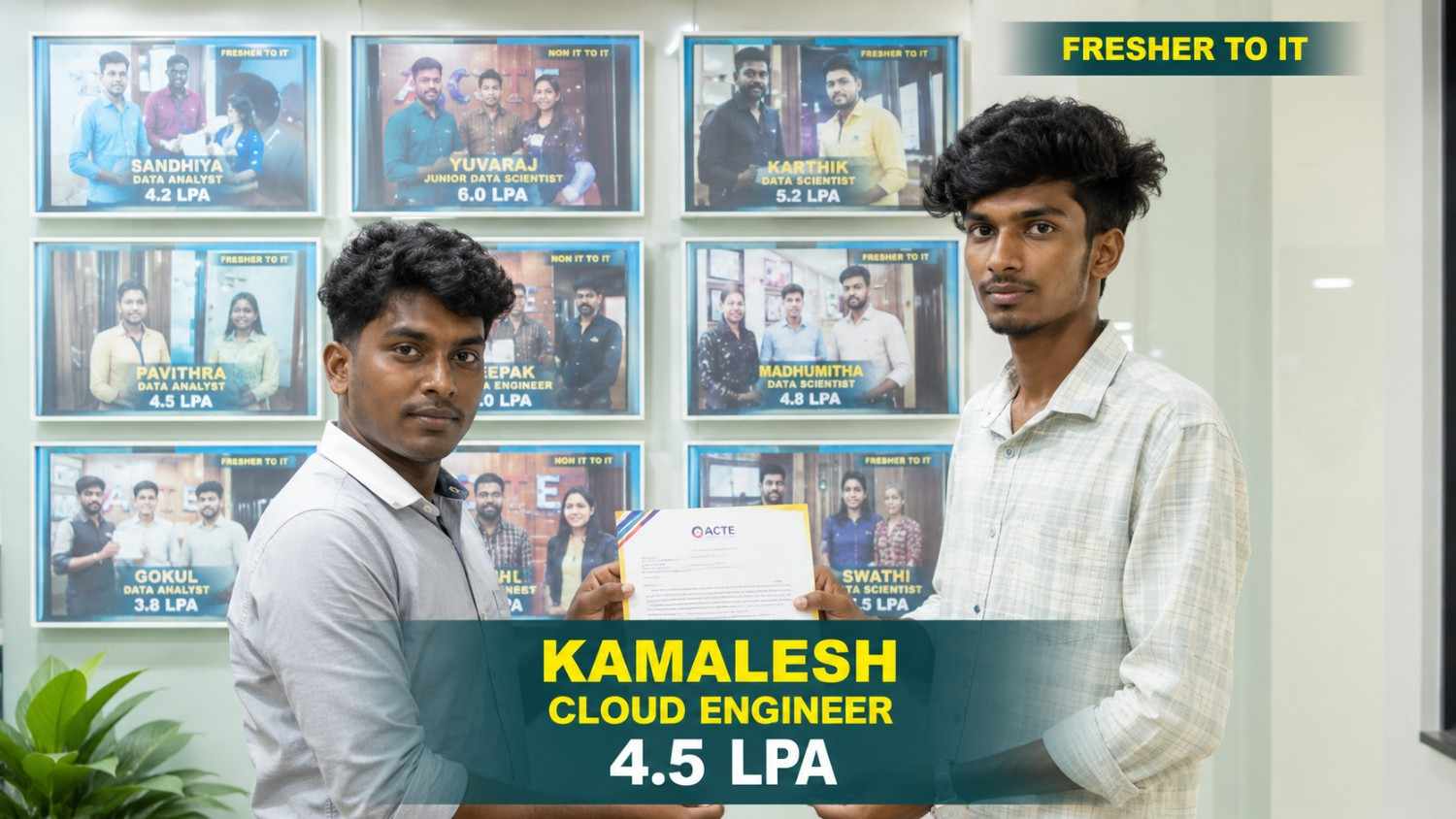
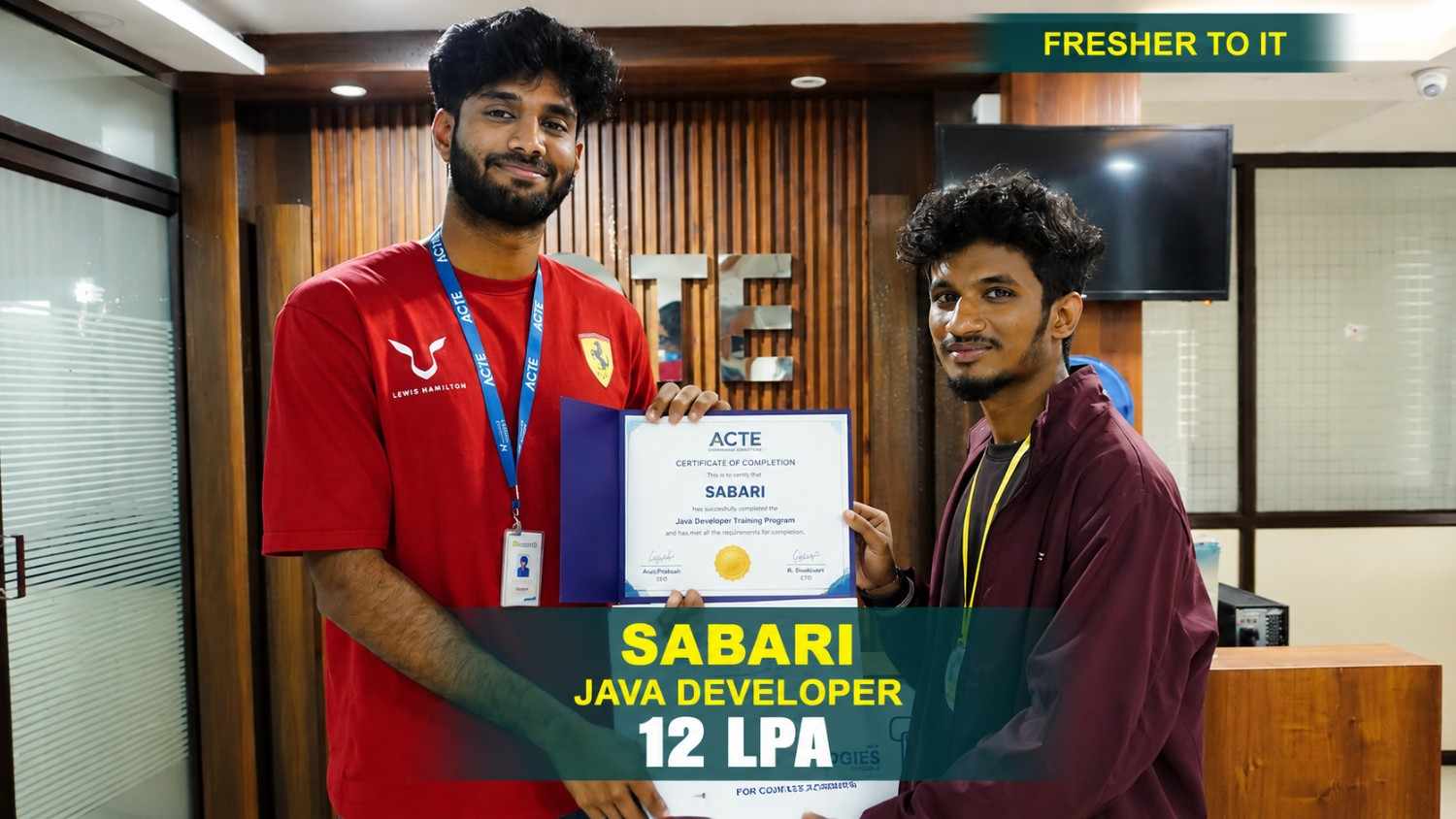
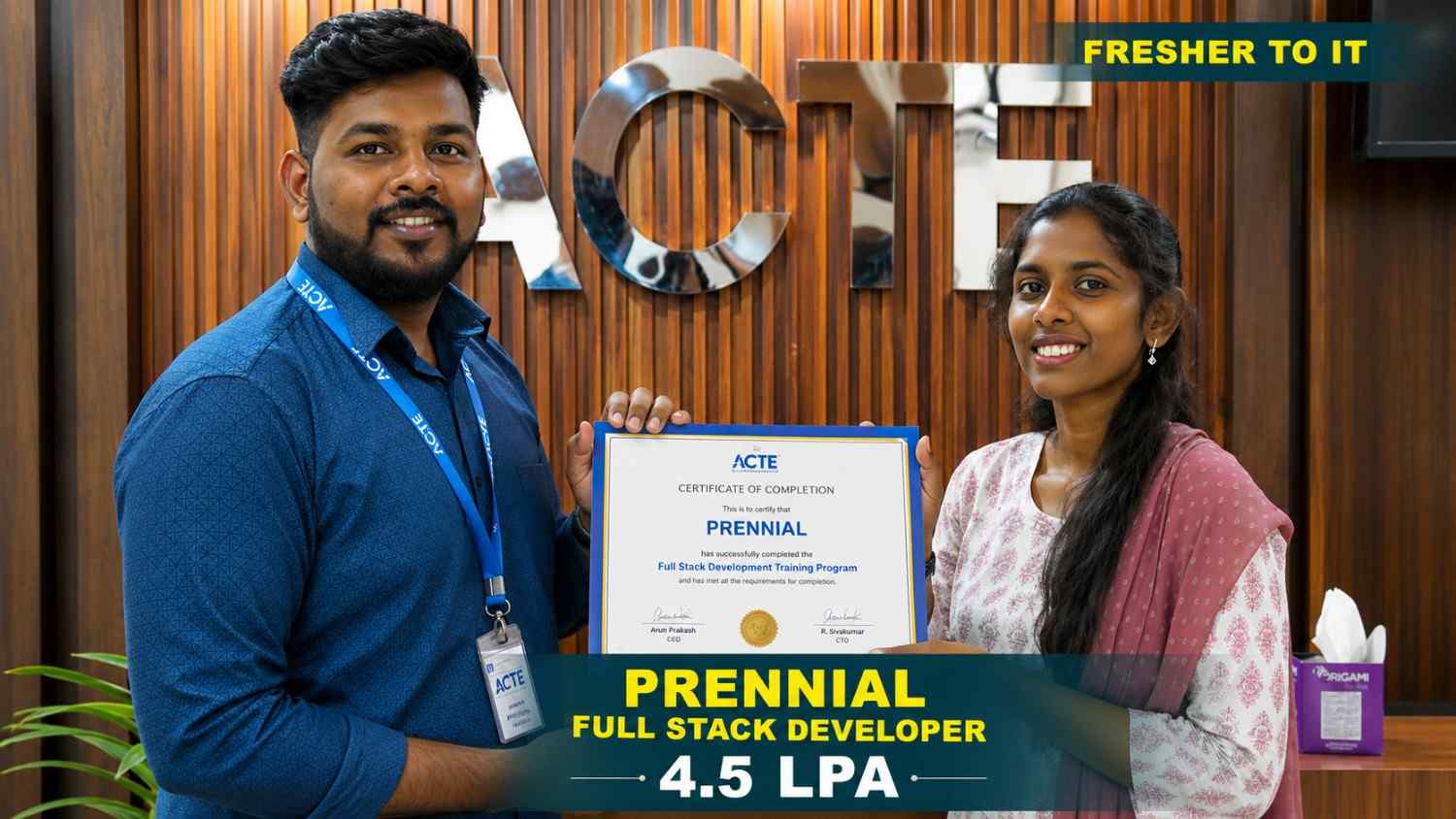
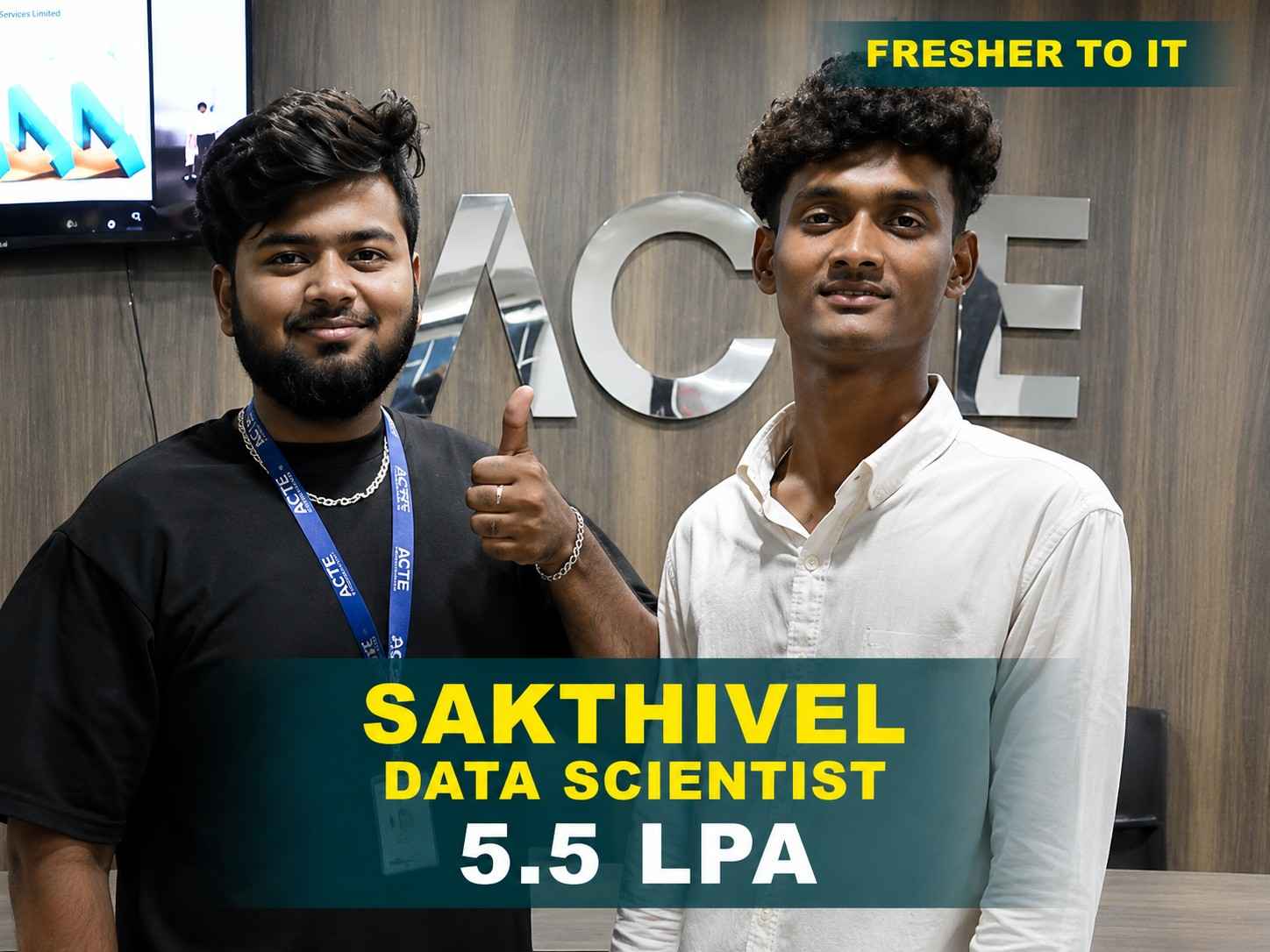
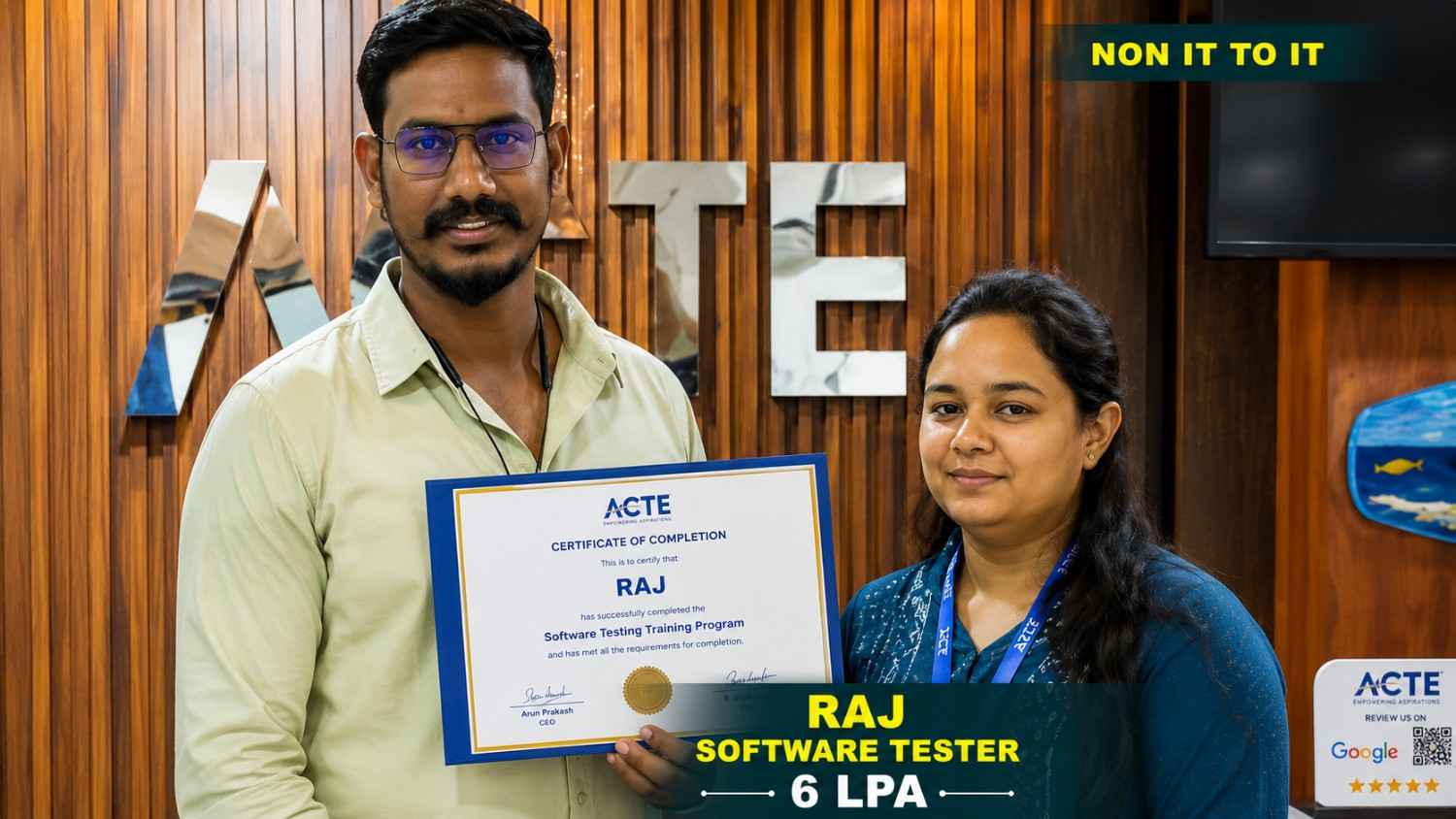
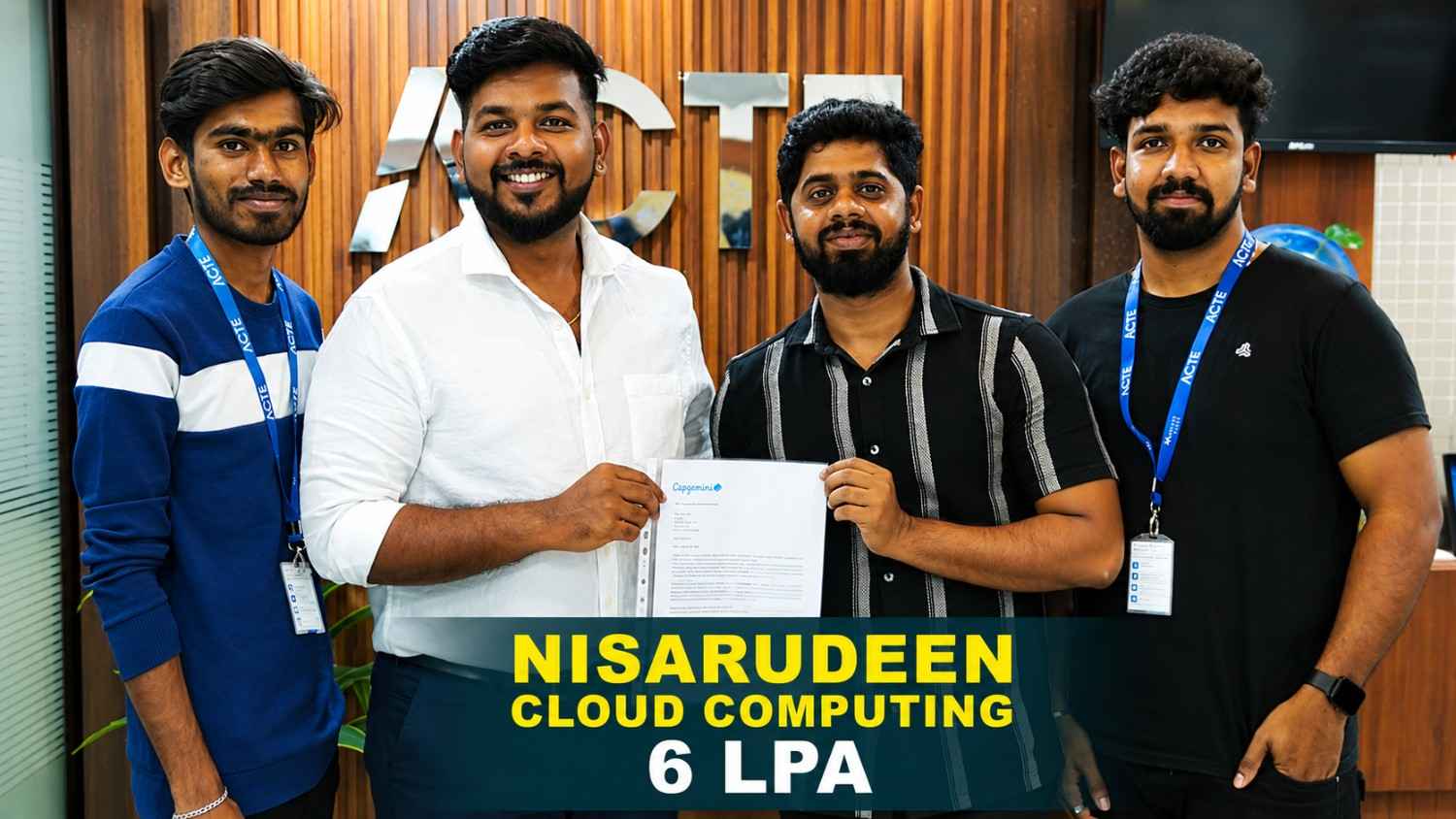
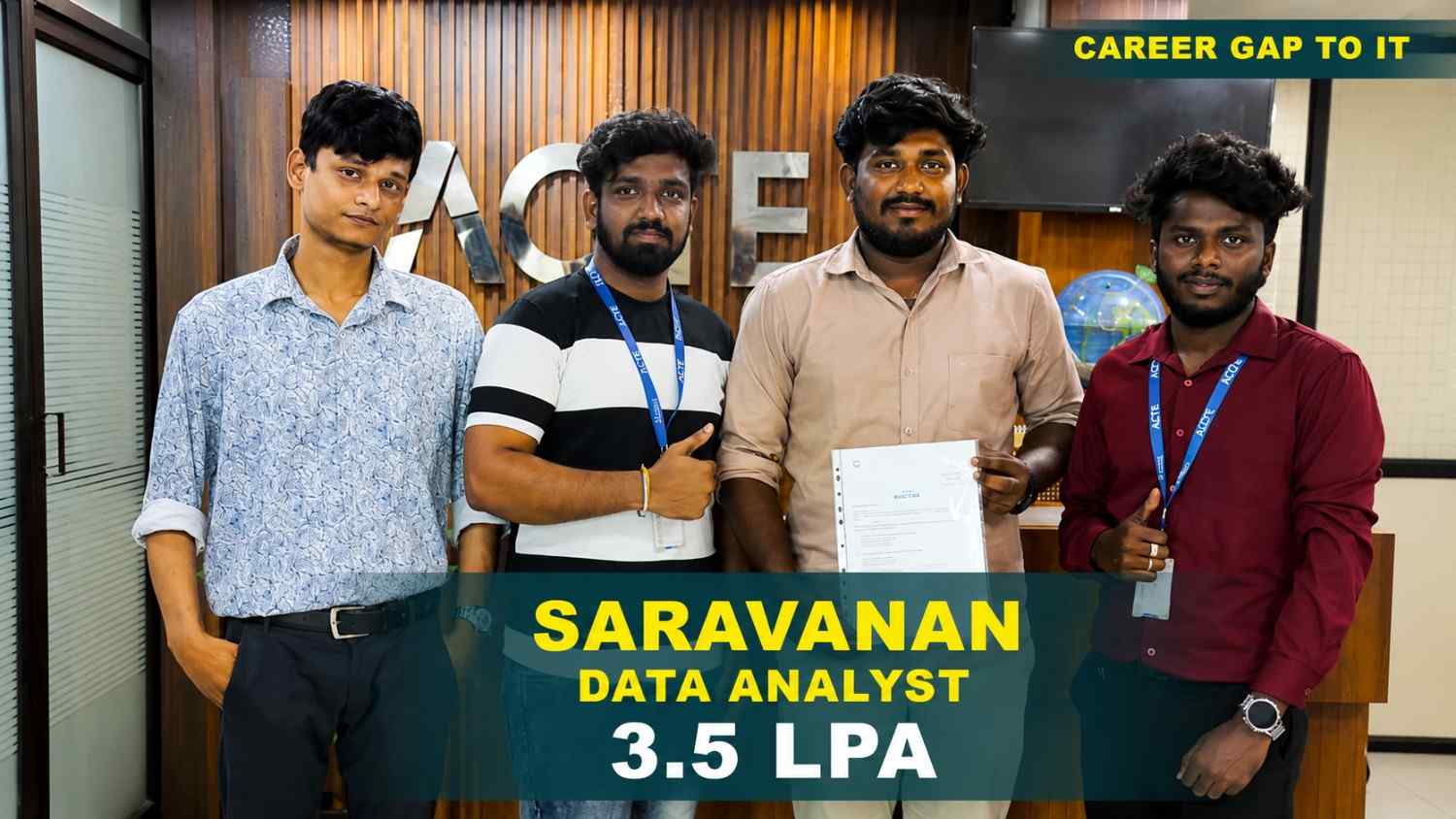
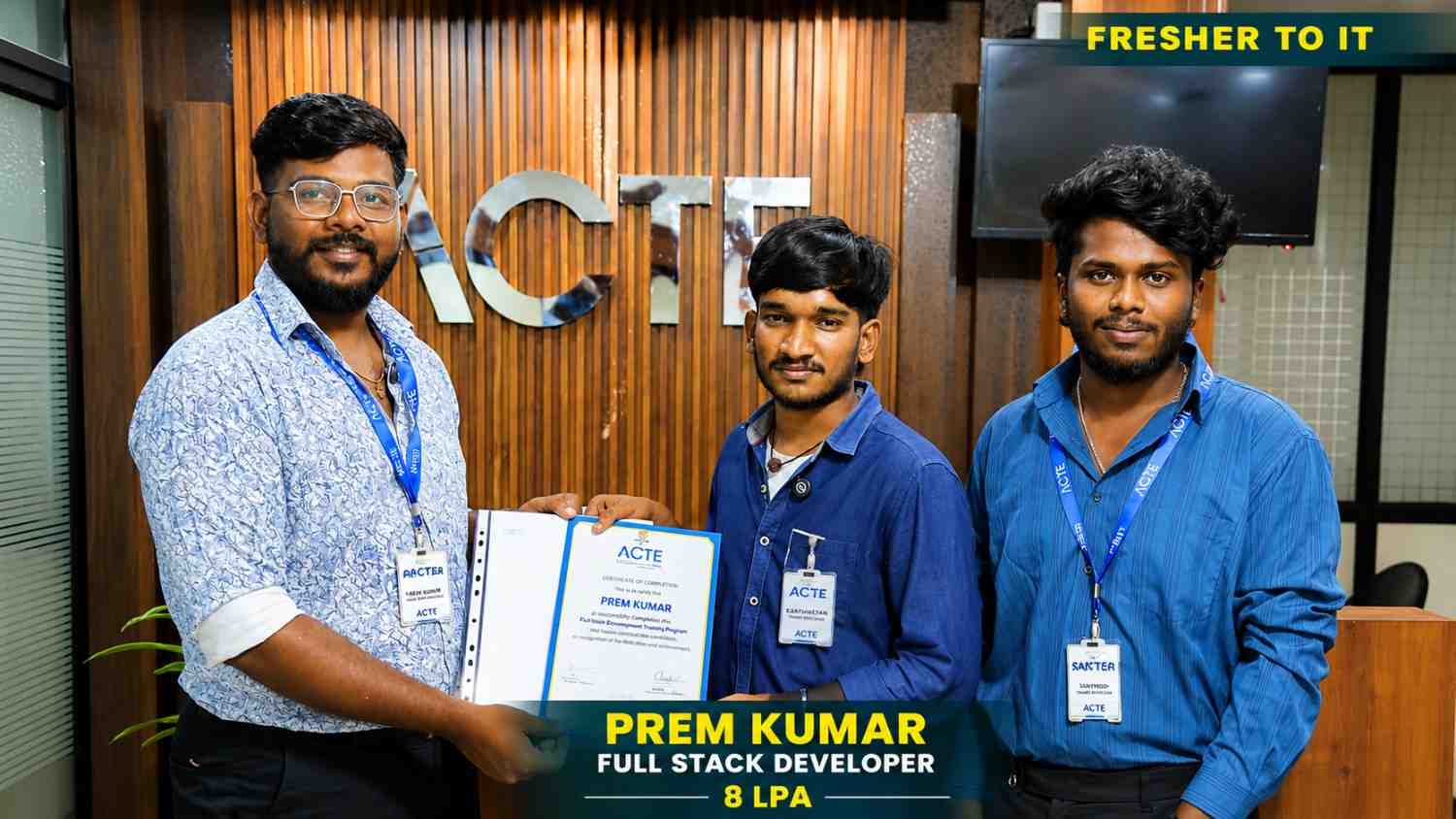
550+ Students Placed Every Month Be The Next!










Our Hiring Partners

Curriculam Designed By Experts
Expertly designed curriculum for future-ready professionals.
Industry Oriented Curriculum
An exhaustive curriculum designed by our industry experts which will help you to get placed in your dream IT company
-
30+ Case Studies & Projects
-
9+ Engaging Projects
-
10+ Years Of Experience
Windows Power Shell Training Projects
Become a Windows Power Shell Expert With Practical and Engaging Projects.
- Practice essential Tools
- Designed by Industry experts
- Get Real-world Experience
System Health Monitoring Script
Create a PowerShell script to monitor CPU, memory, and disk usage. Automate system health checks with real-time output.
File Backup Automation
Automate file and folder backups using PowerShell scripts. Schedule backups with Task Scheduler.
User Account Management
Create scripts to manage local user accounts. Automate user creation and permission assignments.
Server Maintenance Automation
Automate service restarts, patch checks, and log cleanup tasks. Improve server uptime using scheduled scripts.
Active Directory Management
Manage users, groups, and policies using PowerShell. Automate bulk user operations efficiently.
Log Analysis Tool
Parse and analyze system logs using PowerShell. Detect errors and generate alert reports.
Infrastructure Automation Script
Automate server provisioning and configuration tasks. Implement reusable PowerShell modules.
PowerShell DevOps Pipeline Integration
Integrate PowerShell scripts into CI/CD pipelines. Automate build, test, and deployment workflows.
Cloud Resource Management
Manage Azure resources using PowerShell automation. Control virtual machines, storage, and networking.
Career Support


Placement Assistance

Exclusive access to ACTE Job portal

Mock Interview Preparation

1 on 1 Career Mentoring Sessions

Career Oriented Sessions

Resume & LinkedIn Profile Building
Key Features

Practical Training

Global Certifications

Flexible Timing

Trainer Support

Study Material

Placement Support

Mock Interviews

Resume Building
Upcoming Batches
What's included

 Free Aptitude and
Technical Skills Training
Free Aptitude and
Technical Skills Training
- Learn basic maths and logical thinking to solve problems easily.
- Understand simple coding and technical concepts step by step.
- Get ready for exams and interviews with regular practice.

 Hands-On Projects
- Work on real-time projects to apply what you learn.
- Build mini apps and tools daily to enhance your coding skills.
- Gain practical experience just like in real jobs.

 AI Powered Self
Interview Practice Portal
AI Powered Self
Interview Practice Portal
- Practice interview questions with instant AI feedback.
- Improve your answers by speaking and reviewing them.
- Build confidence with real-time mock interview sessions.

 Interview Preparation
For Freshers
Interview Preparation
For Freshers
- Practice company-based interview questions.
- Take online assessment tests to crack interviews
- Practice confidently with real-world interview and project-based questions.

 LMS Online Learning
Platform
LMS Online Learning
Platform
- Explore expert trainer videos and documents to boost your learning.
- Study anytime with on-demand videos and detailed documents.
- Quickly find topics with organized learning materials.
- Learning strategies that are appropriate and tailored to your company's requirements.
- Live projects guided by instructors are a characteristic of the virtual learning environment.
- The curriculum includes of full-day lectures, practical exercises, and case studies.

Windows PowerShell Overview
New Frameworks Introduced in Windows PowerShell Training in Madurai
Windows PowerShell course in Madurai introduces modern frameworks such as PowerShell Core, Azure PowerShell modules, Desired State Configuration (DSC), and REST API integrations. Learners gain exposure to cross-platform scripting and cloud-based automation. The course emphasizes modern scripting standards, DevOps tool integration, and version control practices. These frameworks help build scalable and enterprise-ready automation solutions. Students also learn how to apply these frameworks in real-world enterprise scenarios. This knowledge ensures adaptability to evolving IT infrastructures.
Trends & Essential Skills for PowerShell Placement in Madurai
- Automation-First IT Operations : PowerShell is widely used to automate repetitive administrative tasks, improving efficiency across large infrastructures. Automation skills help organizations reduce operational costs and errors.
- Cloud-Based Scripting : PowerShell plays a key role in Azure automation, enabling scalable and cost-effective cloud management. It supports seamless management of cloud resources and services.
- DevOps Integration : PowerShell scripting is integrated into CI/CD pipelines to enhance deployment speed and reliability. It enables continuous automation across development and operations teams.
- Security & Compliance Automation : Scripts are used for audits, monitoring, and vulnerability reduction in enterprise systems. This improves compliance adherence and system protection.
Applications & Uses of PowerShell Training Course
Windows PowerShell Placement in Madurai is extensively used for system administration, server automation, cloud resource management, DevOps workflows, security scripting, task scheduling, and log analysis. It supports infrastructure provisioning, performance monitoring, and enterprise IT operations. Organizations rely on PowerShell to reduce manual workload and maintain consistent system configurations. The training enables professionals to handle complex IT environments efficiently. PowerShell also improves response time during incidents and outages. It plays a crucial role in large-scale enterprise automation.
Benefits of Learning Windows PowerShell certification in Madurai
Learning PowerShell Placement Course helps IT professionals automate routine tasks, minimize human errors, and improve system reliability. It enables faster troubleshooting, consistent configuration management, and efficient resource utilization. PowerShell skills increase productivity and are highly valued in enterprise IT environments. The training empowers professionals to manage systems with greater control and accuracy. It also supports long-term career growth in automation-focused roles. Professionals gain confidence in managing complex infrastructures.
overview for Windows PowerShell course in Madurai
Windows PowerShell Training in Madurai is suitable for fresh graduates, system administrators, IT support professionals, DevOps engineers, and cloud engineers. Professionals looking to transition into automation or scripting roles can also benefit from the course. No prior scripting experience is mandatory, making it beginner-friendly. The course is designed to support both entry-level learners and experienced IT professionals. It caters to individuals seeking skill enhancement or career advancement. Learners from diverse IT backgrounds can successfully adapt to the training.
Career Opportunities After Windows PowerShell Training
PowerShell Administrator
Manages Windows and server environments using PowerShell scripts. Automates routine administrative tasks to improve efficiency. Reduces human errors through scripting in enterprise system operations.
System Engineer
Handles servers, networks, and system infrastructure. Uses PowerShell for maintenance and monitoring tasks. Enhances system uptime and reliability. Supports IT teams with automated solutions.
DevOps Engineer
Automates deployments and infrastructure processes. Integrates PowerShell scripts with CI/CD tools. Manages configuration and environment consistency. Improves software delivery speed and reliability.
Cloud Engineer
Manages Azure services using PowerShell automation. Controls cloud resources such as VMs and storage. Optimizes costs through efficient scripting. Ensures scalable and secure cloud infrastructure.
IT Automation Engineer
Designs automation solutions for enterprise systems. Improves workflows and operational efficiency. Reduces manual intervention across IT operations. Supports future-ready automation strategies.
Security Operations Analyst
Automates compliance and security checks using PowerShell. Monitors system activities and security events. Improves incident response times. Supports audits and security governance.
Skill to Master
PowerShell Scripting Fundamentals
Automation Logic & Workflow Design
Windows Administration with PowerShell
File System & Directory Handling
Process & Service Management
Error Handling & Exception Control
Debugging & Script Troubleshooting
Task Scheduling & Job Automation
Cloud Scripting with PowerShell
DevOps Basics & CI/CD Automation
Security & Compliance Scripting
Performance Optimization Techniques
Tools to Master
Windows PowerShell
PowerShell ISE
Visual Studio Code
Azure PowerShell
Git Version Control
Windows Task Scheduler
Active Directory Management
REST API Integration
Azure Portal
Jenkins Automation
Docker Basics
Windows Server Administration
Learn from certified professionals who are currently working.

Training by
Swathika, having 12+ yrs of experience
Specialized in: Windows PowerShell Automation & Enterprise Scripting.
Note: Swathika is recognized for her expertise in IT automation and her ability to simplify complex scripting concepts for real-world administration tasks.
Premium Training at Best Price
Affordable, Quality Training for Freshers to Launch IT Careers & Land Top Placements.
What Makes ACTE Training Different?
Feature
ACTE Technologies
Other Institutes
Affordable Fees
Competitive Pricing With Flexible Payment Options.
Higher Fees With Limited Payment Options.
Industry Experts
Well Experienced Trainer From a Relevant Field With Practical Training
Theoretical Class With Limited Practical
Updated Syllabus
Updated and Industry-relevant Course Curriculum With Hands-on Learning.
Outdated Curriculum With Limited Practical Training.
Hands-on projects
Real-world Projects With Live Case Studies and Collaboration With Companies.
Basic Projects With Limited Real-world Application.
Certification
Industry-recognized Certifications With Global Validity.
Basic Certifications With Limited Recognition.
Placement Support
Strong Placement Support With Tie-ups With Top Companies and Mock Interviews.
Basic Placement Support
Industry Partnerships
Strong Ties With Top Tech Companies for Internships and Placements
No Partnerships, Limited Opportunities
Batch Size
Small Batch Sizes for Personalized Attention.
Large Batch Sizes With Limited Individual Focus.
LMS Features
Lifetime Access Course video Materials in LMS, Online Interview Practice, upload resumes in Placement Portal.
No LMS Features or Perks.
Training Support
Dedicated Mentors, 24/7 Doubt Resolution, and Personalized Guidance.
Limited Mentor Support and No After-hours Assistance.
We are proud to have participated in more than 40,000 career transfers globally.

Windows PowerShell Certification

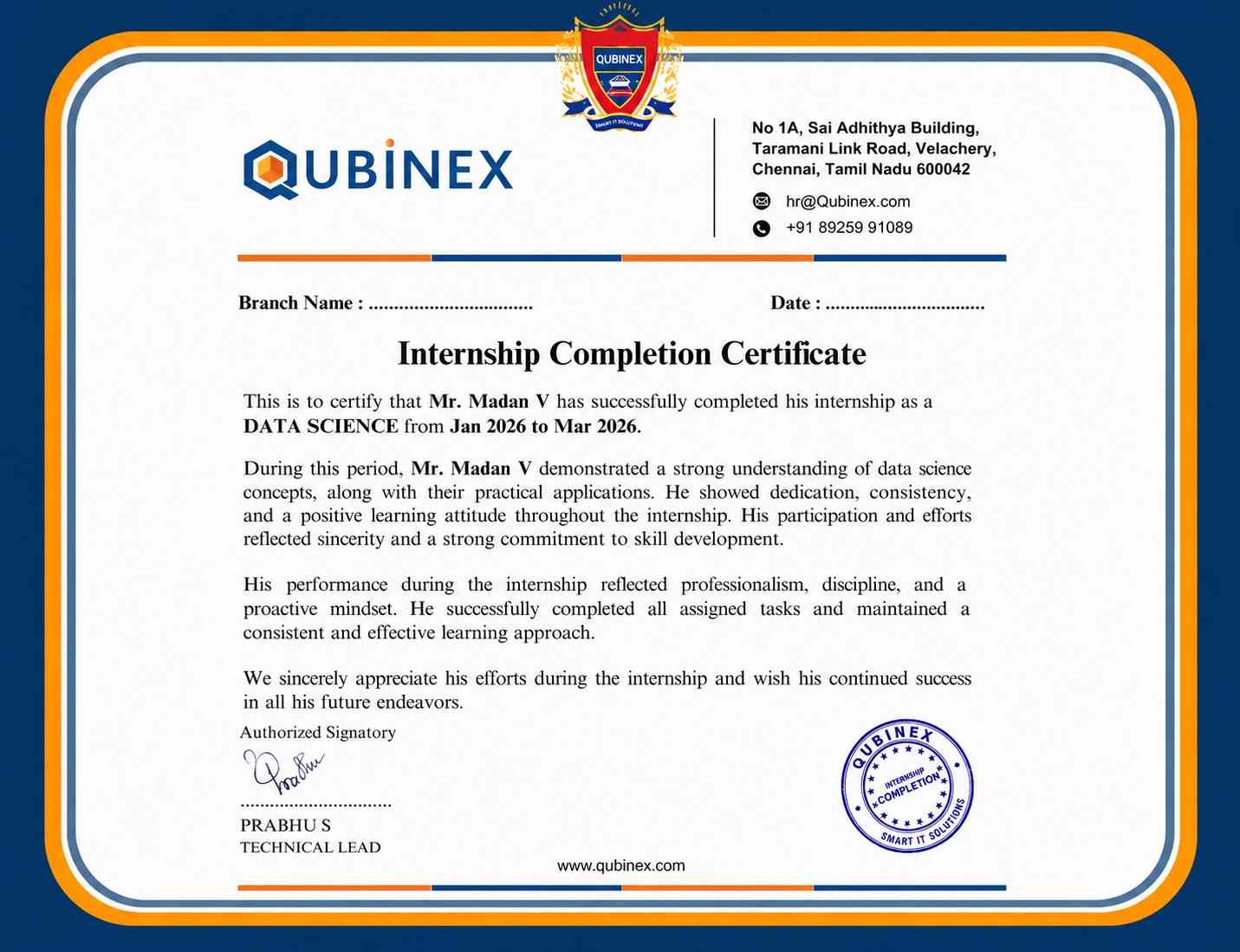
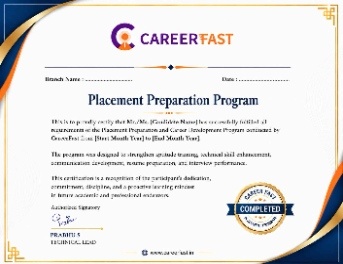
Yes, PowerShell training with Certification starts with fundamentals and gradually progresses to advanced automation. Beginners receive guided hands-on practice. No prior scripting experience is mandatory.
Learners receive an industry-recognized certificate upon completion. It validates practical PowerShell skills. Widely accepted by IT employers.
PowerShell training with Certification is highly in demand across IT, cloud, and DevOps roles. Automation skills are critical for modern infrastructure. Demand continues to grow.
PowerShell is beginner-friendly with simple syntax. Gradual learning makes scripting approachable. Practice enhances mastery quickly.
Frequently Asked Questions
- No prior experience is required to join the PowerShell Training Course. Basic computer knowledge and an interest in IT administration or automation are sufficient to get started.
- PowerShell scripting fundamentals and syntax
- Automation techniques for administrative tasks
- Windows server, Active Directory, and cloud administration
- Placement support helps students build real-time automation projects and PowerShell scripts.
- These projects can be professionally showcased in resumes and portfolios to demonstrate hands-on expertise.
- Yes, upon successful completion of the PowerShell training, participants receive a recognized course completion certificate that validates their scripting and automation skills.
- Yes, PowerShell professionals are in high demand across IT administration, cloud engineering, DevOps, and automation roles.
