
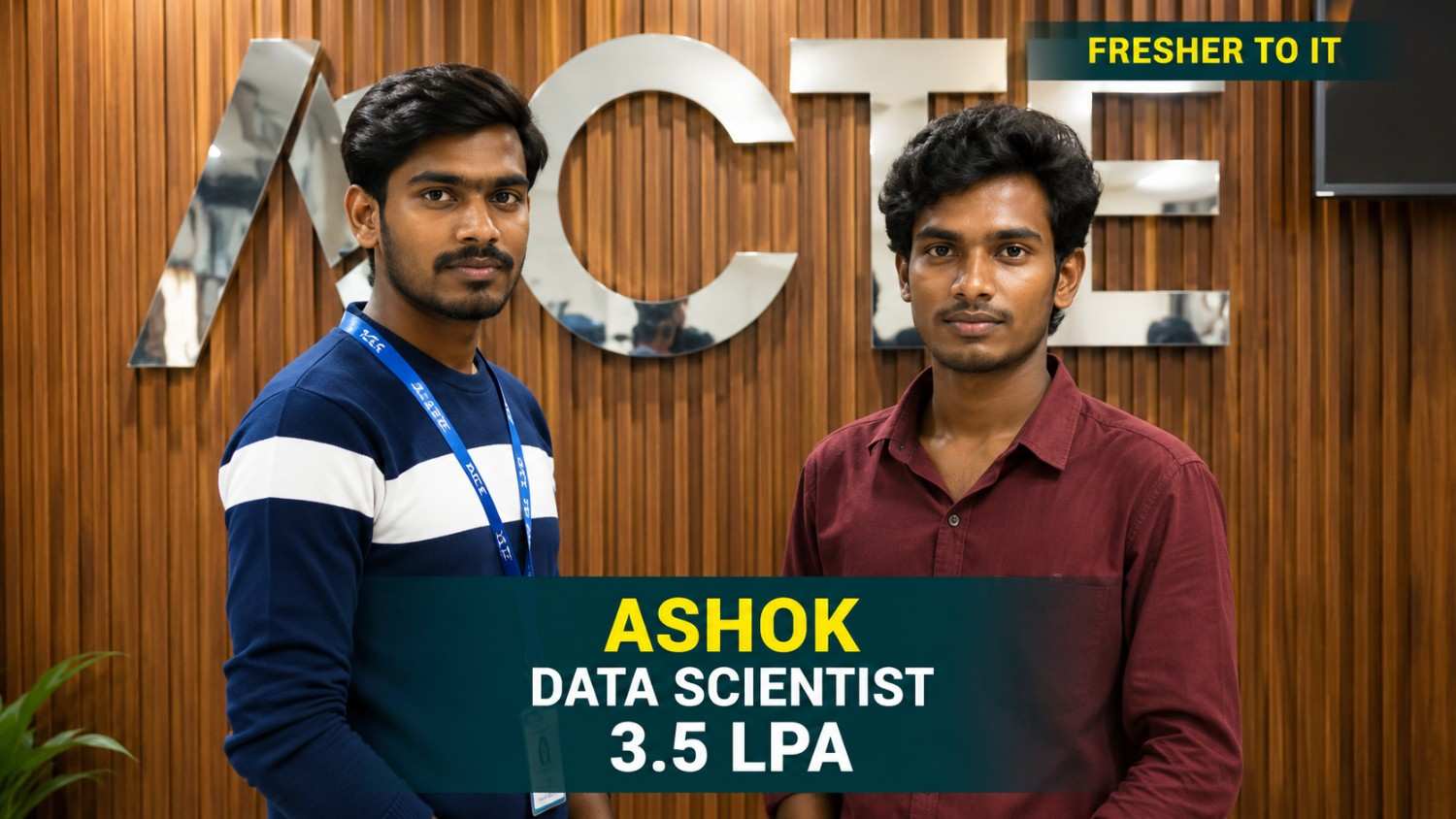
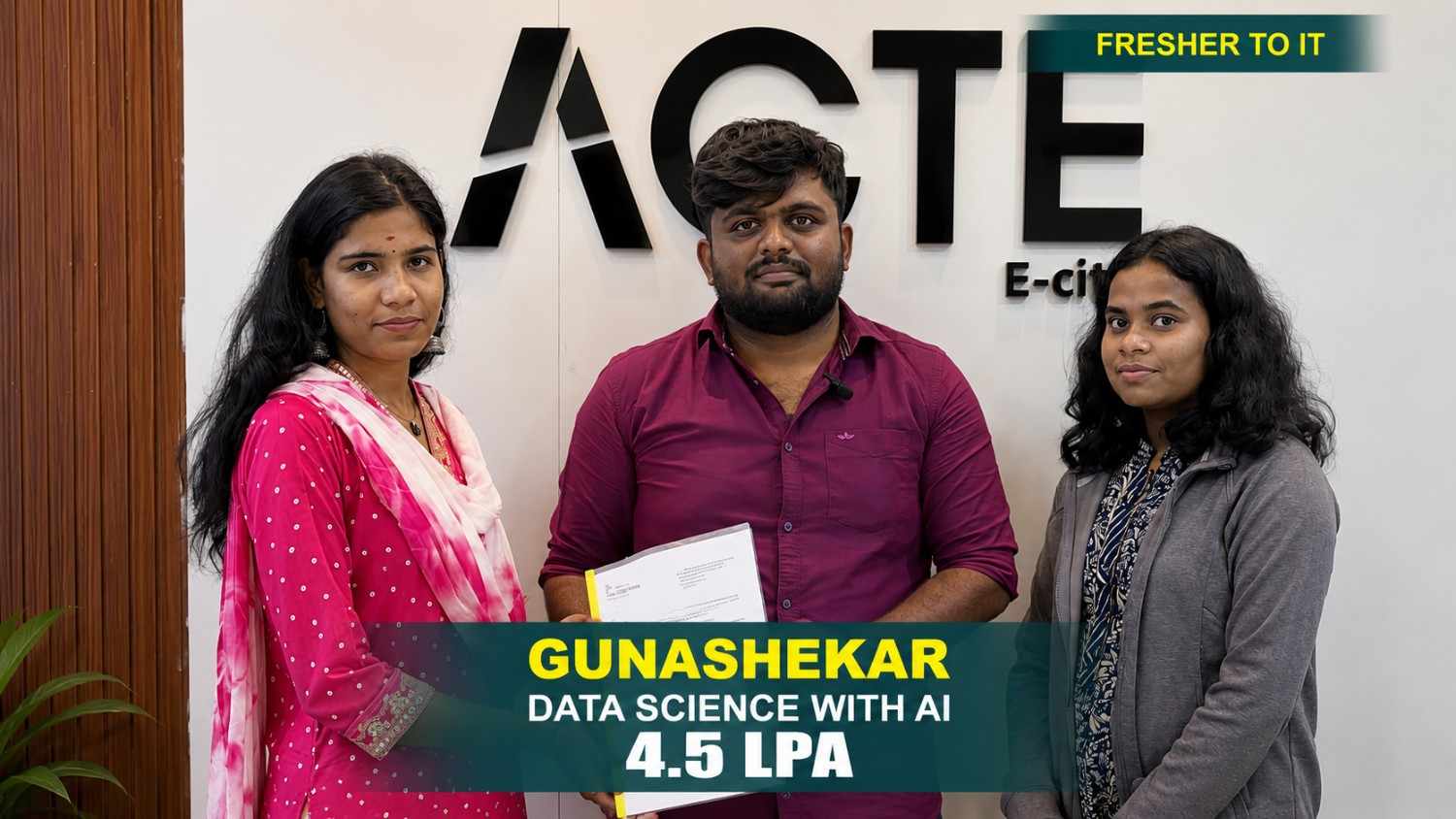
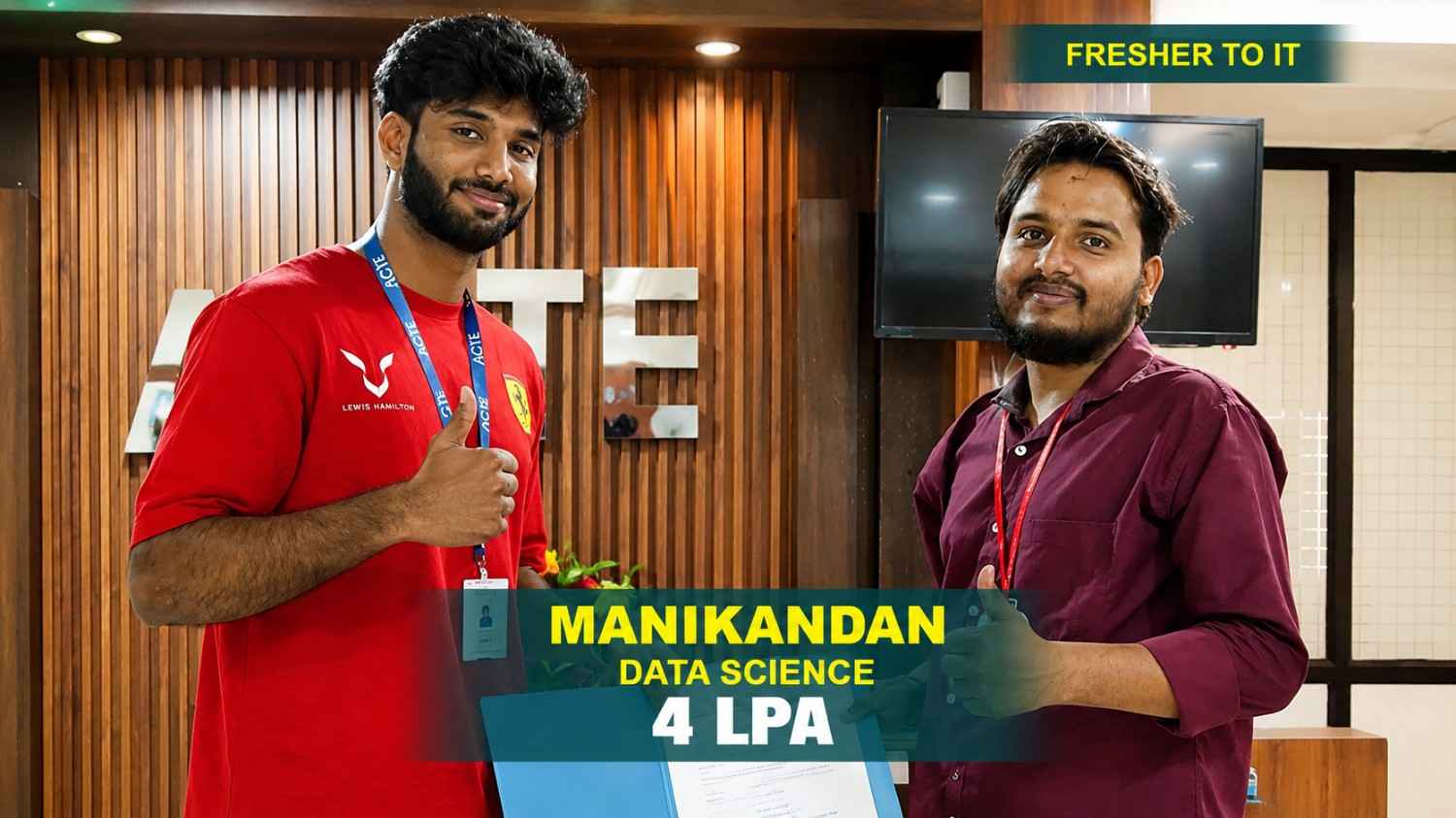
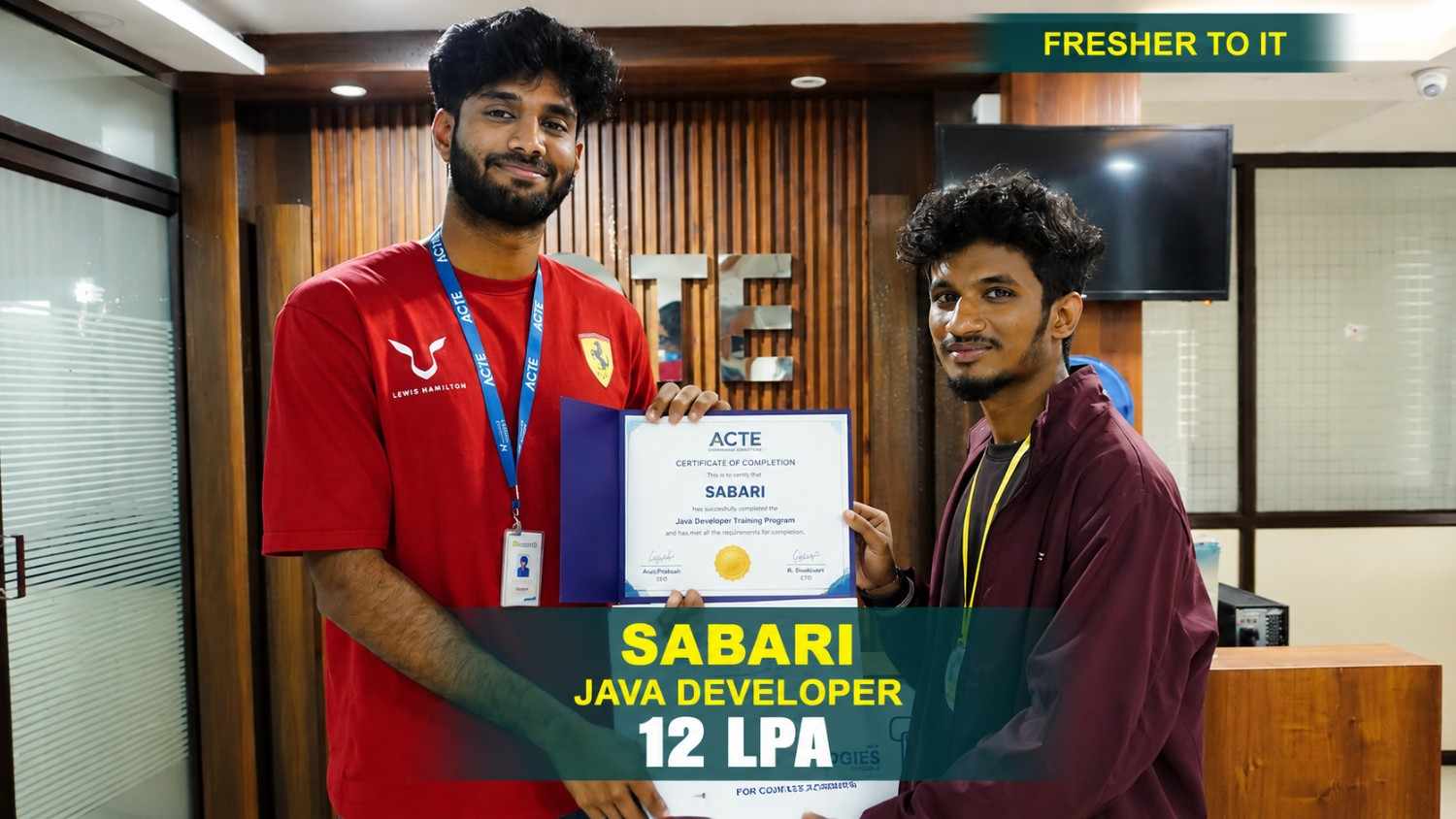
550+ Students Placed Every Month Be The Next!
















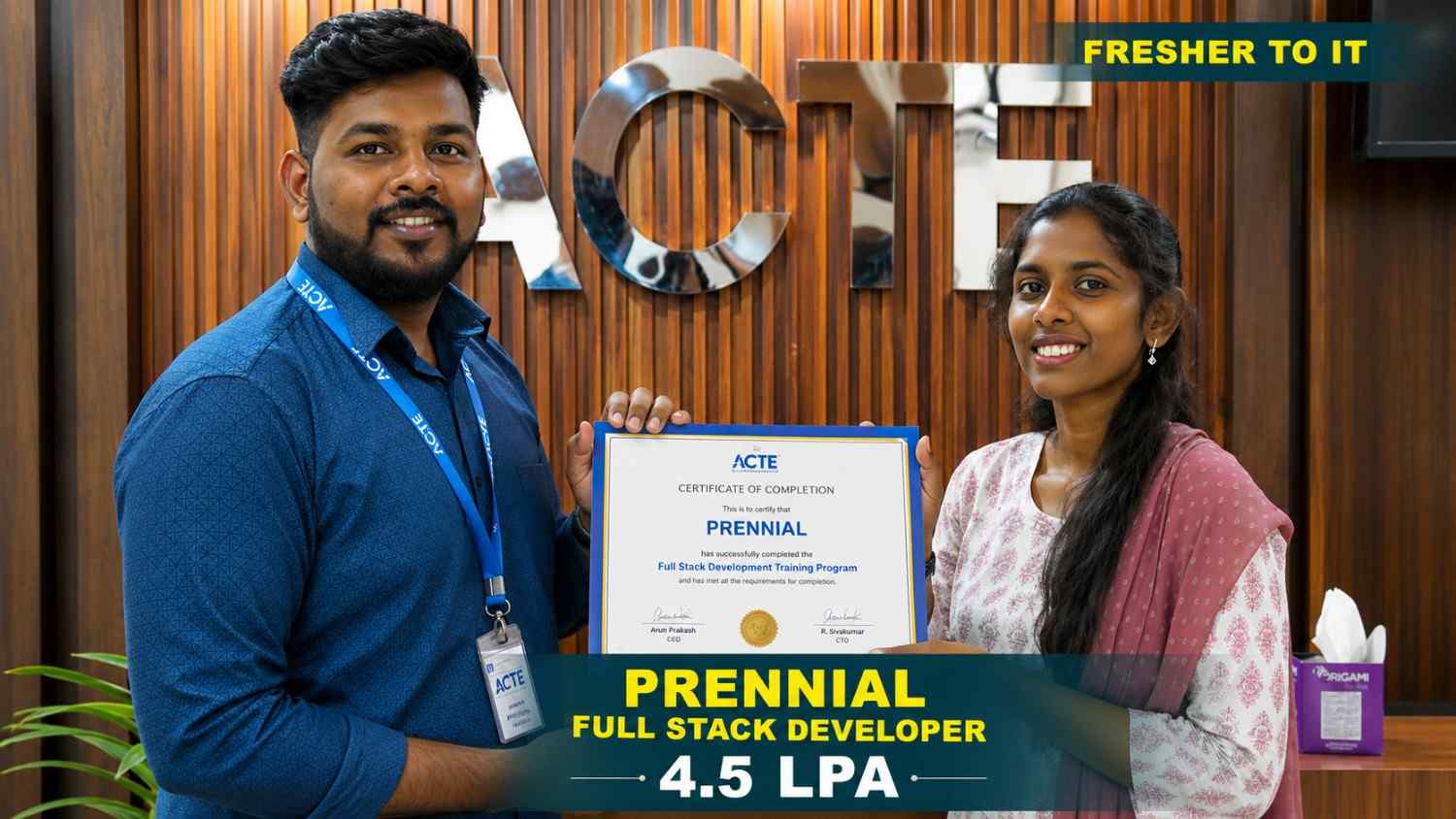
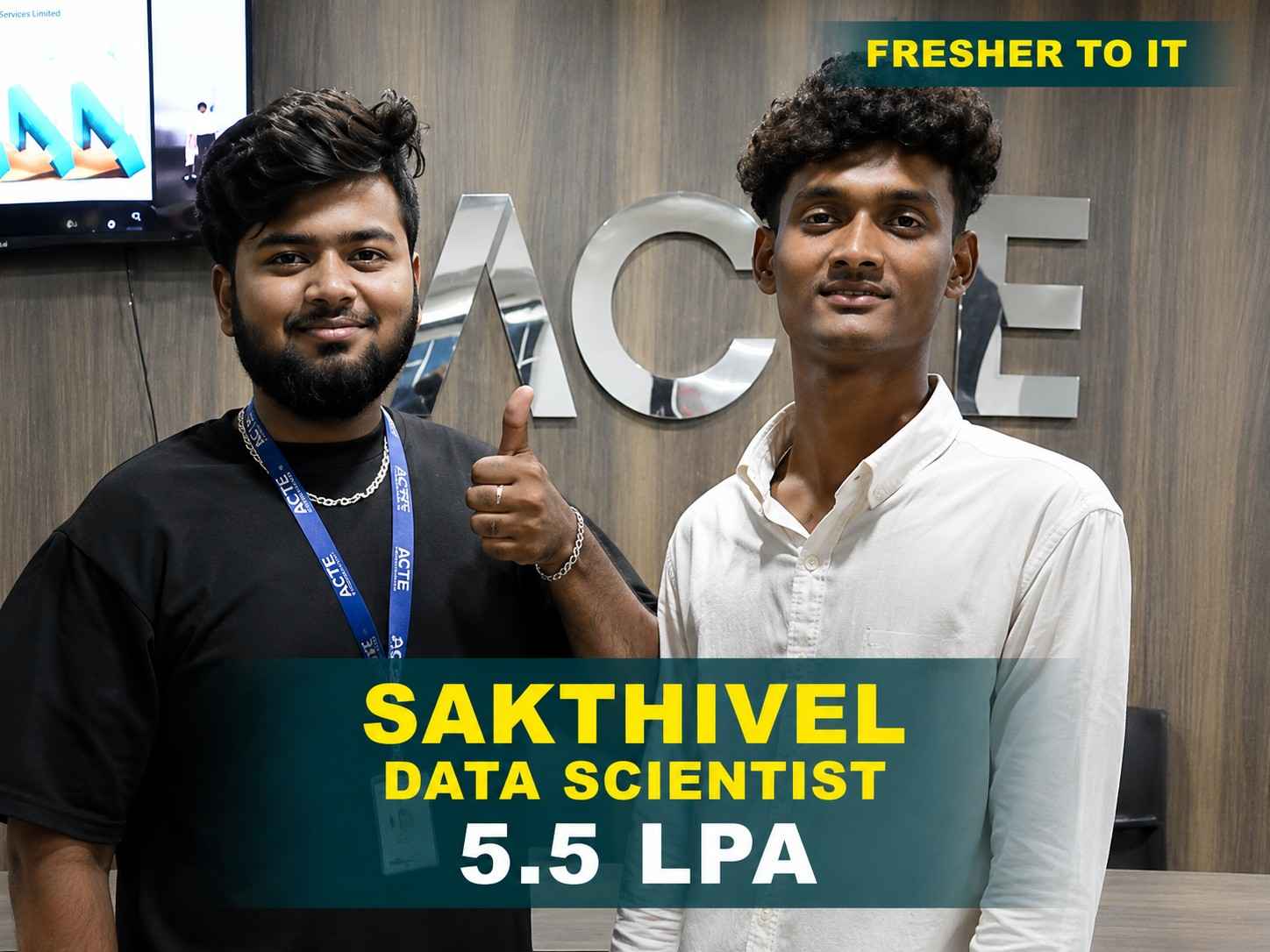




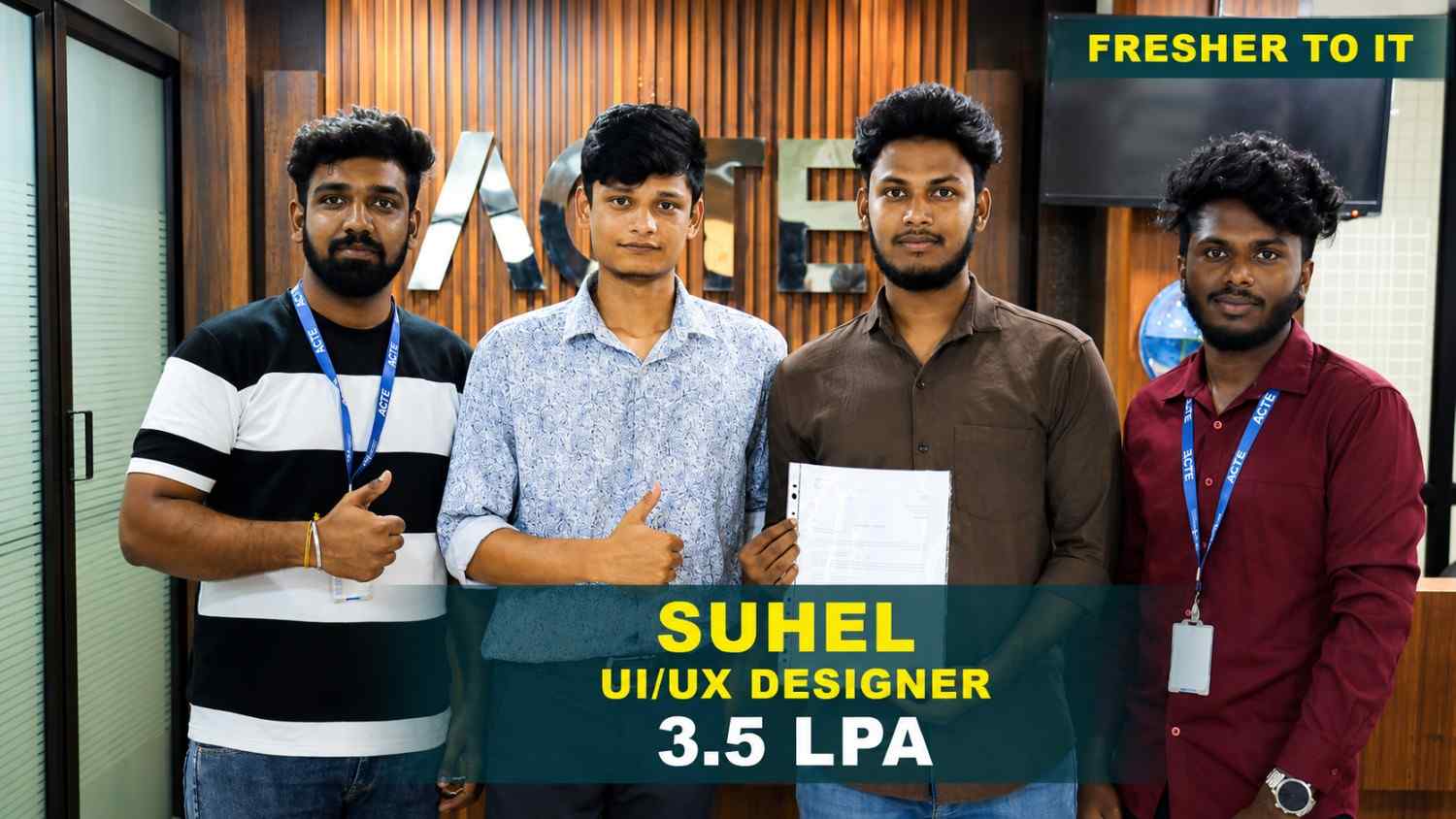
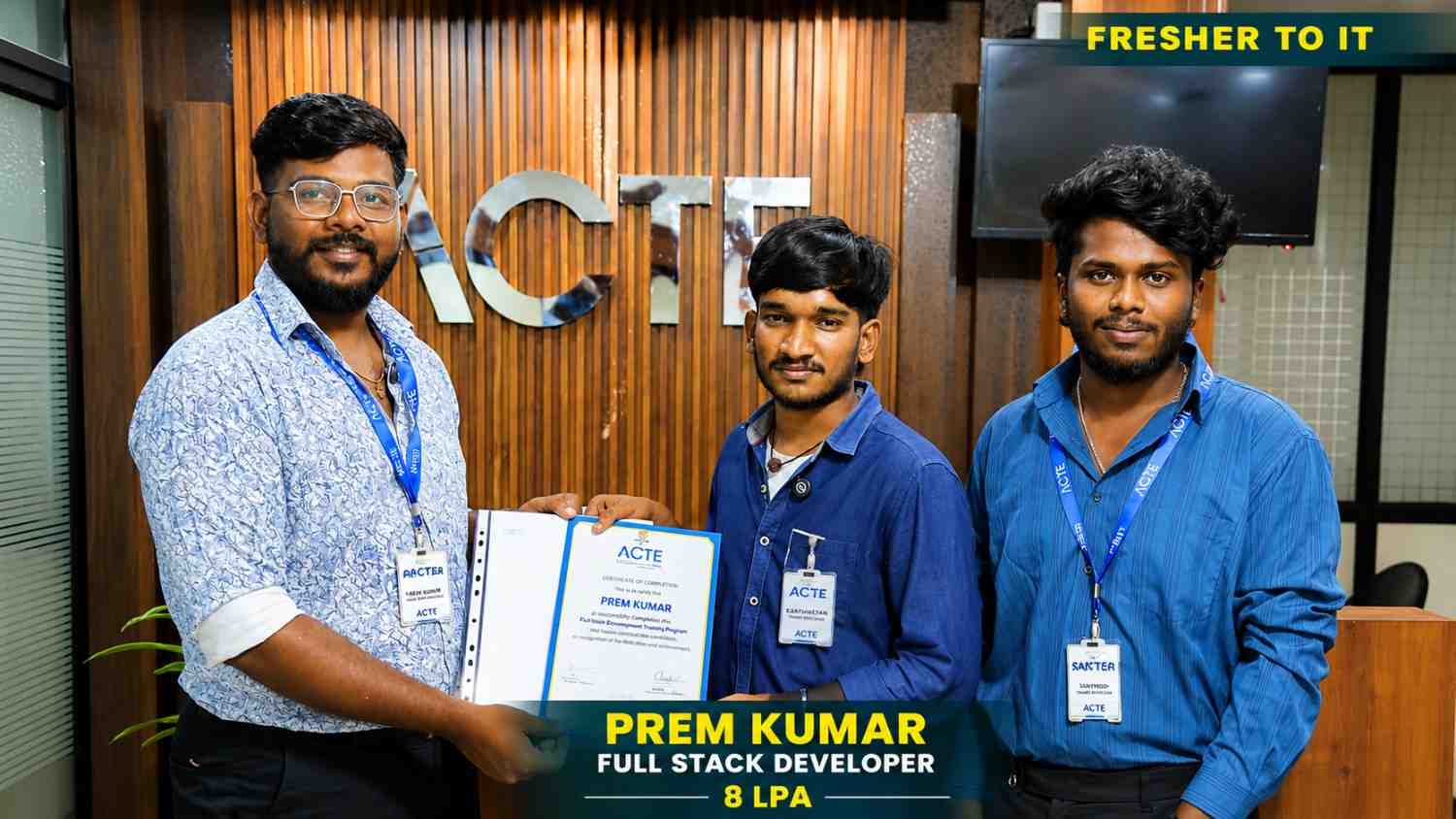

Our Hiring Partners

Curriculum Designed By Experts
Expertly designed curriculum for future-ready professionals.
Industry Oriented Curriculum
An exhaustive curriculum designed by our industry experts which will help you to get placed in your dream IT company
-
30+ Case Studies & Projects
-
9+ Engaging Projects
-
10+ Years Of Experience
UI/UX Training Projects
Become a UI/UX Expert With Practical and Engaging Projects.
- Practice essential Tools
- Designed by Industry experts
- Get Real-world Experience
Food Delivery App Design
Design a food delivery app with restaurant listings, menu filters, cart management, and order tracking. Focus on intuitive navigation, readable layouts, and smooth checkout interactions.
Healthcare Appointment App
Create a healthcare app interface with doctor profiles, appointment scheduling, patient details, and reminders. Apply accessible design principles, clear layouts, and user-friendly booking flows.
Personal Finance Dashboard
Design a finance dashboard displaying expenses, budgets, and transaction history. Use clear data visualization, consistent components, and responsive layouts for easy financial tracking.
E-Commerce Shopping
Design an e-commerce platform that helps users discover products, compare items, explore categories, and complete purchases through a simple and engaging interface.
Digital Wallet Application
Create a modern digital wallet interface featuring balance tracking, money transfers, payment history, and user profiles. Focus on clear interactions, accessibility, and easy navigation.
Event Booking Application
Develop an event booking interface with event search, availability, payment, and schedule management features. Apply responsive UI patterns, intuitive workflows, and consistent interactions.
E-Commerce App
Design an e-commerce application with product listings, categories, search filters, wishlist options, cart management, checkout, and payment features. Focus on smooth interactions, clear navigation.
Online Course Platform
Create an online learning interface that enables users to discover courses, compare lessons, track progress, review content, and enroll in programs. Practice intuitive workflows and responsive design.
Business Dashboard
Design a business dashboard with interactive graphs, filters, reports, performance metrics, and insights. Focus on visual hierarchy, efficient workflows, and accessible navigation.
Career Support


Placement Assistance

Exclusive access to ACTE Job portal

Mock Interview Preparation

1 on 1 Career Mentoring Sessions

Career Oriented Sessions

Resume & LinkedIn Profile Building
Key Features

Practical Training

Global Certifications

Flexible Timing

Trainer Support

Study Material

Placement Support

Mock Interviews

Resume Building
Upcoming Batches
What's included

 Free Aptitude and
Technical Skills Training
Free Aptitude and
Technical Skills Training
- Learn basic maths and logical thinking to solve problems easily.
- Understand simple coding and technical concepts step by step.
- Get ready for exams and interviews with regular practice.

 Hands-On Projects
- Work on real-time projects to apply what you learn.
- Build mini apps and tools daily to enhance your coding skills.
- Gain practical experience just like in real jobs.

 AI Powered Self
Interview Practice Portal
AI Powered Self
Interview Practice Portal
- Practice interview questions with instant AI feedback.
- Improve your answers by speaking and reviewing them.
- Build confidence with real-time mock interview sessions.

 Interview Preparation
For Freshers
Interview Preparation
For Freshers
- Practice company-based interview questions.
- Take online assessment tests to crack interviews
- Practice confidently with real-world interview and project-based questions.

 LMS Online Learning
Platform
LMS Online Learning
Platform
- Explore expert trainer videos and documents to boost your learning.
- Study anytime with on-demand videos and detailed documents.
- Quickly find topics with organized learning materials.
- Learning strategies that are appropriate and tailored to your company's requirements.
- Live projects guided by instructors are a characteristic of the virtual learning environment.
- The curriculum includes of full-day lectures, practical exercises, and case studies.

UI/UX Design CourseOverview
Build Practical Design Skills with UI/UX Design Course in Thiruvanmiyur
Creating user-friendly digital experiences is essential for websites, mobile applications, software platforms, e-commerce services, and interactive products. The UI/UX Design Internship Course introduces learners to user-centered design principles, interface development, user research, information architecture, wireframing, prototyping, design systems, responsive layouts, usability evaluation, and visual communication. Participants learn how digital experiences are planned, structured, designed, tested, and improved according to user expectations. The curriculum covers user journeys, interaction patterns, layout consistency, and accessibility to help learners develop clear and engaging interfaces. Through practical exercises, learners can create website layouts, mobile screens, interactive prototypes, business dashboards, landing pages, and digital product interfaces using commonly used design tools. The UI/UX Design Training in Thiruvanmiyur also includes practical assignments and project-based activities that introduce professional design processes, user requirements, and product development approaches. These learning activities support portfolio creation by helping participants present their design concepts, wireframes, user flows, and completed interface projects across multiple digital platforms.
Explore Career Opportunities with UI/UX Design Offline Training
The need for experienced design professionals continues to expand as organizations develop websites, mobile applications, SaaS products, online marketplaces, and digital services. New developments in artificial intelligence, voice-controlled interfaces, augmented reality, virtual reality, and personalized experiences are introducing additional areas for design innovation. Learners with knowledge of user research, interaction patterns, prototyping, design systems, and usability evaluation can respond to changing product expectations. The UI/UX Design Course provides a foundation for exploring career opportunities across technology, product development, e-commerce, digital media, and creative industries. With consistent practice and a well-developed portfolio, professionals can work toward positions such as UI Designer, UX Designer, Product Designer, UX Researcher, Interaction Designer, and Design Lead. The UI/UX Design Professionals develops practical understanding of user research, information architecture, wireframing, prototyping, usability testing, interaction design, and visual presentation. As businesses prioritize customer experience, they seek designers who can combine creative ideas with analytical thinking and business objectives. Learners can strengthen their portfolios through varied interface projects, clickable prototypes, mobile layouts, dashboards, and digital product concepts.
Explore Essential Tools in UI/UX Design Internship Training in Thiruvanmiyur
Figma: Figma supports interface creation, wireframing, interactive prototyping, design systems, team collaboration, and digital product development. Learners practice designing website layouts, mobile screens, dashboards, and polished interfaces for different user requirements.
FigJam: FigJam helps teams organize brainstorming sessions, map user journeys, create user flows, conduct workshops, and plan early design concepts. Students can structure ideas and explore practical solutions for different interface and product challenges.
Miro: Miro offers a shared workspace for research planning, customer journey mapping, brainstorming, information architecture, and design collaboration. Learners can arrange research findings visually and organize ideas around user needs and project objectives.
Adobe XD: Adobe XD provides features for interface layouts, wireframes, interactive prototypes, and interaction planning. Learners can design application screens, connect prototype elements, and understand interface development workflows for digital products.
Adobe Photoshop: Adobe Photoshop supports image editing, visual asset preparation, graphic creation, photo adjustments, and interface imagery. Learners can prepare visual elements for websites, applications, promotional content, and other digital design projects.
Advance Your Career with UI/UX Design Certification Course
UI Designer: UI Designers develop visually consistent interfaces for websites, mobile applications, dashboards, and digital platforms. They work with typography, layouts, colors, icons, reusable components, and visual elements to deliver clear and attractive user interfaces.
UX Designer: UX Designers improve digital experiences through user research, journey mapping, wireframes, prototypes, and usability evaluation. They identify user expectations and create accessible, efficient, and straightforward experiences for different digital products.
Product Designer: Product Designers contribute to research, experience planning, interface design, prototyping, and product development. They connect user needs with business objectives to shape practical and consistent digital product experiences.
UX Researcher: UX Researchers examine user behavior, expectations, difficulties, and feedback through interviews, surveys, usability studies, and research sessions. Their findings help design teams make informed decisions and develop products around real user needs.
Interaction Designer: Interaction Designers plan how people navigate and use websites, applications, and digital products. They develop interaction patterns, navigation flows, prototypes, and interface responses to make digital experiences more intuitive and consistent.
Developing creative and technical capabilities can help learners explore opportunities in product design, mobile applications, websites, online services, and software organizations. The UI/UX Internship program builds practical knowledge of user research, information architecture, wireframing, prototyping, visual design, interaction patterns, responsive layouts, usability testing, accessibility, design systems, and professional design tools. Through guided assignments and industry-oriented projects, participants can strengthen creative thinking, problem-solving, interface development, user-centered planning, and knowledge of professional design workflows. The UI/UX Design Trainers may also support career preparation through portfolio creation, resume development, interview practice, certification guidance, internship exposure, and placement assistance, depending on the training provider. Learners can explore practical product requirements while developing design work to present during interviews and job applications. With consistent practice and portfolio experience, participants can pursue roles such as UI Designer, UX Designer, Product Designer, UX Researcher, and Digital Product Designer across technology, e-commerce, software, media, and creative sectors.
Discover Job Roles and Career Growth in UI/UX Design Course Institute
Career Opportunities After UI/UX Design Training
Product Designer
Product Designers develop digital products from research to launch, combining user needs, accessibility, and business objectives across applications, websites, and platforms.
UX Research Specialist
UX Research Specialists study user behavior through interviews, surveys, usability tests, and feedback to identify insights, validate concepts, and enhance digital experiences.
Interaction Designer
Interaction Designers craft intuitive digital interactions using prototypes, transitions, and navigation patterns while working closely with product and development teams.
Design Systems Specialist
Design Systems Specialists develop reusable components, patterns, and visual guidelines that improve consistency, scalability, and efficiency across digital products.
UX Content Designer
UX Content Designers write helpful interface content for buttons, forms, onboarding, and messages while improving usability, clarity, and user engagement across experiences.
AI Experience Designer
AI Experience Designers shape interfaces for AI-powered products using conversational experiences, intelligent workflows, personalization, and responsible design principles.
Skill to Master
UX Research
Figma Design
Interactive Prototyping
Interaction Design
Visual UI Design
Usability Testing
Responsive UI Design
Information Architecture
User-Centered Design
Design Systems
Design Collaboration
Design Thinking
Tools to Master
Figma
FigJam
Framer
Miro
Adobe Photoshop
Adobe Illustrator
Maze
Notion
Webflow
LottieFiles
ProtoPie
Zeplin
Learn from experienced UI/UX trainers with real-world industry expertise.

Training by
Priya, having 8+ yrs of experience
Specialized in: UI/UX Design, Figma, User Research, Prototyping, Design Systems, and Responsive Design.
Note: Priya is an experienced UI/UX trainer with strong knowledge of modern digital product design. Her practical training style helps learners develop creative and technical skills through hands-on exercises, real-world projects, industry-oriented design practices, and expert guidance.
Premium Training at Best Price
Affordable, Quality Training for Freshers to Launch IT Careers & Land Top Placements.
What Makes ACTE Training Different?
Feature
ACTE Technologies
Other Institutes
Affordable Fees
Competitive Pricing With Flexible Payment Options.
Higher Fees With Limited Payment Options.
Industry Experts
Well Experienced Trainer From a Relevant Field With Practical Training
Theoretical Class With Limited Practical
Updated Syllabus
Updated and Industry-relevant Course Curriculum With Hands-on Learning.
Outdated Curriculum With Limited Practical Training.
Hands-on projects
Real-world Projects With Live Case Studies and Collaboration With Companies.
Basic Projects With Limited Real-world Application.
Certification
Industry-recognized Certifications With Global Validity.
Basic Certifications With Limited Recognition.
Placement Support
Strong Placement Support With Tie-ups With Top Companies and Mock Interviews.
Basic Placement Support
Industry Partnerships
Strong Ties With Top Tech Companies for Internships and Placements
No Partnerships, Limited Opportunities
Batch Size
Small Batch Sizes for Personalized Attention.
Large Batch Sizes With Limited Individual Focus.
LMS Features
Lifetime Access Course video Materials in LMS, Online Interview Practice, upload resumes in Placement Portal.
No LMS Features or Perks.
Training Support
Dedicated Mentors, 24/7 Doubt Resolution, and Personalized Guidance.
Limited Mentor Support and No After-hours Assistance.
We are proud to have participated in more than 40,000 career transfers globally.

UI/UX Design Certification

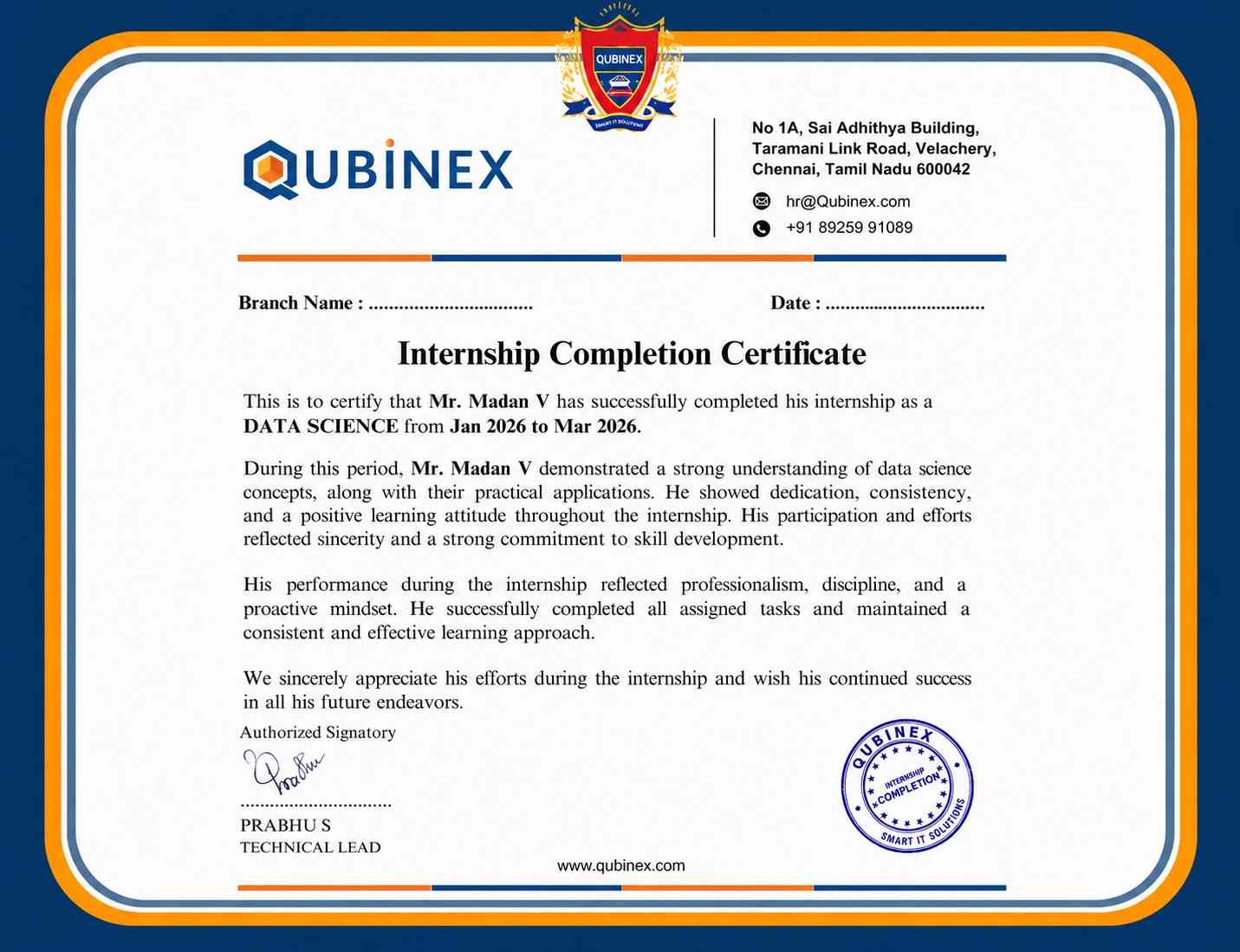
A UI/UX design certification can strengthen your resume and demonstrate your understanding of essential design principles. Combined with practical projects, a strong portfolio, and relevant skills, it can help you prepare for suitable job opportunities.
Earning multiple UI/UX Course can help learners expand their knowledge across different design areas, tools, and methodologies. Certifications covering design systems can further strengthen their overall design expertise and career profile.
UI/UX course assessments may include knowledge tests, hands-on design tasks, prototype submissions, and portfolio evaluations. Assessment methods vary by training provider, so learners should check the applicable evaluation process and completion requirements.
UI/UX training helps learners develop practical knowledge of user research, wireframing, prototyping, usability testing, and modern design tools. When selecting a program, hands-on projects, portfolio development opportunities, and industry-focused learning.
Frequently Asked Questions
- The UI/UX Design Training covers user research, information architecture, visual design, responsive layouts, and usability evaluation.
- Learners also explore popular design tools and apply their knowledge through practical exercises, interface creation, and project-based activities.
- The UI/UX Design Internship Program is suitable for beginners, graduates, graphic designers, web developers, and professionals who want to develop skills in user experience, interface design, product design, and modern digital experiences.
- Practical projects may involve mobile app interfaces, website layouts, booking platforms, business dashboards, and e-commerce experiences. Learners can develop wireframes, clickable prototypes, responsive screens, design case studies, and portfolio-ready projects to demonstrate their skills.
- The UI/UX Design Course may introduce tools such as Figma, FigJam, Miro, Framer, Adobe Photoshop, Adobe Illustrator, and Maze.
- Participants practice these tools through interface design, collaborative planning, interactive prototyping, design systems, and practical assignments.
- UI/UX Design Training helps learners practice user research, wireframing, interface design, prototyping, and usability testing through practical assignments. These activities develop design thinking, problem-solving abilities, and the confidence to create user-friendly digital experiences.
