
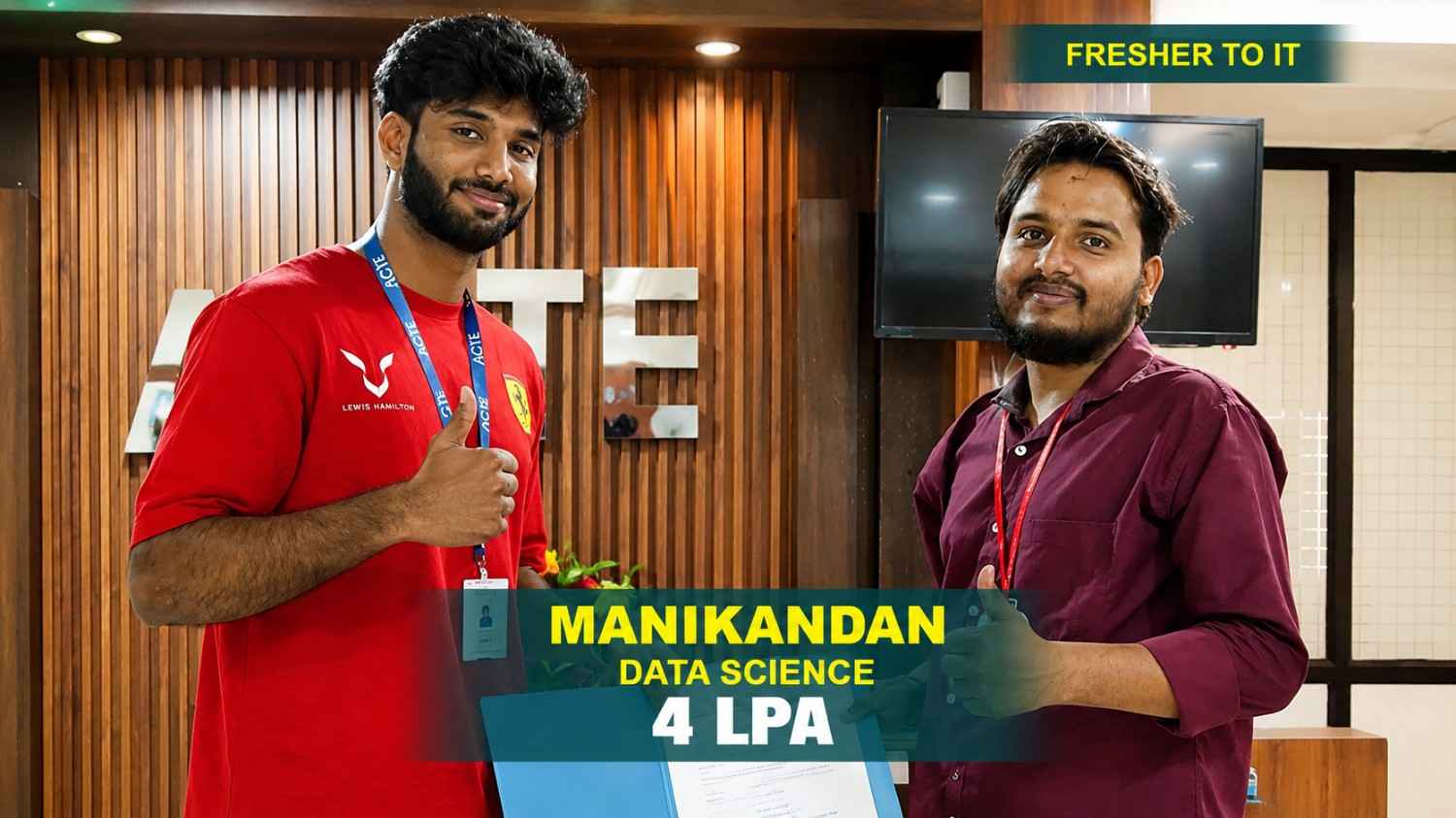
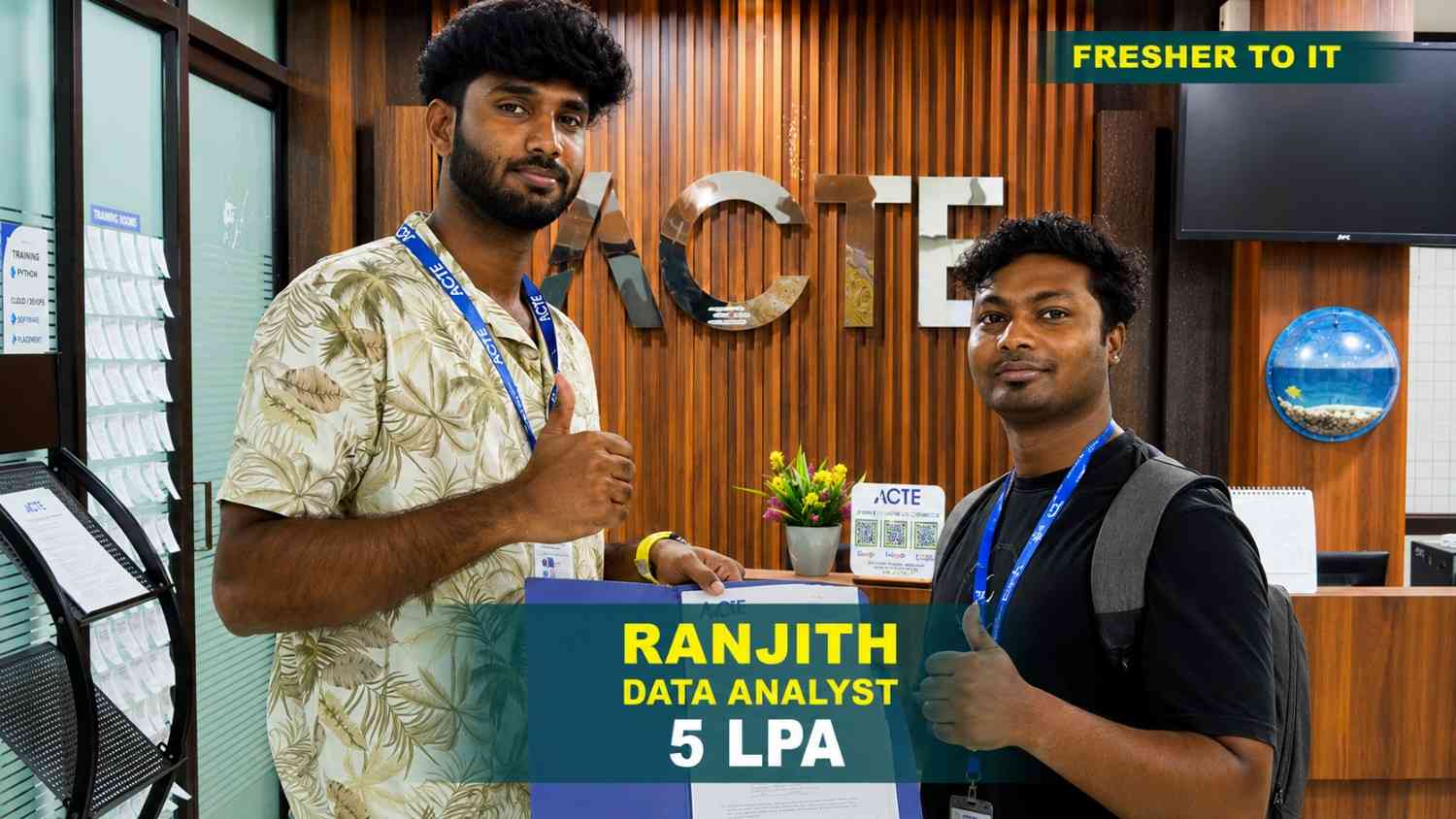
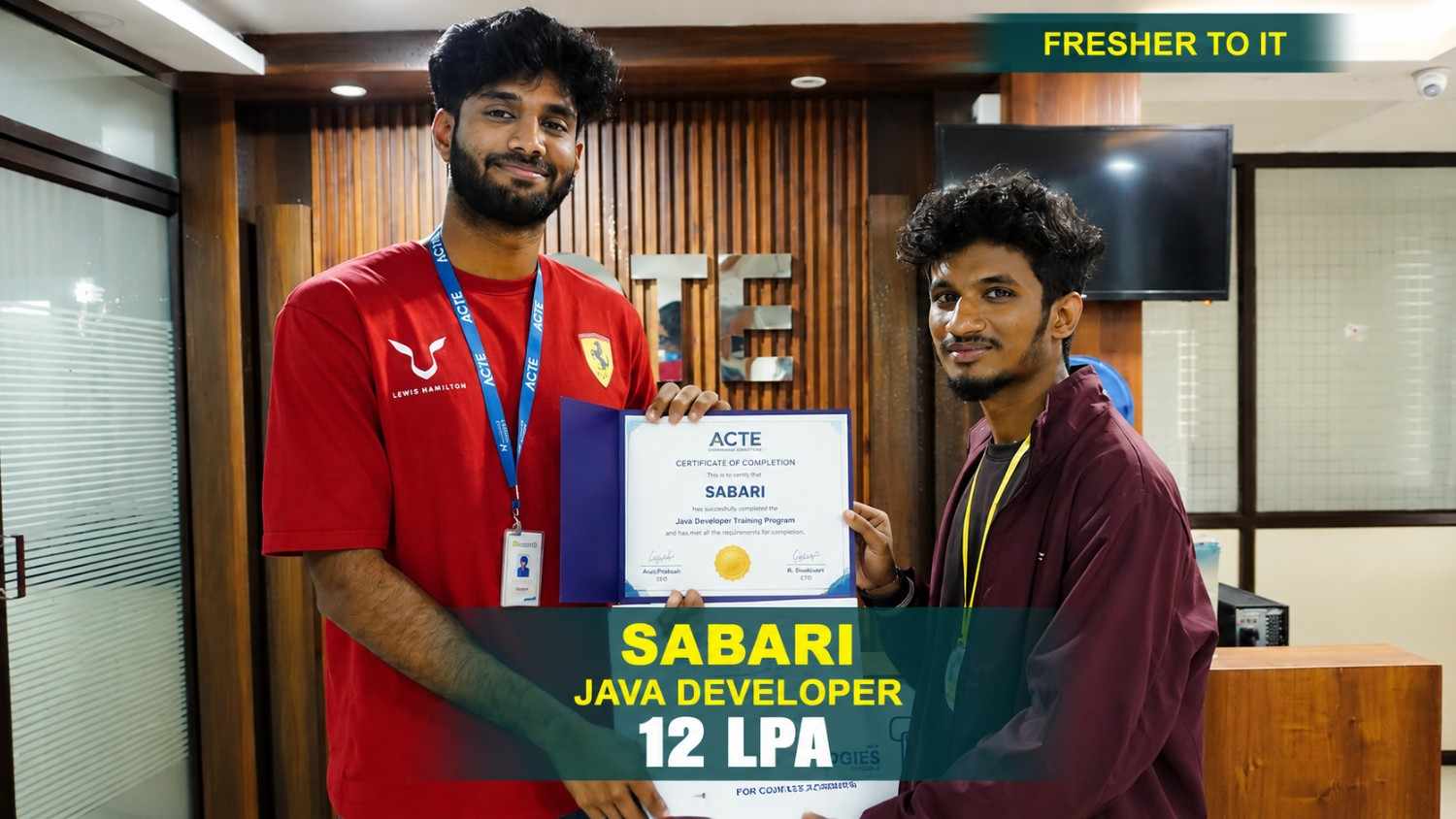
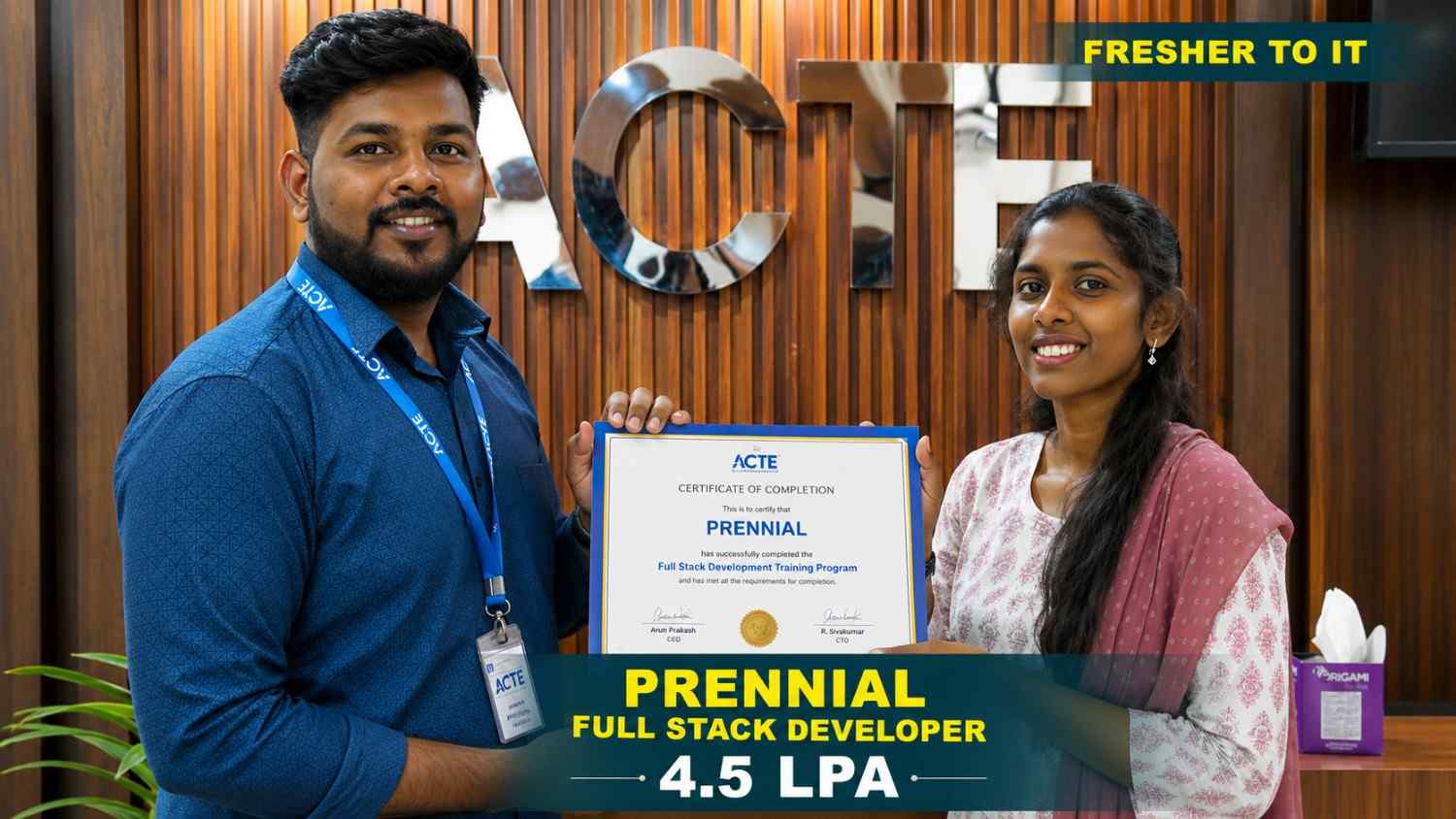
550+ Students Placed Every Month Be The Next!












Our Hiring Partners

Curriculum Designed By Experts
Expertly designed curriculum for future-ready professionals.
Industry Oriented Curriculum
An exhaustive curriculum designed by our industry experts which will help you to get placed in your dream IT company
-
30+ Case Studies & Projects
-
9+ Engaging Projects
-
10+ Years Of Experience
UI UX Training Projects
Become a UI UX Expert With Practical and Engaging Projects.
- Practice essential Tools
- Designed by Industry experts
- Get Real-world Experience
Personal Portfolio Website
Design a visually captivating portfolio website to your design and development expertise. Emphasize a well-structured layout, effective typography, and harmonious color schemes.
To-Do List App
Build a simple yet functional to-do list app that enables users to add, edit, and delete tasks. This project will refine your skills in designing intuitive user interfaces and handling basic user interactions.
Landing Page Design
Design a responsive landing page for a fictional product or service, featuring an engaging call-to-action, visually appealing elements, and a clean, intuitive layout for an optimal user experience.
E-Commerce Product Page
Design a detailed product page for an online store, featuring images, descriptions, customer reviews, and related items to provide a smooth and user-friendly shopping experience.
Recipe App Interface
Design an app that enables users to search, save, and share recipes. Include essential features such as ingredient lists, step-by-step cooking instructions, and user reviews to enhance usability.
Booking System UI
Design an intuitive booking system interface for flights, hotels, or events. Ensure a seamless reservation process with date selectors, search filters, and detailed booking summaries.
Multi-User Collaboration Tool
Develop a versatile workspace platform with real-time communication, task management, and file sharing. Focus on seamless interaction and smooth feature integration to enhance team collaboration.
Customizable Dashboard
Develop an interactive dashboard for business analytics, allowing users to personalize widgets, monitor real-time data, and generate reports. This project emphasizes advanced UI/UX design and data visualization.
Personal Finance Management App
Develop a robust financial management app with budgeting, expense tracking, and goal-setting features, ensuring intuitive user flows and a personalized experience for smarter financial planning.
Career Support


Placement Assistance

Exclusive access to ACTE Job portal

Mock Interview Preparation

1 on 1 Career Mentoring Sessions

Career Oriented Sessions

Resume & LinkedIn Profile Building
Key Features

Practical Training

Global Certifications

Flexible Timing

Trainer Support

Study Material

Placement Support

Mock Interviews

Resume Building
Upcoming Batches
What's included

 Free Aptitude and
Technical Skills Training
Free Aptitude and
Technical Skills Training
- Learn basic maths and logical thinking to solve problems easily.
- Understand simple coding and technical concepts step by step.
- Get ready for exams and interviews with regular practice.

 Hands-On Projects
- Work on real-time projects to apply what you learn.
- Build mini apps and tools daily to enhance your coding skills.
- Gain practical experience just like in real jobs.

 AI Powered Self
Interview Practice Portal
AI Powered Self
Interview Practice Portal
- Practice interview questions with instant AI feedback.
- Improve your answers by speaking and reviewing them.
- Build confidence with real-time mock interview sessions.

 Interview Preparation
For Freshers
Interview Preparation
For Freshers
- Practice company-based interview questions.
- Take online assessment tests to crack interviews
- Practice confidently with real-world interview and project-based questions.

 LMS Online Learning
Platform
LMS Online Learning
Platform
- Explore expert trainer videos and documents to boost your learning.
- Study anytime with on-demand videos and detailed documents.
- Quickly find topics with organized learning materials.
- Learning strategies that are appropriate and tailored to your company's requirements.
- Live projects guided by instructors are a characteristic of the virtual learning environment.
- The curriculum includes of full-day lectures, practical exercises, and case studies.

UI UX Training Overview
About UI UX Training Course in HSR Layout
UI UX Design Training Institute HSR Layout is a comprehensive program designed to provide individuals with the necessary skills and knowledge to excel in user interface and user experience design. The training covers core concepts like user research, wireframing, prototyping, and usability testing, ensuring participants can create intuitive and visually appealing digital products. Through hands-on projects, real-world case studies, and interactive learning, students gain practical experience in designing user-focused interfaces that enhance overall user satisfaction. Additionally, the training includes instruction on industry-standard tools and techniques, preparing learners for various roles in the design field. Whether you're just starting or looking to refine your expertise, UI/UX training offers valuable insights and practical knowledge to help advance your design career.
Requirements for an UI UX Design Training Program
- Education Requirements: Most courses typically require a high school diploma or its equivalent. Some advanced programs may prefer candidates with a background in design or a related field.
- Software Proficiency: While familiarity with design tools such as Adobe XD, Sketch, Figma, or similar is beneficial, it’s not always a strict requirement.
- Portfolio: Certain advanced courses or programs may ask for a portfolio that highlights your design work, even if it's minimal.
- Creativity and Problem-Solving Skills: Strong creative and problem-solving abilities are essential for success in UI/UX design.
- Motivation and Willingness to Learn: A passion for learning and adapting to new tools and techniques is crucial.
- Prerequisite Knowledge: Basic knowledge of HTML/CSS can be helpful for specific courses, particularly those focused on UI design.
UI UX Program in HSR Layout Potential Career Paths
The growing importance of user experience in digital products opens up various career opportunities for UI UX Program Institute in HSR Layout professionals. One option is to become a UI/UX Designer, focusing on creating visually appealing and user-friendly interfaces. Another path is to pursue a role as a Front-End Developer, where you would specialize in using coding languages like HTML, CSS, and JavaScript to turn design concepts into functional websites or applications. For those interested in the strategic side of design, a UX Researcher studies user behavior and preferences to guide design decisions. Alternatively, a UI/UX professional could take on the role of a Product Manager, overseeing the entire product development process and ensuring that the final product meets both user needs and business objectives.
Reasons to Consider Enrolling in UI UX Course class in HSR Layout
A variety of methods and emerging trends shape Best UI UX Design classes development, enhancing both user experience and interface design. User-Centered Design (UCD) focuses on understanding user needs through research and testing, while responsive design ensures smooth functionality across devices. Wireframing and prototyping are essential for visualizing and structuring layouts, and accessibility design guarantees inclusivity. Current trends include the rise of dark mode for better eye comfort, the integration of voice user interfaces (VUI) in smart devices, and the growing use of AI for personalized experiences. Additionally, minimalist design and biometric authentication are gaining traction, reflecting a preference for simplicity and security in modern digital products.
The Most Recent UI UX Tools
Recent advancements in UI UX Design Course technology in HSR Layout are revolutionizing the design landscape with enhanced tools for collaboration, prototyping, and user testing. Figma stands out as a cloud-based design platform that supports real-time collaboration, making it a favorite among teams. Sketch, known for its vector-based design features and extensive plugin support, is another popular choice. Adobe XD seamlessly integrates with other Adobe tools, offering a comprehensive suite for designing and prototyping user interfaces. Maze and Zeplin simplify testing and handoff processes, enabling quick feedback and smooth collaboration with developers. Tools like Framer and Lottie from Airbnb focus on creating high-fidelity prototypes and dynamic animations, pushing the limits of what's achievable in UI/UX design.
Career Opportunities After UI UX Training
UI/UX Designer
A UI/UX designer focuses on crafting visually appealing and user-friendly interfaces, ensuring a seamless user experience through wireframing and prototyping.
UX researcher
A UX researcher uses various methods, such as surveys, usability testing, and interviews, to gain insights into user behavior, preferences, and motivations.
UI Developer
A UI developer specializes in implementing the visual and interactive aspects of a digital product, ensuring that the interface is both aesthetically pleasing and functional.
Product Designer
A product designer manages the end-to-end design process, from concept to launch, ensuring UI/UX principles align with business goals to deliver user-friendly, high-value products.
Interaction Designer
Interaction designers focus on creating interactive elements like forms, menus, and buttons to enhance the overall user experience, utilizing animations and microinteractions to add depth.
UX Strategist
A UX strategist merges business strategy with user experience design, ensuring that user needs align with organizational objectives through market and competitor analysis.
Skill to Master
User Research
Wireframing
Prototyping
Interaction Design
Visual Design
Usability Testing
Responsive Design
Information Architecture
User-Centered Design
Design Systems
Collaboration Skills
Critical Thinking
Tools to Master
Figma
Sketch
Adobe XD
InVision
Axure RP
Balsamiq Mockups
Zeplin
Maze
UserTesting
Miro
Framer
Lottie by Airbnb
Learn from certified professionals who are currently working.

Training by
Amit , having 8+ yrs of experience
Specialized in:Visual Design, Design Systems, Responsive Design, and Information Architecture.
Note: Amit has a rich portfolio showcasing his work with major brands in creating visually compelling and user-friendly designs. His proficiency in design systems helps ensure consistency across multiple platforms.
Premium Training at Best Price
Affordable, Quality Training for Freshers to Launch IT Careers & Land Top Placements.
What Makes ACTE Training Different?
Feature
ACTE Technologies
Other Institutes
Affordable Fees
Competitive Pricing With Flexible Payment Options.
Higher Fees With Limited Payment Options.
Industry Experts
Well Experienced Trainer From a Relevant Field With Practical Training
Theoretical Class With Limited Practical
Updated Syllabus
Updated and Industry-relevant Course Curriculum With Hands-on Learning.
Outdated Curriculum With Limited Practical Training.
Hands-on projects
Real-world Projects With Live Case Studies and Collaboration With Companies.
Basic Projects With Limited Real-world Application.
Certification
Industry-recognized Certifications With Global Validity.
Basic Certifications With Limited Recognition.
Placement Support
Strong Placement Support With Tie-ups With Top Companies and Mock Interviews.
Basic Placement Support
Industry Partnerships
Strong Ties With Top Tech Companies for Internships and Placements
No Partnerships, Limited Opportunities
Batch Size
Small Batch Sizes for Personalized Attention.
Large Batch Sizes With Limited Individual Focus.
LMS Features
Lifetime Access Course video Materials in LMS, Online Interview Practice, upload resumes in Placement Portal.
No LMS Features or Perks.
Training Support
Dedicated Mentors, 24/7 Doubt Resolution, and Personalized Guidance.
Limited Mentor Support and No After-hours Assistance.
We are proud to have participated in more than 40,000 career transfers globally.

UI UX Certification

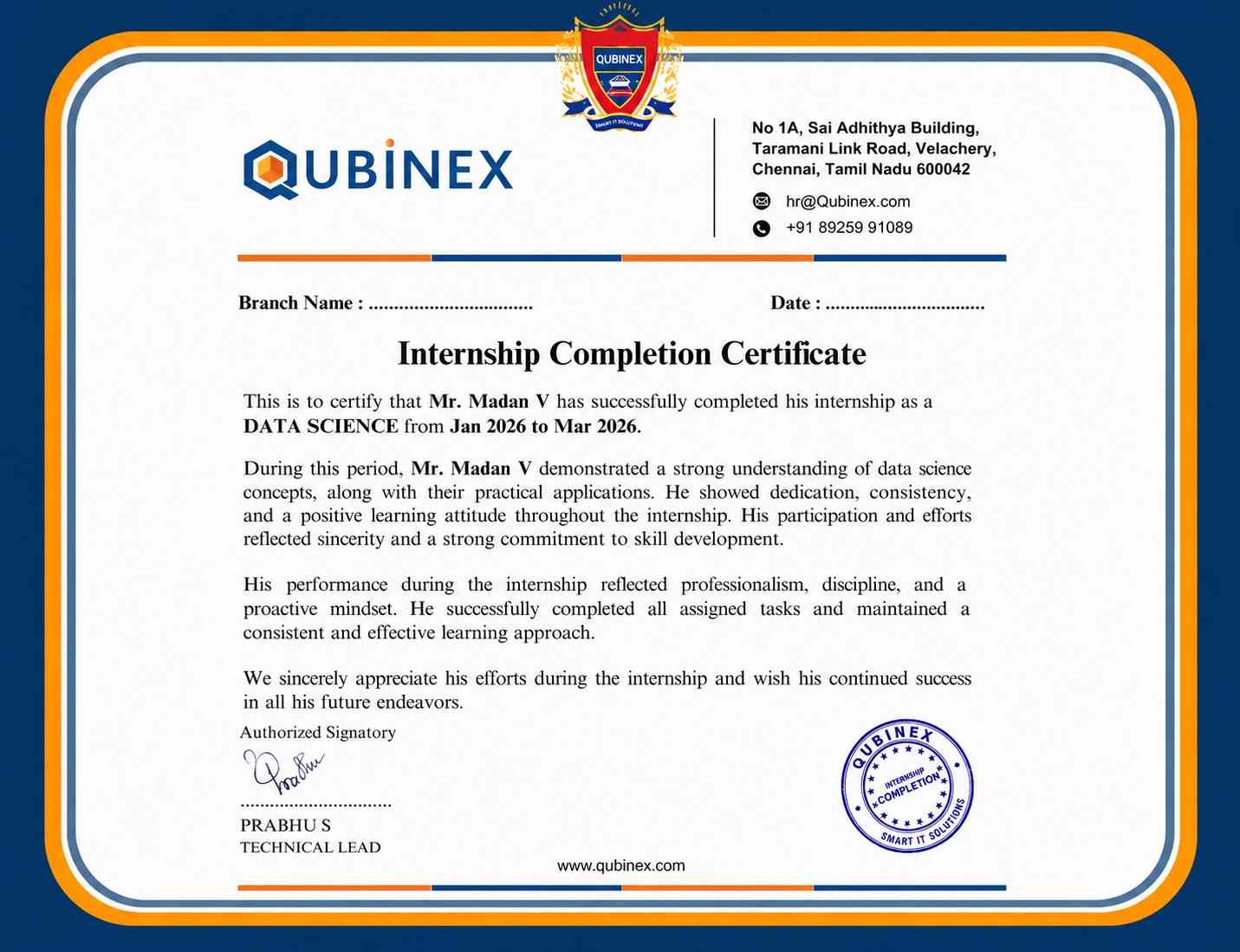
While earning a UI/UX certification can significantly boost your chances of landing a job, it doesn’t guarantee employment. It helps validate your skills and knowledge, but factors like experience, portfolio strength, networking, and market demand also play a crucial role in securing a position.
You can pursue multiple UI/UX certifications, which can broaden your knowledge and show your commitment to continuous learning. Each certification focuses on different aspects of UI/UX design, helping you develop a more comprehensive skill set.
Many UI/UX certifications offer online exams, providing the flexibility to study and test remotely. Check the provider’s specific requirements to ensure the format aligns with your preferences.
Some certifications may require practical experience or a portfolio, while others don’t. However, having hands-on experience is often beneficial and helps bridge the gap between theory and real-world application, showcasing your abilities to potential employers.
Investing in an ACTE UI/UX certification can be a good decision if it aligns with your career objectives. Be sure to consider the course quality, the certification’s reputation, and how it complements your professional development before making a choice.
Frequently Asked Questions
- Yes, ACTE Course Institute regularly integrates live projects into its curriculum. By working on real-world projects, students can apply their skills in a practical setting, gain hands-on experience, and develop a portfolio that demonstrates their abilities to potential employers.
- Yes, ACTE Course Institute offers demo sessions for prospective students. These sessions give you the opportunity to explore the course content, experience the teaching style, and interact with instructors before committing to the full program.
- Industry Experts
- Industry Experts
- Diverse Backgrounds
- Specialized Knowledge
- Real-World Experience
- Educational Credentials
- Yes, ACTE Course Institute typically provides placement assistance as part of its course offerings. They collaborate with various companies and job boards to help graduates secure relevant job opportunities.
- After successfully completing the UI/UX course at ACTE Course Institute, you will receive a certification of completion. This certificate serves as proof of your training in UI/UX design and can be a valuable addition to your professional credentials.
