
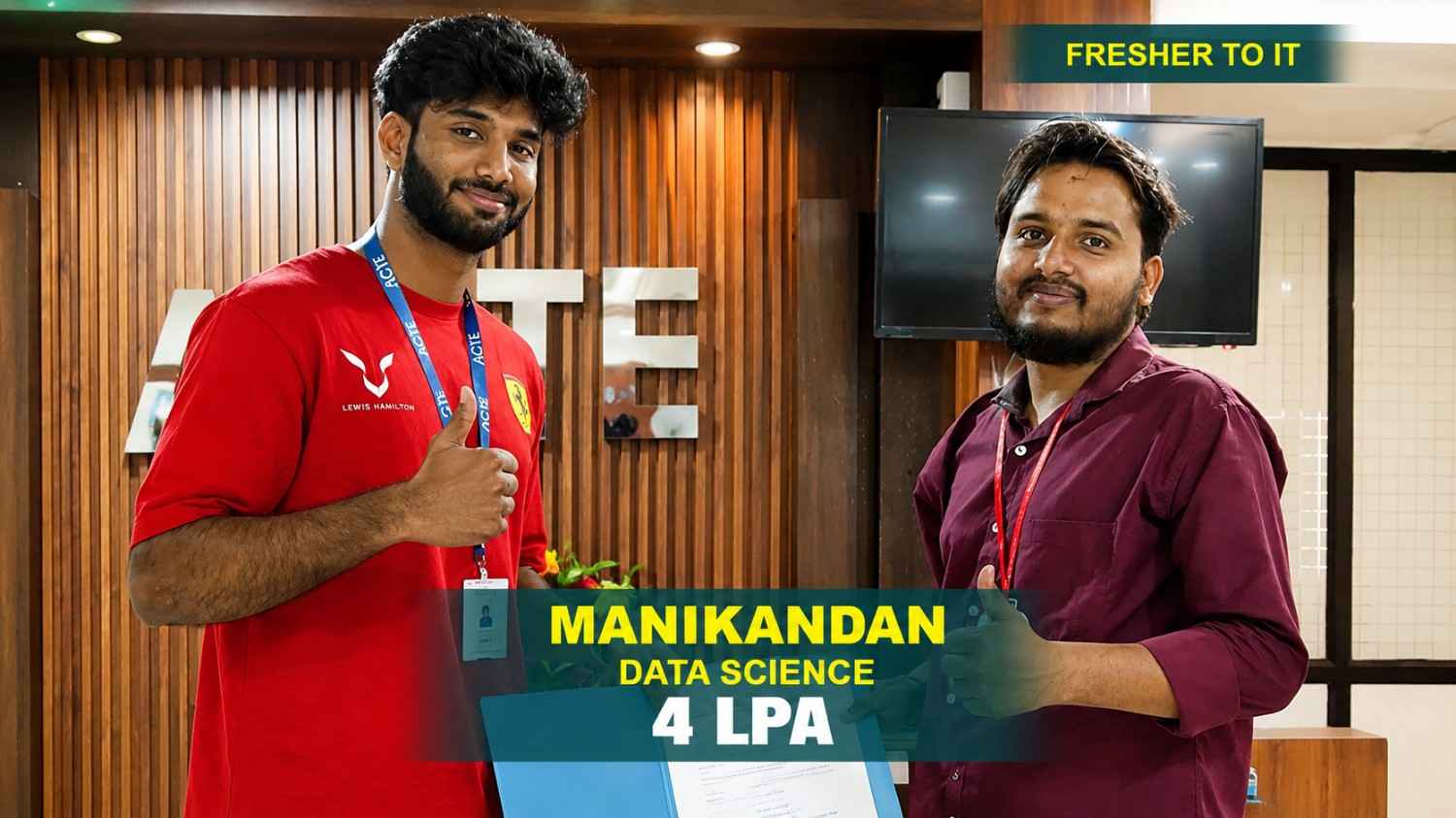
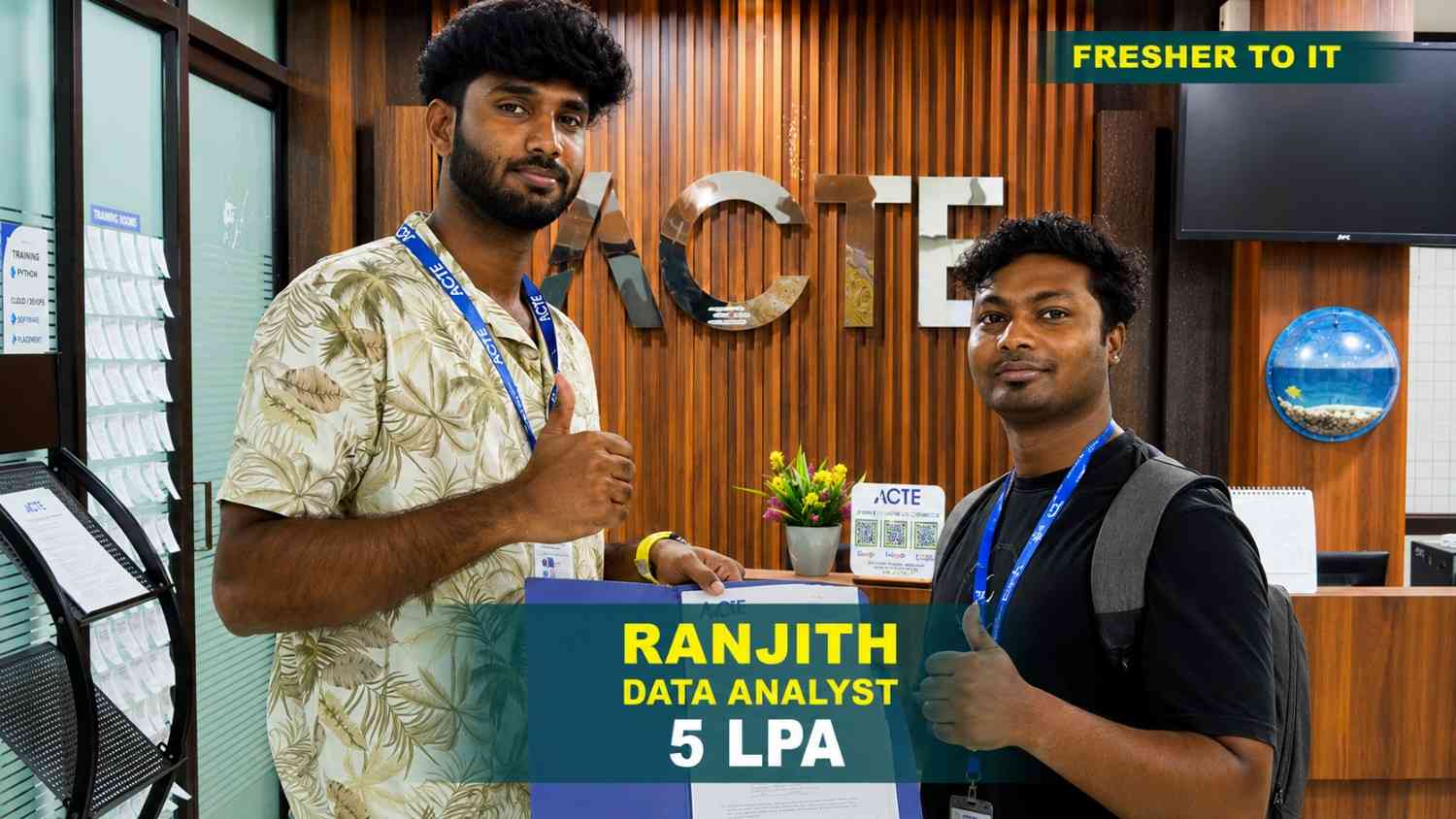
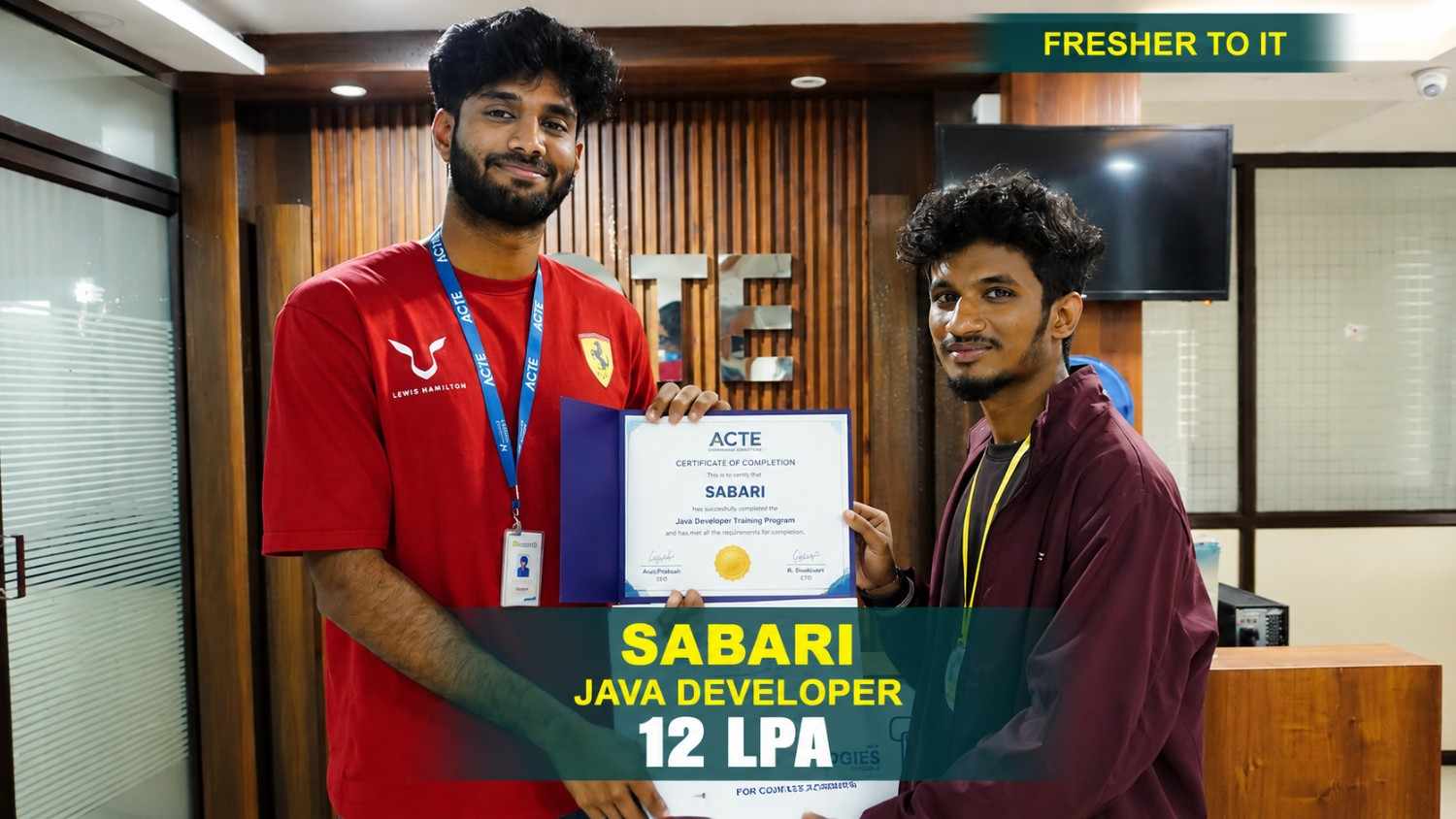
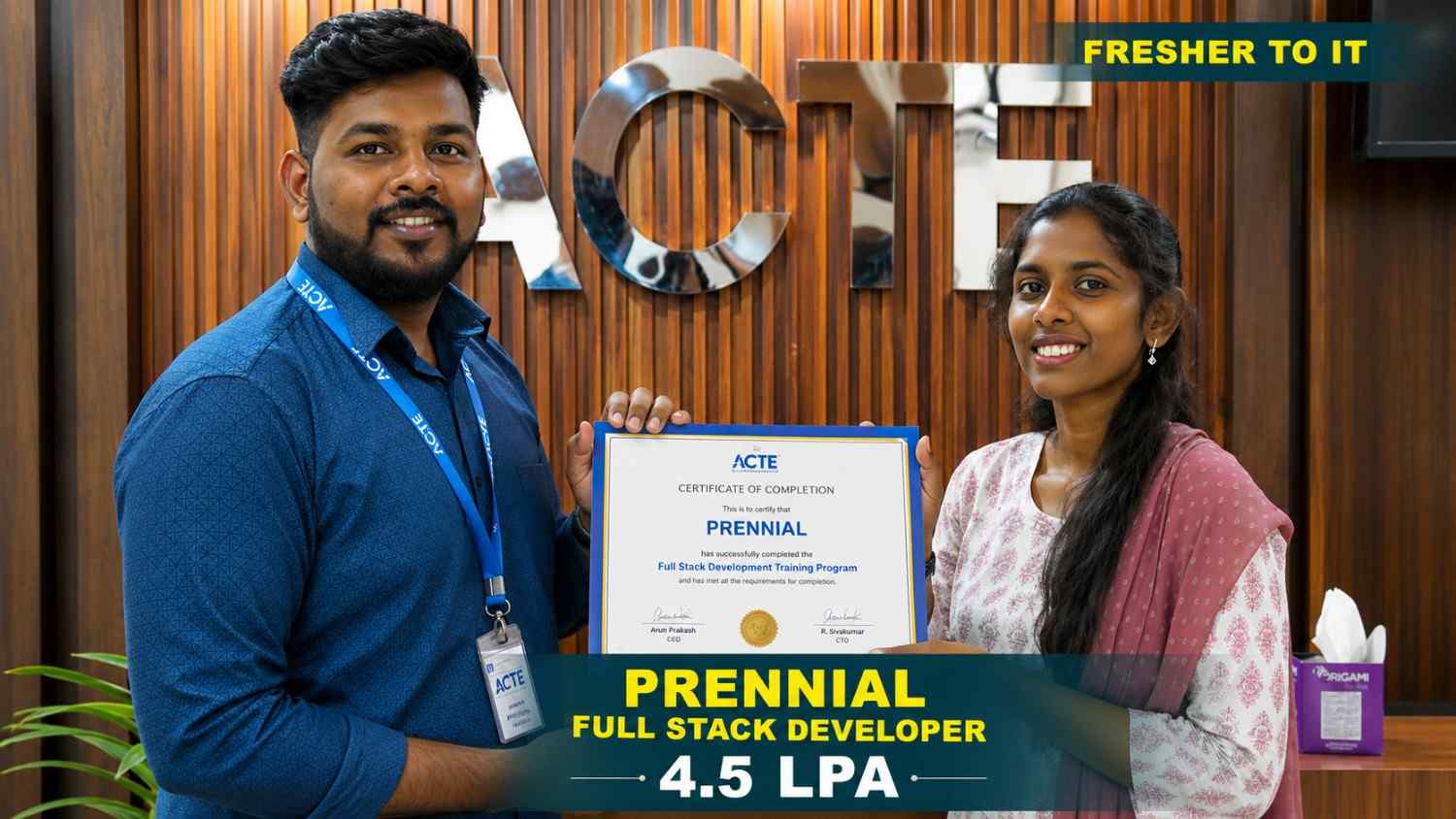
550+ Students Placed Every Month Be The Next!
















Our Hiring Partners

Curriculum Designed By Experts
Expertly designed curriculum for future-ready professionals.
Industry Oriented Curriculum
An exhaustive curriculum designed by our industry experts which will help you to get placed in your dream IT company
-
30+ Case Studies & Projects
-
9+ Engaging Projects
-
10+ Years Of Experience
UI UX Training Projects
Become a UI UX Expert With Practical and Engaging Projects.
- Practice essential Tools
- Designed by Industry experts
- Get Real-world Experience
Mobile Login and Registration Interface
Design a clean login and registration interface for a mobile application. Practice layouts, typography, colors, forms, and essential UI design principles.
Food Delivery App Interface
Design key screens for a food delivery application, including login, restaurant listings, food details, cart, and checkout pages. Learn effective content organization and simple user flows.
Personal Portfolio Website
Design a responsive portfolio website for a professional. Focus on page structure, visual hierarchy, typography, navigation, and responsive layout principles.
E-Commerce Website Design
Design an e-commerce website with product listings, details, search, filters, cart, and checkout screens. Practice information architecture, wireframing, UI design, and interactive prototyping.
Travel Booking Application
Create a travel booking application for searching destinations, comparing options, selecting dates, and completing bookings. Focus on user journeys, and responsive design.
Online Learning Platform
Design an online learning platform with course listings, details, dashboards, progress tracking, and profile screens. Apply UX research, wireframing, prototyping, and usability principles.
Healthcare Platform
Design a healthcare appointment platform for searching doctors, appointment slots, and managing bookings. Focus on accessibility, usability, user flows, and responsive design.
Banking UX Design
Create a user-friendly banking application with account dashboards, payments, transfers, and financial summaries. Practice complex user flows, and usability-focused interface design.
SaaS Product Design
Design a complete SaaS product from user research and information architecture to wireframes, and usability testing. Gain experience with real-world workflows and professional design .
Career Support


Placement Assistance

Exclusive access to ACTE Job portal

Mock Interview Preparation

1 on 1 Career Mentoring Sessions

Career Oriented Sessions

Resume & LinkedIn Profile Building
Key Features

Practical Training

Global Certifications

Flexible Timing

Trainer Support

Study Material

Placement Support

Mock Interviews

Resume Building
Upcoming Batches
What's included

 Free Aptitude and
Technical Skills Training
Free Aptitude and
Technical Skills Training
- Learn basic maths and logical thinking to solve problems easily.
- Understand simple coding and technical concepts step by step.
- Get ready for exams and interviews with regular practice.

 Hands-On Projects
- Work on real-time projects to apply what you learn.
- Build mini apps and tools daily to enhance your coding skills.
- Gain practical experience just like in real jobs.

 AI Powered Self
Interview Practice Portal
AI Powered Self
Interview Practice Portal
- Practice interview questions with instant AI feedback.
- Improve your answers by speaking and reviewing them.
- Build confidence with real-time mock interview sessions.

 Interview Preparation
For Freshers
Interview Preparation
For Freshers
- Practice company-based interview questions.
- Take online assessment tests to crack interviews
- Practice confidently with real-world interview and project-based questions.

 LMS Online Learning
Platform
LMS Online Learning
Platform
- Explore expert trainer videos and documents to boost your learning.
- Study anytime with on-demand videos and detailed documents.
- Quickly find topics with organized learning materials.
- Learning strategies that are appropriate and tailored to your company's requirements.
- Live projects guided by instructors are a characteristic of the virtual learning environment.
- The curriculum includes of full-day lectures, practical exercises, and case studies.

UI UX Training Overview
Benefits of UI/UX Design Training in Chennai
UI/UX Design Placement Course in Chennai helps learners build practical knowledge for creating websites, mobile applications, SaaS products, e-commerce platforms, and other digital experiences. The training covers important areas such as user research, information architecture, wireframing, visual design, interaction design, and usability testing. The course focuses on practical learning through real-world design projects, allowing students to understand how professional UI/UX teams handle design requirements and user problems. Learners can also gain experience with industry-relevant tools such as Figma, FigJam, Miro, Adobe XD, and other commonly used design platforms. UI/UX Design trainers can also support career preparation through portfolio development, resume guidance, interview practice, internship opportunities, certification, and placement assistance.
UI/UX Design Course Skills and Requirements in Chennai
-
Basic Computer Knowledge: Learners should have basic computer knowledge, with digital applications, and basic electronics concepts. Advanced programming knowledge is not required to begin a PCB Design Internship Course. Basic software navigation and file management skills are helpful.
-
Creative Thinking: Creativity helps learners explore different visual ideas and develop engaging solutions for websites, applications, and other digital interfaces. It also encourages designers to experiment with layouts, colors, visual elements, and innovative design approaches.
-
Logical Thinking: Logical thinking helps designers understand user journeys, organize information, identify usability issues, and develop practical design solutions. It also supports better decision-making when planning navigation structures, and user-friendly digital experiences.
-
Basic Design Knowledge: A basic understanding of electronic components, and PCB layouts can make it easier to understand PCB design concepts. These fundamentals help learners build accurate and well-structured circuit boards while preparing for PCB Design Certification.
-
Communication Skills: Good communication helps designers understand project requirements, explain design decisions, work with team members, and respond effectively to feedback. Clear communication also supports collaboration with developers, and other stakeholders.
-
Interest in Digital Products: An interest in websites, software products, e-commerce platforms, and other digital experiences can help learners understand UI/UX concepts more effectively. Regularly exploring digital products can also improve observation, and design thinking skills.
Essential Tools Used in UI/UX Design Internship Training in Chennai
UI/UX Design Course Institute introduces learners to tools used for research, wireframing, interface design, prototyping, collaboration, and usability testing. Figma enables students to create wireframes, high-fidelity interfaces, interactive prototypes, reusable components, and design systems. Learners may also work with tools such as Adobe XD, Sketch, FigJam, Miro, Canva, and usability testing platforms. Practical exercises help students understand how these tools can be used to organize ideas, create user flows, design interfaces, and develop interactive digital experiences. Students can practice building responsive layouts, reusable design components, interactive prototypes, and developer handoff specifications.
UI/UX Design Internship and Placement Support
-
Internship Opportunities: Training can help learners prepare for internship opportunities with digital agencies, product companies, startups, and software organizations. Internships can provide practical exposure to real design projects, and professional workplace practices.
-
Practical Industry Exposure: UI/UX Design Internship experience can introduce learners to professional design workflows, and collaborative work environments. Learners can understand how designers communicate with developers, clients, and other stakeholders throughout a project.
-
Portfolio Guidance: Learners can receive guidance on presenting their projects, preparing design case studies, and organizing a professional UI/UX portfolio. Portfolio development can include project descriptions, research findings, final screens, and explanations of design decisions.
-
Certification: A UI/UX Design certification can demonstrate the completion of structured training covering essential design concepts, tools, and practical activities. Certification can also help learners document their training experience and showcase their knowledge.
-
Interview Preparation: Career preparation may include mock interviews, resume guidance, interview practice, and support in explaining design decisions and project outcomes. Learners can also practice answering questions related to user research, prototyping, and portfolio projects.
-
Placement Assistance: Placement support may include career guidance, job opportunity updates, resume assistance, and preparation for UI/UX design recruitment processes. Learners can receive guidance on identifying suitable roles, presenting their portfolios, communicating their skills.
UI/UX Design Certification Course Career Scope
Practical projects are an important part of UI/UX Design Offline Course. Learners can work on website redesigns, mobile application interfaces, dashboards, e-commerce websites, SaaS applications, landing pages, and other digital products. These projects allow students to apply concepts such as user research, user flows, wireframing, prototyping, interaction design, and usability testing. UI/UX design Trainers also helps learners create detailed case studies that explain their research process, design decisions, problem-solving approach, iterations, and final solutions. These case studies can become part of a professional portfolio and help demonstrate practical design capabilities during career opportunities. UI/UX design skills are useful across industries that develop websites, applications, software products, and digital services with professional design workflows
Career Opportunities After UI UX Training
UI/UX Designer
This specialist creates interfaces that are both aesthetically pleasing and easy to use. They ensure a smooth user experience through wireframing and prototyping.
UX Researcher
Using research techniques such as surveys, usability testing, and interviews, a UX Researcher seeks to understand user behaviors, needs, preferences, and motivations.
UI Developer
A UI Developer specializes in implementing the interactive and visual components of a digital product. They ensure that the interface is visually appealing and functional.
Product Designer
A Product Designer oversees the design of a product from conception to launch. Their approach combines UI/UX design principles with business objectives to create profitable and user-friendly products.
Interaction Designer
Interaction Designers create interactive elements such as forms, menus, and buttons to enhance the user experience. They also use animations to make digital products more engaging and intuitive.
UX Strategist
A UX Strategist combines business strategy with user experience design to align user needs with organizational objectives. They also conduct market and competitor research to guide product decisions.
Skill to Master
User Research
Wireframing
Prototyping
Interaction Design
Visual Design
Usability Testing
Responsive Design
Information Architecture
User-Centered Design
Design Systems
Collaboration Skills
Critical Thinking
Tools to Master
Figma
Sketch
Adobe XD
InVision
Axure RP
Balsamiq Mockups
Zeplin
Maze
UserTesting
Miro
Framer
Lottie by Airbnb
Learn from certified professionals who are currently working.

Training by
Arun , having 7+ yrs of experience
Specialized in:UI Design, Design Systems, Responsive Interfaces, and Information Architecture.
Note: Arun brings extensive industry experience and a strong portfolio of creating engaging, user-friendly designs for leading brands. His expertise in design systems supports consistent and seamless experiences across different platforms.
Premium Training at Best Price
Affordable, Quality Training for Freshers to Launch IT Careers & Land Top Placements.
What Makes ACTE Training Different?
Feature
ACTE Technologies
Other Institutes
Affordable Fees
Competitive Pricing With Flexible Payment Options.
Higher Fees With Limited Payment Options.
Industry Experts
Well Experienced Trainer From a Relevant Field With Practical Training
Theoretical Class With Limited Practical
Updated Syllabus
Updated and Industry-relevant Course Curriculum With Hands-on Learning.
Outdated Curriculum With Limited Practical Training.
Hands-on projects
Real-world Projects With Live Case Studies and Collaboration With Companies.
Basic Projects With Limited Real-world Application.
Certification
Industry-recognized Certifications With Global Validity.
Basic Certifications With Limited Recognition.
Placement Support
Strong Placement Support With Tie-ups With Top Companies and Mock Interviews.
Basic Placement Support
Industry Partnerships
Strong Ties With Top Tech Companies for Internships and Placements
No Partnerships, Limited Opportunities
Batch Size
Small Batch Sizes for Personalized Attention.
Large Batch Sizes With Limited Individual Focus.
LMS Features
Lifetime Access Course video Materials in LMS, Online Interview Practice, upload resumes in Placement Portal.
No LMS Features or Perks.
Training Support
Dedicated Mentors, 24/7 Doubt Resolution, and Personalized Guidance.
Limited Mentor Support and No After-hours Assistance.
We are proud to have participated in more than 40,000 career transfers globally.

UI UX Certification

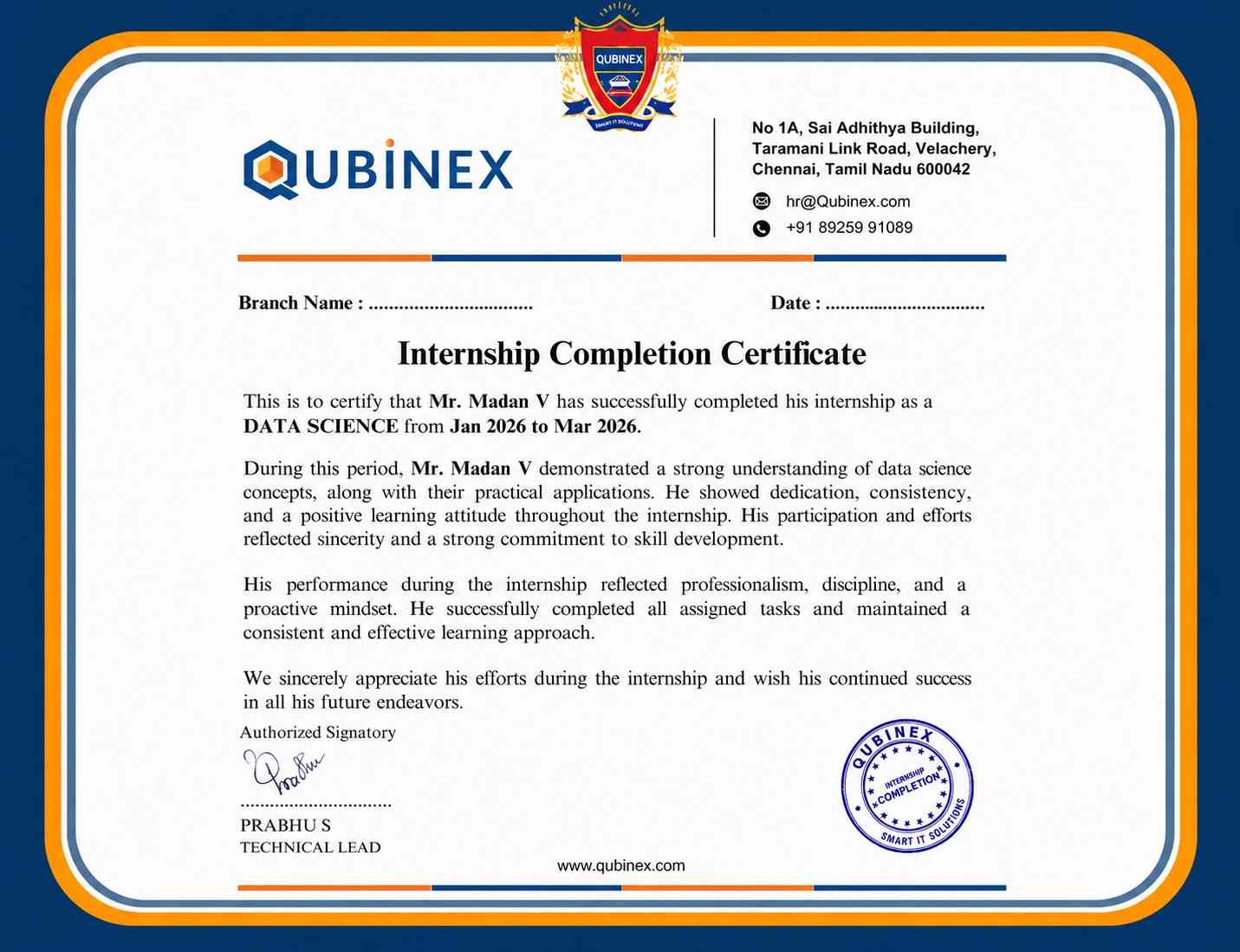
A UI/UX certification can strengthen your professional profile and improve your job prospects, but it does not guarantee employment. It demonstrates your knowledge and skills, while factors such as practical experience, portfolio quality, networking, and current job market conditions also influence your chances of securing a role.
A UI/UX certification can strengthen your professional profile and improve your job prospects, but it does not guarantee employment. It demonstrates your knowledge and skills, while factors such as practical experience, portfolio quality, networking.
Many UI/UX certification programs provide online exams or assessments, making it convenient for learners to complete the certification remotely. You can often take these assessments from any location, depending on the provider’s requirements. Check the certification provider’s guidelines for details about the exam format and eligibility.
Earning an UI/UX Certification can be a valuable step if it matches your career goals and learning needs. Consider the course content, training quality, certification recognition, learning resources, practical project exposure, and how well the program supports your long-term professional development before enrolling.
Frequently Asked Questions
- Most training institutes offer demo sessions where students can learn about the teaching methodology, course structure, tools, practical learning approach, and overall course experience before enrolling.
- UI/UX trainers generally have practical experience in areas such as interface design, user experience, product design, prototyping, and usability testing. Their industry experience can help learners understand real-world design workflows.
- Resume Preparation
- Portfolio Development
- Interview Preparation
- Mock Interviews
- Job Guidance
- A course completion certificate demonstrates that you have completed the relevant training. Employers may also consider practical skills, portfolio projects, design knowledge, and interview performance when evaluating candidates.
- Practice wireframing and UI design through hands-on exercises.
- Work on real-world projects to develop practical design skills.
- Gain experience in prototyping and usability testing.
- Learn to use essential UI/UX design tools effectively.
