
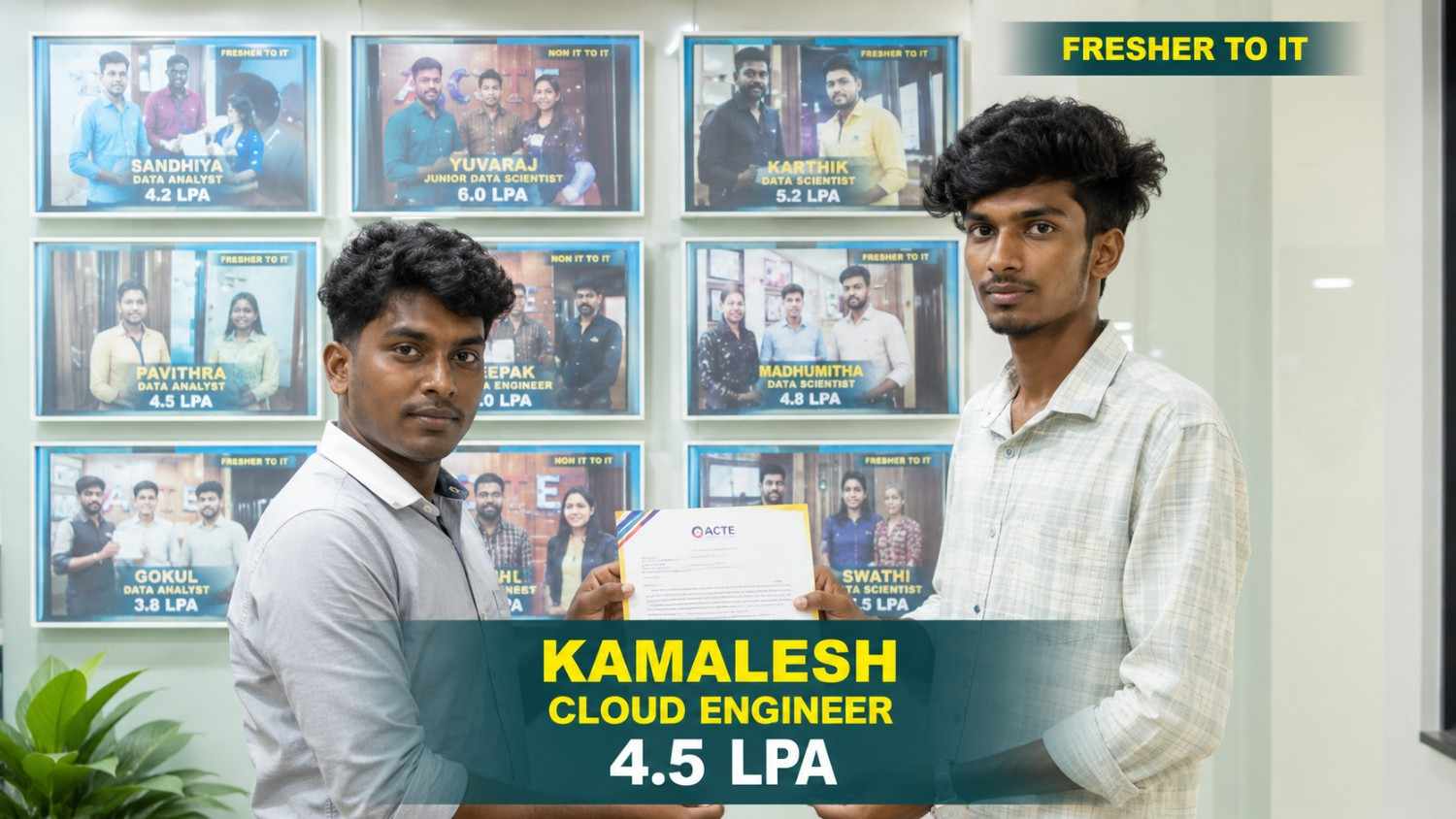
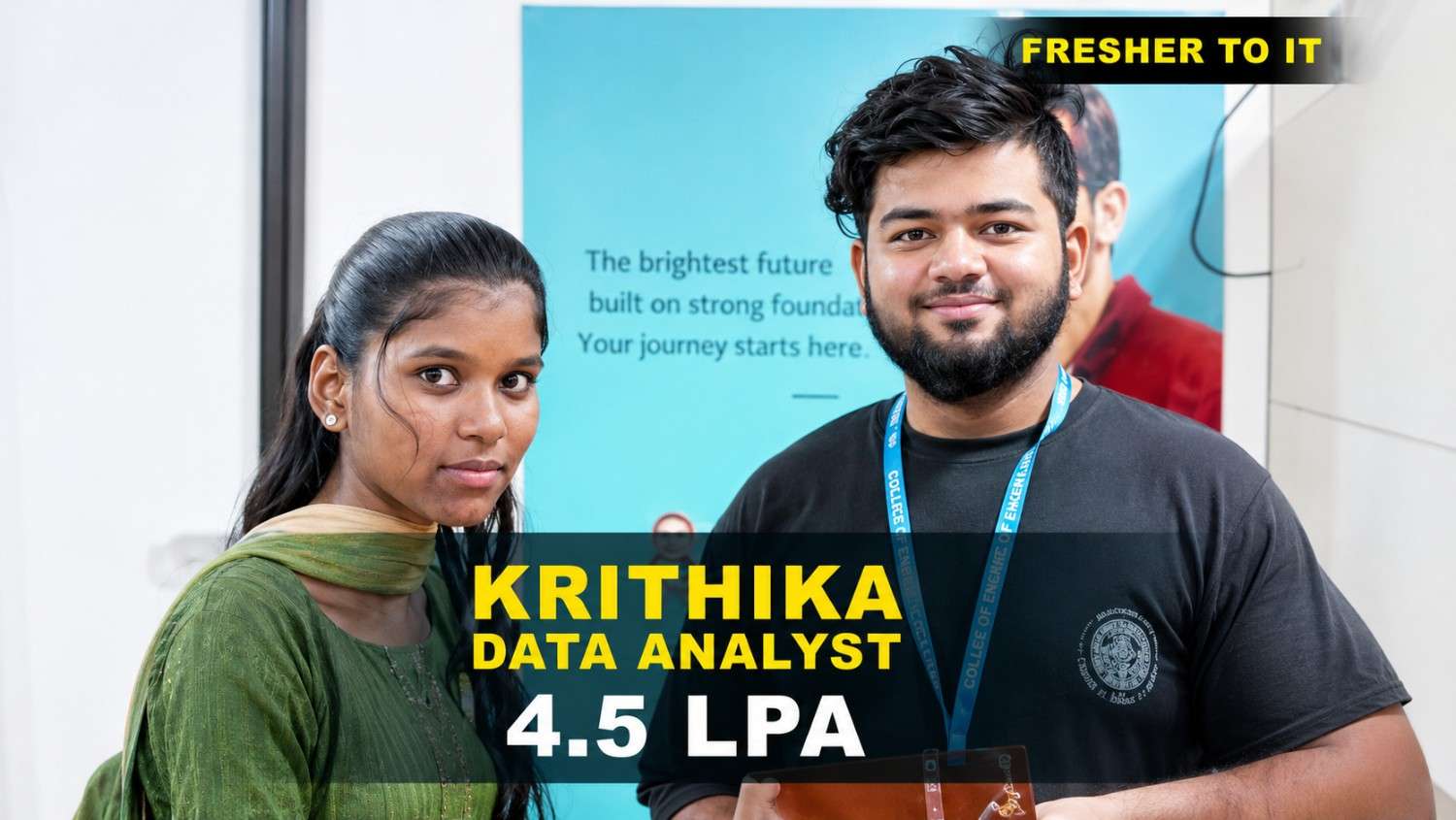
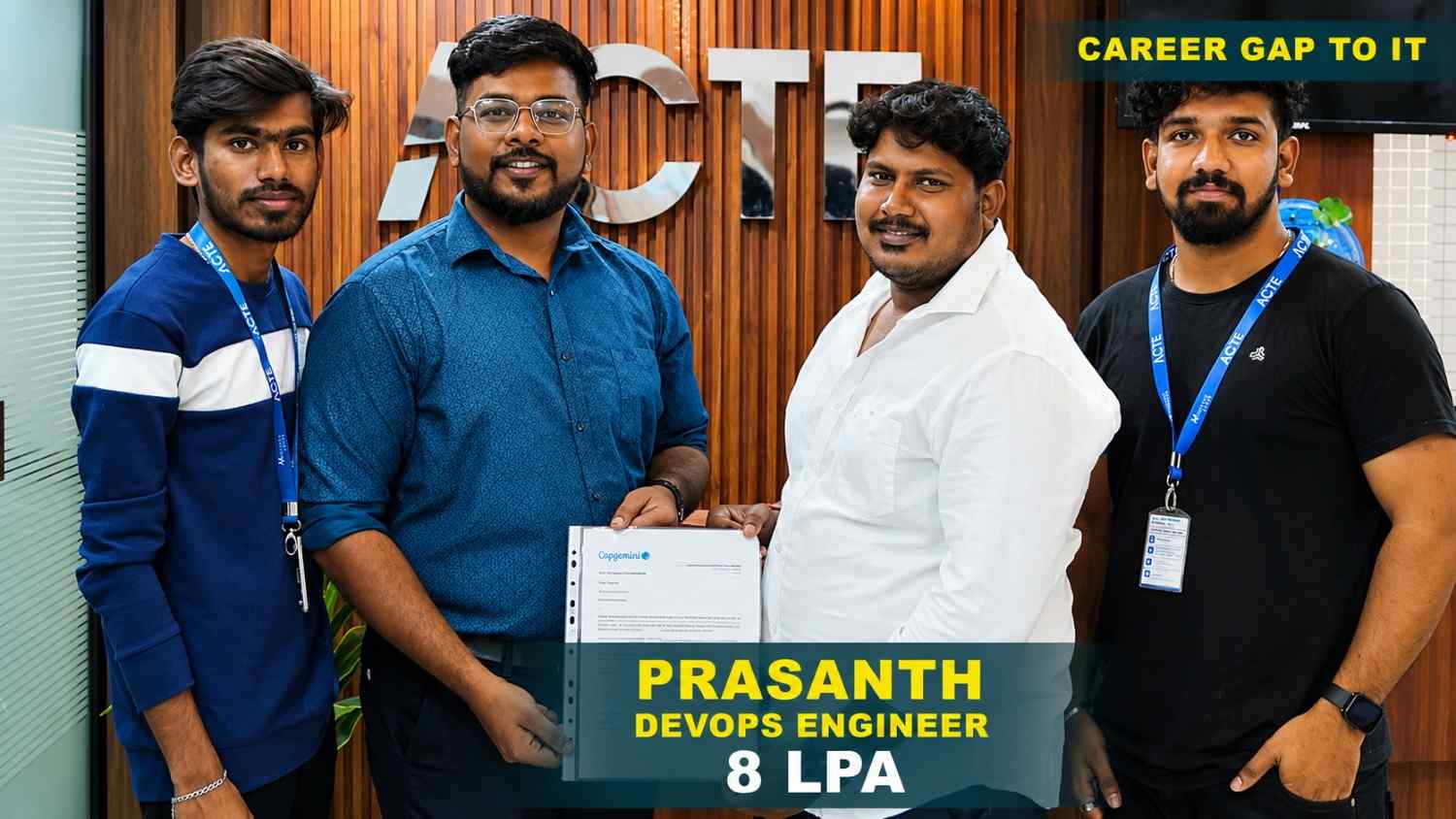
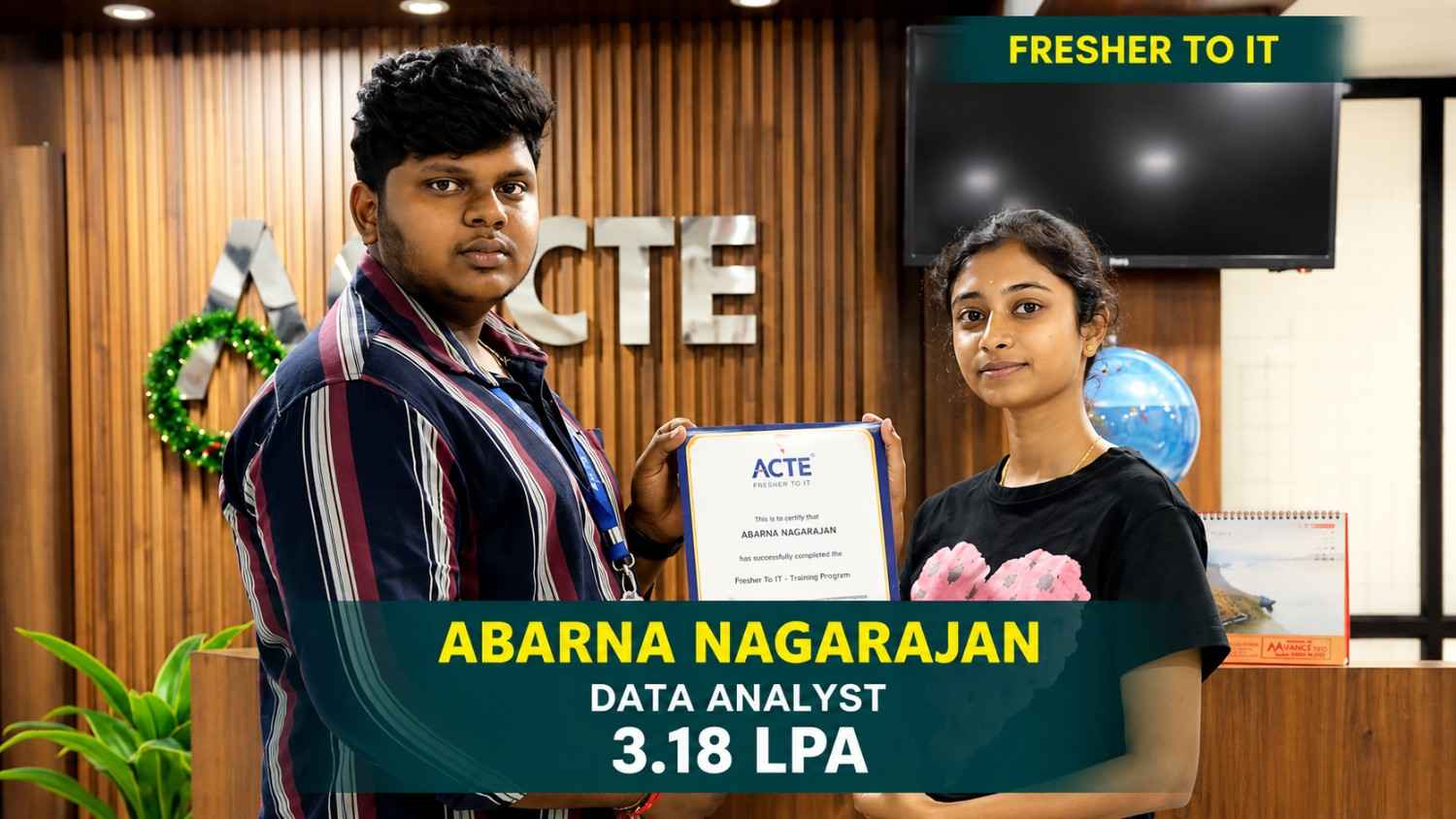
550+ Students Placed Every Month Be The Next!









Our Hiring Partners

Curriculum Designed By Experts
Industry-focused curriculum designed to build future-ready Power BI professionals.
Industry Oriented Curriculum
An exhaustive curriculum designed by our industry experts which will help you to get placed in your dream IT company
-
30+ Case Studies & Projects
-
9+ Engaging Projects
-
10+ Years Of Experience
Power BI Training Projects
Build Power BI Expertise With Practical and Industry-Focused Projects.
- Practice essential Tools
- Designed by Industry experts
- Get Real-world Experience
Financial Dashboard
Build an interactive financial dashboard to track revenue, expenses, profit margins, budgets, and monthly trends using Power BI charts, slicers, cards, and business KPIs for insight.
Customer Analytics
Create a customer analytics dashboard to study customer segments, buying patterns, retention, order values, and sales trends through interactive filters, charts, and KPIs with data.
Business Performance
Develop a business performance dashboard to monitor revenue growth, profit margins, regional results, and operational metrics while applying data cleaning, modeling, and visuals now.
Sales Performance
Build a sales dashboard to analyze revenue, sales targets, product performance, regional results, and growth trends using interactive charts, filters, and KPI measures for insights.s
Marketing Analytics
Create a marketing dashboard to evaluate campaign reach, leads, conversions, channel performance, and spending patterns through dynamic visuals and reports data.
Workforce Analytics
Develop a workforce dashboard to track employee headcount, attendance, department trends, hiring patterns, turnover rates, and workforce metrics using interactive visuals for teams.
Retail Analytics
Create a retail dashboard to track product sales, customer demand, store performance, regional trends, and revenue growth using Power BI visuals, filters, KPIs, and detailed reports.
Logistics Analytics
Build a logistics dashboard to analyze shipment volumes, delivery times, transportation costs, route performance, and order status through Power BI charts, metrics, and clear reports.
Healthcare Analytics
Develop a healthcare dashboard to monitor patient visits, treatment trends, service performance, department activity, and operational KPI using Power BI reports, visuals, and filters.
Career Support


Placement Assistance

Exclusive access to ACTE Job portal

Mock Interview Preparation

1 on 1 Career Mentoring Sessions

Career Oriented Sessions

Resume & LinkedIn Profile Building
Key Features

Practical Training

Global Certifications

Flexible Timing

Trainer Support

Study Material

Placement Support

Mock Interviews

Resume Building
Upcoming Batches
What's included

 Free Aptitude and
Technical Skills Training
Free Aptitude and
Technical Skills Training
- Learn basic maths and logical thinking to solve problems easily.
- Understand simple coding and technical concepts step by step.
- Get ready for exams and interviews with regular practice.

 Hands-On Projects
- Work on real-time projects to apply what you learn.
- Build mini apps and tools daily to enhance your coding skills.
- Gain practical experience just like in real jobs.

 AI Powered Self
Interview Practice Portal
AI Powered Self
Interview Practice Portal
- Practice interview questions with instant AI feedback.
- Improve your answers by speaking and reviewing them.
- Build confidence with real-time mock interview sessions.

 Interview Preparation
For Freshers
Interview Preparation
For Freshers
- Practice company-based interview questions.
- Take online assessment tests to crack interviews
- Practice confidently with real-world interview and project-based questions.

 LMS Online Learning
Platform
LMS Online Learning
Platform
- Explore expert trainer videos and documents to boost your learning.
- Study anytime with on-demand videos and detailed documents.
- Quickly find topics with organized learning materials.
- Learning strategies that are appropriate and tailored to your company's requirements.
- Live projects guided by instructors are a characteristic of the virtual learning environment.
- The curriculum includes of full-day lectures, practical exercises, and case studies.

Power BI Course in Tambaram Overview
Build Practical Skills with Professional Power BI Training in Tambaram
Developing strong data analytics and business intelligence skills plays an important role in modern organizations, reporting teams, and data-driven businesses. The Power BI Placement Training provides practical learning in data preparation, data modeling, DAX, Power Query, dashboard development, reporting, and business intelligence. Learners understand how business data is collected, transformed, analyzed, visualized, and presented for different reporting requirements. The program introduces essential concepts such as data relationships, calculated measures, and dashboard design to help participants create clear and useful reports. Through hands-on exercises, learners can develop interactive dashboards, KPI visualizations, sales reports, and business intelligence solutions using industry-standard tools. The Power BI Course in Tambaram also emphasizes practical assignments and real-world projects that help learners understand professional analytics workflows, business requirements, and reporting strategies. Project-based learning further supports portfolio development by allowing participants to showcase their dashboards, reports, data models, and completed analytics projects across different business scenarios for better decision-making and business performance outcomes.
Explore the Future Scope of Power BI Certification
The demand for skilled professionals continues to grow as businesses rely on data-driven decisions, automated reporting, interactive dashboards, and business intelligence solutions. Emerging areas such as cloud analytics, Microsoft Fabric, self-service BI, real-time reporting, and advanced data visualization are creating new opportunities for analytics professionals. Learners with strong skills in data modeling, DAX, Power Query, dashboard design, reporting, and data visualization can adapt to evolving business requirements. The Power BI Course in Tambaram helps participants build a strong foundation for exploring opportunities in technology, finance, healthcare, digital marketing, e-commerce, and business analytics. With continuous learning and a strong portfolio, professionals can progress into roles such as Power BI Developer, Data Analyst, Reporting Analyst, and Data Visualization Specialist. The Power BI Internship Program helps learners build practical knowledge of data preparation, data modeling, DAX, dashboard development, reporting, and business intelligence workflows. As organizations become more data-focused, companies require professionals who can combine analytical thinking with technical skills and business understanding. Learners can also strengthen their portfolios by working on diverse dashboards, interactive reports, KPI visualizations, business reports, and data analytics concepts.
Explore Popular Tools Used in Power BI Offline Course
Power BI Desktop: Power BI Desktop is widely used for data preparation, data modeling, visualization, dashboard development, and interactive report creation. Learners can practice creating professional business reports, dashboards, and analytics solutions.
Power Query: Power Query supports data extraction, transformation, cleaning, merging, and preparation for analytics workflows. Students can organize datasets and develop clear, practical, and structured solutions for different reporting requirements.
DAX: DAX provides a powerful language for creating calculated columns, measures, time intelligence, and analytical calculations. Learners can explore practical methods for analyzing business data and developing meaningful reports.
Power BI Service: Power BI Service supports report publishing, dashboard sharing, collaboration, workspaces, and cloud-based analytics. Learners can create reports, publish interactive dashboards, and explore modern and effective business intelligence workflows.
Microsoft Fabric: Microsoft Fabric supports modern data analytics, data integration, reporting, and business intelligence workflows. Learners can explore data solutions and prepare analytical content for dashboards, reports, and business applications.
Explore Career Growth with Power BI Course in Tambaram
Building strong analytics and technical skills can help learners explore diverse career opportunities in data analytics, business intelligence, reporting, finance, e-commerce, and technology companies. The Power BI Training program helps students develop practical knowledge of data preparation, data modeling, Power Query, DAX, interactive visualization, dashboard development, reporting, data analysis, and professional BI software. Through hands-on assignments and industry-oriented projects, learners can improve their analytical thinking, report development, problem-solving abilities, business understanding, and knowledge of professional workflows. The Power BI Certification in Tambaram also supports career preparation through portfolio development, resume building, interview practice, certification guidance, internship opportunities, and placement assistance. Learners can gain exposure to real-world business requirements while creating professional dashboards and reports that can be presented during interviews and job applications. With practical knowledge and portfolio experience, participants can explore roles such as Power BI Developer, Data Analyst, Business Intelligence Analyst, Reporting Analyst, and Data Visualization Specialist across technology, finance, e-commerce, healthcare, and digital industries.
Career Scope After Power BI Internship Program
Power BI Developer: Power BI Developers create interactive dashboards and reports for business teams. They work with data models, DAX, Power Query, visualizations, and reporting elements to build clear and useful business intelligence solutions.
Data Analyst: Data Analysts examine datasets, identify trends, prepare reports, and communicate insights through dashboards and visualizations. They focus on understanding business requirements and delivering accurate, useful analytical information.
Business Intelligence Analyst: Business Intelligence Analysts work across data analysis, reporting, visualization, and business requirements. They help organizations understand performance by combining business information, analytical findings, and reporting solutions.
Reporting Analyst: Reporting Analysts prepare recurring and interactive reports by collecting, transforming, analyzing, and presenting business data. They provide insights that help teams monitor performance and understand important business metrics.
Data Visualization Specialist: Data Visualization Specialists focus on presenting complex information through charts, dashboards, KPIs, and interactive reports. They develop visual solutions that make business data easier to understand and communicate.
Career Opportunities After Power BI Course
Data Analyst
Data Analysts use Power BI to examine business data, build interactive dashboards, track KPIs, identify trends, and deliver clear insights that support smarter business decisions
Dashboard Developer
Dashboard Developers create interactive Power BI dashboards, connect data sources, visual reports, and reporting experiences for teams across different functions.
Business Intelligence Analyst
Business Intelligence Analysts analyze organizational data, create Power BI reports, monitor performance metrics and provide actionable insights for strategic planning and growth
Reporting Analyst
Reporting Analysts prepare Power BI reports, automate recurring analysis, monitor key metrics, and present accurate business information through dashboards for informed decisions
Data Visualization Specialist
Data Visualization Specialists transform complex datasets into engaging Power BI visuals, reports, and dashboards that highlight trends, patterns, and important business
Power BI Administrator
Power BI Administrators manage workspaces, datasets, access permissions, refresh schedules, and reports while supporting secure and reliable business intelligence
Skill to Master
Data Transformation
Power BI Gateway
Advanced DAX
Star Schema
Data Warehousing
Time Intelligence
Custom Columns
Drill Through Reports
Report Filters
Conditional Formatting
Row Level Security
Workspace Management
Tools to Master
Data Transformation
Data Modeling
Advanced DAX
Power Query Editor
Data Visualization
Report Development
Dashboard Design
KPI Analysis
Time Intelligence
Data Storytelling
Row-Level Security
Report Optimization
Learn from certified professionals who are currently working.

Training by
Balaji, having 7+ yrs of experience
Specialized in: Power BI, Data Analytics, DAX, Data Modeling, Data Visualization, and Business Reporting.
Note: Balaji is an experienced Power BI Trainer, helping learners develop practical skills in data analysis, report creation, dashboard development, and business through hands-on exercises and real-world projects.
Premium Training at Best Price
Affordable, Quality Training for Freshers to Launch IT Careers & Land Top Placements.
What Makes ACTE Training Different?
Feature
ACTE Technologies
Other Institutes
Affordable Fees
Competitive Pricing With Flexible Payment Options.
Higher Fees With Limited Payment Options.
Industry Experts
Well Experienced Trainer From a Relevant Field With Practical Training
Theoretical Class With Limited Practical
Updated Syllabus
Updated and Industry-relevant Course Curriculum With Hands-on Learning.
Outdated Curriculum With Limited Practical Training.
Hands-on projects
Real-world Projects With Live Case Studies and Collaboration With Companies.
Basic Projects With Limited Real-world Application.
Certification
Industry-recognized Certifications With Global Validity.
Basic Certifications With Limited Recognition.
Placement Support
Strong Placement Support With Tie-ups With Top Companies and Mock Interviews.
Basic Placement Support
Industry Partnerships
Strong Ties With Top Tech Companies for Internships and Placements
No Partnerships, Limited Opportunities
Batch Size
Small Batch Sizes for Personalized Attention.
Large Batch Sizes With Limited Individual Focus.
LMS Features
Lifetime Access Course video Materials in LMS, Online Interview Practice, upload resumes in Placement Portal.
No LMS Features or Perks.
Training Support
Dedicated Mentors, 24/7 Doubt Resolution, and Personalized Guidance.
Limited Mentor Support and No After-hours Assistance.
We are proud to have participated in more than 40,000 career transfers globally.

Power BI Certification

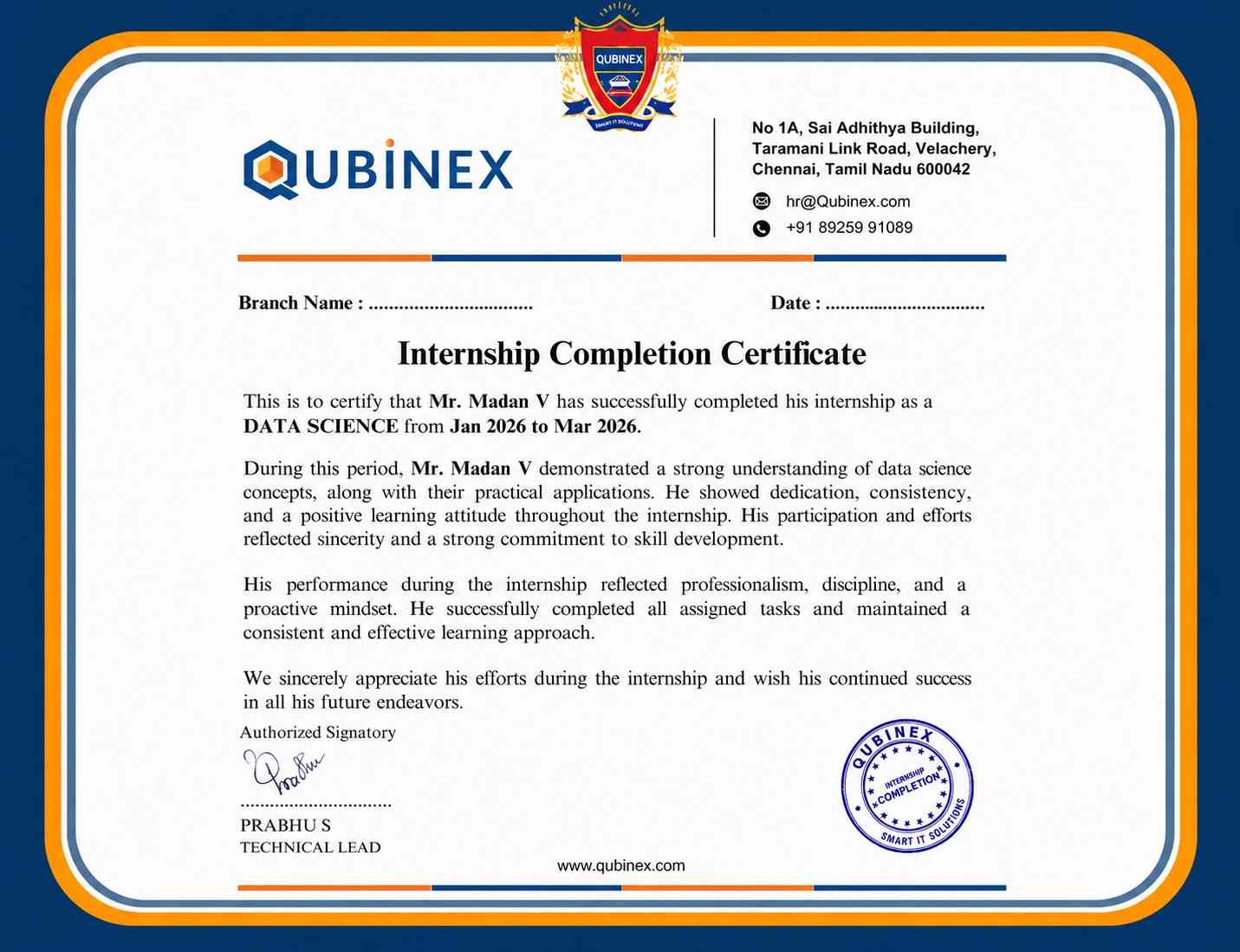
Power BI skills apply across sales, finance, HR, and customer analytics. Companies use business intelligence tools to track performance and interpret business data.
Interactive and self-service business intelligence continues to improve data-driven reporting, Automated data preparation, AI-powered insights, and advanced analytical.
Frequently Asked Questions
- Power BI Internship Course can cover data loading, Power Query, data transformation, data modeling, DAX, visual reports, dashboard development, Power BI Service, and business reporting. Learners can also practice these concepts through practical exercises and industry-oriented projects.
- Power BI Training generally covers Power BI Desktop, Power Query, DAX, SQL, Microsoft Fabric, and multiple data source connectivity options.
- Practical sessions with these technologies can help learners understand data preparation, building, and interactive dashboard development.
- Yes, freshers can join Power BI Training in Tambaram with basic computer knowledge and an interest in analytics. The learning path can begin with Power BI fundamentals and gradually cover data preparation, modeling, DAX, visualizations, dashboards, reporting, and practical assignments.
- Practical Power BI assignments can help learners work with datasets, establish data relationships, create reports, and develop useful DAX calculations.
- Hands-on project activities can also support portfolio development and working with practical business intelligence and reporting requirements.
- After completing Power BI Course, learners can explore roles such as Power BI Developer, Business Intelligence Developer, Data Analyst, BI Consultant, Data Visualization Specialist, and other analytics-focused positions depending on their knowledge and professional experience.
