
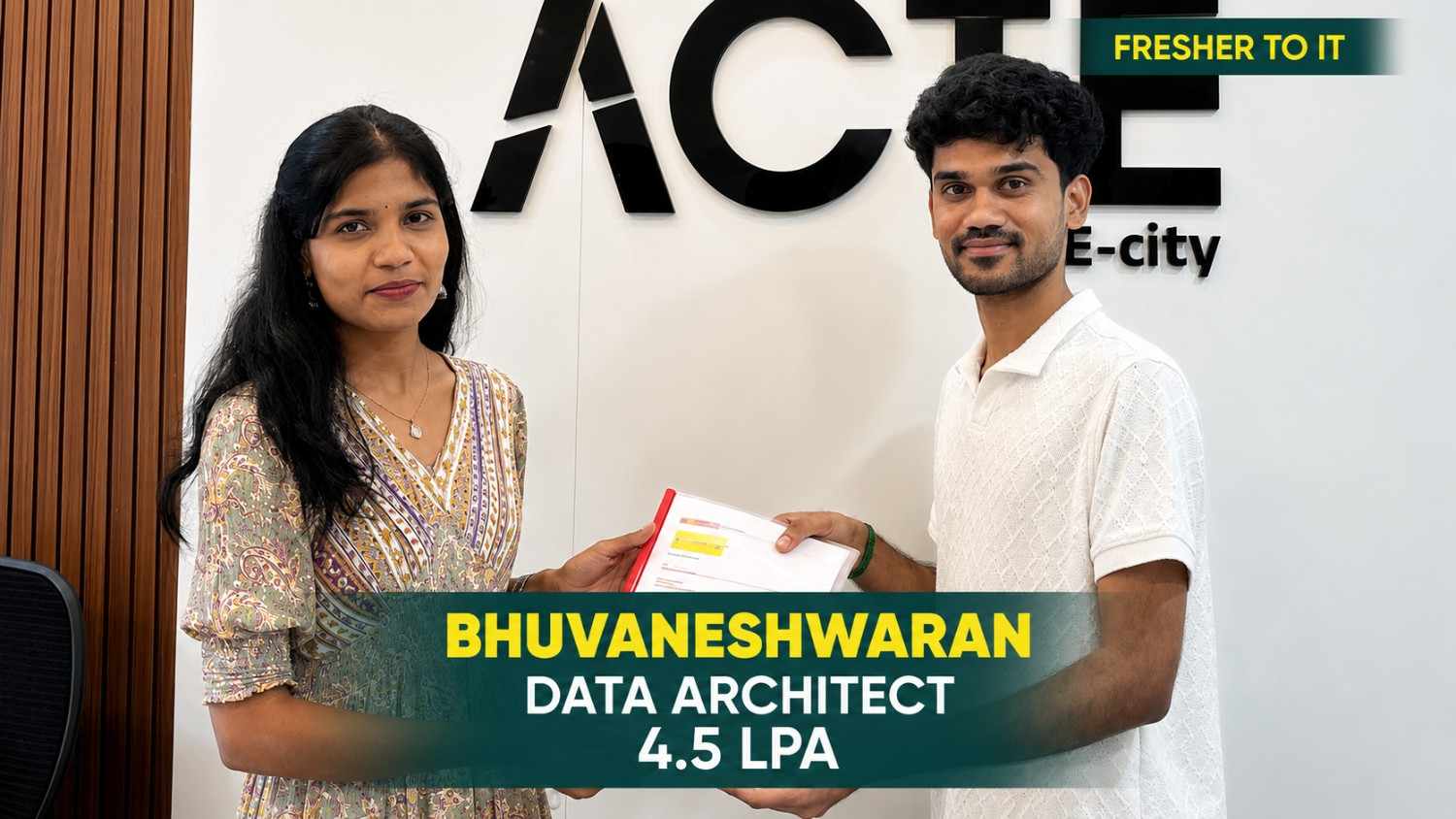
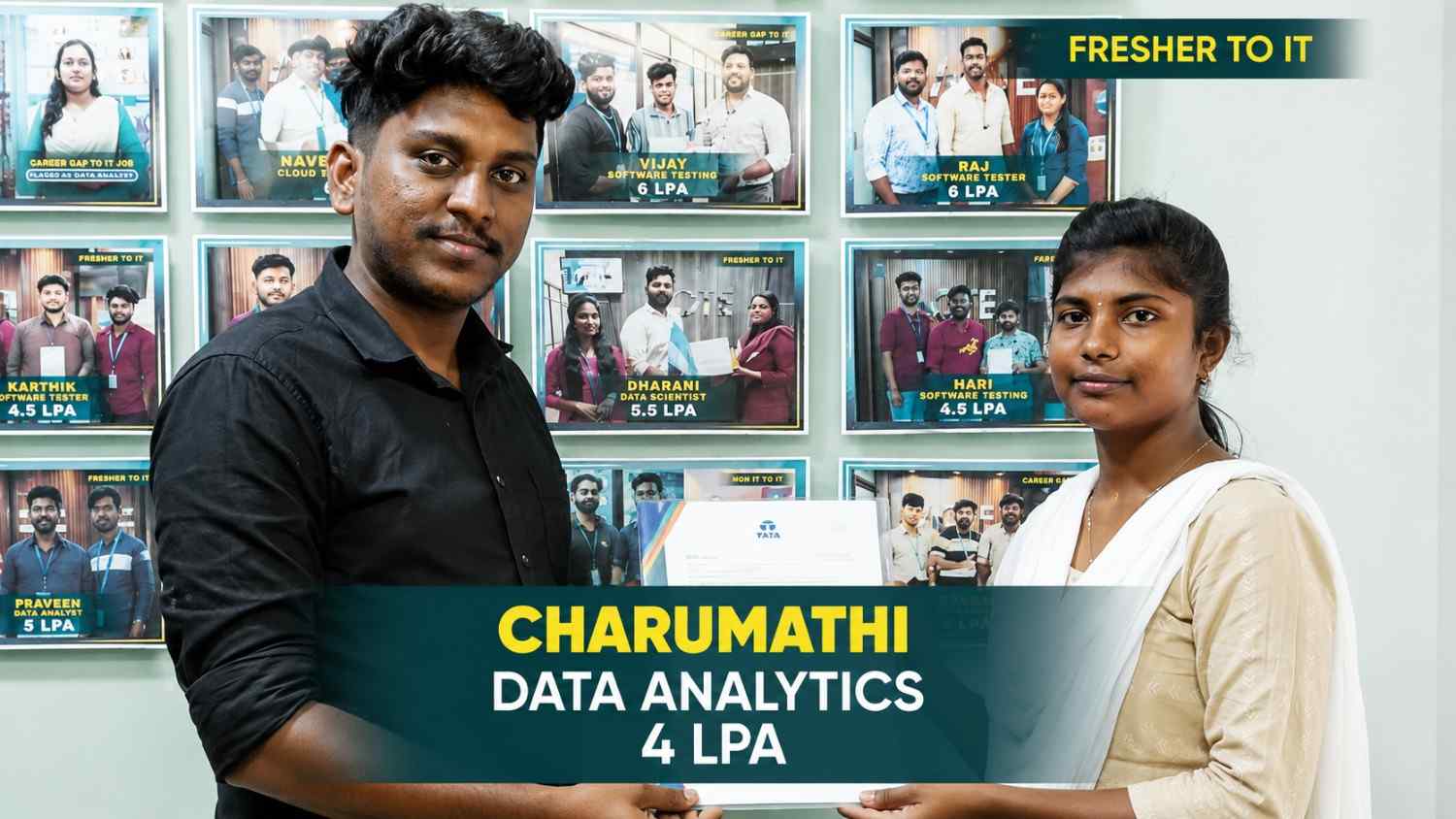
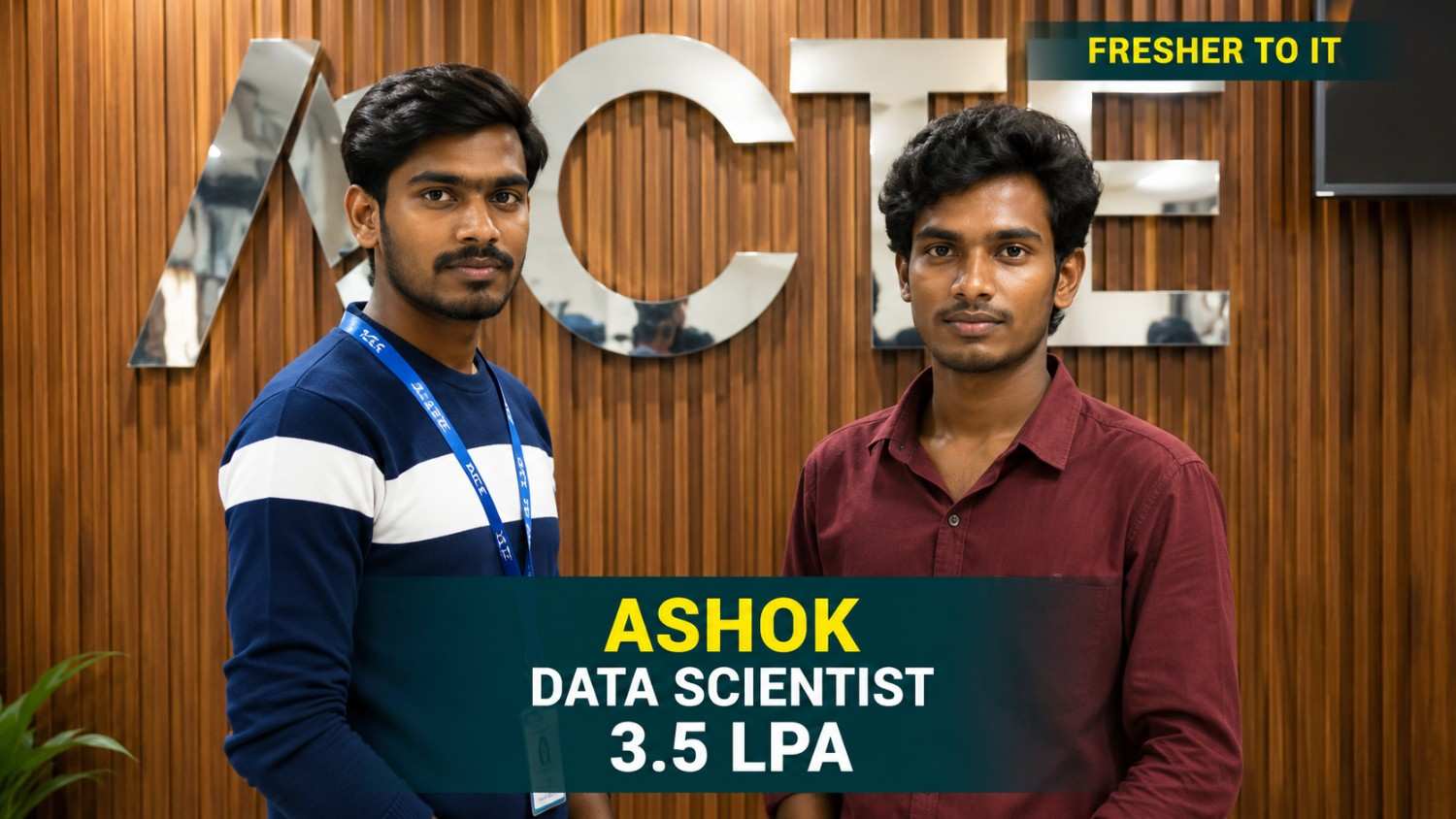
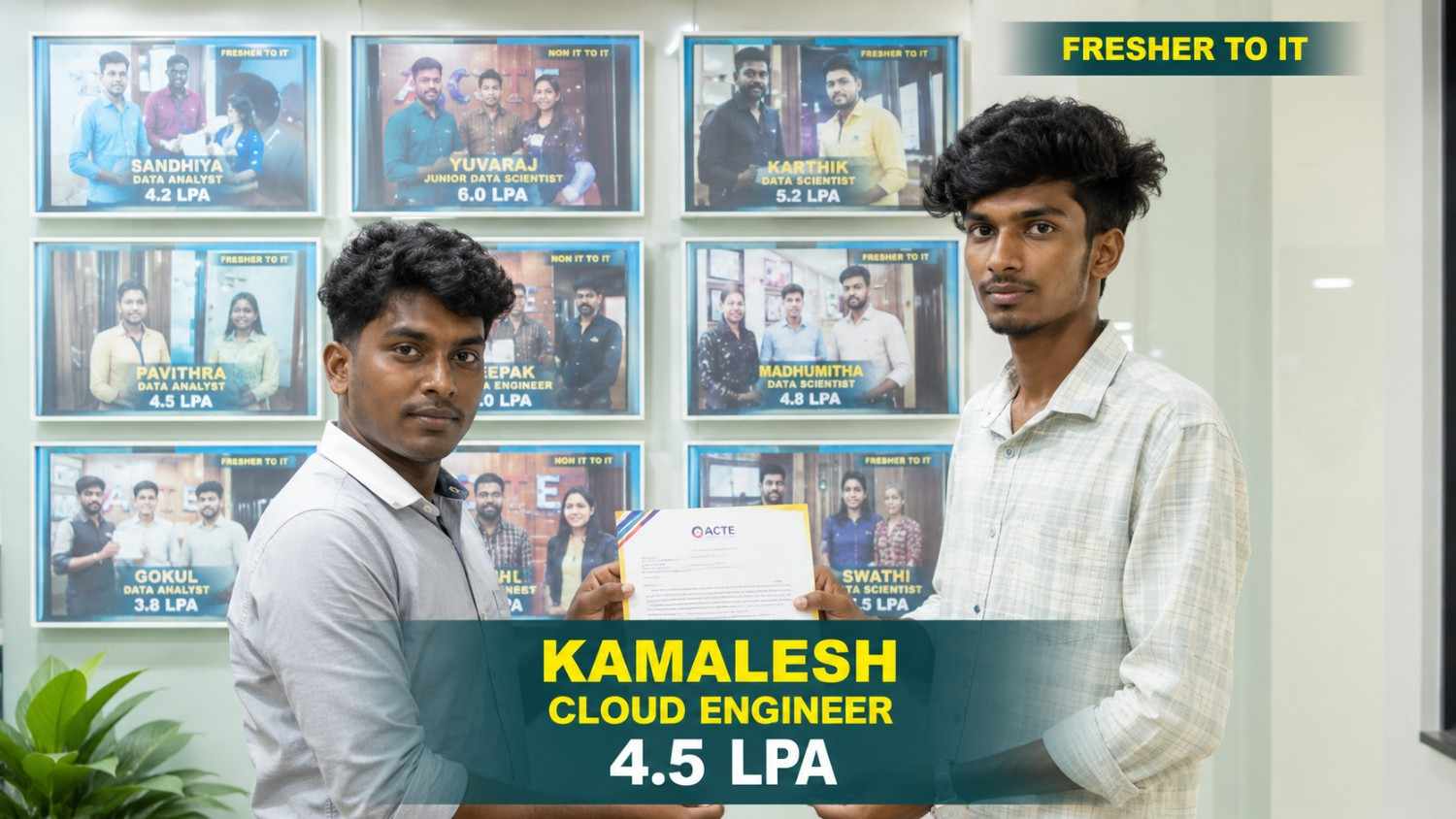
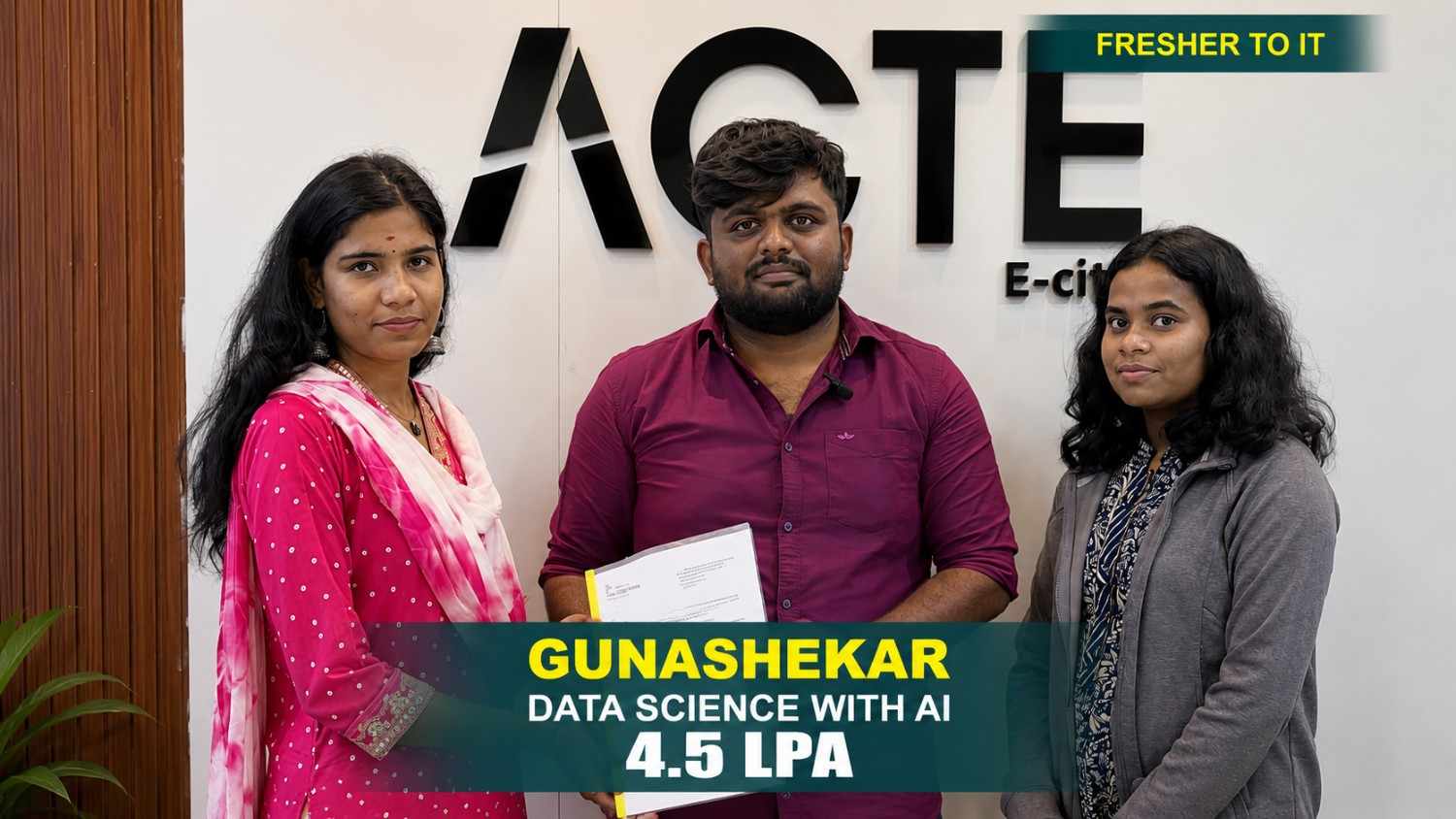
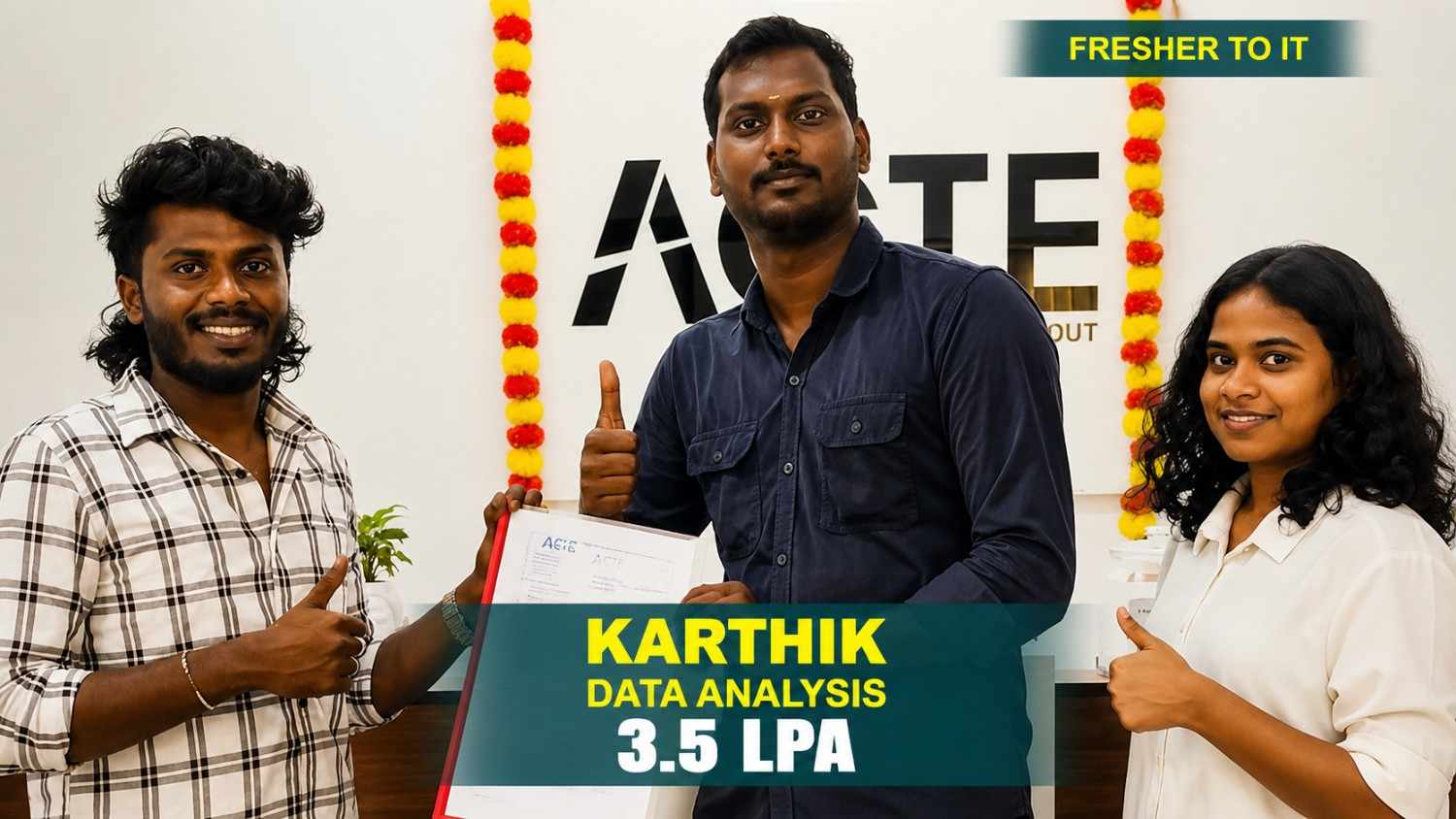
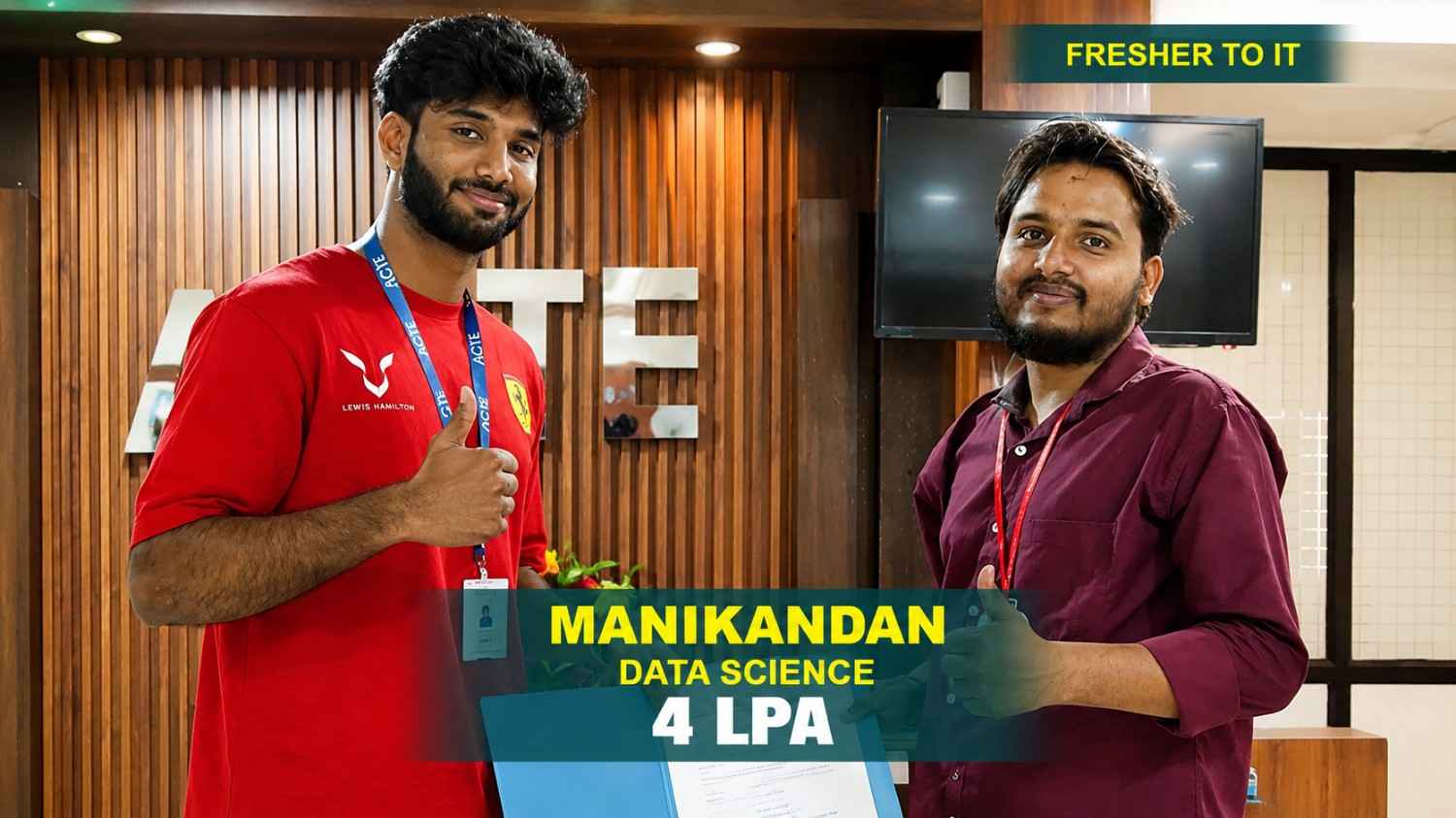
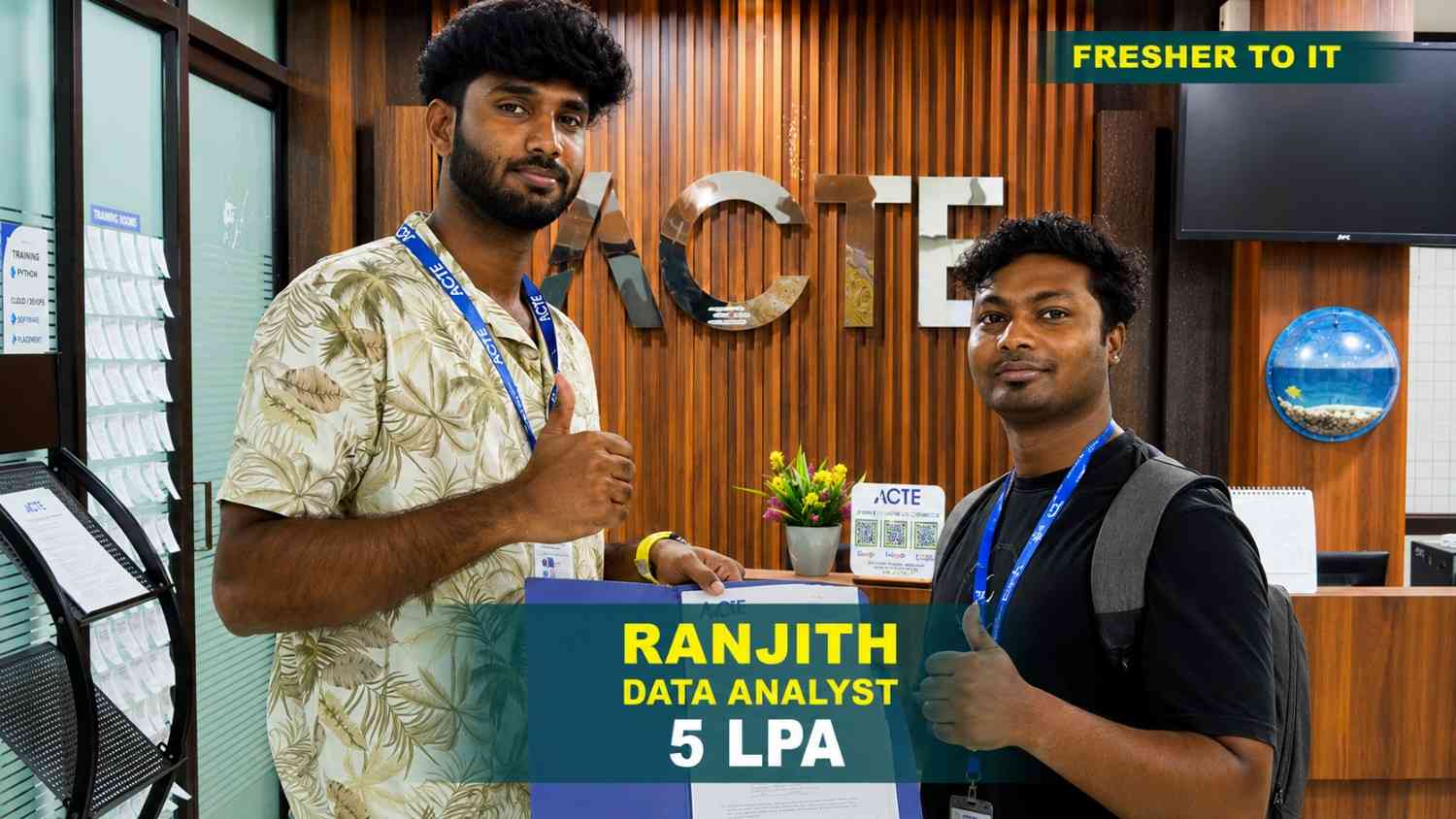
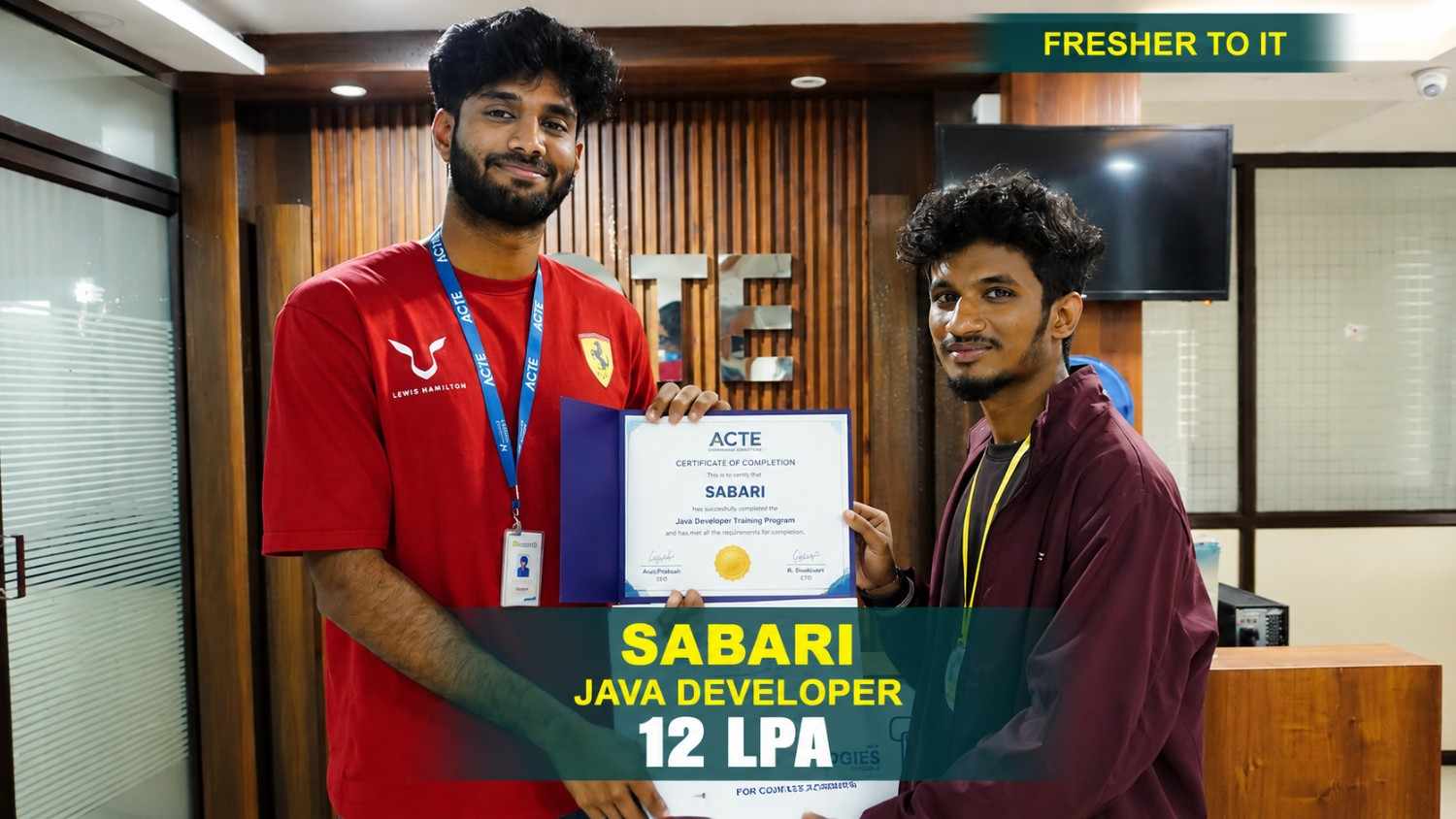
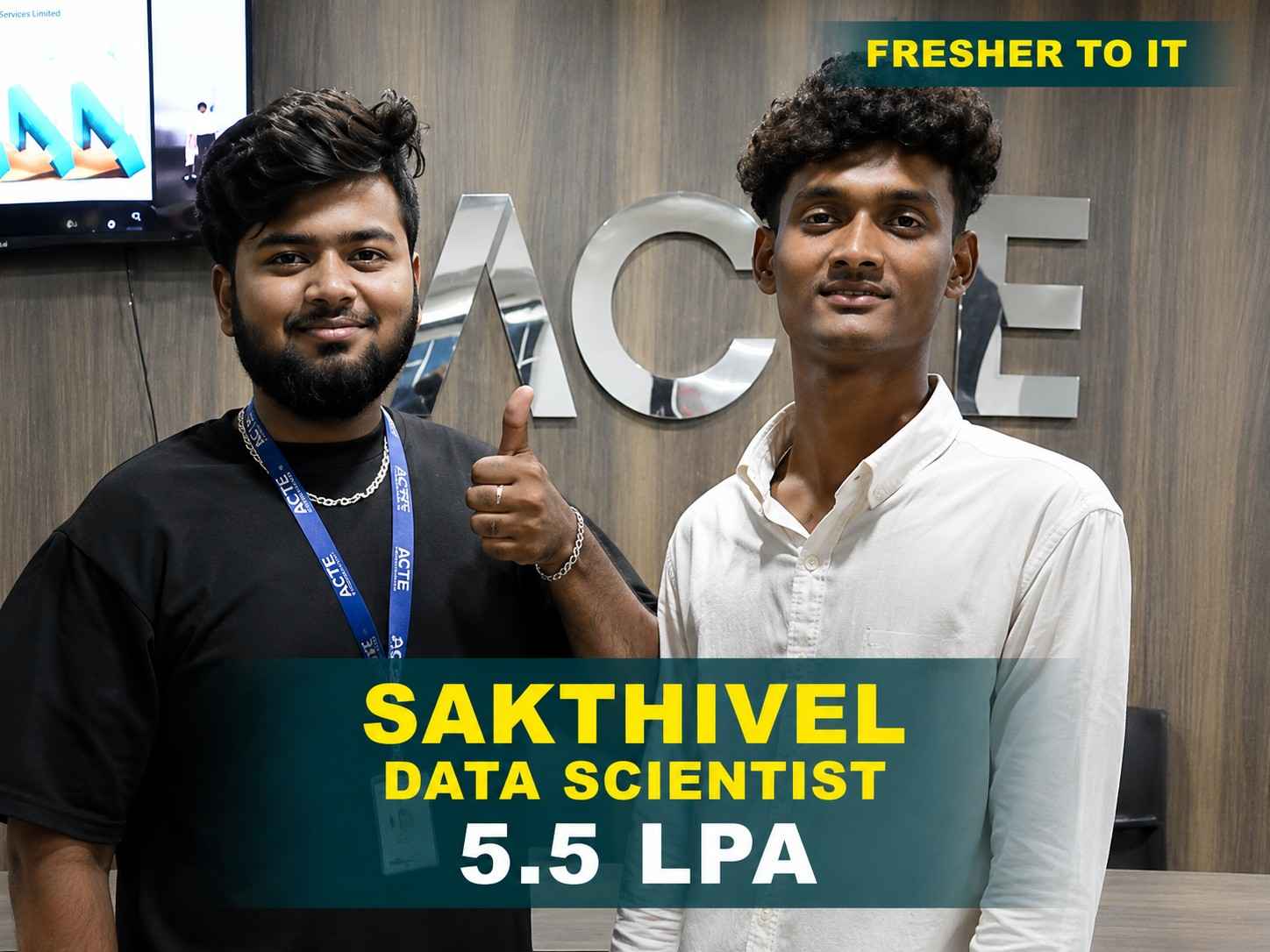
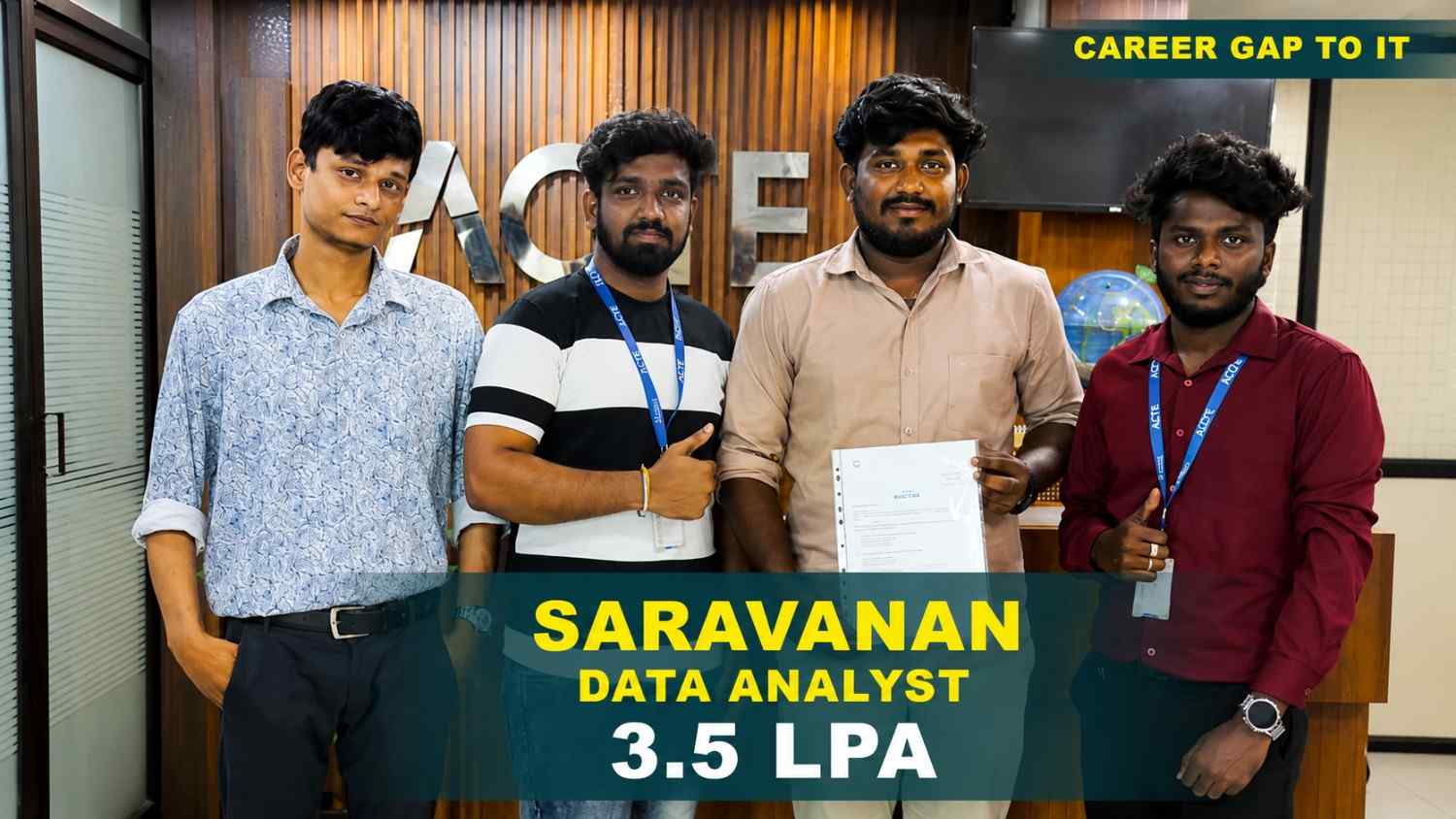
550+ Students Placed Every Month Be The Next!





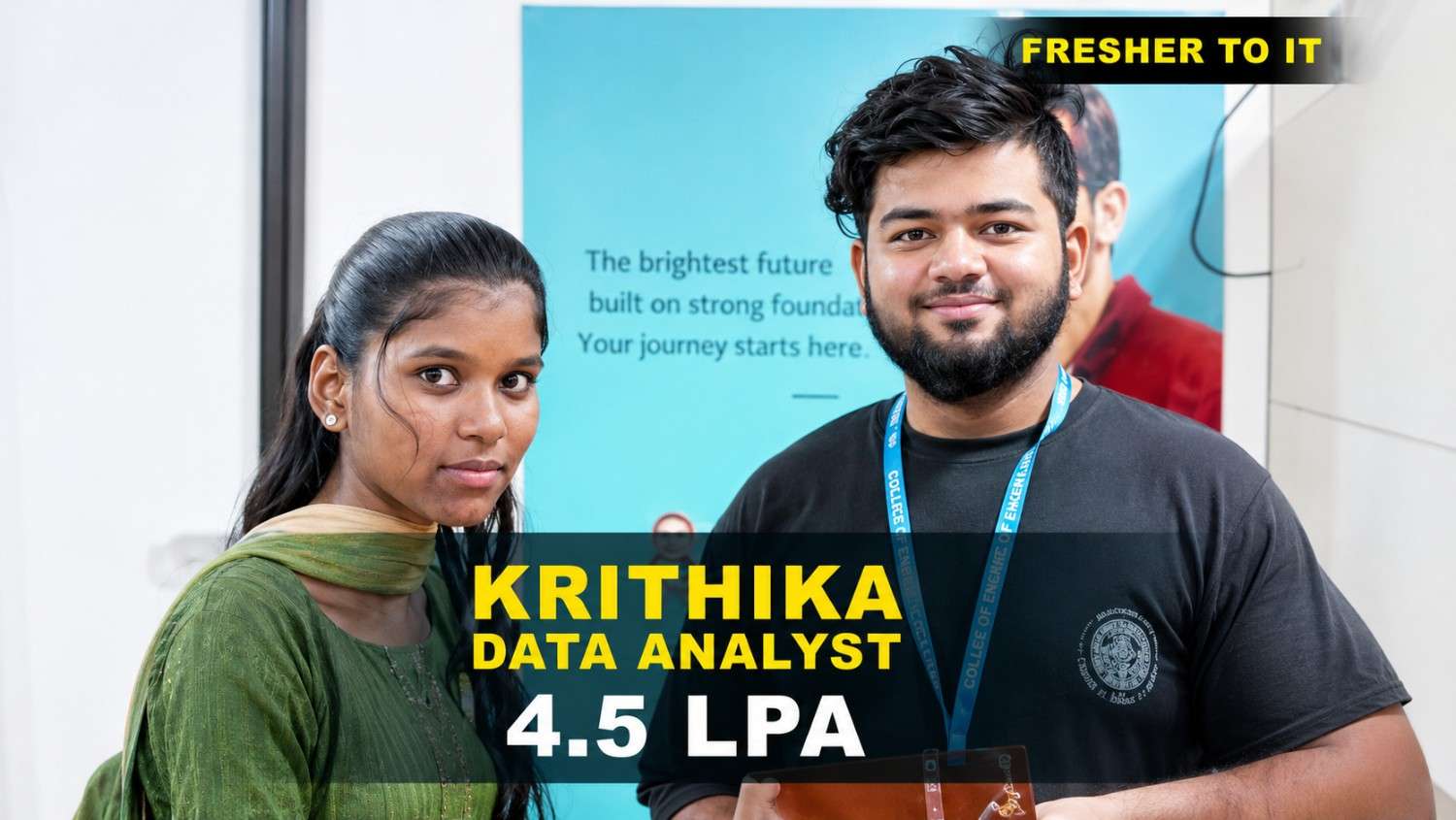

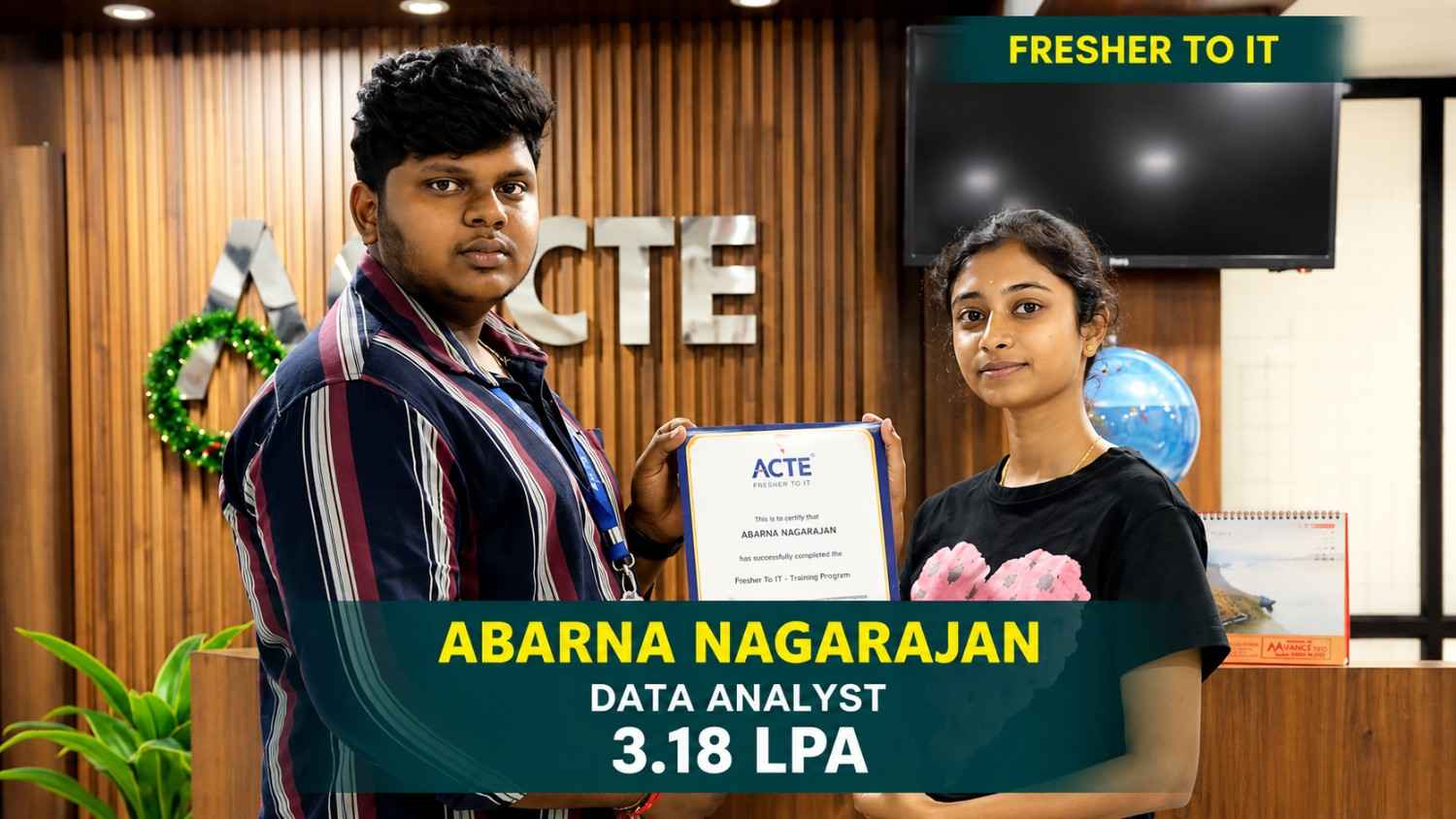
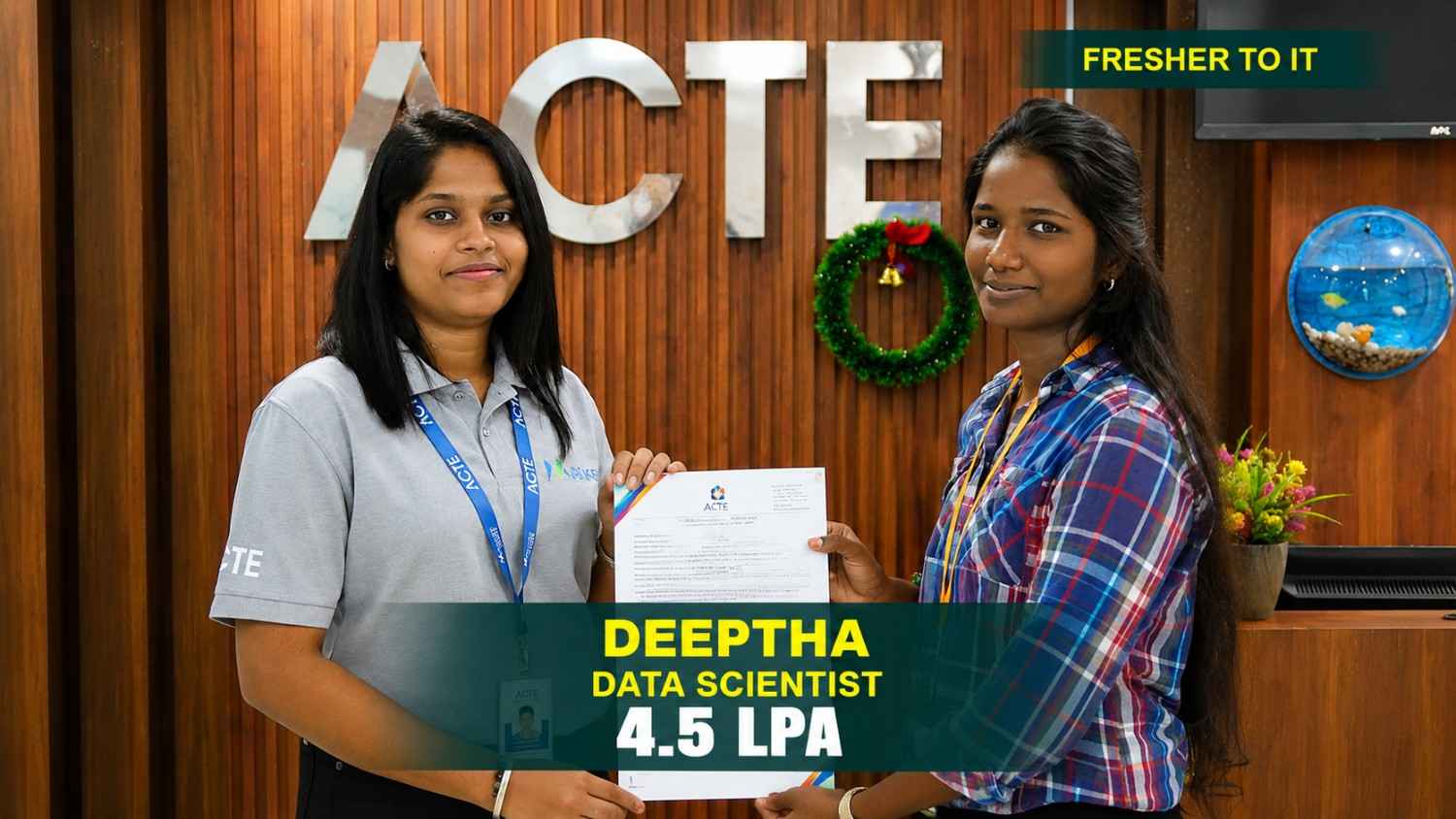
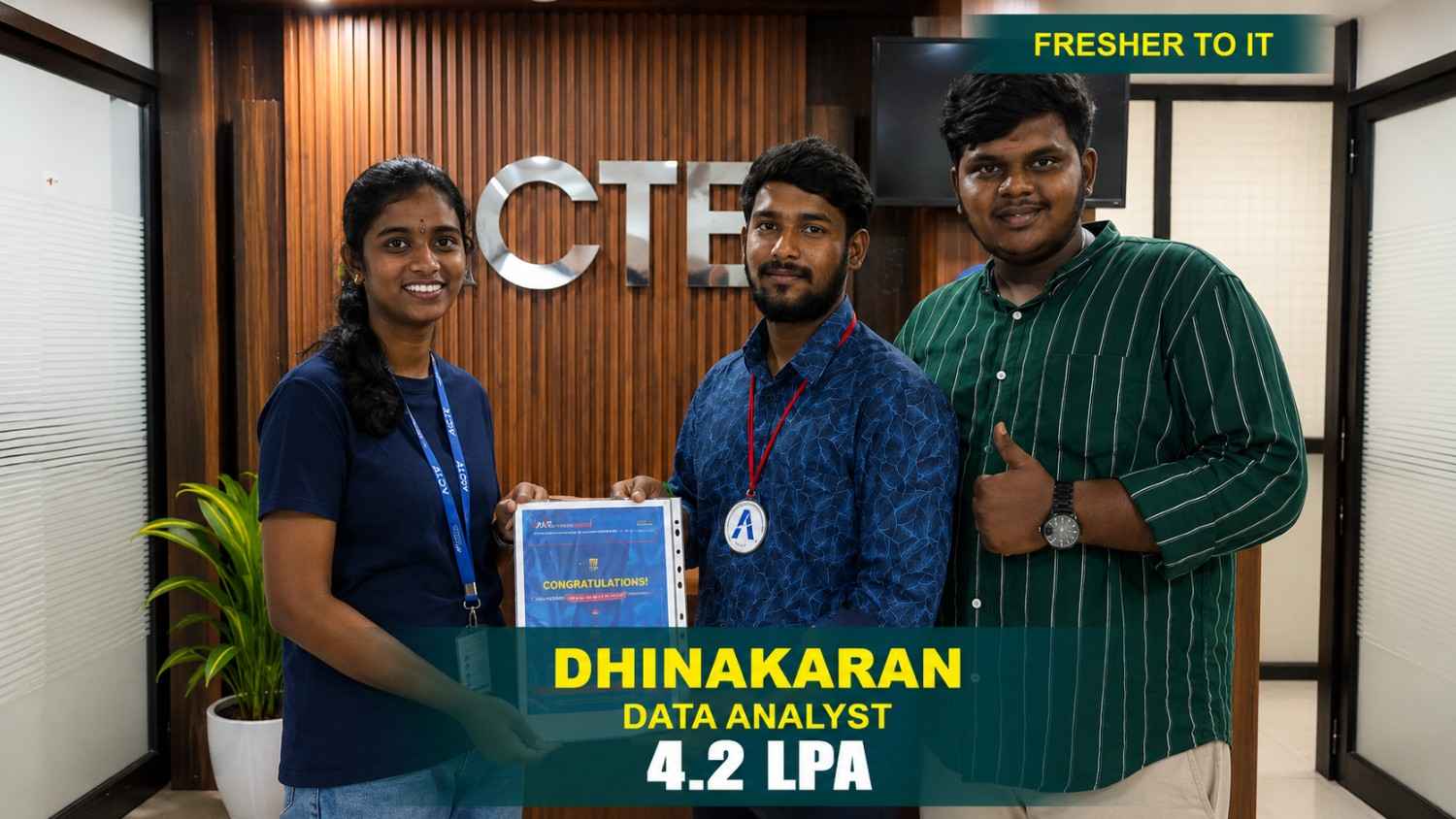








Our Hiring Partners

Curriculum Designed By Experts
Expertly designed curriculum for future-ready professionals.
Industry Oriented Curriculum
An exhaustive curriculum designed by our industry experts which will help you to get placed in your dream IT company
-
30+ Case Studies & Projects
-
9+ Engaging Projects
-
10+ Years Of Experience
UI UX Training Projects
Become a UI UX Expert With Practical and Engaging Projects.
- Practice essential Tools
- Designed by Industry experts
- Get Real-world Experience
Financial Performance
Develop a financial dashboard to track expenses, profit margins, budget allocation, cash flow, and monthly performance using interactive charts, slicers, and KPI indicators.
Customer Insights
Create a customer analytics dashboard to examine customer segments, purchase behavior, satisfaction levels, retention rates, and engagement patterns using interactive filters.
Inventory Management
Build an inventory dashboard covering stock levels, product movement, reorder status, supplier performance, and inventory costs while practicing data cleaning, modeling, and visualization.
Budget Planning Dashboard
Create a budget dashboard to monitor spending, allocations, savings, cost variations, and monthly budgets using DAX measures, KPI cards, interactive visuals, and reports.
Logistics Analytics
Develop a supply chain dashboard covering supplier performance, delivery schedules, order status, transportation costs, and stock movement using interactive filters and data models.
Website Traffic Analytics
Build a website analytics dashboard to track visitor counts, page views, bounce rates, session duration, traffic channels, and user engagement using interactive visuals and performance metrics.
BI Dashboard
Build an interactive BI dashboard combining sales, finance, customer, and operational data to analyze business performance, trends, and key metrics from multiple perspectives.
Supply Chain Dashboard
Create a supply chain dashboard to monitor inventory, suppliers, deliveries, product movement, and operations using data transformation, modeling, and advanced DAX techniques.
Executive Dashboard
Design an executive Power BI dashboard featuring business KPIs, financial indicators, sales results, operational metrics, and trends for clear performance reporting and insights.
Career Support


Placement Assistance

Exclusive access to ACTE Job portal

Mock Interview Preparation

1 on 1 Career Mentoring Sessions

Career Oriented Sessions

Resume & LinkedIn Profile Building
Key Features

Practical Training

Global Certifications

Flexible Timing

Trainer Support

Study Material

Placement Support

Mock Interviews

Resume Building
Upcoming Batches
What's included

 Free Aptitude and
Technical Skills Training
Free Aptitude and
Technical Skills Training
- Learn basic maths and logical thinking to solve problems easily.
- Understand simple coding and technical concepts step by step.
- Get ready for exams and interviews with regular practice.

 Hands-On Projects
- Work on real-time projects to apply what you learn.
- Build mini apps and tools daily to enhance your coding skills.
- Gain practical experience just like in real jobs.

 AI Powered Self
Interview Practice Portal
AI Powered Self
Interview Practice Portal
- Practice interview questions with instant AI feedback.
- Improve your answers by speaking and reviewing them.
- Build confidence with real-time mock interview sessions.

 Interview Preparation
For Freshers
Interview Preparation
For Freshers
- Practice company-based interview questions.
- Take online assessment tests to crack interviews
- Practice confidently with real-world interview and project-based questions.

 LMS Online Learning
Platform
LMS Online Learning
Platform
- Explore expert trainer videos and documents to boost your learning.
- Study anytime with on-demand videos and detailed documents.
- Quickly find topics with organized learning materials.
- Learning strategies that are appropriate and tailored to your company's requirements.
- Live projects guided by instructors are a characteristic of the virtual learning environment.
- The curriculum includes of full-day lectures, practical exercises, and case studies.

Power BI Training Overview
Enhance Your Career Prospects with Power BI Training in Adyar
Organizations across industries rely on business intelligence tools to analyze data, monitor performance, and make informed business decisions. Through structured practical sessions, learners understand how Power BI supports data analysis, reporting, visualization, and business intelligence operations. The Power BI Training introduces essential concepts, including data import, data cleaning, data transformation, data modeling, DAX calculations, interactive dashboards, and report development using industry-relevant tools. Participants practice connecting multiple data sources, transforming raw datasets, creating relationships, developing analytical measures, and presenting information according to business requirements. The Power BI Course in Adyar also explores applications across sales, finance, marketing, human resources, retail, and business operations. Guided exercises, industry-based case studies, and practical assignments help learners prepare datasets, analyze business trends, track key performance indicators (KPIs), compare performance metrics, and create meaningful reports and interactive dashboards. Learners also gain exposure to Power Query, data visualization techniques, calculated columns, measures, filters, slicers, and dashboard customization. These practical learning experiences demonstrate how Power BI helps organizations identify patterns, simplify complex information, and communicate insights effectively.
Explore Power BI Internship Course Benefits for Career Development
Practical exposure helps learners understand how Power BI solutions address everyday business reporting and analytical requirements. Gain practical skills through Power BI Training Institute incorporates project-based activities covering sales analysis, financial reporting, customer insights, inventory tracking, and performance monitoring. Participants work with business datasets to transform information, establish data relationships, create DAX measures, design interactive visuals, and generate analytical reports. These exercises demonstrate how Power BI capabilities can simplify reporting, reduce manual effort, improve data accuracy, and support business productivity. Through guided assignments, learners practice preparing datasets, developing dashboards, validating calculations, and presenting findings for specific organizational needs. Project documentation and presentations also encourage participants to explain their analytical methods, demonstrate dashboard functionality, and communicate their findings effectively. This structured Power BI Trainers helps learners build a portfolio showcasing practical knowledge, technical capabilities, critical thinking, and the ability to address real-world business challenges through hands-on projects and industry-focused learning experiences.
Master Essential Tools with Power BI Placement Training
Power BI Desktop and Data Modeling: Power BI Desktop provides tools for importing datasets, developing data models, creating relationships, and designing interactive reports. Learners explore data organization, model configuration, and report development through practical exercises.
Power Query and Data Transformation: Power Query helps clean, filter, merge, and transform datasets before analysis. Learners practice handling missing values, removing duplicates, correcting data types, and preparing reliable information for reporting and dashboard development.
DAX and Analytical Calculations: Data Analysis Expressions enables the creation of calculated columns, measures, and business metrics. Learners explore DAX functions to calculate KPIs, compare performance, analyze trends, and develop dynamic calculations for reporting requirements.
Power BI Service and Reporting: Power BI Service supports online report publishing, workspace management, and scheduled data refreshes. Learners explore collaboration features, organize published reports, and make updated business information accessible to relevant users.
Excel, SQL, and Data Integration: Excel and SQL help learners work with structured datasets, retrieve relevant information, and prepare data for analysis. Participants practice spreadsheet analysis, database querying, and integrating suitable data sources into Power BI reports.
Discover Career Advantages at a Power BI Training Institute in Adyar
Building a strong foundation in data preparation, data modeling, DAX, visualization, reporting, and dashboard development can help learners prepare for various Power BI-related roles. The Power BI Internship Training combines instructor-led guidance, practical assignments, and project-based learning to demonstrate how analytical tools address real business challenges. Participants develop experience preparing datasets, creating interactive reports, calculating performance metrics, analyzing trends, and troubleshooting common reporting issues. Career development activities may include resume preparation, project portfolio guidance, mock interviews, technical interview practice, and professional development assistance. Power BI Projects explain how organizations use dashboards, KPI indicators, data models, and analytical reports to improve business performance and support decision-making. This combination of technical instruction and hands-on practice helps learners improve problem-solving, analytical reasoning, communication, and data interpretation skills. These competencies can support their preparation for relevant opportunities across different industries and business environments through practical experience and continuous skill development with industry-relevant applications.
Explore Job Opportunities After Power BI Offline Training in Adyar
Power BI Developer: Power BI Developers create data models, develop DAX measures, build interactive dashboards, and publish reports for business users. Learners develop foundational knowledge of report design, data transformation, visualization, and dashboard maintenance.
Data Analyst: Data Analysts examine datasets, identify patterns, compare performance metrics, and communicate findings through reports. Their responsibilities may include data cleaning, trend analysis, KPI monitoring, and preparing insights for business decisions.
Business Intelligence Analyst: Business Intelligence Analysts evaluate business data, monitor performance indicators, and develop reports that support strategic planning. They work with datasets, dashboards, and analytical tools to identify trends and improvement opportunities.
Power BI Reporting Specialist: Reporting Specialists develop scheduled reports, maintain dashboards, validate calculations, and organize business information for different teams. They help ensure reporting accuracy and present relevant performance metrics in a clear format.
Business Analyst: Business Analysts gather stakeholder requirements, examine business processes, and translate organizational needs into meaningful reports and analytical solutions. They collaborate with technical teams to define KPIs, and support data-driven decisions.
Career Opportunities After UI UX Training
Power BI Developer
Power BI Developers create interactive reports and dashboards using business data. Their work can include data modeling, DAX development, visualization design, report publishing, data refresh management, and maintaining dashboards.
Data Analyst
Data Analysts examine datasets to identify trends, patterns, and useful business information. They may use Power BI, Excel, SQL, and other analytical tools to prepare data, create reports, visualize findings, and present meaningful insights.
Business Intelligence Analyst
Business Intelligence Analysts work with business data to develop reports, dashboards, and analytical solutions that support organizational decision-making. They analyze performance information, key metrics, identify trends, and business insights.
Reporting Analyst
Reporting Analysts prepare recurring and ad-hoc reports using organizational data. Their responsibilities may include data preparation, dashboard development, KPI tracking, report maintenance, performance analysis.
Business Analyst
Business Analysts examine business requirements, processes, and performance information to understand organizational needs. Power BI can help them create reports, dashboards, and visualizations for monitoring activities.
Data Visualization Specialist
Data Visualization Specialists focus on presenting complex datasets through clear and interactive charts, dashboards, and reports. They organize information effectively, select suitable visual formats, and make business data.
Skill to Master
Data Import and Connectivity
Power Query
Data Cleaning
Data Transformation
Data Modeling
Table Relationships
DAX
Calculated Columns
Measures
Data Visualization
Dashboard Development
Report Design
Tools to Master
Power BI Desktop
Power BI Service
Power Query
DAX
Microsoft Excel
SQL
Power BI Gateway
Microsoft Fabric
Azure Data Services
SharePoint
CSV
Data Connectors
Learn from certified professionals who are currently working.

Training by
Priya, having 7+ yrs of experience
Specialized in: Power BI, Data Modeling, DAX, Power Query, Data Visualization, and Dashboard Development.
Note: Priya brings strong industry experience in Power BI and business intelligence, helping learners develop practical skills in data analysis, dashboard creation, reporting, and data-driven decision-making through real-world projects and hands-on training with industry-relevant tools and techniques.
Premium Training at Best Price
Affordable, Quality Training for Freshers to Launch IT Careers & Land Top Placements.
What Makes ACTE Training Different?
Feature
ACTE Technologies
Other Institutes
Affordable Fees
Competitive Pricing With Flexible Payment Options.
Higher Fees With Limited Payment Options.
Industry Experts
Well Experienced Trainer From a Relevant Field With Practical Training
Theoretical Class With Limited Practical
Updated Syllabus
Updated and Industry-relevant Course Curriculum With Hands-on Learning.
Outdated Curriculum With Limited Practical Training.
Hands-on projects
Real-world Projects With Live Case Studies and Collaboration With Companies.
Basic Projects With Limited Real-world Application.
Certification
Industry-recognized Certifications With Global Validity.
Basic Certifications With Limited Recognition.
Placement Support
Strong Placement Support With Tie-ups With Top Companies and Mock Interviews.
Basic Placement Support
Industry Partnerships
Strong Ties With Top Tech Companies for Internships and Placements
No Partnerships, Limited Opportunities
Batch Size
Small Batch Sizes for Personalized Attention.
Large Batch Sizes With Limited Individual Focus.
LMS Features
Lifetime Access Course video Materials in LMS, Online Interview Practice, upload resumes in Placement Portal.
No LMS Features or Perks.
Training Support
Dedicated Mentors, 24/7 Doubt Resolution, and Personalized Guidance.
Limited Mentor Support and No After-hours Assistance.
We are proud to have participated in more than 40,000 career transfers globally.

Power BI Certification

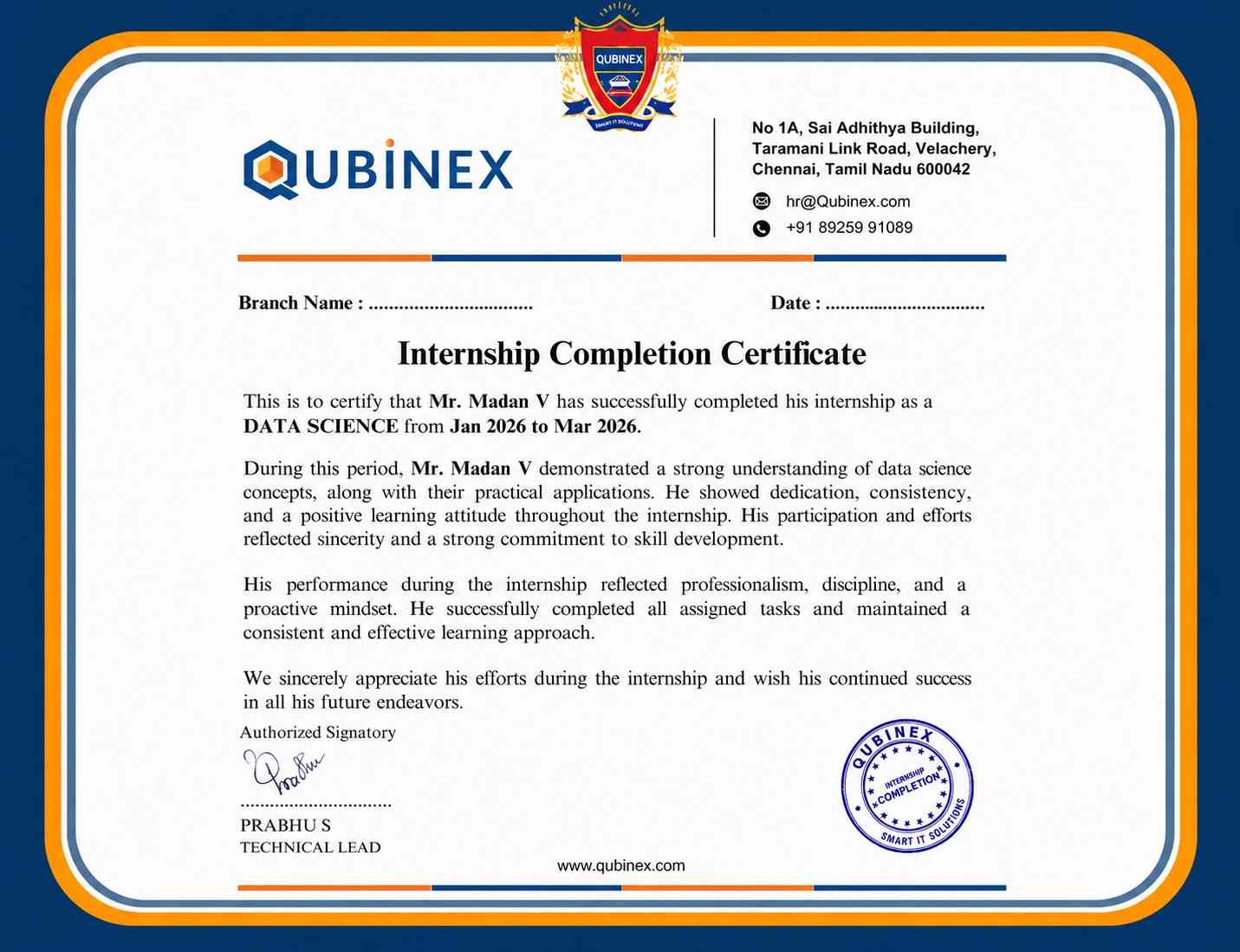
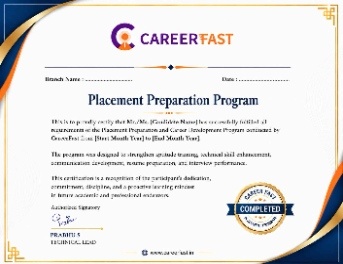
Power BI skills can be applied across sales, finance, marketing, HR, operations, and customer analytics. Organizations use business intelligence tools to monitor performance.
Interactive and self-service business intelligence continues to support data-driven reporting, while organizations increasingly use cloud-based reporting and collaborative analytics. Automated data preparation and advanced analytical capabilities.
Frequently Asked Questions
- Training institutes in Adyar may offer demo sessions to help learners understand the teaching approach, course structure, Power BI tools, practical exercises, and learning methods before enrolling. These sessions also provide an overview of the training experience.
- Trainers typically have practical knowledge of data analysis, DAX, data modeling, dashboard development, and business intelligence.
- Their industry experience helps learners understand real-world analytics workflows, reporting practices, and business requirements.
- Career support may cover resume preparation, portfolio building, interview guidance, mock interviews, career counseling, job search strategies, and help identifying suitable Power BI and data analytics opportunities across various industries and organizations.
- A Power BI course certificate demonstrates successful completion of the relevant training program.
- Employers may also evaluate practical dashboard development skills, technical knowledge, and interview performance when assessing candidates.
- Yes, practical workshops can provide hands-on experience in data cleaning, Power Query, data modeling, DAX calculations, visualization, dashboard creation, and Power BI reporting through real-world projects and guided exercises and industry-based case studies.
