
) 3K+
3K+
Start Your Learning Journey Today
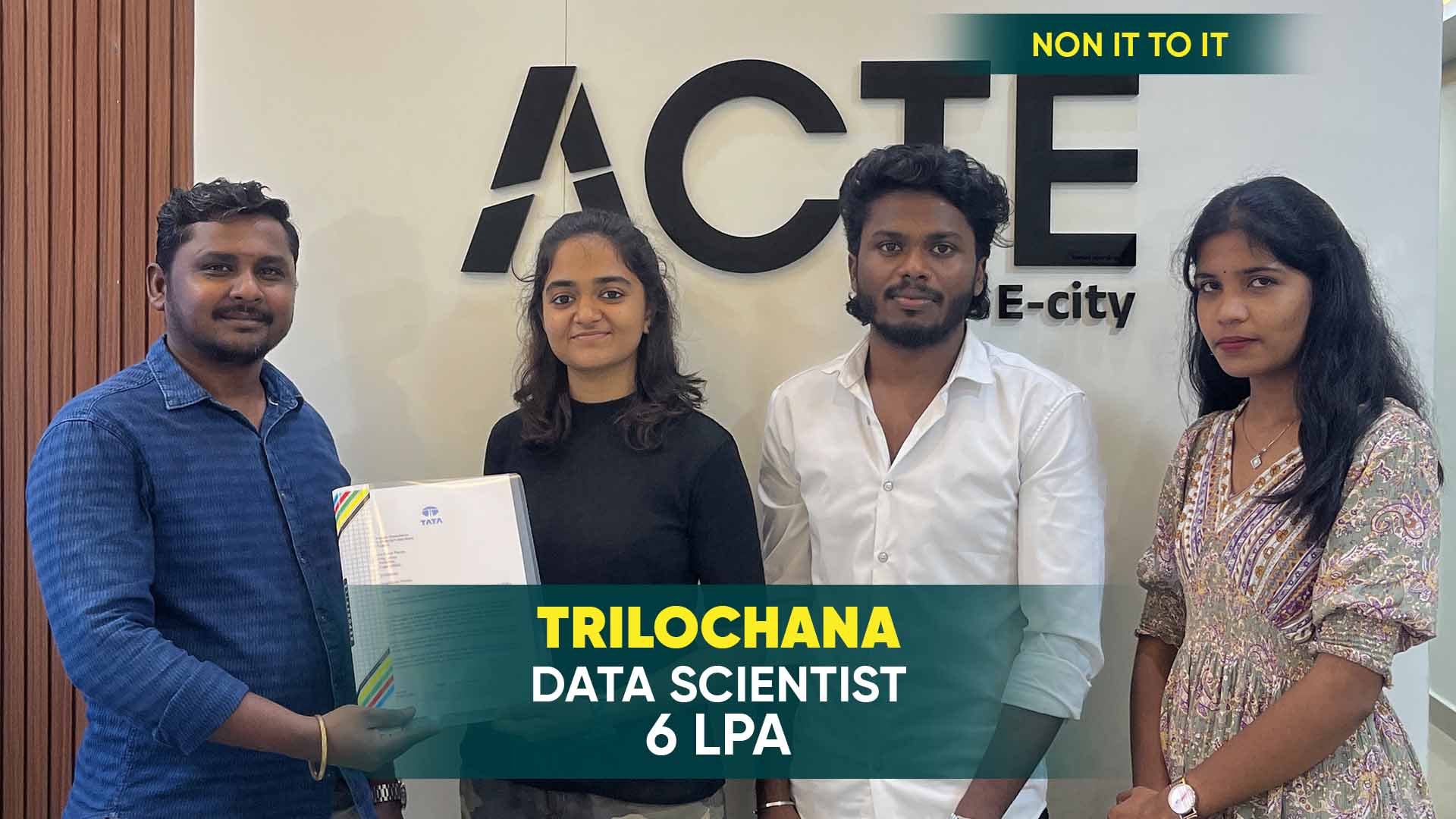
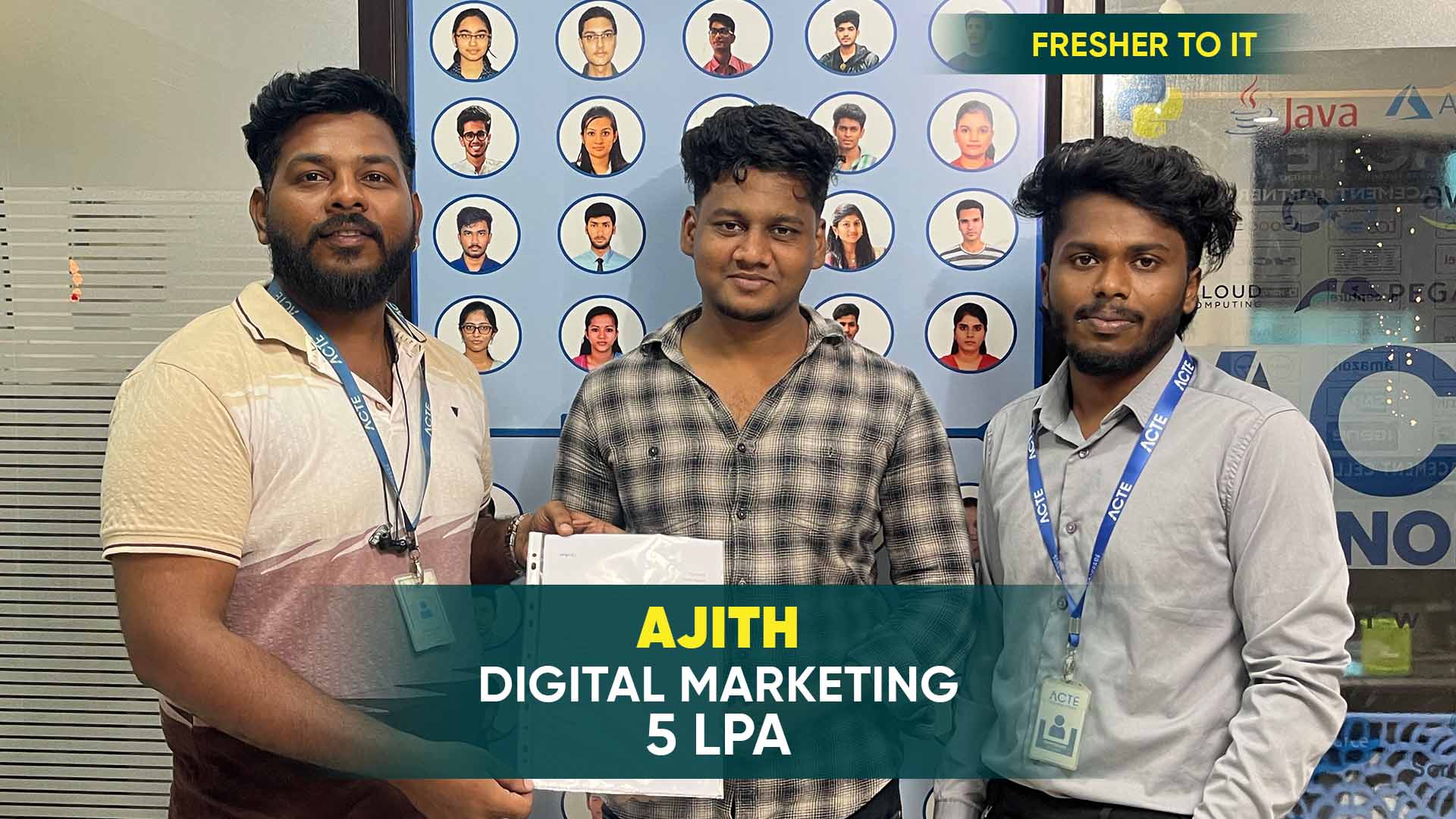
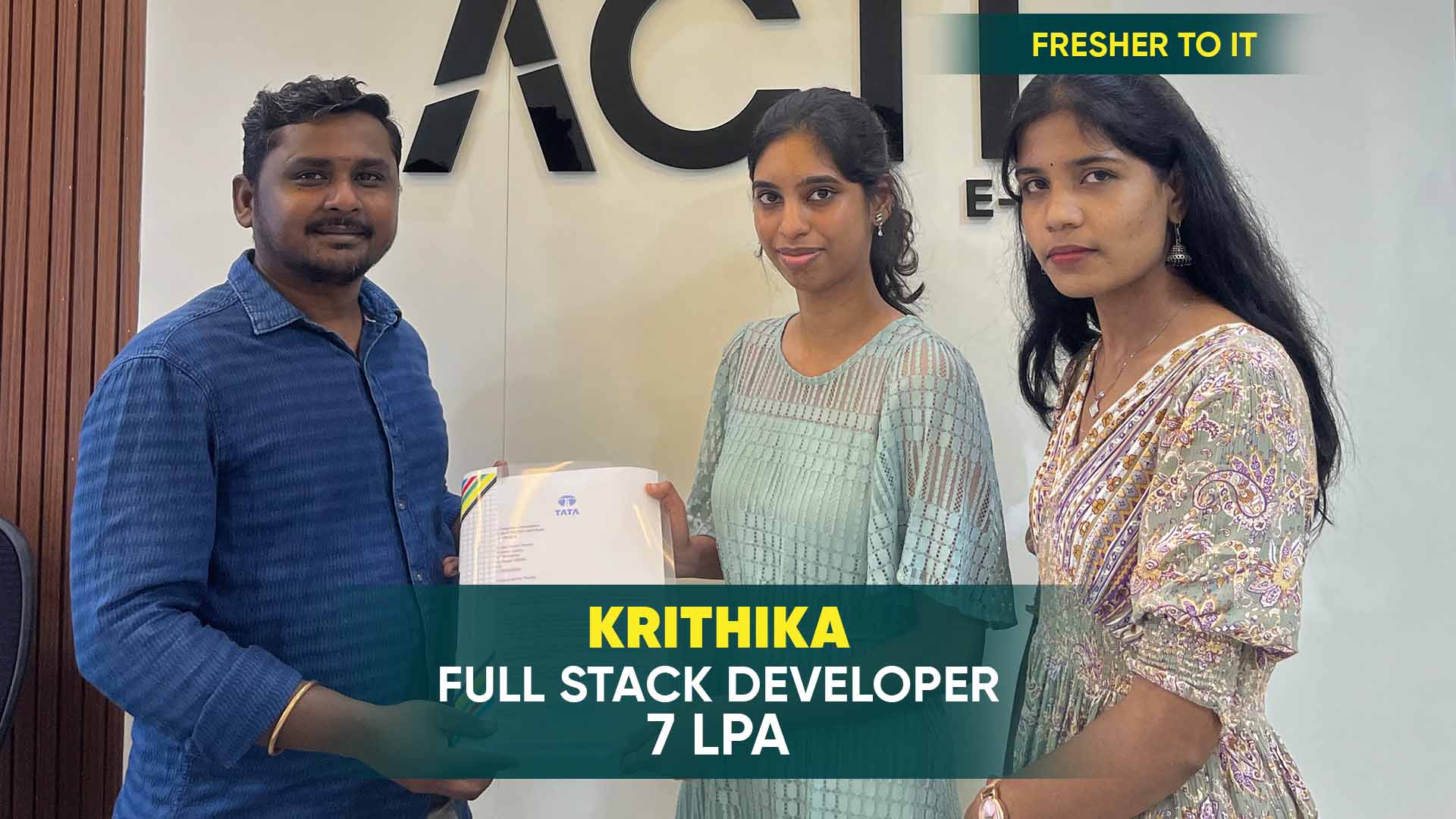
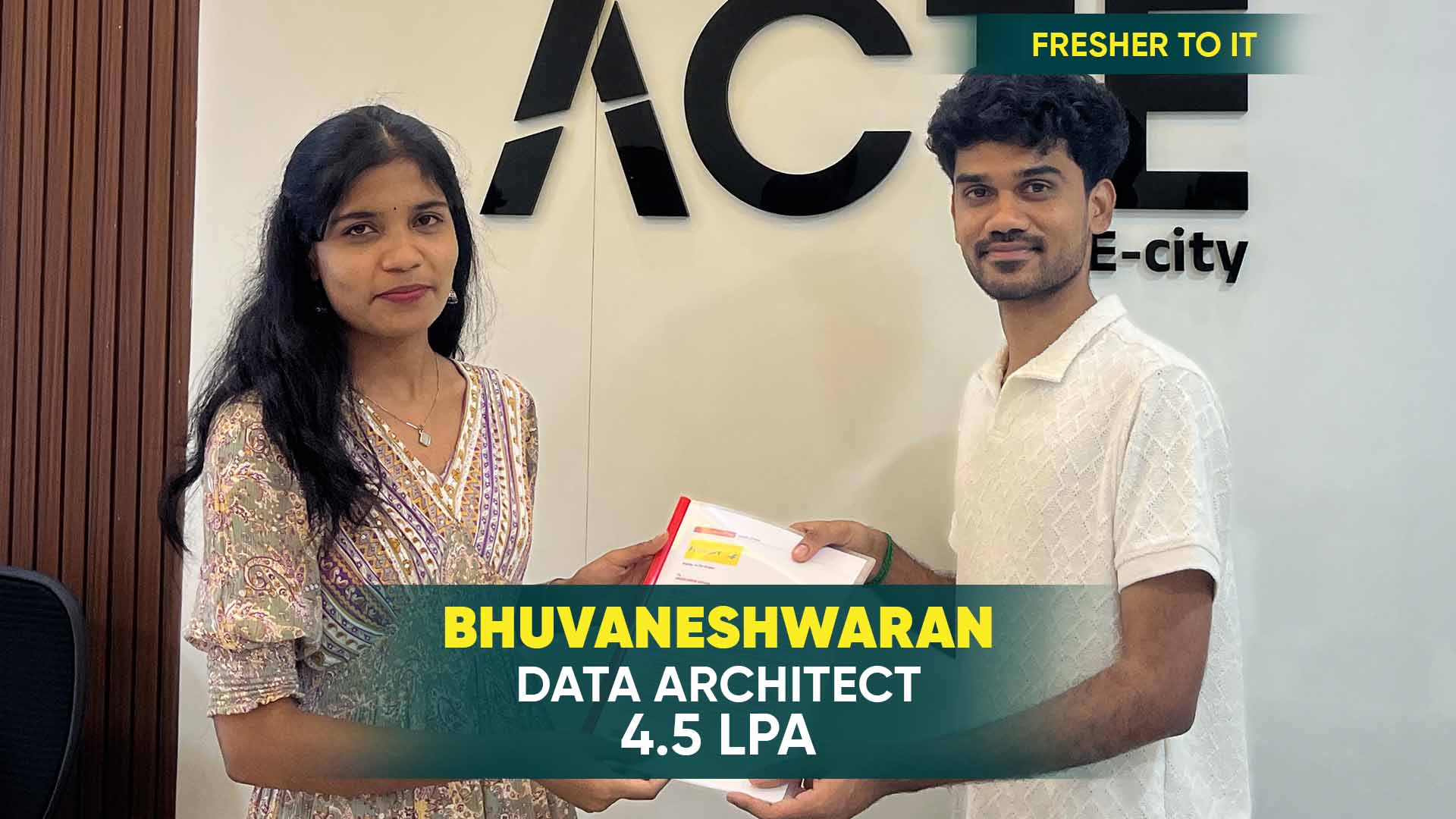
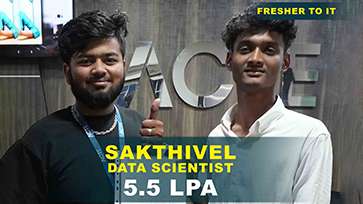
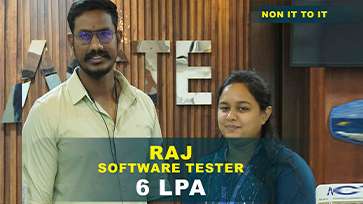
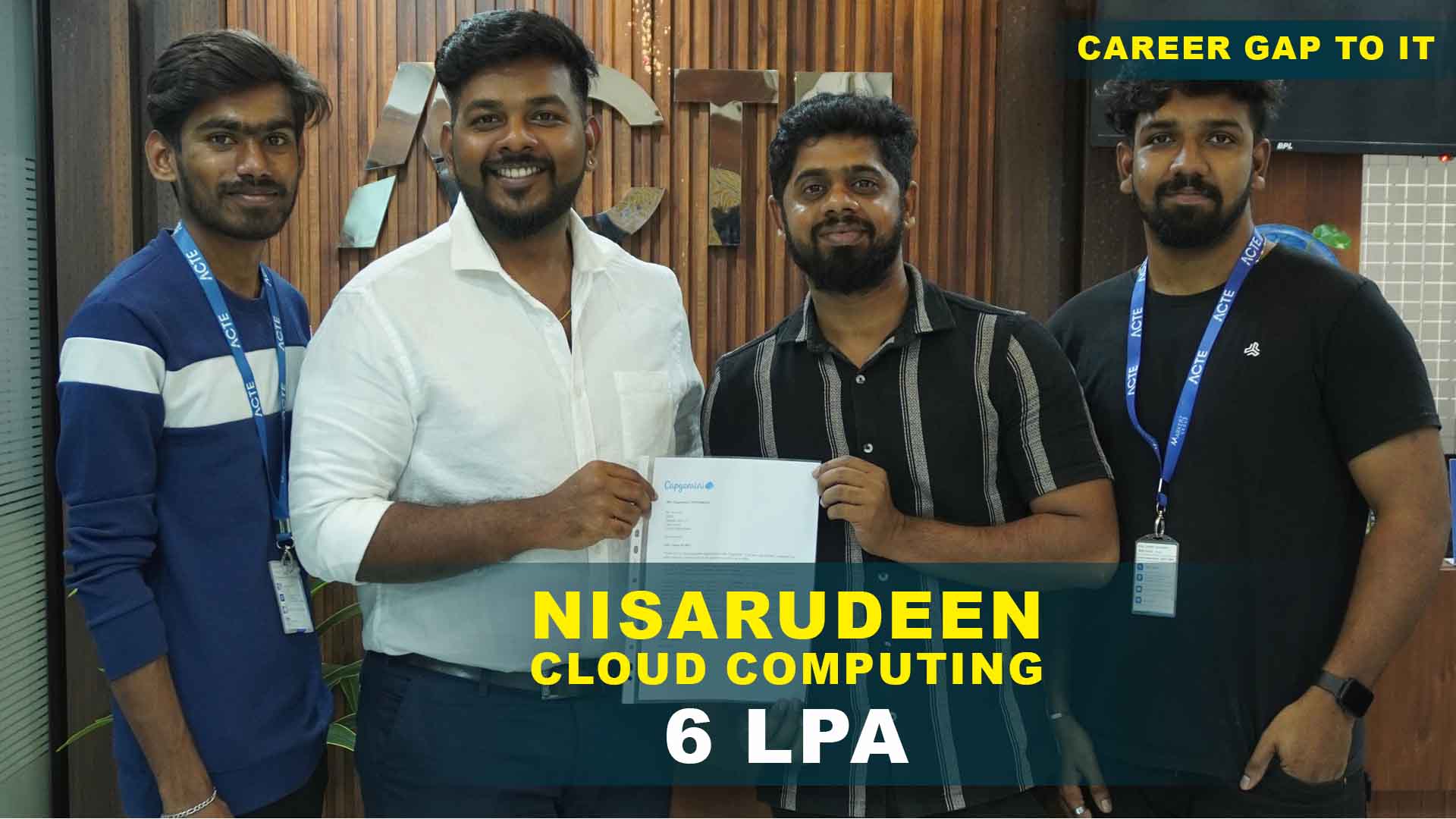
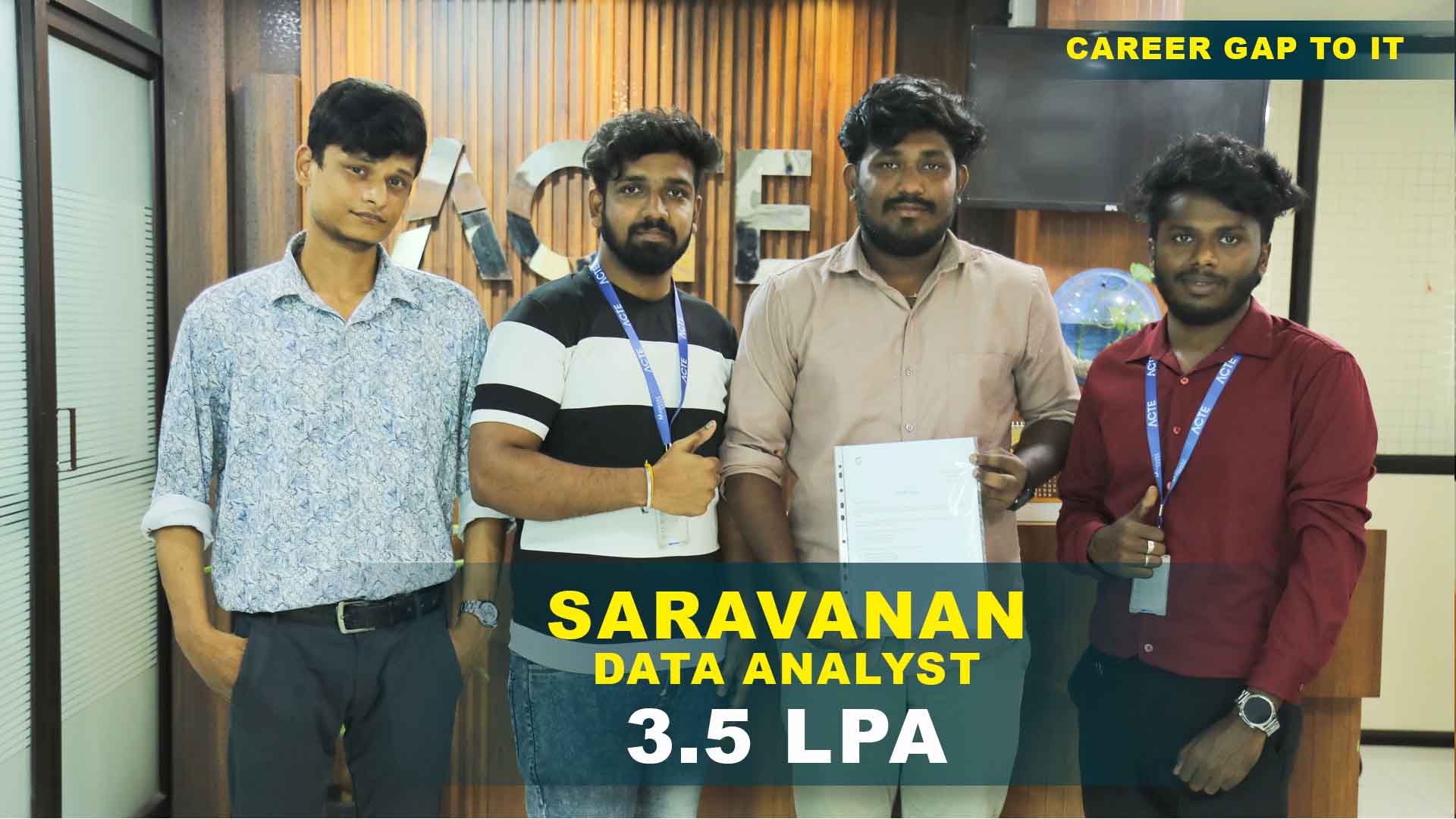
550+ Students Placed Every Month Be The Next!
Our Hiring Partners

Curriculum Designed By Experts
Expertly designed curriculum for future-ready professionals.
Industry Oriented Curriculum
An exhaustive curriculum designed by our industry experts which will help you to get placed in your dream IT company
-
30+ Case Studies & Projects
-
9+ Engaging Projects
-
10+ Years Of Experience
Photoshop Training Projects
Become a Photoshop Expert With Practical and Engaging Projects.
- Practice essential Tools
- Designed by Industry experts
- Get Real-world Experience
Basic Photo Correction Project
Learn to crop, resize, and adjust brightness and contrast to enhance image quality using essential Photoshop tools.
Simple Poster Design
Create a basic poster using layers, text tools, and shapes while understanding layout and alignment principles.
Social Media Image Creation
Design simple social media creatives using images, text, and colors suitable for digital platforms.
Photo Retouching Project
Perform skin retouching, object removal, and color correction using advanced selection and healing tools.
Banner and Flyer Design
Design marketing banners and flyers using typography, layer styles, and blending modes.
Creative Photo Manipulation
Combine multiple images to create visually appealing compositions using masks and smart objects.
Branding and Advertisement Design
Create professional branding materials including ads, posters, and promotional creatives following brand guidelines.
UI Mockup Design Project
Design website or app UI mockups using artboards, grids, and consistent visual elements.
High-End Photo Manipulation
Develop complex visual compositions using advanced masking, lighting effects, and color grading techniques.
Career Support


Placement Assistance

Exclusive access to ACTE Job portal

Mock Interview Preparation

1 on 1 Career Mentoring Sessions

Career Oriented Sessions

Resume & LinkedIn Profile Building
Key Features

Practical Training

Global Certifications

Flexible Timing

Trainer Support

Study Material

Placement Support

Mock Interviews

Resume Building
Upcoming Batches
What's included
 Free Aptitude and
Technical Skills Training
Free Aptitude and
Technical Skills Training
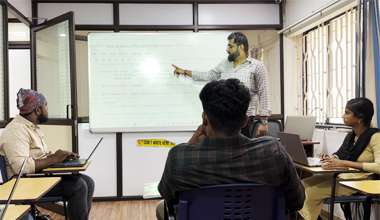
- Learn basic maths and logical thinking to solve problems easily.
- Understand simple coding and technical concepts step by step.
- Get ready for exams and interviews with regular practice.
 Hands-On Projects
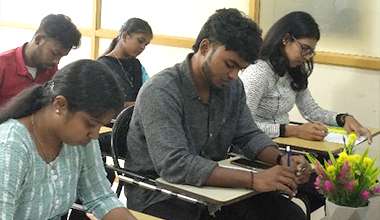
- Work on real-time projects to apply what you learn.
- Build mini apps and tools daily to enhance your coding skills.
- Gain practical experience just like in real jobs.
 AI Powered Self
Interview Practice Portal
AI Powered Self
Interview Practice Portal
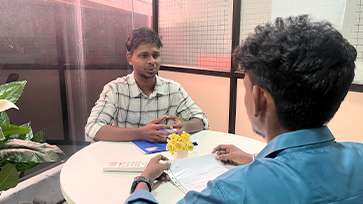
- Practice interview questions with instant AI feedback.
- Improve your answers by speaking and reviewing them.
- Build confidence with real-time mock interview sessions.
 Interview Preparation
For Freshers
Interview Preparation
For Freshers
- Practice company-based interview questions.
- Take online assessment tests to crack interviews
- Practice confidently with real-world interview and project-based questions.
 LMS Online Learning
Platform
LMS Online Learning
Platform
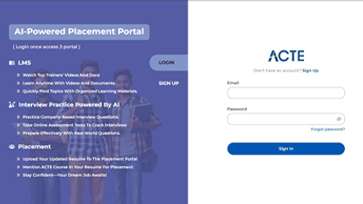
- Explore expert trainer videos and documents to boost your learning.
- Study anytime with on-demand videos and detailed documents.
- Quickly find topics with organized learning materials.
- Learning strategies that are appropriate and tailored to your company's requirements.
- Live projects guided by instructors are a characteristic of the virtual learning environment.
- The curriculum includes of full-day lectures, practical exercises, and case studies.

Photoshop TrainingOverview
Career Opportunities Available for Photoshop Course in Thiruvanmiyur
Photoshop skills open doors to a wide range of creative and digital careers. Trained professionals can work in graphic design, digital marketing, advertising, Photoshop Training with Placement and media industries. Photoshop is widely used for photo editing, branding, and visual content creation. Designers find opportunities in web design, UI/UX, and social media marketing roles. Freelancing and remote work options are also common for Photoshop experts. E-commerce companies require designers for product image optimization. Media houses and studios hire Photoshop professionals for retouching and visual effects. Startups seek creative designers for branding needs. With experience, professionals can move into senior designer or creative lead roles. Photoshop remains a core skill in the creative industry.
Essential Prerequisites and Requirements for Photoshop Certification in Thiruvanmiyur
- Basic Computer Knowledge :Learners should be comfortable using a computer and managing files. Familiarity with operating systems helps navigate design tools easily. No prior design experience is mandatory. Beginners can start from fundamentals.
- Creative Interest :An interest in creativity and visual design is important. Photoshop involves working with colors, images, and layouts. Creativity improves with practice during training. Enthusiasm helps learners progress faster.
- Understanding of Images and Colors : Basic awareness of images and color usage is helpful. Knowledge of color combinations improves design quality. Training covers color theory in detail. Learners gain practical exposure through projects.
- Willingness to Practice : Photoshop requires regular hands-on practice. Consistent usage improves tool mastery. Assignments and projects reinforce learning. Practice builds confidence in real-world work.
- System Requirements :A computer capable of running Photoshop smoothly is required. Adequate RAM and storage improve performance. A graphic tablet is optional but beneficial. Stable software setup ensures effective learning.
Reasons to Consider Photoshop Placement in Thiruvanmiyur
Photoshop placement programs in Thiruvanmiyur are designed to make learners job-ready. These programs focus on practical design skills required by the industry. Students gain hands-on experience through real-time projects and case studies. Expert trainers guide learners with industry insights and best practices. Placement support includes resume building and portfolio development. Mock interviews prepare learners for real job scenarios. Flexible training schedules suit students and working professionals. Thiruvanmiyur training ecosystem offers quality learning infrastructure. Industry-aligned curriculum improves employability. Overall, Photoshop Course Certification, placement programs help learners confidently enter creative roles.
Latest Techniques and Emerging Trends in Photoshop Training in Thiruvanmiyur
- Non-Destructive Editing : Training emphasizes smart objects and adjustment layers. This technique allows easy modifications without quality loss. Designers can experiment freely with designs. It improves workflow efficiency.
- Advanced Photo Manipulation : Learners focus on complex masking and compositing. Multiple images are blended seamlessly. Realistic lighting and shadows are applied. This trend is popular in advertising design.
- UI and Digital Design Focus : Photoshop is used for UI mockups and digital creatives. Artboards and grids are emphasized. Designs follow modern digital standards. This supports web and app design roles.
- Social Media Design Techniques : Training includes platform-specific creative design. Learners design optimized visuals for social media. Emphasis is placed on engagement-driven layouts. This trend matches digital marketing needs.
- AI-Assisted Editing Tools : Photoshop’s AI features are introduced in training. Content-aware tools speed up editing tasks. Automation improves productivity. Learners adapt to modern design workflows.
Modern Tools and Technologies Used in Photoshop Training
Modern Photoshop training uses the latest Creative Cloud version with AI-powered features for faster and smarter design work. Adobe Sensei helps automate selections, retouching, and image enhancements. Neural Filters are used for advanced photo corrections and creative effects. Content-Aware and Generative Fill simplify background removal and object replacement. Layer masks and smart objects support non-destructive editing workflows. Camera Raw enables professional-level color correction and image tuning. Advanced brush tools Photoshop Placement Certification help in digital painting and illustration. Integration with Illustrator and Lightroom improves design flexibility. Graphic tablets enhance precision and creativity. Cloud tools support file storage and collaboration.
Career Opportunities After Photoshop Training
Graphic Designer
A Graphic Designer uses Photoshop to create visually appealing designs for print and digital media. They work on posters, brochures, banners, and branding materials. Designers apply color theory, typography, and layout principles. They edit and enhance images for marketing campaigns. Collaboration with marketing.
Digital Marketing Designer
Digital Marketing Designers create creatives for online campaigns. They design social media posts, ads, and promotional banners. Photoshop is used for image optimization and retouching. Designs are aligned with marketing strategies. They work with SEO and performance teams. A/B testing creatives is part of the role.
Photo Retoucher
Photo Retouchers specialize in enhancing and correcting images. They remove imperfections and adjust lighting and colors. Photoshop tools are used for high-end retouching. Attention to detail is critical. They work in fashion, media, and photography studios. Image quality standards are strictly followed.
UI/UX Designer
UI/UX Designers use Photoshop to design user interfaces. They create layouts for websites and mobile apps. Designs focus on usability and visual consistency. Artboards and grids are widely used. They collaborate with developers and product teams. Wireframes and mockups are created. User-centric design principles are applied.
Visual Content Creator
Visual Content Creators design engaging digital visuals. They produce graphics for social media and websites. Photoshop is used for creative editing and effects. Content is aligned with brand messaging. They follow digital trends and styles. Creativity and speed are important. They work with marketing teams. This role suits creative professionals.
Creative Executive
Creative Executives manage design-related tasks. They create and review visual content using Photoshop. Brand consistency is ensured across campaigns. They coordinate with design and marketing teams. Creative direction is part of the role. They improve visual storytelling. Quality and timelines are monitored. This role offers growth into leadership positions.
Skill to Master
Image Editing and Retouching
Layer Management
Export Optimization
Masking Techniques
Color Correction and Grading
Typography Design
Photo Manipulation
Non-Destructive Editing
Selection Tools Mastery
Smart Objects Usage
Digital Design Concepts
Creative Composition
Tools to Master
Adobe Photoshop
Creative Cloud Libraries
Selection Tools
Brush and Pencil Tools
Pen Tool
Layer Masks
Adjustment Layers
Smart Objects
Filters and Effects
Content-Aware Tools
Artboards
Export and Save for Web
Learn from certified professionals who are currently working.

Training by
Rajesh,having 12 yrs of experience
Specialized in:Photoshop for UI/UX Design and Web Graphics
Note: Rajesh has designed interfaces and web visuals for multiple clients. He trains students in layout, typography, and interactive design.
Premium Training at Best Price
Affordable, Quality Training for Freshers to Launch IT Careers & Land Top Placements.
What Makes ACTE Training Different?
Feature
ACTE Technologies
Other Institutes
Affordable Fees
Competitive Pricing With Flexible Payment Options.
Higher Fees With Limited Payment Options.
Industry Experts
Well Experienced Trainer From a Relevant Field With Practical Training
Theoretical Class With Limited Practical
Updated Syllabus
Updated and Industry-relevant Course Curriculum With Hands-on Learning.
Outdated Curriculum With Limited Practical Training.
Hands-on projects
Real-world Projects With Live Case Studies and Collaboration With Companies.
Basic Projects With Limited Real-world Application.
Certification
Industry-recognized Certifications With Global Validity.
Basic Certifications With Limited Recognition.
Placement Support
Strong Placement Support With Tie-ups With Top Companies and Mock Interviews.
Basic Placement Support
Industry Partnerships
Strong Ties With Top Tech Companies for Internships and Placements
No Partnerships, Limited Opportunities
Batch Size
Small Batch Sizes for Personalized Attention.
Large Batch Sizes With Limited Individual Focus.
LMS Features
Lifetime Access Course video Materials in LMS, Online Interview Practice, upload resumes in Placement Portal.
No LMS Features or Perks.
Training Support
Dedicated Mentors, 24/7 Doubt Resolution, and Personalized Guidance.
Limited Mentor Support and No After-hours Assistance.
We are proud to have participated in more than 40,000 career transfers globally.

PhotoshopCertification

Yes, Photoshop certifications are available in multiple categories tailored to different skill levels and professional goals. Beginner-level certifications focus on basic photo editing, layers, Photoshop Training with Placement and typography.
Yes, individuals can pursue Photoshop placement certifications after completing formal or Photoshop Training Course, online training. These certifications validate skills and demonstrate readiness for professional roles.
Yes, many training institutes and certification bodies allow candidates ,Photoshop Placement Certification to take Photoshop placement exams remotely.
5
Real-world experience is not strictly required to obtain a Photoshop placement, but it significantly enhances employability.
Frequently Asked Questions
- Absolutely. Live project work completed during the training can be showcased in your portfolio. It demonstrates practical experience Photoshop Training with Placement and proficiency, which is highly valued by employers and clients.
- Hands-On Learning: Practical exercises on real-time projects for skill mastery.
- Interactive Sessions: Live classes with Q&A to clarify concepts instantly.
- Project-Based Training: Portfolio-focused assignments to demonstrate industry-ready skills.
- Yes, most institutes in Thiruvanmiyur provide career counseling sessions before enrollment. These sessions help you understand your strengths ,Photoshop Course Certification ,career goals, and the potential benefits of Photoshop training.
- Creative agencies, digital marketing firms, and advertising companies.
- Media houses, e-commerce companies, and IT/web development firms.
- Yes, the Photoshop course includes certification exams that validate your skills, Photoshop Placement Certification and technical proficiency. Certification is recognized by industry professionals and helps in improving employability.
