
550+ Students Placed Every Month Be The Next!







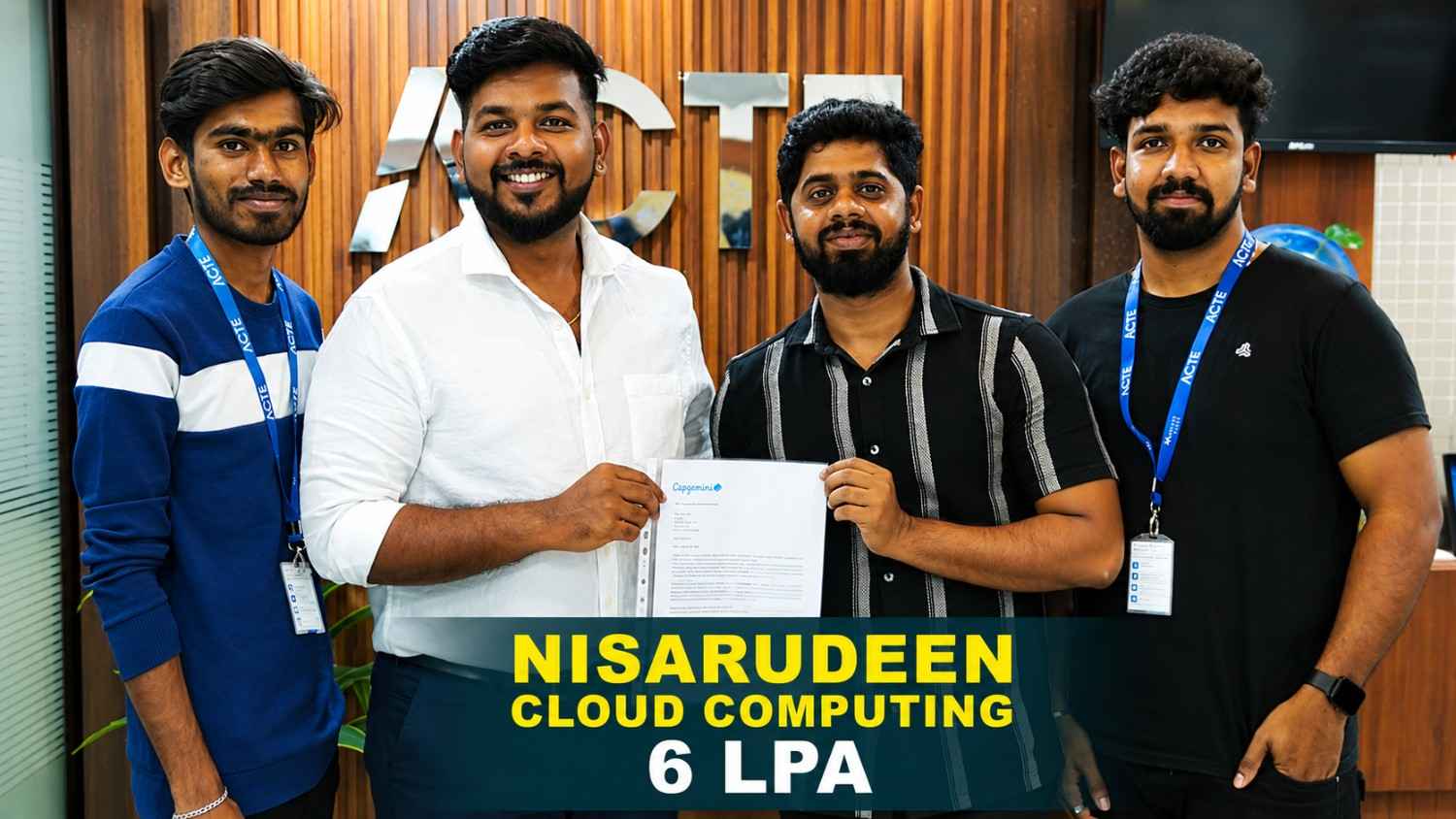
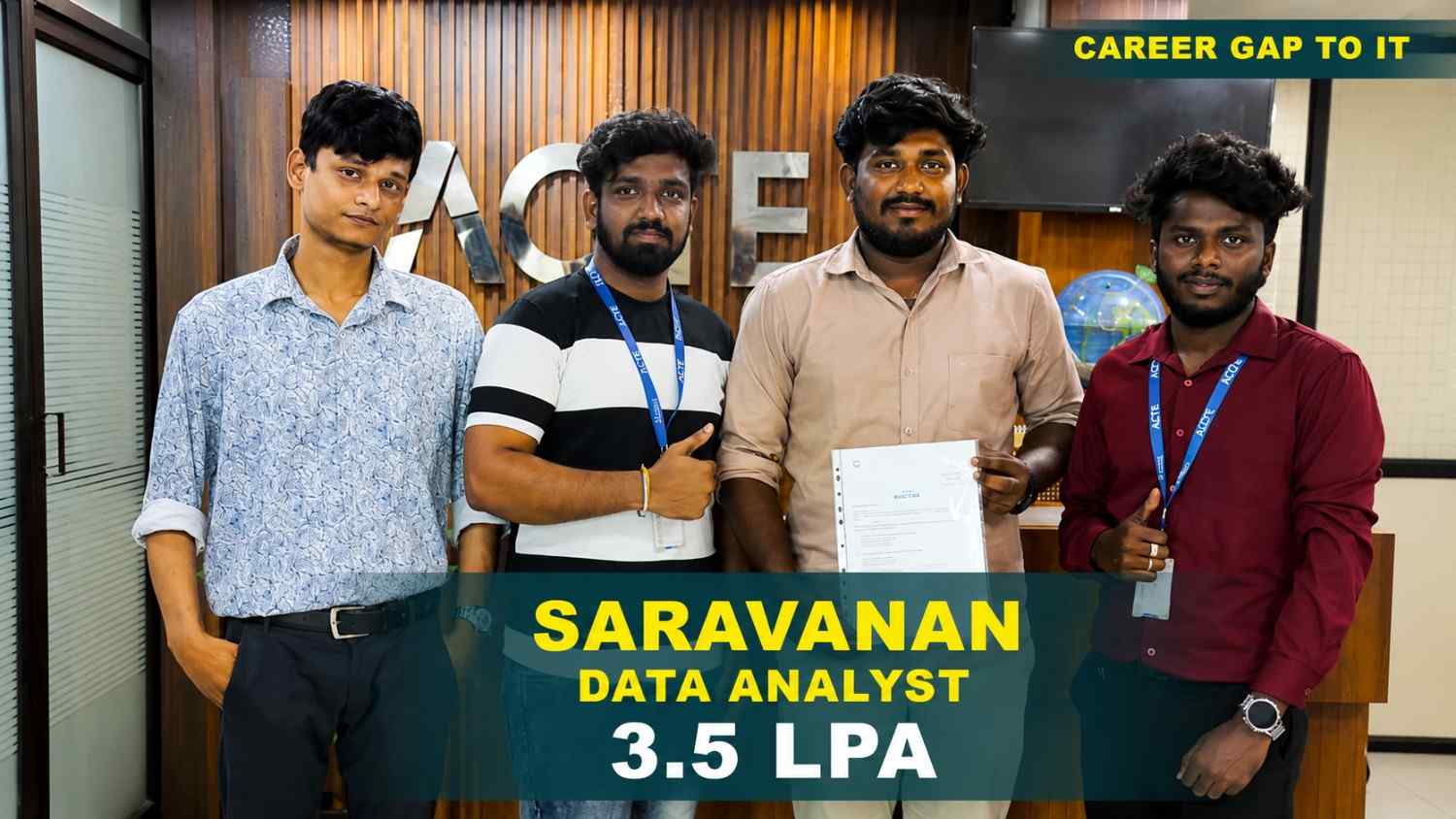


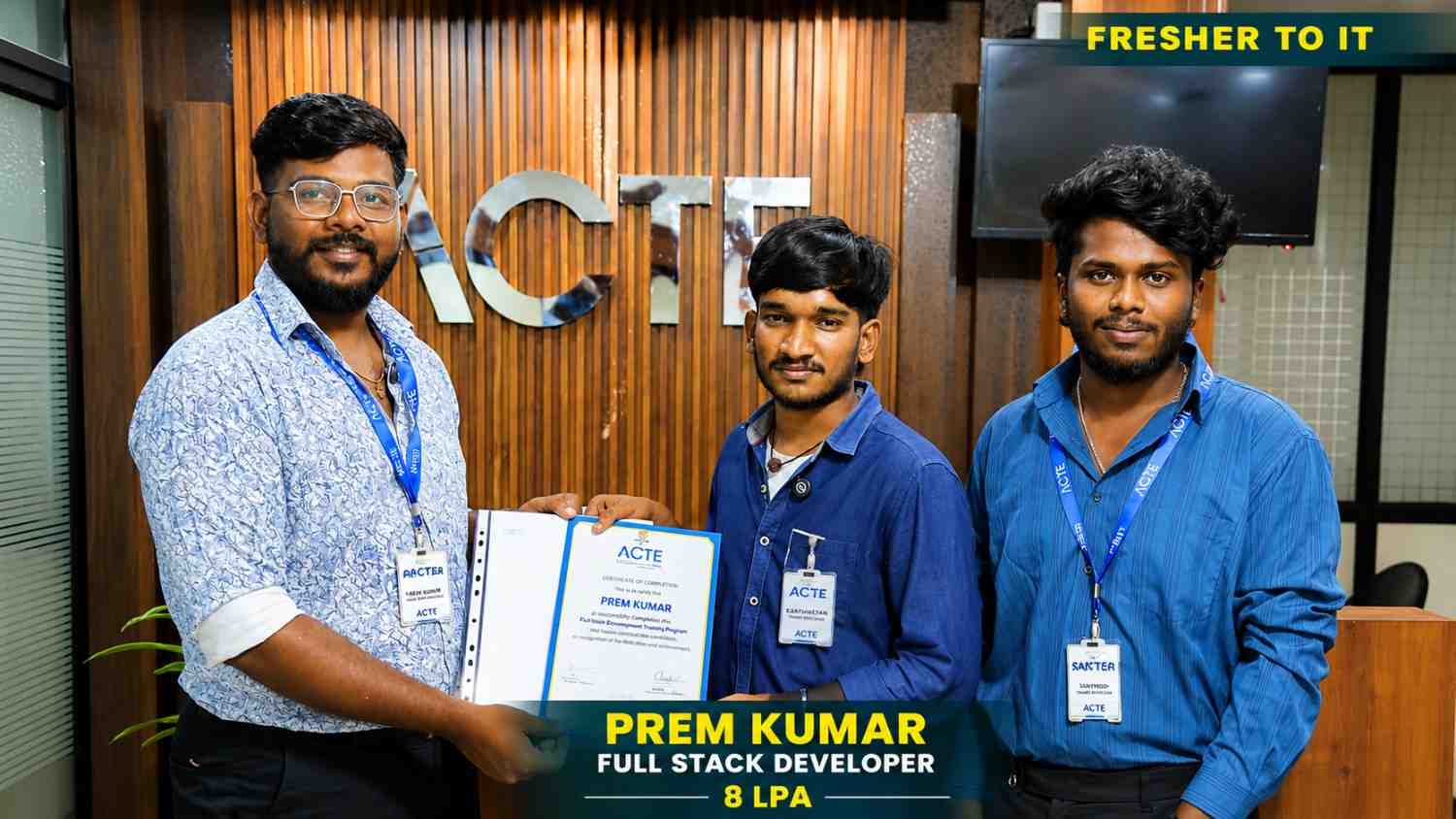

Our Hiring Partners

Curriculum Designed By Experts
Expertly designed curriculum for future-ready professionals.
Industry Oriented Curriculum
An exhaustive curriculum designed by our industry experts which will help you to get placed in your dream IT company
-
30+ Case Studies & Projects
-
9+ Engaging Projects
-
10+ Years Of Experience
Microsoft Office Training Projects
Become a Microsoft Office Expert With Practical and Engaging Projects.
- Practice essential Tools
- Designed by Industry experts
- Get Real-world Experience
Excel Budget Planner
Create a budget planner using Excel formulas and charts. Learn data organization and calculations.
Business Presentation
Design a professional PowerPoint presentation. Learn slide design, animations, and storytelling.
Report Documentation
Create structured documents using Word. Learn formatting, tables, and content organization.
Advanced Excel Dashboard
Create interactive dashboards using pivot tables and charts. Learn advanced formulas and data analysis techniques.
Corporate Presentation Project
Design a professional corporate presentation with animations and transitions. Improve storytelling and visual communication skills.
Automated Report Template
Create reusable document templates in Word. Learn formatting, styles, and automation features for business reporting.
Automated Excel Dashboard
Build a dynamic Excel dashboard using advanced formulas, pivot tables, and macros. Automate data processing and reporting workflows. Learn VBA scripting for automation.
Interactive Business Presentation
Design an interactive PowerPoint presentation with animations, triggers, and multimedia. Learn advanced presentation techniques for corporate environments.
Document Automation System
Create automated documents using Word templates and mail merge. Integrate Excel data and generate reports dynamically. Improve efficiency in documentation workflows.
Career Support


Placement Assistance

Exclusive access to ACTE Job portal

Mock Interview Preparation

1 on 1 Career Mentoring Sessions

Career Oriented Sessions

Resume & LinkedIn Profile Building
Key Features

Practical Training

Global Certifications

Flexible Timing

Trainer Support

Study Material

Placement Support

Mock Interviews

Resume Building
Upcoming Batches
What's included

 Free Aptitude and
Technical Skills Training
Free Aptitude and
Technical Skills Training
- Learn basic maths and logical thinking to solve problems easily.
- Understand simple coding and technical concepts step by step.
- Get ready for exams and interviews with regular practice.

 Hands-On Projects
- Work on real-time projects to apply what you learn.
- Build mini apps and tools daily to enhance your coding skills.
- Gain practical experience just like in real jobs.

 AI Powered Self
Interview Practice Portal
AI Powered Self
Interview Practice Portal
- Practice interview questions with instant AI feedback.
- Improve your answers by speaking and reviewing them.
- Build confidence with real-time mock interview sessions.

 Interview Preparation
For Freshers
Interview Preparation
For Freshers
- Practice company-based interview questions.
- Take online assessment tests to crack interviews
- Practice confidently with real-world interview and project-based questions.

 LMS Online Learning
Platform
LMS Online Learning
Platform
- Explore expert trainer videos and documents to boost your learning.
- Study anytime with on-demand videos and detailed documents.
- Quickly find topics with organized learning materials.
- Learning strategies that are appropriate and tailored to your company's requirements.
- Live projects guided by instructors are a characteristic of the virtual learning environment.
- The curriculum includes of full-day lectures, practical exercises, and case studies.

Microsoft Office Overview
Benefits Gained from Microsoft Office Training in T Nagar
- Enhanced Workplace Productivity and Efficiency: Microsoft Office training equips learners with the ability to handle everyday business tasks efficiently using tools like Word, Excel, PowerPoint, and Outlook. It improves speed and accuracy in documentation, reporting, and communication, which are essential in any professional environment.
- Advanced Data Analysis and Reporting Skills: Learners gain in-depth knowledge of Excel features such as formulas, pivot tables, charts, and data analysis tools. This helps in handling large datasets, creating reports, and supporting data-driven business decisions effectively.
- Professional Presentation and Communication Skills: The training helps in creating visually appealing and impactful presentations using PowerPoint. It enhances the ability to communicate ideas clearly in meetings, client interactions, and business proposals.
- Efficient Email and Task Management: With Outlook, learners can manage emails, calendars, and tasks efficiently. This improves time management, team collaboration, and overall organizational productivity in a corporate setting.
- Universal Career Relevance and Opportunities: Microsoft Office skills are essential across all industries, including IT, finance, healthcare, and administration. Mastering these tools increases employability and opens up a wide range of job opportunities globally.
Emerging Future Trends in Microsoft Office Training in T. Nagar
- Cloud-Based Productivity Tools: Microsoft Office is increasingly shifting towards Microsoft 365 cloud platforms. Enables real-time collaboration and remote access to documents. Improves team productivity and workflow efficiency. Supports seamless integration across devices. Widely used in modern workplaces and enterprises.
- Advanced Data Analytics in Excel: Excel now includes powerful tools like Power Query and Power Pivot. Helps in handling large datasets and complex analysis. Improves business decision-making with data insights. Supports dashboard creation and reporting. Essential skill for data-driven roles.
- Automation Using Power Automate: Automation tools reduce repetitive manual tasks. Improves efficiency and accuracy in workflows. Enables integration across multiple Microsoft applications. Saves time in business processes. Increasing demand in corporate environments.
- AI Integration in Office Tools: AI-powered features enhance writing, presentation, and data analysis. Provides smart suggestions and automation. Improves productivity and content quality. Supports intelligent document creation. Becoming a standard feature in Office tools.
- Enhanced Collaboration with Teams: Integration with Microsoft Teams improves communication and collaboration. Enables video meetings, file sharing, and real-time editing. Supports hybrid and remote work culture. Improves project coordination. Essential for modern organizations.
Latest Advancements in Microsoft Office Training in T. Nagar
Microsoft Office training with Placement now focuses on advanced productivity and collaboration tools. Training includes Excel automation, dashboard creation, and data analysis techniques. Learners gain exposure to Microsoft 365 cloud services and real-time collaboration tools like Teams and SharePoint. Advanced features such as macros, Power BI integration, and workflow automation are covered. Emphasis is placed on document security and data protection practices. Courses include real-time business scenarios to improve practical skills. Updated curriculum aligns with corporate requirements and industry standards. Learners develop strong reporting and presentation skills. Placement-oriented training enhances employability in administrative and analytical roles. Continuous updates ensure relevance in modern workplaces.
Main Concepts Behind Microsoft Office Placement in T. Nagar
Microsoft Office course in T. Nagar focuses on building job-ready productivity skills. Learners gain hands-on experience in Word, Excel, PowerPoint, and Outlook. Training emphasizes real-time applications such as reporting, documentation, and data analysis. Programs include resume building and communication skill development. Mock interviews help improve confidence and presentation abilities. Trainers guide learners through practical business scenarios. Certification support is provided to validate skills. Placement teams connect learners with hiring companies. Focus on efficiency and accuracy in office tasks. Ensures smooth transition into corporate roles.
Real-Time Projects Completed Recently in Microsoft Office placement in T. Nagar
Students recently created advanced Excel dashboards for business reporting. Financial data analysis projects were completed using real-time datasets. PowerPoint presentations for corporate scenarios were designed. Document automation projects using Word and macros were implemented. Data visualization projects using charts and pivot tables were developed. Email management and scheduling tasks using Outlook were practiced. Workflow automation projects using Power Automate were executed. Team collaboration projects using Microsoft Teams were completed. Reporting templates for business operations were designed. Projects enhanced productivity and practical office skills.
Career Opportunities After Microsoft Office Training in T. Nagar
Office Automation Specialist
Automates tasks using Excel macros, VBA, and advanced formulas. Improves productivity and reporting efficiency.
Data Analyst
Uses Excel and PowerPoint for data analysis and visualization. Creates reports and dashboards for business insights.
Documentation Specialist
Creates professional documents using Word and presentations using PowerPoint. Maintains business documentation.
Administrative Executive
Manages office operations using Microsoft Office tools. Handles scheduling, reporting, and communication tasks.
Excel Reporting Analyst
Builds dashboards, pivot tables, and reports. Works with large datasets for business analysis.
Office Trainer
Trains students and professionals on Word, Excel, PowerPoint, and Outlook tools with practical use cases.
Skills to Master
MS Word Documentation
Excel Formulas & Functions
PowerPoint Presentation Design
Outlook Email Management
Data Analysis in Excel
Charts & Graphs Creation
Document Formatting
Mail Merge Techniques
Spreadsheet Automation
Collaboration Tools
Templates & Reports
Office Productivity Tips
Tools to Master
MS Word
MS Excel
MS PowerPoint
MS Outlook
MS Access
MS Teams
OneDrive
SharePoint
Excel Power Query
Excel Pivot Tables
Macros & VBA
Forms
Learn from certified professionals who are currently working.

Training by
Priya Sharma, having 7 yrs of experience
Specialized in: MS Office, Advanced Excel, PowerPoint, Data Analysis
Note: Skilled trainer focusing on productivity tools and business reporting.
Premium Training at Best Price
Affordable, Quality Training for Freshers to Launch IT Careers & Land Top Placements.
What Makes ACTE Training Different?
Feature
ACTE Technologies
Other Institutes
Affordable Fees
Competitive Pricing With Flexible Payment Options.
Higher Fees With Limited Payment Options.
Industry Experts
Well Experienced Trainer From a Relevant Field With Practical Training
Theoretical Class With Limited Practical
Updated Syllabus
Updated and Industry-relevant Course Curriculum With Hands-on Learning.
Outdated Curriculum With Limited Practical Training.
Hands-on projects
Real-world Projects With Live Case Studies and Collaboration With Companies.
Basic Projects With Limited Real-world Application.
Certification
Industry-recognized Certifications With Global Validity.
Basic Certifications With Limited Recognition.
Placement Support
Strong Placement Support With Tie-ups With Top Companies and Mock Interviews.
Basic Placement Support
Industry Partnerships
Strong Ties With Top Tech Companies for Internships and Placements
No Partnerships, Limited Opportunities
Batch Size
Small Batch Sizes for Personalized Attention.
Large Batch Sizes With Limited Individual Focus.
LMS Features
Lifetime Access Course video Materials in LMS, Online Interview Practice, upload resumes in Placement Portal.
No LMS Features or Perks.
Training Support
Dedicated Mentors, 24/7 Doubt Resolution, and Personalized Guidance.
Limited Mentor Support and No After-hours Assistance.
We are proud to have participated in more than 40,000 career transfers globally.

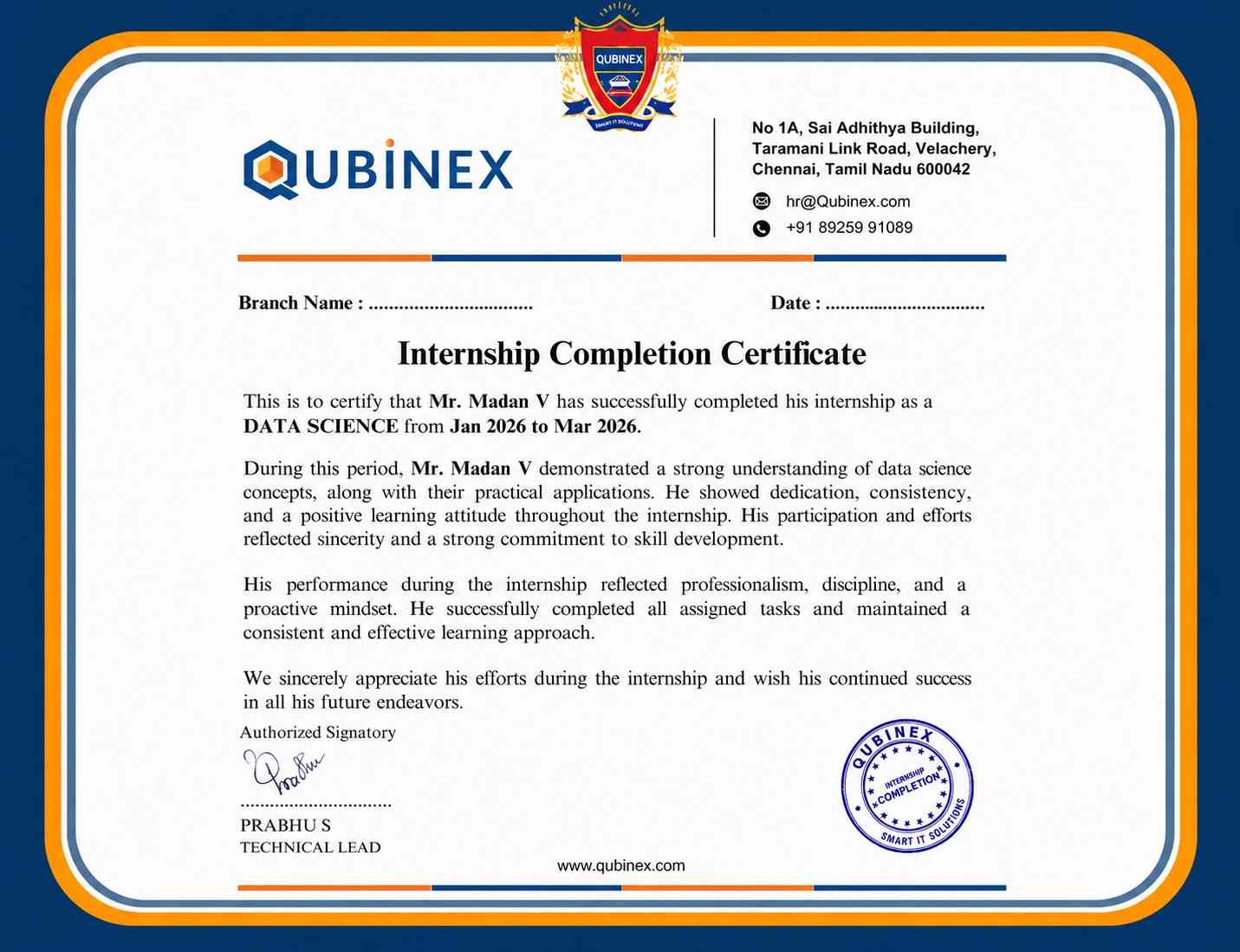
Microsoft Office Certification

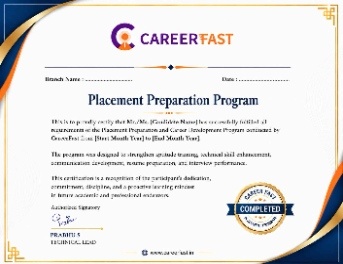
Yes, Microsoft Office Training in T. Nagar prepares learners for administrative and business roles.
Certification validates productivity tool expertise.
Improved workplace productivity. Practical usage skills.
Yes, it is ideal for beginners.
Frequently Asked Questions
- Yes, ACTE offers free demo sessions to help you understand the Microsoft Office course structure, teaching methods, and instructor expertise before enrollment.
- Yes, Microsoft Office certification is available in both classroom and online modes.
- Flexible batch timings with fast-track and regular learning options are available.
- Resume building, mock interviews, and job referrals for Microsoft Office roles.
- Yes, you will work on real-time projects using Word, Excel, PowerPoint, and automation tools.
- Yes, complete technical and HR interview preparation is provided.
