
) 3K+
3K+
Start Your Learning Journey Today
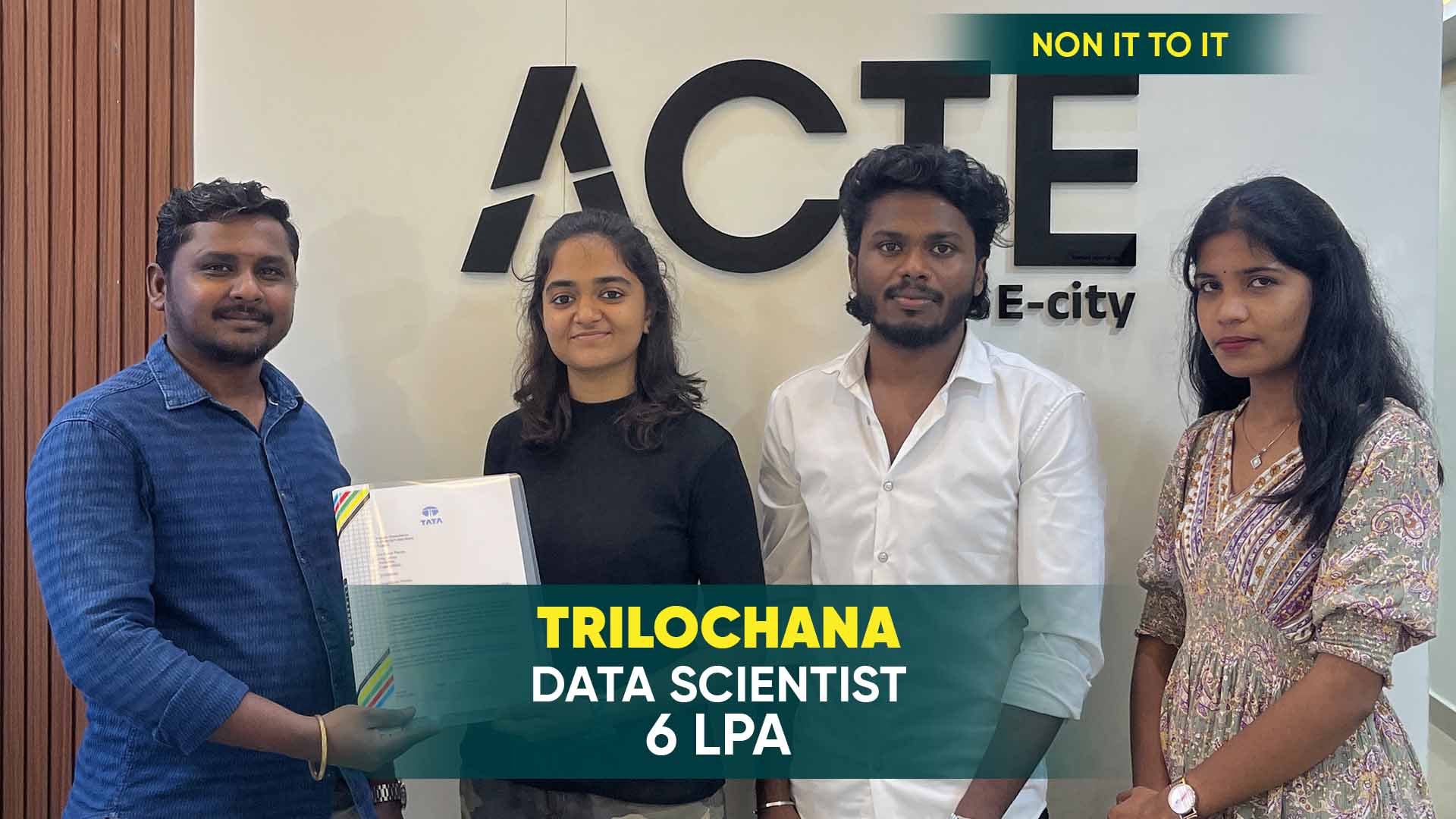
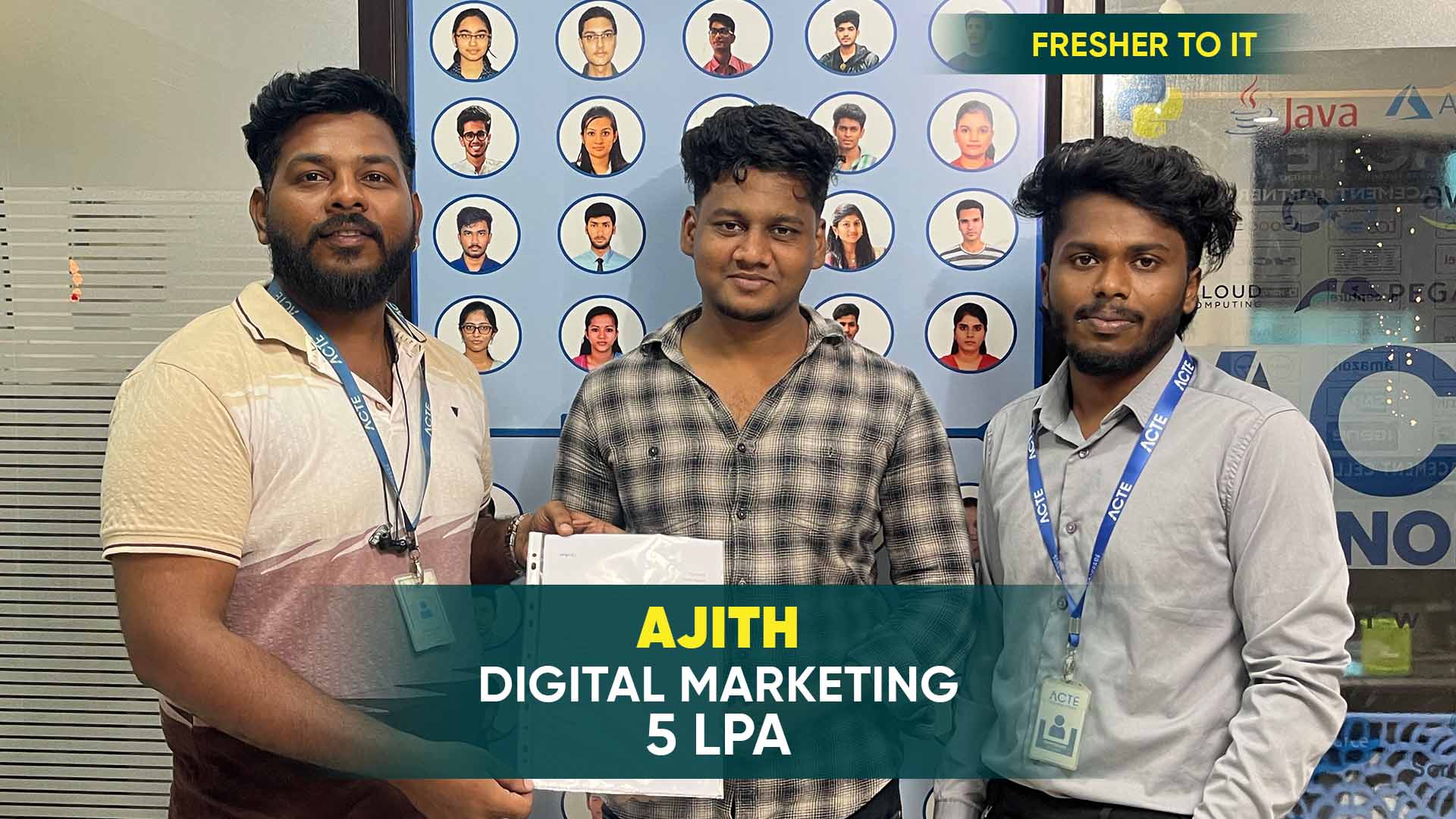
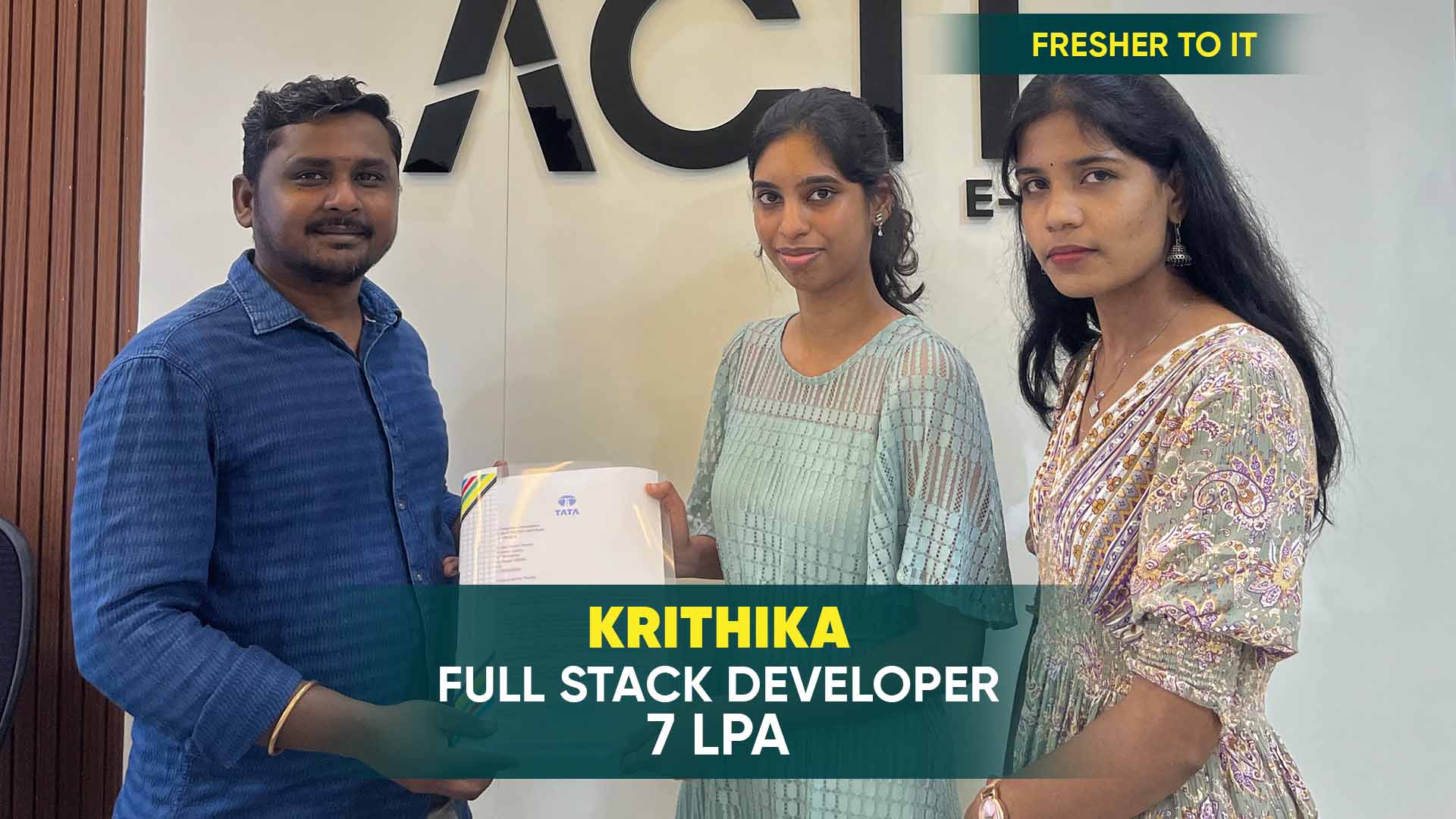
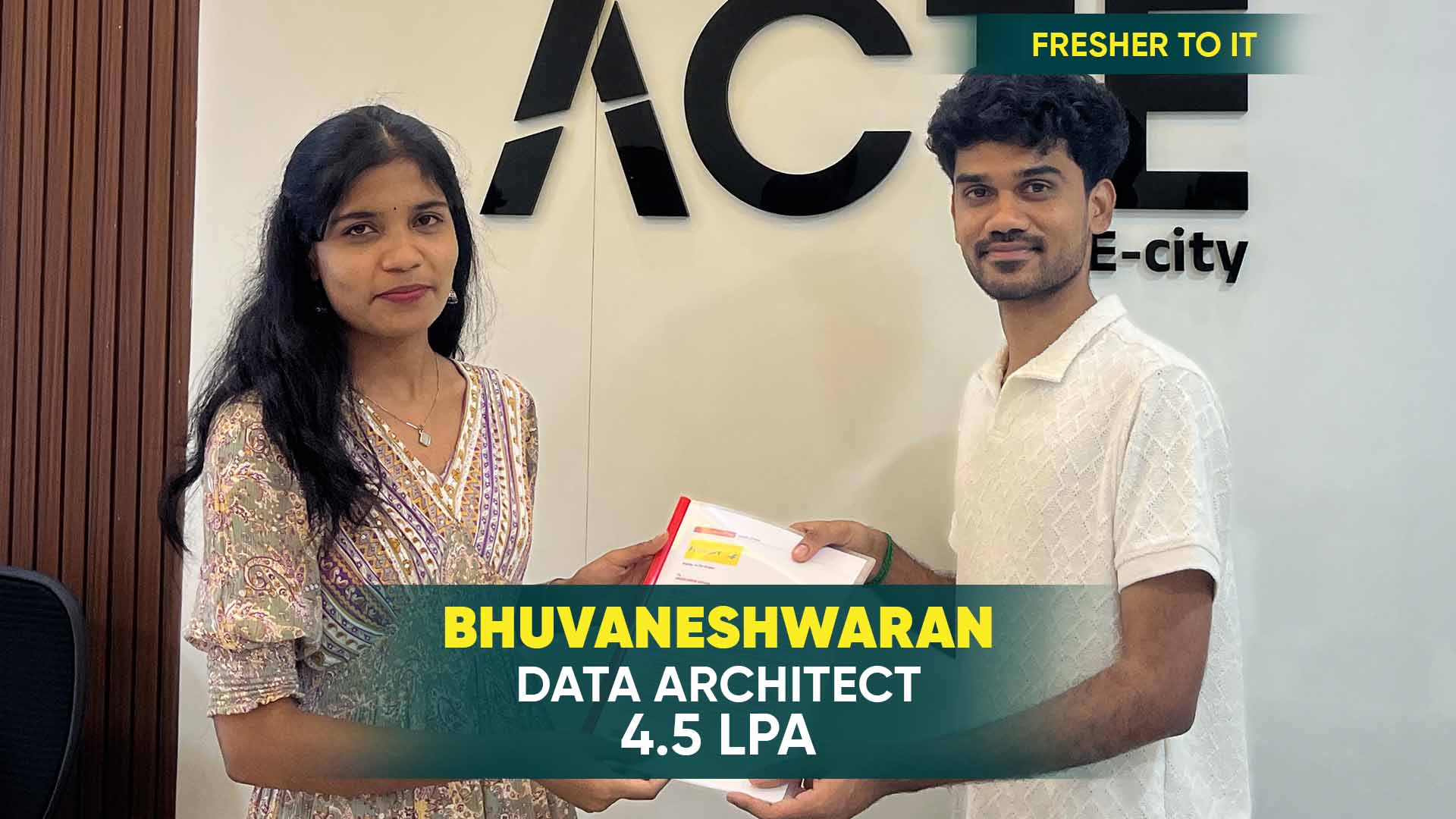
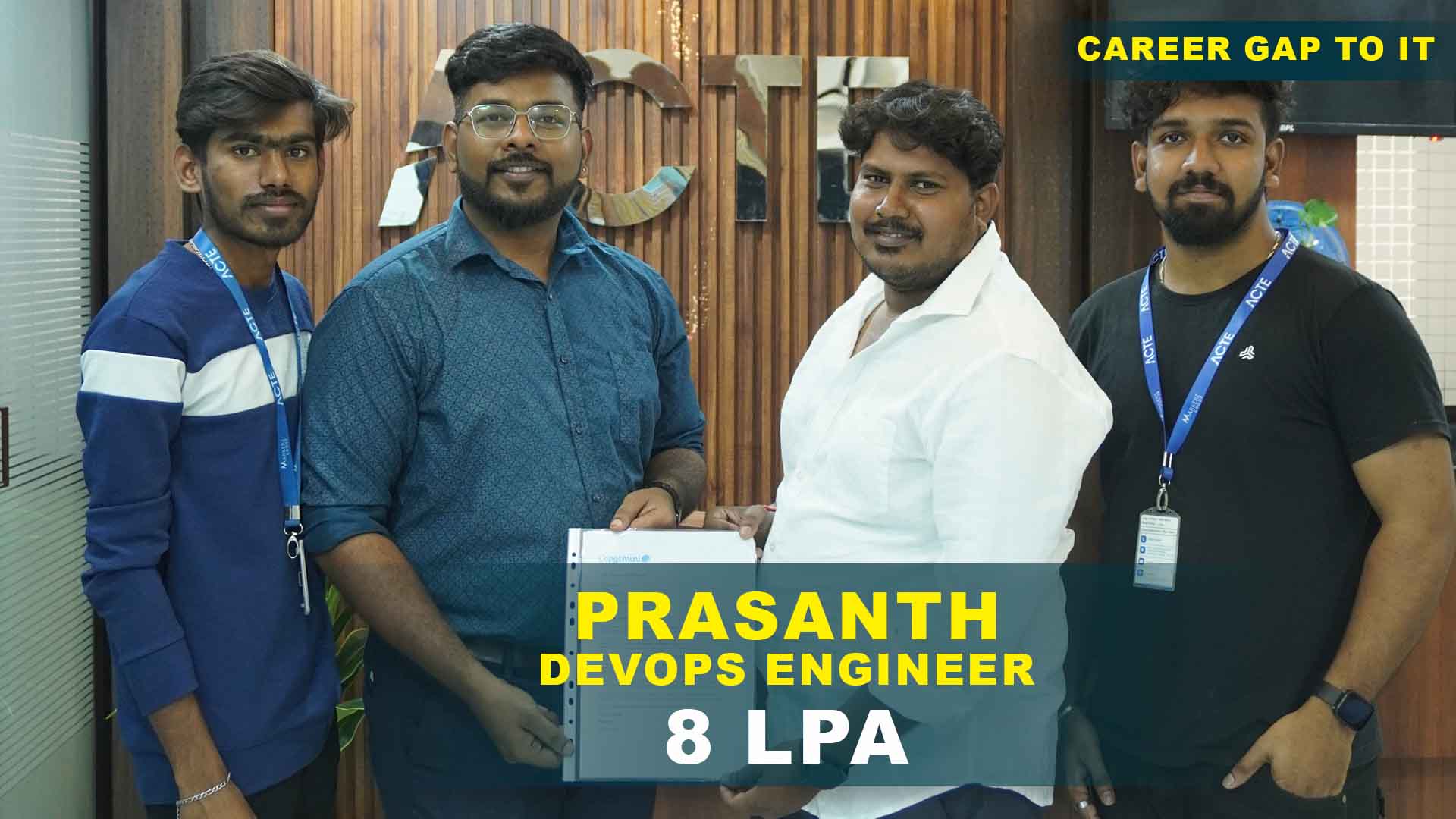
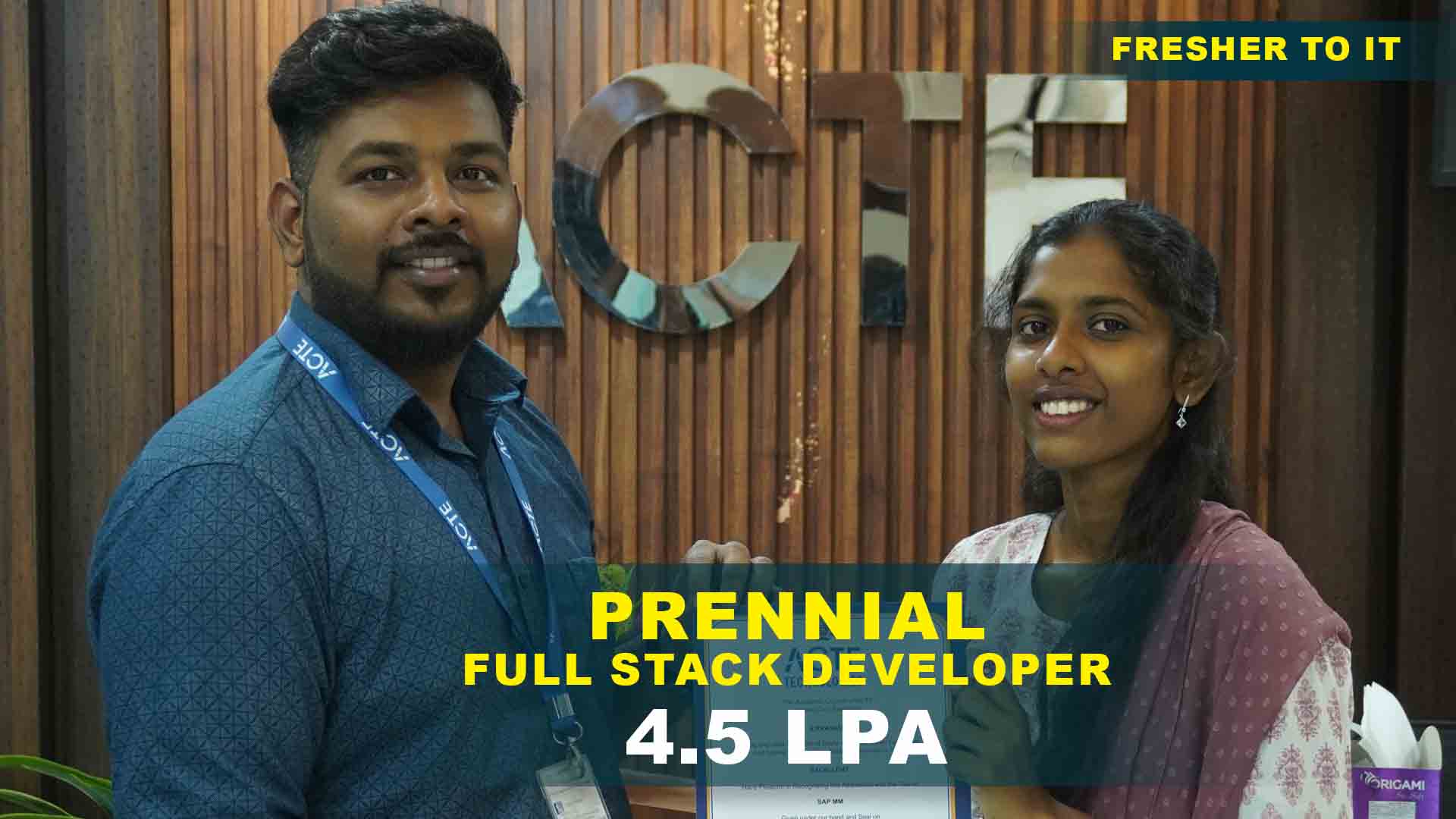
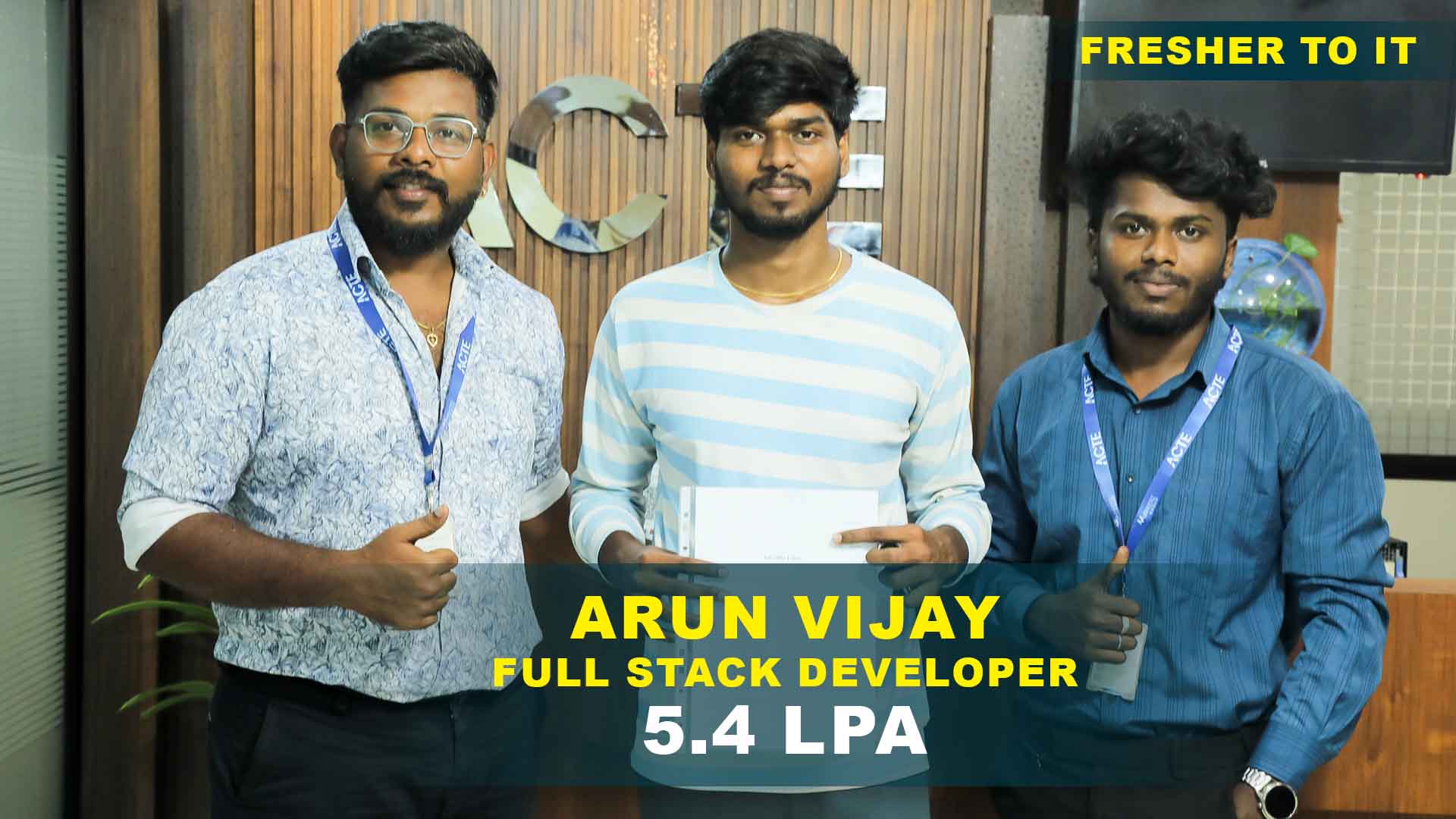
550+ Students Placed Every Month Be The Next!


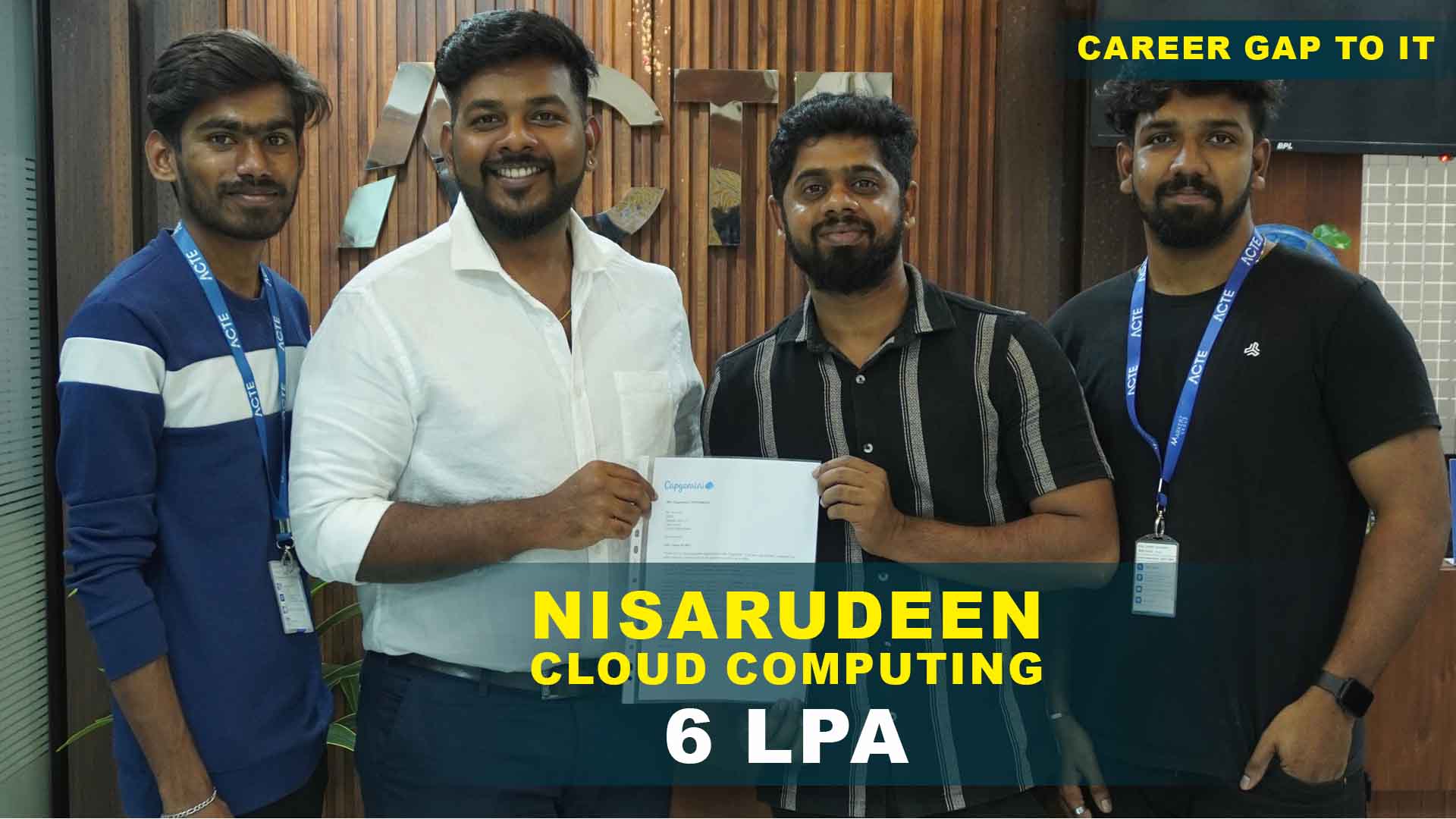
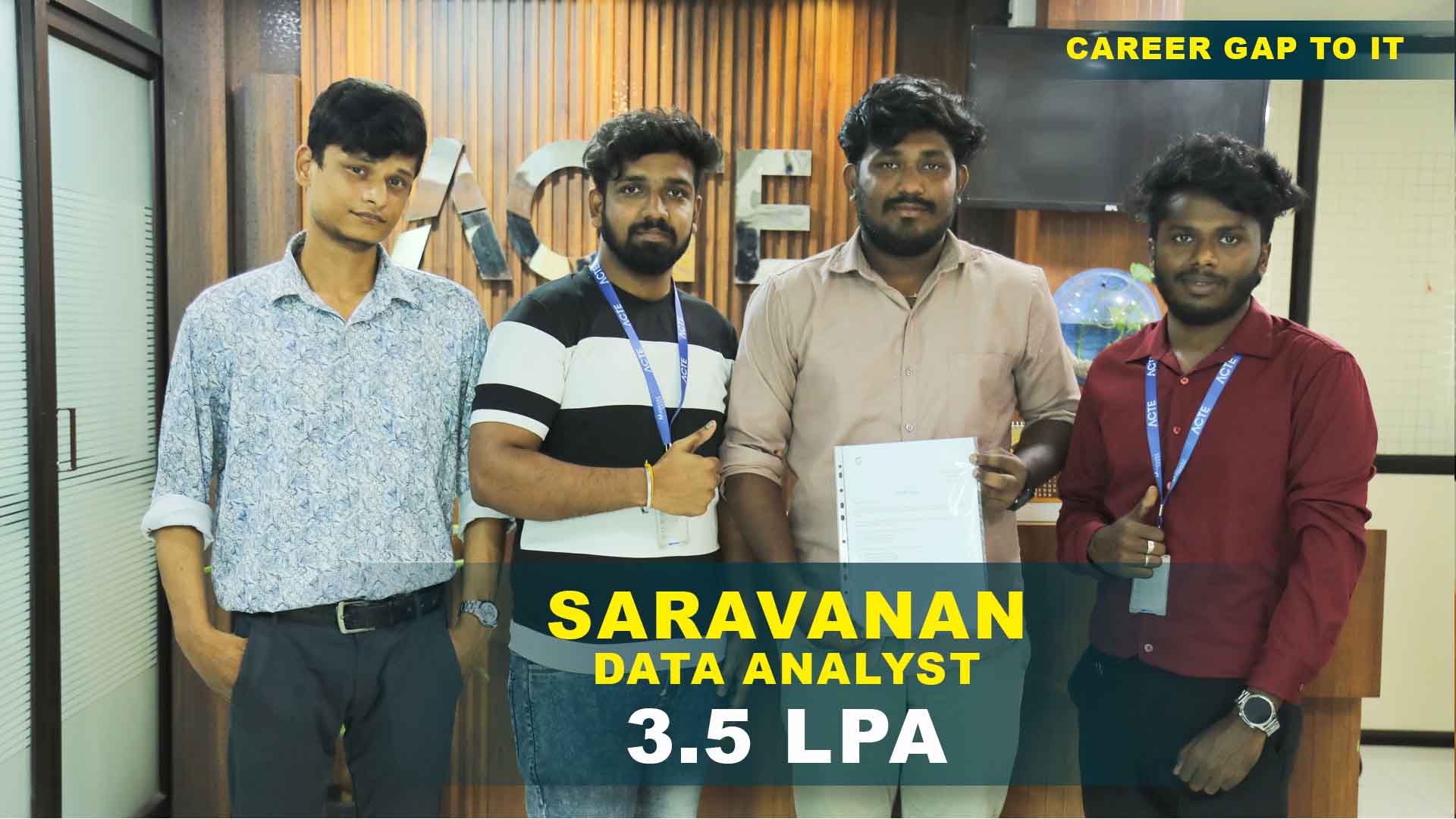


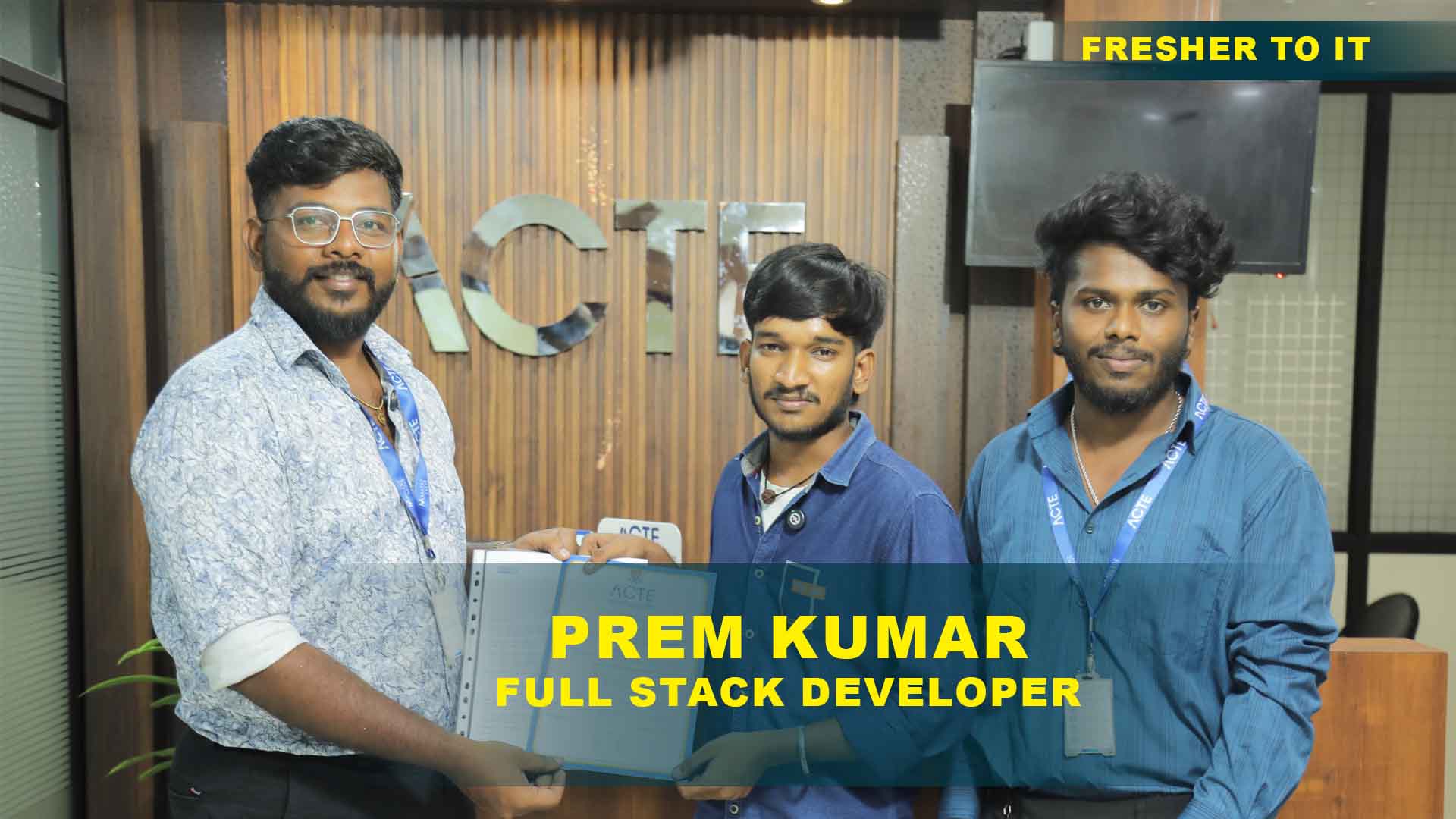
Our Hiring Partners

Curriculum Designed By Experts
Expertly designed curriculum for future-ready professionals.
Industry Oriented Curriculum
An exhaustive curriculum designed by our industry experts which will help you to get placed in your dream IT company
-
30+ Case Studies & Projects
-
9+ Engaging Projects
-
10+ Years Of Experience
- Introduction to Microsoft ecosystem
- Basics of Windows environment
- File management
- Navigation basics
- Workflow basics
- Document creation and formatting
- Styles and templates
- Tables and images
- Mail merge
- Document collaboration
- Advanced Word features
- Spreadsheet fundamentals
- Formulas and functions
- Charts and dashboards
- Data analysis techniques
- Advanced Excel automation
- Presentation design
- Slide layouts
- Animations and transitions
- Multimedia integration
- Presentation delivery techniques
- Advanced PowerPoint workflows
- Email management
- Calendar and scheduling
- Collaboration tools
- Communication workflows
- Advanced Outlook features
- SQL basics
- Query writing
- Data extraction
- Database concepts
- Reporting basics
- Advanced SQL integration
- Cloud computing basics
- Azure services overview
- Deployment models
- Virtual machines
- Storage solutions
- Macros and VBA basics
- Workflow automation
- Power BI introduction
- Data visualization
- Business reporting
- Advanced automation
- Excel dashboard project
- SQL reporting project
- Azure deployment project
- Automation project
- End-to-end Microsoft workflow
Microsoft Office Projects
Become a Microsoft Office Expert With Practical and Engaging Projects.
- Practice essential Tools
- Designed by Industry experts
- Get Real-world Experience
Excel Data Sheet
Learn how to create and manage structured spreadsheets using Microsoft Excel. This includes working with basic formulas, functions, data entry techniques, formatting, and organizing datasets efficiently for business use.
Word Documentation
Develop professional documents using Microsoft Word. You will learn to create well-structured reports, business letters, and documentation with proper formatting, styles, headers, and layout design.
PowerPoint Slides
Build visually appealing presentations using Microsoft PowerPoint. This project focuses on slide design, adding multimedia elements, and delivering clear and engaging presentations.
Dashboard Creation
Design interactive dashboards in Microsoft Excel using charts, pivot tables, slicers, and advanced formulas. This helps in visualizing business data and making informed decisions.
Email Automation
Automate email workflows using Microsoft Outlook. Learn how to schedule emails, create rules, and streamline communication processes to improve productivity.
SQL Reports
Generate dynamic reports from databases using SQL. This includes writing queries, extracting data, and presenting insights in a structured format.
Azure Deployment
Gain hands-on experience in deploying applications and solutions on Microsoft Azure. Learn about cloud infrastructure, hosting, and managing scalable solutions.
Automation Project
Implement advanced automation using macros, scripts, and workflows within Microsoft tools. This project enhances efficiency by reducing manual tasks and optimizing processes.
End-To-End Business Solution
Develop a complete enterprise-level solution using Microsoft technologies. This includes integrating tools like Microsoft Excel, Microsoft SQL Server, and Microsoft Azure to create a seamless business workflow.
Career Support


Placement Assistance

Exclusive access to ACTE Job portal

Mock Interview Preparation

1 on 1 Career Mentoring Sessions

Career Oriented Sessions

Resume & LinkedIn Profile Building
Key Features

Practical Training

Global Certifications

Flexible Timing

Trainer Support

Study Material

Placement Support

Mock Interviews

Resume Building
Upcoming Batches
What's included

 Free Aptitude and
Technical Skills Training
Free Aptitude and
Technical Skills Training
- Learn basic maths and logical thinking to solve problems easily.
- Understand simple coding and technical concepts step by step.
- Get ready for exams and interviews with regular practice.

 Hands-On Projects
- Work on real-time projects to apply what you learn.
- Build mini apps and tools daily to enhance your coding skills.
- Gain practical experience just like in real jobs.

 AI Powered Self
Interview Practice Portal
AI Powered Self
Interview Practice Portal
- Practice interview questions with instant AI feedback.
- Improve your answers by speaking and reviewing them.
- Build confidence with real-time mock interview sessions.

 Interview Preparation
For Freshers
Interview Preparation
For Freshers
- Practice company-based interview questions.
- Take online assessment tests to crack interviews
- Practice confidently with real-world interview and project-based questions.
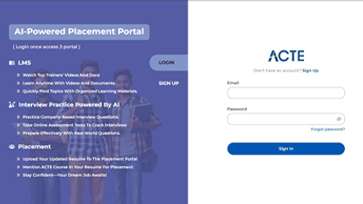
 LMS Online Learning
Platform
LMS Online Learning
Platform
- Explore expert trainer videos and documents to boost your learning.
- Study anytime with on-demand videos and detailed documents.
- Quickly find topics with organized learning materials.
- Learning strategies that are appropriate and tailored to your company's requirements.
- Live projects guided by instructors are a characteristic of the virtual learning environment.
- The curriculum includes of full-day lectures, practical exercises, and case studies.

Microsoft Office Training Overview
Microsoft Office Course in Pondicherry with Potential Career Paths
The Microsoft Office Training in Pondicherry provides a pathway to diverse career opportunities across corporate offices, educational institutions, administrative roles, and freelance services. Professionals trained in Microsoft Office can pursue careers as Office Administrators, Data Analysts, Executive Assistants, or Office Productivity Specialists. In corporate environments, they manage documents, spreadsheets, presentations, and emails efficiently using Microsoft Word, Excel, PowerPoint, Outlook, and Access. In educational institutions and training centers, professionals can teach or develop Office-based curriculum. Freelancers and consultants can offer services such as professional document preparation, reporting, data analysis, and presentation design for clients across industries. Mastery of Microsoft Office skills not only enhances productivity but also improves employability and versatility in the modern workplace.
Requirements for Microsoft Office Placement in Pondicherry
- Educational Background and Skills: Basic computer knowledge is sufficient familiarity with office software enhances learning speed and effectiveness.
- Technical Proficiency: Hands-on knowledge of Microsoft Word, Excel, PowerPoint, Outlook, and other productivity tools, including practical experience with document formatting.
- Office Workflow Skills: Ability to organize files, manage documents, automate repetitive tasks, and create professional presentations and reports efficiently.
- Industry Knowledge and Trends: Awareness of modern office workflows, cloud collaboration with Microsoft 365, Teams, SharePoint, and integration with platforms like Google Workspace.
- Soft Skills and Productivity: Strong problem-solving, attention to detail, communication, and collaboration skills essential for team-based and organizational projects.
Enrolling in Microsoft Office Certification in Pondicherry
Enrolling in Microsoft Office Certification in Pondicherry equips students with essential office productivity and digital skills. The course is designed to meet growing industry demand for professionals proficient in Word, Excel, PowerPoint, Outlook, and Access. Students undergo structured training covering document creation, spreadsheet analysis, professional presentation design, email management, and database basics. Practical exercises enhance workplace efficiency, improve data interpretation skills, and prepare learners for multiple career paths in corporate, educational, administrative, and freelance sectors. Additionally, students acquire transferable skills such as reporting, analytical thinking, and effective team collaboration, making them versatile and industry-ready.
Techniques and Trends in Microsoft Office Placement in Pondicherry
- Advanced Word Techniques: Learn comprehensive document styling, advanced formatting, creating and using templates, inserting and managing tables, performing mail merges, and collaborating on documents using track changes and comments.
- Excel Data Analysis: Master Excel formulas, PivotTables, PivotCharts, conditional formatting, and advanced data visualization tools. Learn how to clean, organize, and analyze large datasets.
- PowerPoint Presentations: Design visually engaging and interactive slides using animations, transitions, multimedia elements, master slides, and storytelling techniques.
- Outlook & Email Management: Efficiently manage emails, calendars, tasks, and meetings using Outlook. Learn to automate workflows with rules and templates, schedule appointments.
- Access & Database Management: Create and manage relational databases using Access. Learn to design tables, queries, forms, and reports, enabling efficient data storage, retrieval, and analysis.
The Most Recent Microsoft Office Course in Pondicherry with Tools
Modern Microsoft Office Training in Pondicherry leverages advanced tools such as Microsoft Word for professional documents, Excel for in-depth data analysis, PowerPoint for impactful presentations, Outlook for email and scheduling, and Access for database management. Integration with Microsoft 365 allows seamless cloud collaboration through Teams and SharePoint, enabling real-time teamwork and information sharing. Learners also gain experience with automation tools such as macros, templates, and add-ins, improving efficiency and productivity. With continual updates and AI-powered features in Office 365, participants can utilize smart recommendations, automated formatting, AI-driven data insights, and real-time collaborative features, ensuring they stay ahead in modern office environments.
Career Opportunities After Microsoft Office Training
Microsoft Word Specialist
Learn to create professional documents, reports, and templates using Microsoft Word. Master formatting, styles, tables, and advanced features.
Microsoft Excel Expert
Gain proficiency in Microsoft Excel for data analysis, formulas, pivot tables, and chart creation. Learn how to organize, visualize, and interpret data to make informed business decisions.
Microsoft PowerPoint Professional
Design impactful presentations using Microsoft PowerPoint. Learn slide layouts, animations, transitions, and multimedia integration to deliver engaging presentations.
Microsoft Outlook & Email Management
Master Microsoft Outlook for professional email communication, calendar management, and task organization. Learn tips for scheduling, collaboration, and maintaining productivity efficiently.
Microsoft Access / Database Management
Learn to manage databases using Microsoft Access. Understand tables, queries, forms, and reports to store, retrieve, and analyze data effectively for business or personal projects.
Microsoft Office Integration Skills
Discover how to integrate Microsoft Office applications to streamline workflow. Combine Word, Excel, PowerPoint, and Outlook efficiently to automate tasks and enhance productivity across projects.
Skills to Master
Advanced Document Formatting
Excel Formulas
Data Analysis & Pivot Tables in Excel
PowerPoint Presentation
Charts, Graphs & Visualization
Email Management & Outlook Tips
Microsoft Access Database Basics
Collaboration with Teams
Document Templates
File Management & Version Control
Professional Documents
Integrating Office Apps
Tools to Master
Word Selection & Navigation
Excel Formulas & Functions
PowerPoint Slide Layouts
Excel Charts & Graphs
Word Text Formatting Tools
PowerPoint Transitions
Excel Formatting Tools
Word Templates
Excel Filters
PowerPoint Tools
Folder Organization Tools
Exporting Tools
Learn from certified professionals who are currently working.

Training by
Ram, having 12+ yrs of experience
Specialized in: Microsoft Excel, Word, PowerPoint, Outlook, and Access.
Note: Ram excels in creating and optimizing complex Excel formulas, professional Word documents, engaging PowerPoint presentations, and efficient Outlook workflows.
Premium Training at Best Price
Affordable, Quality Training for Freshers to Launch IT Careers & Land Top Placements.
What Makes ACTE Training Different?
Feature
ACTE Technologies
Other Institutes
Affordable Fees
Competitive Pricing With Flexible Payment Options.
Higher Fees With Limited Payment Options.
Industry Experts
Well Experienced Trainer From a Relevant Field With Practical Training
Theoretical Class With Limited Practical
Updated Syllabus
Updated and Industry-relevant Course Curriculum With Hands-on Learning.
Outdated Curriculum With Limited Practical Training.
Hands-on projects
Real-world Projects With Live Case Studies and Collaboration With Companies.
Basic Projects With Limited Real-world Application.
Certification
Industry-recognized Certifications With Global Validity.
Basic Certifications With Limited Recognition.
Placement Support
Strong Placement Support With Tie-ups With Top Companies and Mock Interviews.
Basic Placement Support
Industry Partnerships
Strong Ties With Top Tech Companies for Internships and Placements
No Partnerships, Limited Opportunities
Batch Size
Small Batch Sizes for Personalized Attention.
Large Batch Sizes With Limited Individual Focus.
LMS Features
Lifetime Access Course video Materials in LMS, Online Interview Practice, upload resumes in Placement Portal.
No LMS Features or Perks.
Training Support
Dedicated Mentors, 24/7 Doubt Resolution, and Personalized Guidance.
Limited Mentor Support and No After-hours Assistance.
We are proud to have participated in more than 40,000 career transfers globally.

Microsoft Office Certification

Basic computer knowledge is sufficient to enroll in this Microsoft course. No advanced experience is necessary, making it accessible for beginners and working professionals alike.
The course combines theory, practical lab sessions, and real-time projects to provide hands-on experience. This blended approach ensures that learners can apply concepts in real-world scenarios.
The training covers a wide range of Microsoft tools, including Excel, Word, PowerPoint, SQL, Azure, and automation tools. This comprehensive coverage prepares learners for multiple office and IT roles.
The certification is industry-recognized and demonstrates your proficiency in Microsoft tools, significantly improving job opportunities and credibility in professional environments.
Typically, the Microsoft certification is valid for three years. During this period, professionals can leverage their credential for career advancement and recognition.
Yes, learners receive continuous support even after completing the course, including guidance on tools, updates, and career advice.
Placement assistance includes resume building, mock interviews, and job support to help learners secure relevant opportunities in their chosen fields.
Yes, placement services are included with the course at no additional cost, ensuring learners receive complete guidance for career readiness.
Frequently Asked Questions
- Yes, ACTE provides a free demo session for Microsoft Office Training.
- Experienced professionals with expertise in Microsoft Office tools
- Yes! ACTE provides placement support, including resume preparation, interview guidance, and job referrals.
- On completing the Microsoft Office course, you will receive an industry-recognized certification from ACTE.
- Yes! The course includes practical exercises and projects to build real-world skills.
