
) 3K+
3K+
Start Your Learning Journey Today
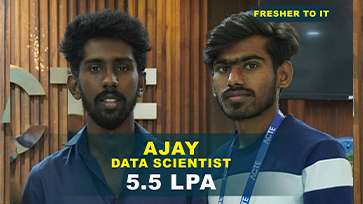
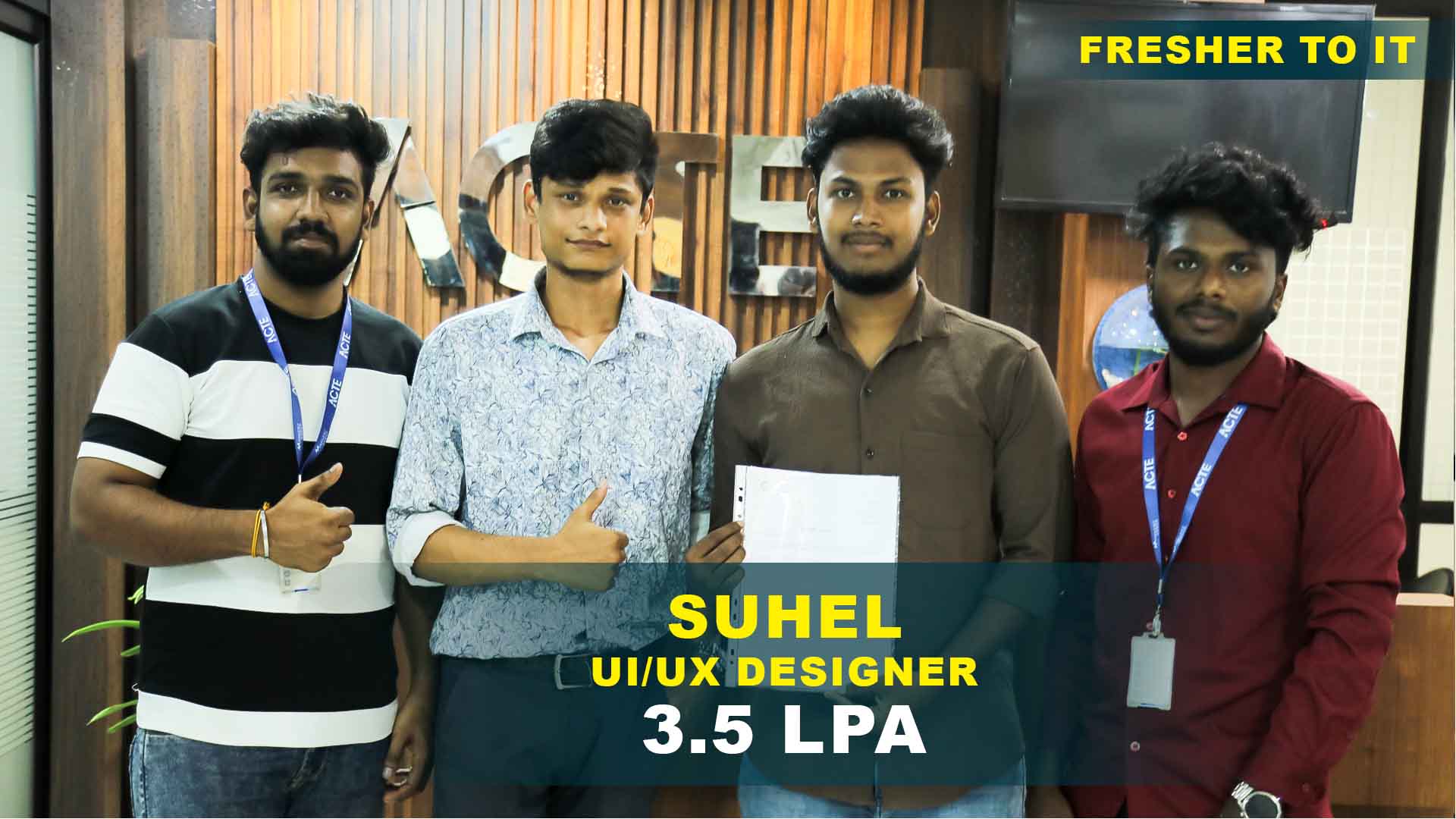
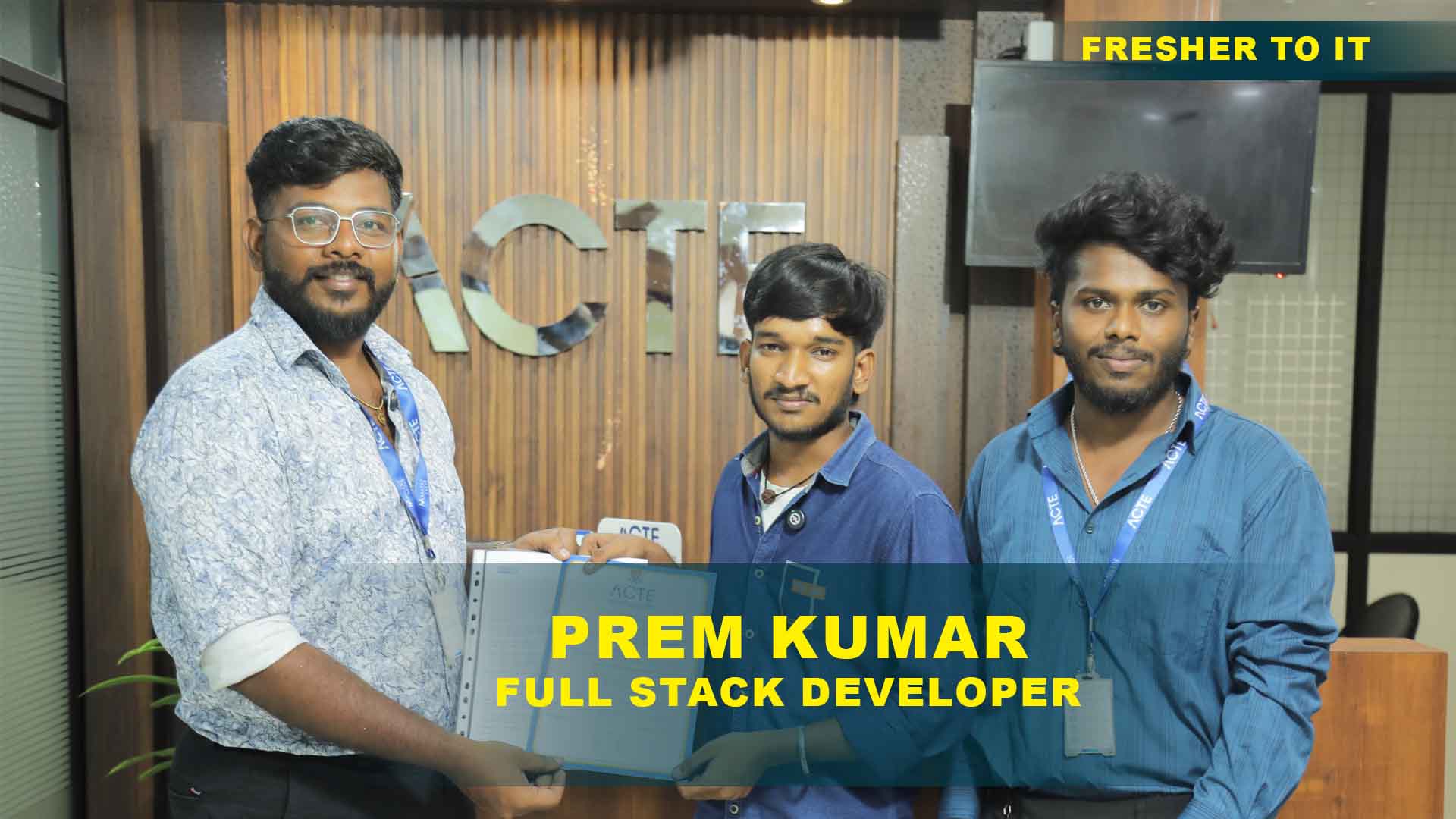
550+ Students Placed Every Month Be The Next!
Our Hiring Partners

Curriculum Designed By Experts
Expertly designed curriculum for future-ready professionals.
Industry Oriented Curriculum
An exhaustive curriculum designed by our industry experts which will help you to get placed in your dream IT company
-
30+ Case Studies & Projects
-
9+ Engaging Projects
-
10+ Years Of Experience
- Illustrator basics overview
- Introduction to workspace tools
- Understanding vector graphics concepts
- Learn drawing shapes and basic editing methods
- Apply fundamentals for creative design projects
- Selection tools basics
- Pen tool introduction
- Explore brushes and drawing techniques
- Learn advanced path editing and manipulation
- Apply structured techniques for design workflows
- Build scalable illustrations with advanced tools
- Color basics
- Swatches and palettes overview
- Explore gradients and patterns usage
- Learn advanced color blending and shading methods
- Apply structured color theory for design projects
- Text basics
- Character formatting overview
- Explore paragraph styles and alignment options
- Learn advanced typography and text effects methods
- Layers basics
- Grouping and arranging overview
- Explore masks and clipping paths usage
- Learn advanced layer management and organization
- Apply structured workflows for design efficiency
- Build scalable projects with organized layer systems
- Effects basics
- Appearance panel introduction
- Explore filters and graphic styles usage
- Learn advanced effects and blending techniques
- Apply structured effects for creative design projects
- Drawing basics
- Complex shapes introduction
- Explore perspective and 3D tools usage
- Learn advanced illustration and creative methods
- Export basics
- File formats overview
- Explore integration with other Adobe tools
- Learn advanced export workflows for design projects
- Project basics
- Portfolio creation overview
- Explore branding and identity design usage
- Learn advanced creative workflows for design projects
- Apply structured creativity for enterprise solutions
Adobe Illustrator Projects
Become a Adobe Illustrator Expert With Practical and Engaging Projects.
- Practice essential Tools
- Designed by Industry experts
- Get Real-world Experience
Logo Design
Create a simple logo using shapes. Learn color palettes, typography, and vector basics while practicing Illustrator fundamentals and workspace tools.
Poster Layout
Build a poster with text and images. Explore alignment, formatting, and design principles to strengthen layout and typography skills.
Icon Set
Develop a set of icons. Apply shapes, gradients, and brushes to gain confidence in vector graphics and design workflows.
Branding Kit
Build a branding package. Use typography, color palettes, and logos while applying structured design workflows and creative techniques.
Infographic Design
Create an infographic with charts. Apply text, shapes, and advanced effects to strengthen illustration and layout skills.
Magazine Cover
Design a magazine cover with typography. Apply text effects, images, and creative layouts to practice advanced design and formatting techniques.
Corporate Identity
Build a full identity package. Apply logos, typography, and branding tools to deliver enterprise-ready creative solutions.
3D Illustration
Create complex 3D artworks. Apply perspective, shading, and advanced effects to deliver polished creative projects with Illustrator.
Portfolio Showcase
Develop a professional portfolio. Apply structured workflows, typography, and creative design to deliver scalable creative outputs.
Career Support


Placement Assistance

Exclusive access to ACTE Job portal

Mock Interview Preparation

1 on 1 Career Mentoring Sessions

Career Oriented Sessions

Resume & LinkedIn Profile Building
Key Features

Practical Training

Global Certifications

Flexible Timing

Trainer Support

Study Material

Placement Support

Mock Interviews

Resume Building
Upcoming Batches
What's included

 Free Aptitude and
Technical Skills Training
Free Aptitude and
Technical Skills Training
- Learn basic maths and logical thinking to solve problems easily.
- Understand simple coding and technical concepts step by step.
- Get ready for exams and interviews with regular practice.

 Hands-On Projects
- Work on real-time projects to apply what you learn.
- Build mini apps and tools daily to enhance your coding skills.
- Gain practical experience just like in real jobs.

 AI Powered Self
Interview Practice Portal
AI Powered Self
Interview Practice Portal
- Practice interview questions with instant AI feedback.
- Improve your answers by speaking and reviewing them.
- Build confidence with real-time mock interview sessions.

 Interview Preparation
For Freshers
Interview Preparation
For Freshers
- Practice company-based interview questions.
- Take online assessment tests to crack interviews
- Practice confidently with real-world interview and project-based questions.
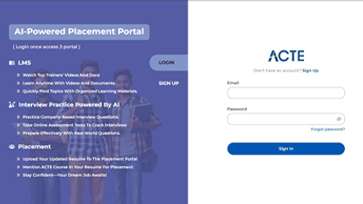
 LMS Online Learning
Platform
LMS Online Learning
Platform
- Explore expert trainer videos and documents to boost your learning.
- Study anytime with on-demand videos and detailed documents.
- Quickly find topics with organized learning materials.
- Learning strategies that are appropriate and tailored to your company's requirements.
- Live projects guided by instructors are a characteristic of the virtual learning environment.
- The curriculum includes of full-day lectures, practical exercises, and case studies.

Adobe Illustrator Training Overview
Goals accomplished by Adobe Illustrator Training in Thiruvanmiyur
Learners achieve a strong foundation in digital design by mastering the essential tools of Adobe Illustrator. The program emphasizes vector graphics, typography, and layout techniques, ensuring clarity and precision in creative work. Practical sessions allow students to apply concepts in real-world projects, building confidence in design execution. Midway through this block, the focus shifts to Adobe Illustrator Course in Thiruvanmiyur, connecting academic learning with industry expectations. By the end, learners are equipped with both technical and creative skills that support professional growth.
Future career opportunities emerging from Adobe Illustrator Certification in Thiruvanmiyur
- Graphic Design Roles: Certification prepares learners for roles in advertising, publishing, and branding. These positions demand creativity and technical expertise.
- UI/UX Pathways: Students can pursue opportunities in interface design, where Illustrator skills enhance user experiences. This field is growing rapidly.
- Freelance Careers: Certification supports independent designers who wish to work on diverse projects. Freelancing offers flexibility and global reach.
- Industry Recognition: The program directly supports Adobe Illustrator Certification in Thiruvanmiyur, ensuring learners meet professional standards valued by employers.
- Creative Industries: Opportunities extend to animation, fashion, and multimedia sectors. Illustrator skills are widely applicable across creative domains.
New frameworks introduced in Adobe Illustrator Placement in Thiruvanmiyur
Placement programs now integrate advanced modules that connect design learning with career readiness. Learners are trained in portfolio development, interview preparation, and project presentation. In the middle of this block, emphasis is placed on Adobe Illustrator Placement in Thiruvanmiyur, linking students with opportunities in design studios and corporate environments. Practical assignments simulate workplace challenges, ensuring adaptability in professional settings. Industry mentors provide guidance, sharing insights into current design practices. By the end, learners are prepared to showcase their skills confidently in recruitment drives.
Trends and essential skills related to Adobe Illustrator Certification in Thiruvanmiyur
- Digital Branding: Learners explore how Illustrator supports brand identity creation. This skill is essential for modern businesses.
- Creative Collaboration: Group projects encourage teamwork and communication. These experiences prepare learners for professional environments.
- Industry Insights: Workshops highlight current design trends, including minimalism and responsive layouts. Learners gain awareness of evolving practices.
- Certification Integration: This block reinforces Adobe Illustrator Certification in Thiruvanmiyur, ensuring learners remain aligned with exam standards while practicing advanced techniques.
- Placement Preparation: Activities include mock interviews, aptitude training, and soft skills development. These sessions prepare learners for recruitment drives.
Applications and uses of Adobe Illustrator Course in Thiruvanmiyur
The final section consolidates all learning outcomes, ensuring participants are fully prepared for professional application. Students revisit core concepts such as vector illustration, typography, and layout design. In the middle of this block, the focus returns to Adobe Illustrator Course in Thiruvanmiyur, highlighting its role in bridging creative learning with career readiness. Learners reflect on their journey, identifying strengths and areas for improvement. The course concludes with guidance on continuous learning and professional development. By this stage, participants are equipped with both technical expertise and workplace readiness. The overview ensures that learners leave with a clear vision for their future in digital design.
Career Opportunities After Adobe Illustrator Training
Graphic Designer
Creates designs with vector graphics and typography tools. Delivers polished artworks through structured workflows and professional layouts.
Brand Identity Specialist
Develops logos and branding kits with Illustrator tools. Delivers scalable identity solutions that strengthen enterprise presence and recognition.
Illustration Artist
Produces artworks with advanced illustration techniques. Delivers creative projects through structured design workflows and quality.
UI Designer
Designs interfaces with vector graphics and typography. Delivers polished layouts using organized layer systems for seamless user experiences.
Creative Director
Oversees design projects with Illustrator workflows. Delivers enterprise-ready creative solutions using advanced tools.
Print Production Specialist
Prepares files with export and formatting tools. Delivers scalable outputs using professional publishing methods for enterprise distribution.
Skills to Master
Vector Graphics Design
Workspace Management
Pen Tool Mastery
Color Theory
Typography Design
Layer Organization
Effects Application
Illustration Techniques
Branding Workflows
Export Methods
Integration with Adobe Tools
Portfolio Creation
Tools to Master
Pen Tool
Brush Tool
Gradient Tool
Shape Tools
Layers Panel
Appearance Panel
Clipping Masks
Swatches
Typography Tools
3D Tools
Export Options
Integration Tools

Training by
Saran, having 12 yrs of experience
Specialized in: Vector Graphics, Branding, Typography, Creative Illustration.
Note: Saran is recognized for his practical teaching approach and his success in guiding students to master Illustrator tools and deliver enterprise-ready creative projects.
Premium Training at Best Price
Affordable, Quality Training for Freshers to Launch IT Careers & Land Top Placements.
What Makes ACTE Training Different?
Feature
ACTE Technologies
Other Institutes
Affordable Fees
Competitive Pricing With Flexible Payment Options.
Higher Fees With Limited Payment Options.
Industry Experts
Well Experienced Trainer From a Relevant Field With Practical Training
Theoretical Class With Limited Practical
Updated Syllabus
Updated and Industry-relevant Course Curriculum With Hands-on Learning.
Outdated Curriculum With Limited Practical Training.
Hands-on projects
Real-world Projects With Live Case Studies and Collaboration With Companies.
Basic Projects With Limited Real-world Application.
Certification
Industry-recognized Certifications With Global Validity.
Basic Certifications With Limited Recognition.
Placement Support
Strong Placement Support With Tie-ups With Top Companies and Mock Interviews.
Basic Placement Support
Industry Partnerships
Strong Ties With Top Tech Companies for Internships and Placements
No Partnerships, Limited Opportunities
Batch Size
Small Batch Sizes for Personalized Attention.
Large Batch Sizes With Limited Individual Focus.
LMS Features
Lifetime Access Course video Materials in LMS, Online Interview Practice, upload resumes in Placement Portal.
No LMS Features or Perks.
Training Support
Dedicated Mentors, 24/7 Doubt Resolution, and Personalized Guidance.
Limited Mentor Support and No After-hours Assistance.
We are proud to have participated in more than 40,000 career transfers globally.

Adobe Illustrator Certification

Adobe Illustrator is widely used for creating vector graphics, logos, and scalable illustrations.
Adobe Illustrator Certification in Thiruvanmiyur validates design expertise and enhances career opportunities in creative industries.
- Designing vector-based logos and icons.
- Using advanced typography and layout tools.
- Applying color theory in digital artwork.
- Creating scalable illustrations for print and web.
- Provides hands-on practice with real design projects.
- Builds confidence in professional graphic workflows.
- Enhances creativity with advanced Illustrator tools.
- Prepares learners for certification exams.
Certified professionals can work as graphic designers, illustrators, or branding specialists in creative industries.
The exam includes practical design tasks and multiple-choice questions to assess Illustrator proficiency.
- Offers placement drives with design firms.
- Provides resume and portfolio guidance.
- Connects learners with creative recruiters.
- Ensures interview preparation support.
- Instructor-led design workshops.
- Online study materials and guides.
- Mock exams and practice projects.
- Access to creative assignments and portfolios.
Frequently Asked Questions
- The Adobe Illustrator Training Course introduces beginners to vector design tools and creative workflows.
- The training program usually spans 4–6 weeks depending on batch schedules.
- Portfolio building workshops
- Ongoing job support after training
- Placement support with creative companies
- Career counseling and interview coaching
- Basic computer knowledge helps learners progress faster.
- The Adobe Illustrator Certification Course validates design skills.
