
550+ Students Placed Every Month Be The Next!





















Our Hiring Partners

Curriculum Designed By Experts
Expertly designed curriculum for future-ready professionals.
Industry Oriented Curriculum
An exhaustive curriculum designed by our industry experts which will help you to get placed in your dream IT company
-
30+ Case Studies & Projects
-
9+ Engaging Projects
-
10+ Years Of Experience
- Firewalls and intrusion detection system fundamentals
- Access control methods and authentication mechanisms
- Core encryption techniques and cryptographic concepts
- Wireless network security standards and protocols
- Malware types and effective prevention strategies
- Security policies, compliance standards, and best practices
- Understanding virtual machines and hypervisors
- Setting up and managing virtual networks
- Overview of cloud service models (IaaS, PaaS, SaaS)
- Introduction to cloud computing concepts and architecture
- System performance tuning techniques
- Patch management and applying updates
- Identifying and analyzing hardware failures
- Steps for effective network troubleshooting
- Using diagnostic tools and troubleshooting software
- Building and configuring functional networks
- Setting up secure wireless network environments
- Implementing RAID setups and backup solutions
- Troubleshooting practical, real-world issues
Hardware and Networking Training Projects
Become a Hardware and Networking Expert With Practical and Engaging Projects.
- Practice essential Tools
- Designed by Industry experts
- Get Real-world Experience
Assemble a Desktop PC and Install OS
Understand hardware components for building a PC. Perform basic software setup with an operating system.
Configure a Small LAN Network
Set up IP addresses for connected devices. Establish secure communication in a local network.
Troubleshoot Common Hardware Issues
Diagnose frequent PC and network problems. Apply fixes to restore smooth system performance.
Set Up VLANs on Switches
Segment network traffic for improved security. Configure VLANs on managed switches for efficiency.
Configure DHCP and DNS Servers
Automate IP assignments for connected devices. Resolve domain names to simplify connectivity.
Implement Firewall Rules for Basic Network Security
Protect network resources using access control policies. Safeguard systems against unauthorized access attempts.
Design an Enterprise Network with Redundancy
Create failover systems to ensure continuous connectivity. Minimize downtime in enterprise environments with redundancy.
Deploy VPNs for Secure Remote Access
Enable encrypted connections for remote enterprise users. Provide secure access to resources from any location.
Automate Network Monitoring Using Scripts
Use Python or PowerShell to oversee network health. Automate monitoring tasks for proactive issue detection.
Career Support


Placement Assistance

Exclusive access to ACTE Job portal

Mock Interview Preparation

1 on 1 Career Mentoring Sessions

Career Oriented Sessions

Resume & LinkedIn Profile Building
Key Features

Practical Training

Global Certifications

Flexible Timing

Trainer Support

Study Material

Placement Support

Mock Interviews

Resume Building
Upcoming Batches
What's included

 Free Aptitude and
Technical Skills Training
Free Aptitude and
Technical Skills Training
- Learn basic maths and logical thinking to solve problems easily.
- Understand simple coding and technical concepts step by step.
- Get ready for exams and interviews with regular practice.

 Hands-On Projects
- Work on real-time projects to apply what you learn.
- Build mini apps and tools daily to enhance your coding skills.
- Gain practical experience just like in real jobs.

 AI Powered Self
Interview Practice Portal
AI Powered Self
Interview Practice Portal
- Practice interview questions with instant AI feedback.
- Improve your answers by speaking and reviewing them.
- Build confidence with real-time mock interview sessions.

 Interview Preparation
For Freshers
Interview Preparation
For Freshers
- Practice company-based interview questions.
- Take online assessment tests to crack interviews
- Practice confidently with real-world interview and project-based questions.

 LMS Online Learning
Platform
LMS Online Learning
Platform
- Explore expert trainer videos and documents to boost your learning.
- Study anytime with on-demand videos and detailed documents.
- Quickly find topics with organized learning materials.
- Learning strategies that are appropriate and tailored to your company's requirements.
- Live projects guided by instructors are a characteristic of the virtual learning environment.
- The curriculum includes of full-day lectures, practical exercises, and case studies.

Hardware and Networking Training Overview
Reasons to Consider Enrolling in Hardware and Networking Placement Program
Enrolling in Hardware and Networking Training in Porur provides flexibility and access to expert trainers from anywhere. These programs offer hands-on practical experience with real-time simulations, ensuring learners can handle real-world IT infrastructure challenges. With growing demand for skilled network administrators and hardware engineers, completing such courses increases employability. Placement support and interview preparation boost confidence for job seekers. Online learning also allows access to updated course materials aligned with current industry standards. Overall, these programs are ideal for beginners and professionals aiming to advance their IT careers. Learners benefit from structured paths like the Hardware and Networking Course in Porur, which emphasize practical applications and career readiness.
Overview of the Most Recent Hardware and Networking Training Tools
Modern Hardware and Networking Certification in Porur programs leverage advanced simulation software like Cisco Packet Tracer and GNS3 to create realistic network environments. Tools such as Wireshark help learners analyze network traffic for troubleshooting. Training also includes hands-on exposure to routers, switches, firewalls, and cabling techniques. Virtual labs enable remote access to hardware setups, facilitating practical learning despite geographical limitations. Network monitoring tools like SolarWinds are incorporated to teach performance management. This blend of software and physical equipment training ensures comprehensive skill development, often reinforced through Hardware and Networking Training Course modules.
Techniques and Trends Observed in Hardware and Networking Training Course
- Virtual Labs for Practical Experience: Virtual environments allow learners to configure and troubleshoot networks remotely, a feature highlighted in Hardware and Networking Placement in Porur programs.
- Emphasis on Network Security: Training integrates firewalls and VPNs to address rising cybersecurity concerns, often included in Hardware and Networking Certification Course modules.
- Cloud Networking Fundamentals: Courses cover hybrid networks connecting on-premise infrastructure with cloud services, reinforced through the Hardware and Networking Course in Porur.
- Automation and Scripting: Introduction to scripting languages like Python for automating network tasks is gaining popularity, with many learners preparing for Hardware and Networking Certification in Porur.
- IoT Networking Concepts: Training includes networking protocols and security practices specific to IoT devices, often emphasized in Hardware and Networking Training with Placement programs.
Requirements Needed for a Hardware and Networking Training Course
- Basic Computer Literacy: Familiarity with operating systems and fundamental IT concepts is necessary.
- Understanding of Networking Basics: Knowledge of IP addressing, subnetting, and protocols is beneficial.
- Willingness for Hands-On Practice: Practical skills require active participation in labs and troubleshooting.
- Access to a Computer and Internet: Essential for attending online sessions and using simulation tools.
- Logical and Analytical Thinking: Critical for diagnosing hardware and network issues effectively.
Goals Achieved Through Hardware and Networking Training and Potential Career Paths for Programmers
Completing Hardware and Networking Placement in Porur equips learners with the ability to install, configure, and troubleshoot computer systems and networks. Graduates can design and manage network infrastructure, ensuring seamless connectivity and security. The course prepares students for certifications like CompTIA Network+ and Cisco CCNA, boosting professional credibility. Career paths include Network Administrator, System Engineer, IT Support Technician, and Cybersecurity Specialist. The skills gained also lay a foundation for advancing into cloud networking and infrastructure automation roles. Learners pursuing Hardware and Networking Certification in Porur gain recognition for their expertise, while advanced professionals continue with Hardware and Networking Training in Porur to refine their skills and remain competitive in IT careers.
Career Opportunities After Hardware and Networking Training
Network Administrator
Manages and maintains an organization’s network infrastructure, including routers, switches, firewalls, and VPNs, ensuring network availability.
Hardware Technician
How to Installs, repairs, and maintains computer hardware components and peripherals, providing networking technical support to end-users give best guide.
Network Engineer
Designs, implements, and troubleshoots complex network systems, optimizing performance and connectivity for enterprise environments.
System Administrator
Manages servers and hardware infrastructure, ensuring smooth operation, backups, and disaster recovery processes.
IT Support Specialist
Provides end-user support for hardware and network-related issues, diagnosing problems and implementing solutions.
Security Analyst (Network Security)
Focuses on securing network infrastructure, monitoring threats, and implementing security protocols to protect data and systems.
Skill to Master
Network Fundamentals (TCP/IP, DNS, DHCP)
Router and Switch Configuration
LAN/WAN Technologies
Network Troubleshooting and Diagnostics
Hardware Installation and Repair
Operating Systems Basics (Windows, Linux)
Network Security Principles
Wireless Networking Setup and Management
Cabling Standards and Management
Server Hardware Configuration
Firewall and VPN Setup
Backup and Disaster Recovery Planning
Tools to Master
Cisco Packet Tracer
Wireshark (Network analyzer)
Nmap (Network scanning)
PuTTY (SSH client)
Network cable testers
Multimeter and hardware diagnostic tools
SolarWinds Network Performance Monitor
GNS3 (Network simulator)
Windows/Linux command-line tools
Network switches and routers (Cisco, Juniper)
Firewalls (Fortinet, Cisco ASA)
Network monitoring tools (Nagios, Zabbix)
Learn from certified professionals who are currently working.

Training by
Karthik, having 10+ yrs of experience
Specialized in: Computer Hardware Maintenance, Network Configuration (LAN/WAN), Server Management, Router & Switch Setup, Network Security, Troubleshooting, and System Administration.
Note: Karthik is a certified network and hardware expert with deep hands-on experience in enterprise networking and system maintenance. His sessions emphasize real-world troubleshooting, network design, security configuration, and practical device setup for both beginners and professionals.
Premium Training at Best Price
Affordable, Quality Training for Freshers to Launch IT Careers & Land Top Placements.
What Makes ACTE Training Different?
Feature
ACTE Technologies
Other Institutes
Affordable Fees
Competitive Pricing With Flexible Payment Options.
Higher Fees With Limited Payment Options.
Industry Experts
Well Experienced Trainer From a Relevant Field With Practical Training
Theoretical Class With Limited Practical
Updated Syllabus
Updated and Industry-relevant Course Curriculum With Hands-on Learning.
Outdated Curriculum With Limited Practical Training.
Hands-on projects
Real-world Projects With Live Case Studies and Collaboration With Companies.
Basic Projects With Limited Real-world Application.
Certification
Industry-recognized Certifications With Global Validity.
Basic Certifications With Limited Recognition.
Placement Support
Strong Placement Support With Tie-ups With Top Companies and Mock Interviews.
Basic Placement Support
Industry Partnerships
Strong Ties With Top Tech Companies for Internships and Placements
No Partnerships, Limited Opportunities
Batch Size
Small Batch Sizes for Personalized Attention.
Large Batch Sizes With Limited Individual Focus.
LMS Features
Lifetime Access Course video Materials in LMS, Online Interview Practice, upload resumes in Placement Portal.
No LMS Features or Perks.
Training Support
Dedicated Mentors, 24/7 Doubt Resolution, and Personalized Guidance.
Limited Mentor Support and No After-hours Assistance.
We are proud to have participated in more than 40,000 career transfers globally.

Hardware and Networking Certification

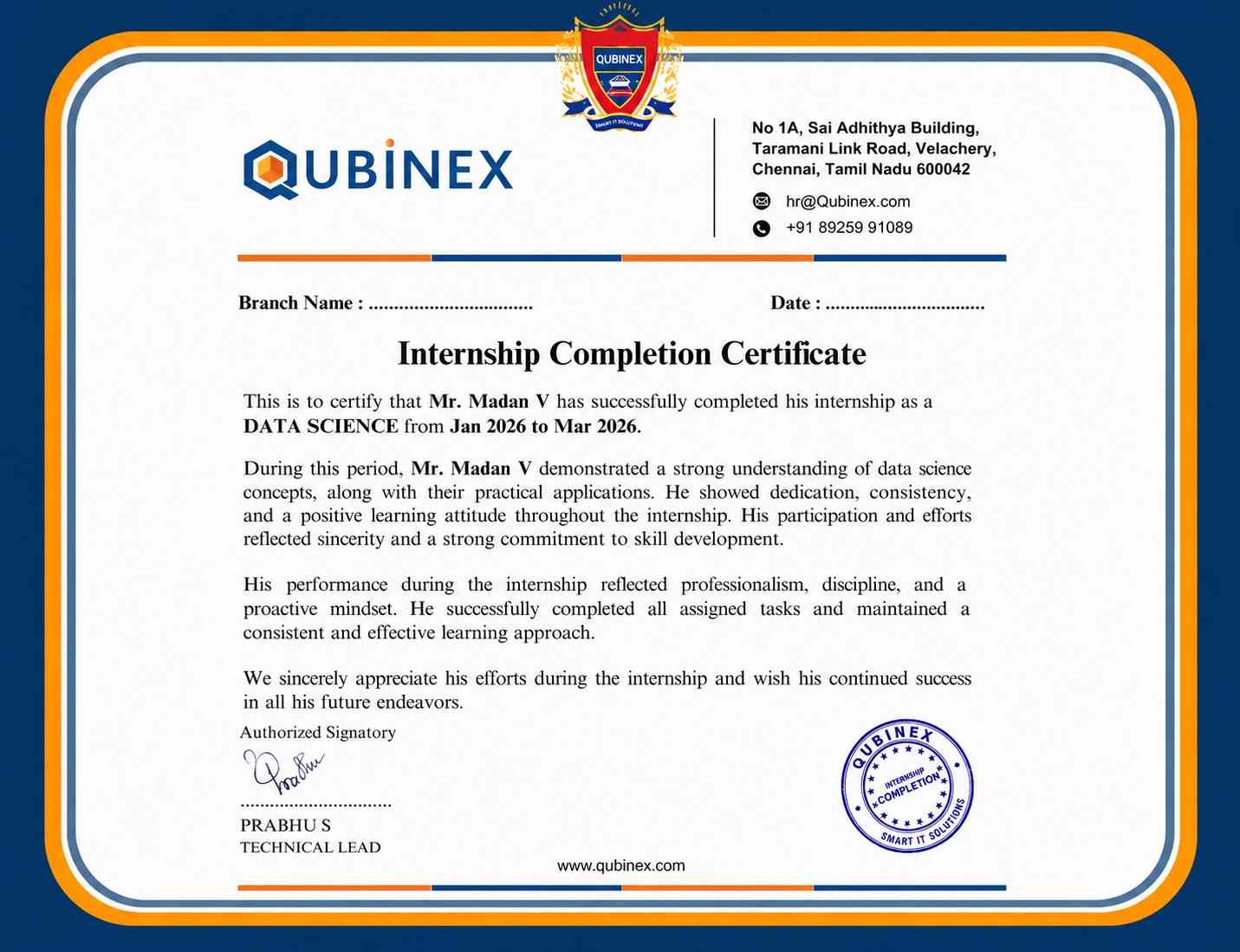
- Learn through interactive live lab simulations
- Get industry-focused training from expert instructors
- Study anytime with flexible, self-paced learning
- Practical skills for diagnosing and troubleshooting issues
- Preparation for certifications such as CompTIA and CCNA
- Opens pathways to roles like network technician and support engineer
Certification strengthens your resume and validates your skills but does not guarantee a job. Gaining hands-on experience and interview preparation is also essential.
Not mandatory, but basic computer knowledge and interest in networking are helpful. Prior exposure to hardware components is a plus.
- Understand IP addressing, subnetting, and core protocols
- Practice assembling and troubleshooting hardware setups
- Take mock tests and revise key networking fundamentals
- Gain hands-on lab experience with routers and switches
Yes, some vendor and institute-based certifications (like CompTIA Network+) can be taken online with remote supervision.
Yes, especially for beginners in IT. It opens doors to entry-level roles and forms a strong base for advanced certifications in networking and cybersecurity.
- Basic knowledge of computers
- Interest in hardware maintenance or networking
- Willingness to learn hands-on technical skills
Frequently Asked Questions
- Yes, we offer flexible online classes and classroom training at the Porur center.
- The course lasts 2–3 months, with fast-track options for experienced learners.
- We provide resume support, job referrals, and mock interviews through our placement team.
- Yes, lab sessions with routers, switches, and PC assembly provide real-world troubleshooting experience.
- Yes, we include soft skills training, IT-focused interview guidance, and technical Q&A sessions.
