
) 3K+
3K+
Start Your Learning Journey Today
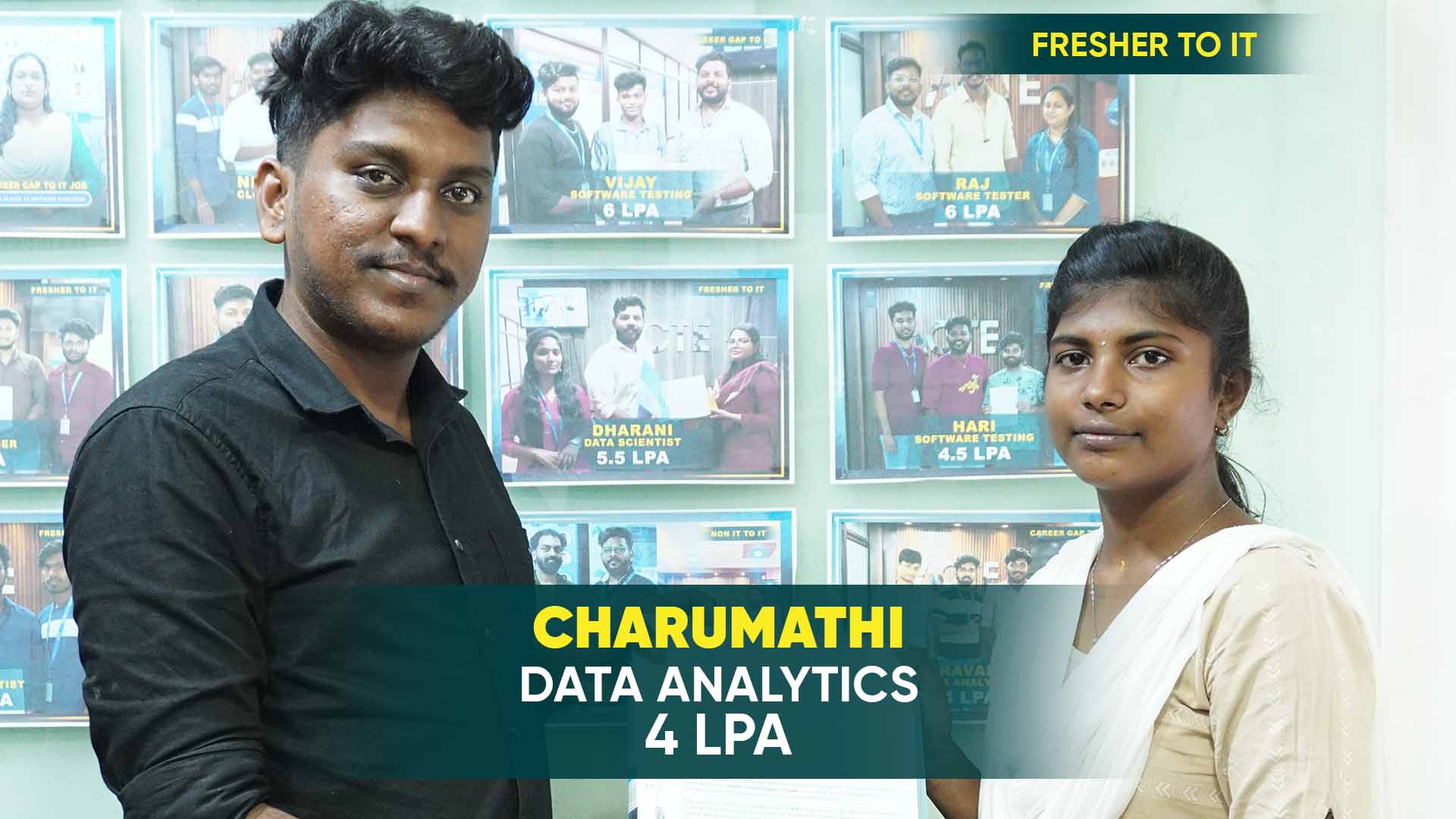
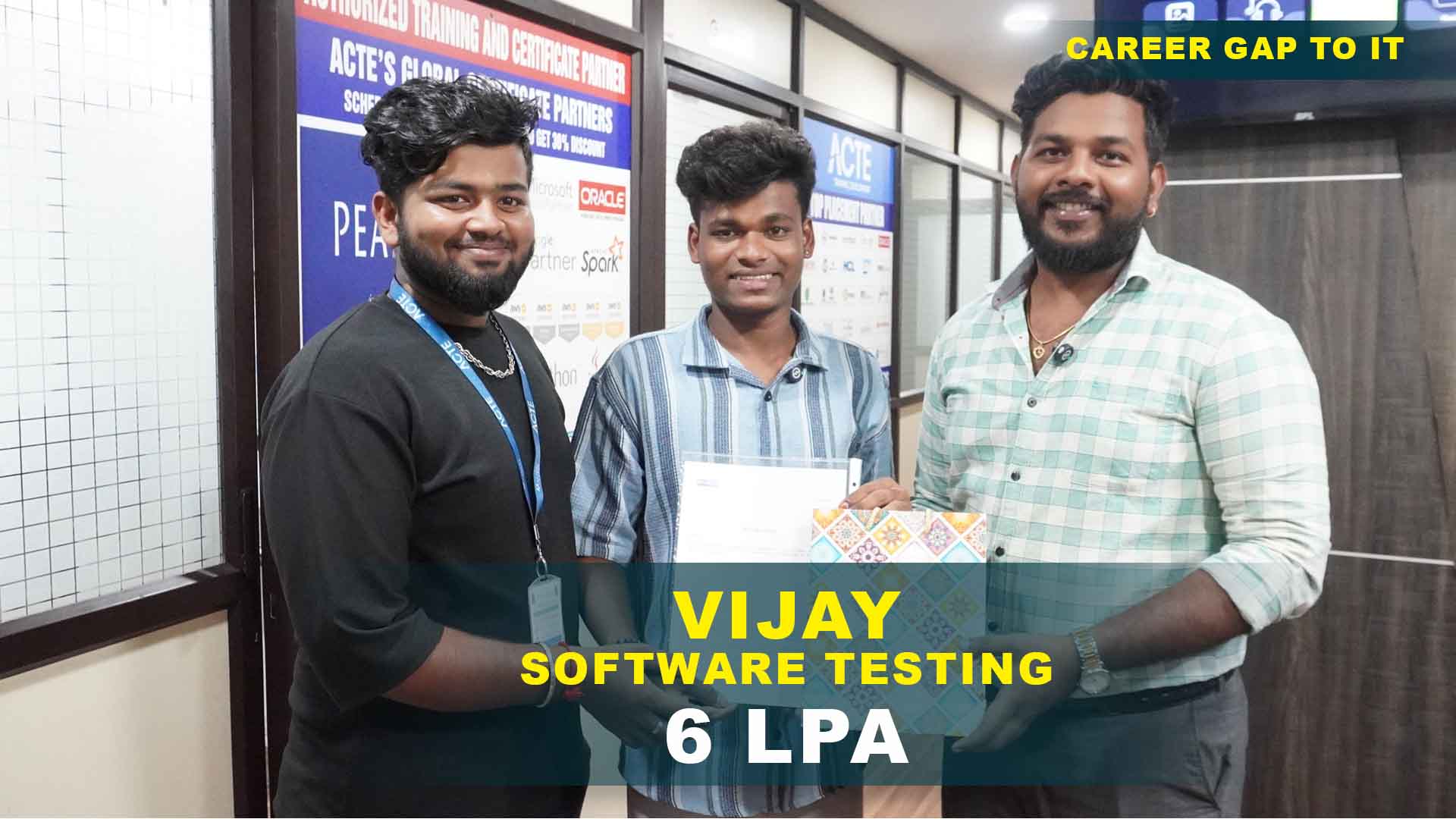
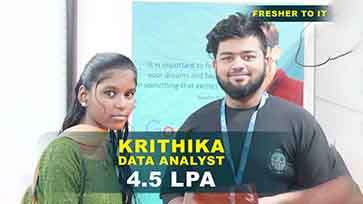
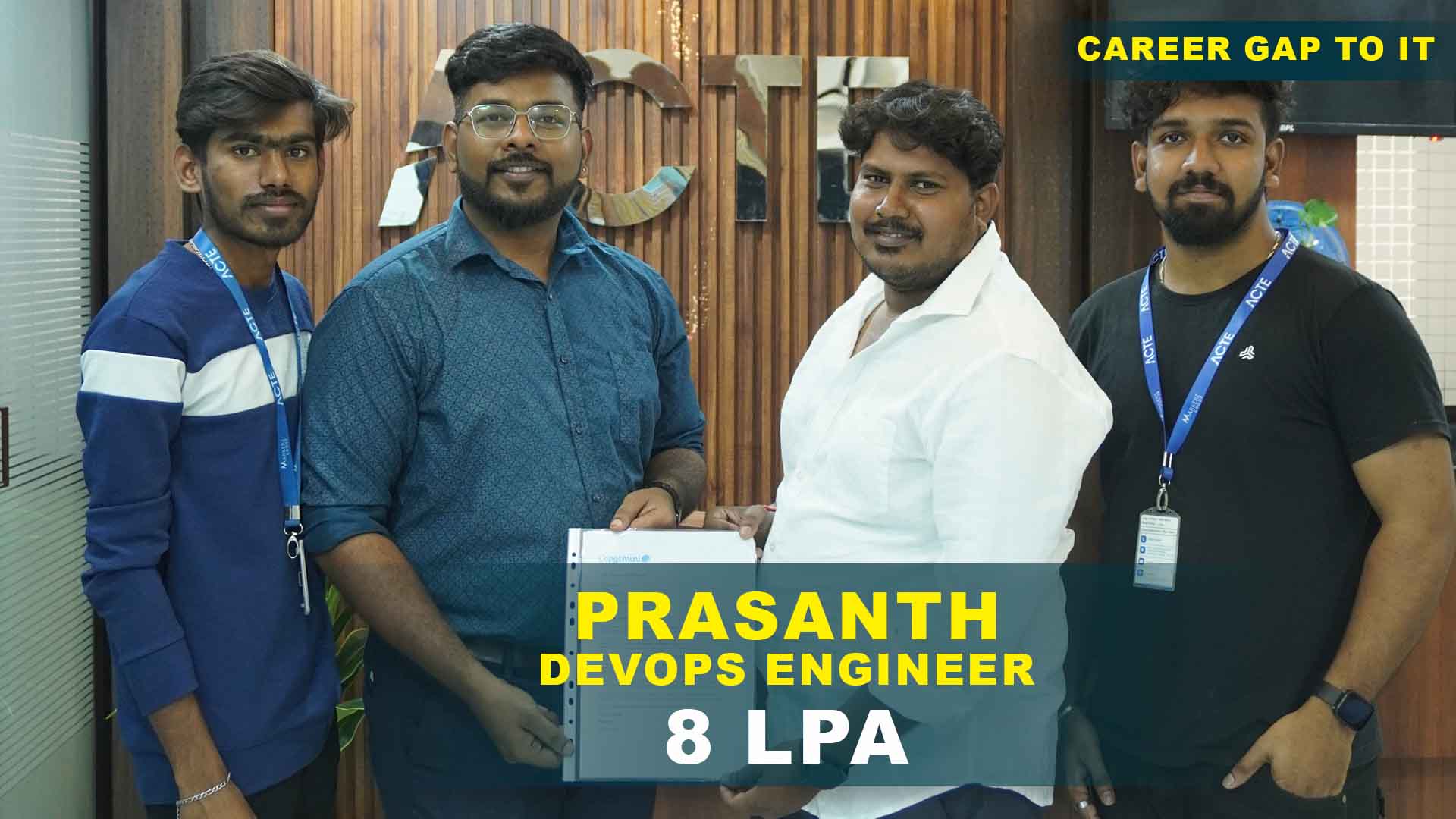
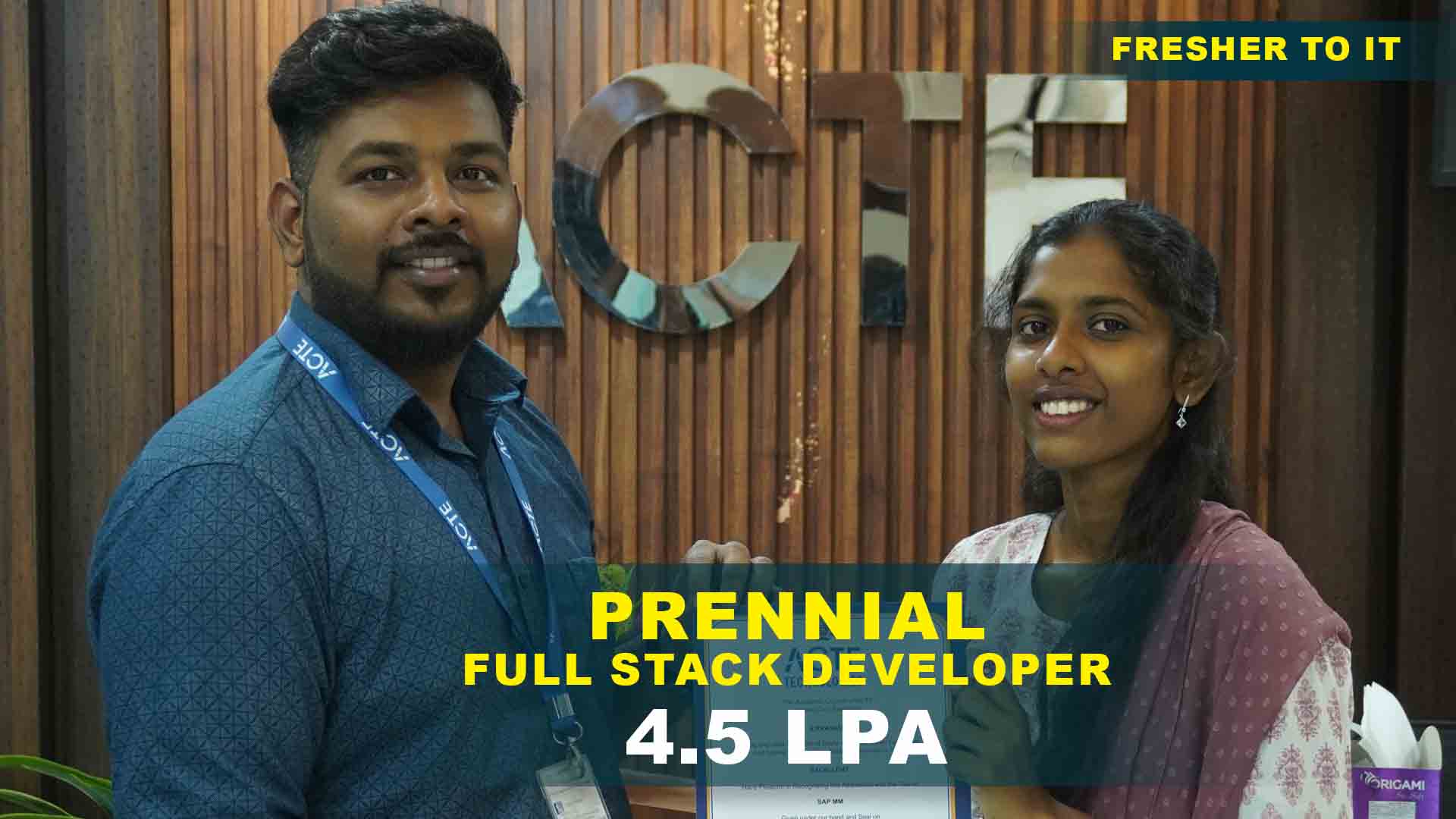
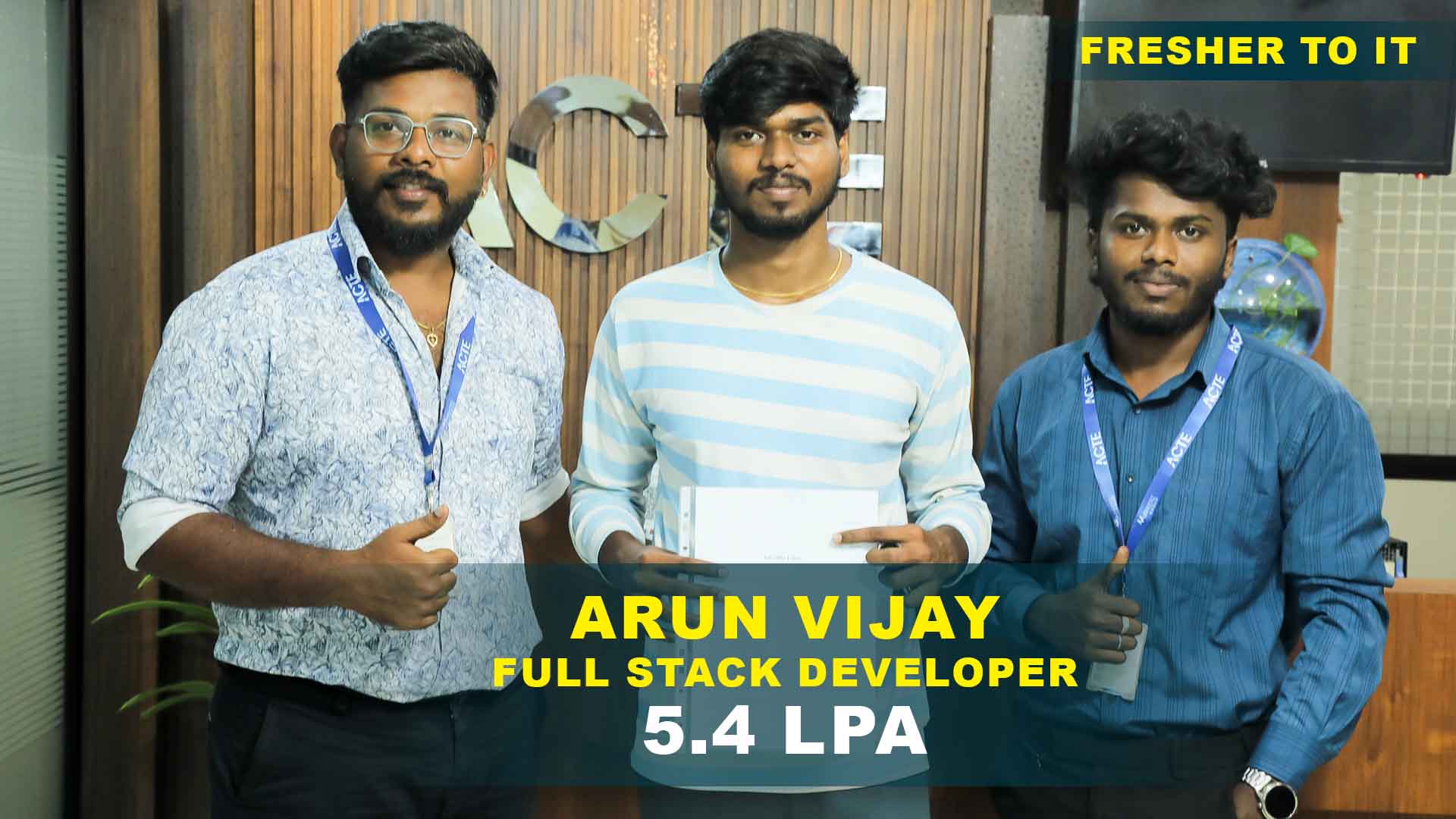
550+ Students Placed Every Month Be The Next!
Our Hiring Partners

Curriculam Designed By Experts
Expertly designed curriculum for future-ready professionals.
Industry Oriented Curriculum
An exhaustive curriculum designed by our industry experts which will help you to get placed in your dream IT company
-
30+ Case Studies & Projects
-
9+ Engaging Projects
-
10+ Years Of Experience
Designing & Animation Training Projects
Become a Designing & Animation Expert With Practical and Engaging Projects.
- Practice essential Tools
- Designed by Industry experts
- Get Real-world Experience
E-commerce Web App Testing
Basic Logo Design – Learn to create simple logos using Illustrator or Photoshop, applying vector tools, color theory, and typography principles. This project helps you understand.
Flat Character Illustration
Poster and Flyer Design – Design posters or flyers with layout, alignment, and visual hierarchy. Improve composition, spacing, and design balance for professional output.
Business Card Layout
Social Media Graphics – Create designs for Instagram, Facebook, and Twitter. Learn proper sizing, text placement, and visual engagement techniques for online platforms.
Event Poster Design
Brand Identity Project – Design complete branding including logo, colors, and marketing materials. Maintain consistency in visual identity.
Product Packaging Mockup
Motion Graphics Intro – Learn animation basics using After Effects. Work with keyframes, timing, and motion principles for simple animations.
Infographic Design
UI/UX Mini Project – Design simple app or website wireframes. Learn user flow, layout structure, and interactive screen design.
Brand Identity Design
3D Modeling and Animation – Create 3D objects and animations using Blender or Maya. Learn modeling, lighting, texturing, and rendering.
Isometric Cityscape Illustration
Visual Effects (VFX) Scene – Add effects like particles, compositing, and motion effects in videos. Learn VFX tools and workflow.
Magazine Cover Design
Advanced Motion Graphics – Create complex animations with multiple layers, transitions, and timing for professional output.
Career Support


Placement Assistance

Exclusive access to ACTE Job portal

Mock Interview Preparation

1 on 1 Career Mentoring Sessions

Career Oriented Sessions

Resume & LinkedIn Profile Building
Key Features

Practical Training

Global Certifications

Flexible Timing

Trainer Support

Study Material

Placement Support

Mock Interviews

Resume Building
Upcoming Batches
What's included
 Free Aptitude and
Technical Skills Training
Free Aptitude and
Technical Skills Training
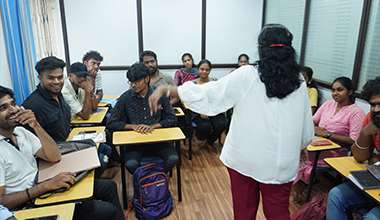
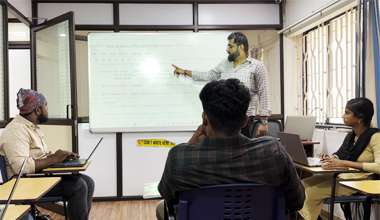
- Learn basic maths and logical thinking to solve problems easily.
- Understand simple coding and technical concepts step by step.
- Get ready for exams and interviews with regular practice.
 Hands-On Projects
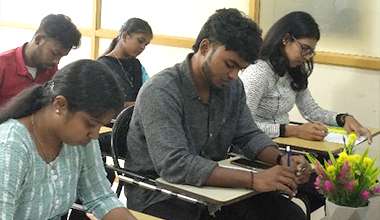
- Work on real-time projects to apply what you learn.
- Build mini apps and tools daily to enhance your coding skills.
- Gain practical experience just like in real jobs.
 AI Powered Self
Interview Practice Portal
AI Powered Self
Interview Practice Portal
- Practice interview questions with instant AI feedback.
- Improve your answers by speaking and reviewing them.
- Build confidence with real-time mock interview sessions.
 Interview Preparation
For Freshers
Interview Preparation
For Freshers
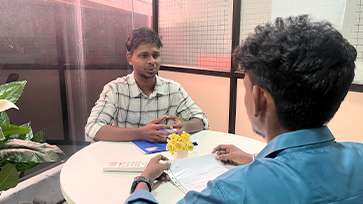
- Practice company-based interview questions.
- Take online assessment tests to crack interviews
- Practice confidently with real-world interview and project-based questions.
 LMS Online Learning
Platform
LMS Online Learning
Platform
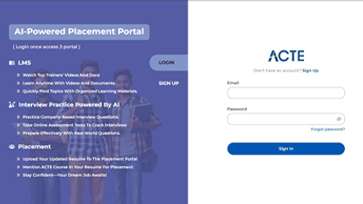
- Explore expert trainer videos and documents to boost your learning.
- Study anytime with on-demand videos and detailed documents.
- Quickly find topics with organized learning materials.
- Learning strategies that are appropriate and tailored to your company's requirements.
- Live projects guided by instructors are a characteristic of the virtual learning environment.
- The curriculum includes of full-day lectures, practical exercises, and case studies.

Designing & Animation Training Overview
Designing & Animation Training in Trichy with Potential Career Paths
Designing & Animation Course in Trichy opens many career opportunities in the creative and digital media industries. Professionals can work as graphic designers, motion graphics artists, 2D or 3D animators, and visual effects specialists. These roles involve creating visual content for films, games, advertising, websites, and digital platforms. Designers also work in branding, UI/UX design, and multimedia production. Animation professionals are highly valued in industries such as entertainment, marketing, education, and gaming. With the rapid growth of digital media, skilled designers and animators are in high demand across companies worldwide. Many professionals specialize in areas such as character animation, product visualization, or motion graphics. Knowledge of tools like Adobe Photoshop, Illustrator, After Effects, and Blender improves job opportunities.
The Requirements for a Designing & Animation Course in Trichy
- Basic Drawing and Creative Skills : Learners should have basic creative thinking and an interest in drawing or visual design. This helps in understanding design concepts and animation flow more easily.
- Interest in Design Tools : Students should have interest in working with design software like Photoshop, Illustrator, and animation tools. Motivation to learn software skills helps in building strong practical knowledge. Hands-on practice improves technical efficiency.
- Understanding of Color and Shapes : Basic knowledge of colors, shapes, and layouts is important in designing. This helps in creating balanced and attractive visual compositions. Understanding design elements improves quality of artwork and animations.
- Observation and Visualization Skills : Good observation skills help learners analyze real-world objects and convert them into designs. Visualization ability is important for creating animations and motion graphics. It helps in building creative design concepts.
- Practice and Consistency : Regular practice is required to improve design and animation skills. Continuous working on projects helps in mastering tools and techniques. Consistency improves creativity and technical accuracy.
- Willingness to Learn New Tools : Designing and animation tools are frequently updated. Learners should be open to learning new features and technologies. This helps in staying updated with industry trends.
Enrolling in Designing & Animation Course in Trichy
Enrolling in a Designing & Animation Placement in Trichy helps learners build strong creative, technical, and visual communication skills. It allows students to transform ideas into attractive digital designs and animations using industry-standard tools. The course improves knowledge in graphic design, motion graphics, and visual storytelling. Learners gain hands-on experience by working on real-time projects such as logo design, branding, posters, and animations. It also enhances career opportunities in media, advertising, gaming, film production, and digital marketing industries. This training helps students develop a strong portfolio and prepares them for professional design roles in the creative industry.
Techniques and Trends in Designing & Animation Placement in Trichy with Development
- 2D Animation Techniques : 2D animation focuses on creating movement in a two-dimensional environment. Artists use frame-by-frame animation or digital tools to bring characters and scenes to life.
- 3D Modeling and Animation : 3D animation allows designers to create realistic characters and environments. Using software like Blender or Maya, artists build models, textures, and lighting effects.
- Motion Graphics Design : Motion graphics combine text, shapes, and animation to create engaging visual content. This technique is widely used in advertisements, presentations, and social media videos.
- Visual Effects (VFX) : VFX techniques add digital effects to videos and films. Designers create elements like explosions, lighting effects, or imaginary environments.
- UI/UX Animation : UI/UX animation focuses on interactive design for websites and mobile applications. Designers create animated buttons, transitions, and visual feedback for users.
- AI-Based Design Tools : Modern design trends include the use of AI tools for faster content creation. AI can generate layouts, images, and animation effects automatically.
The Most Recent Designing & Animation Placement in Trichy with Tools
Modern Designing & Animation Training in Trichy work relies on advanced digital tools that help artists create professional visual content. Adobe Photoshop is widely used for image editing, digital painting, and graphic design. Adobe Illustrator helps designers create vector graphics, logos, and illustrations with precision. Adobe After Effects is popular for motion graphics and visual effects in video production. Adobe Premiere Pro is used for video editing and multimedia projects. Blender is an open-source tool for 3D modeling, animation, and rendering. Autodesk Maya is widely used in film and gaming industries for high-quality 3D animation. Cinema 4D is known for motion graphics and visual effects projects. CorelDRAW helps designers create professional vector graphics and layouts. Toon Boom Harmony is commonly used in professional 2D animation studios. Figma and Adobe XD are used for UI/UX design and interactive prototypes. Procreate is popular among digital illustrators and concept artists.
Career Opportunities After Designing & Animation Training
Graphic Designer
A Graphic Designer creates visual concepts using software like Photoshop and Illustrator. They design logos, posters, banners, and marketing materials for digital and print media. They collaborate with clients
Motion Graphics Artist
Motion Graphics Artists bring designs to life through animation and video. They create engaging motion sequences for advertisements, explainer videos, and social media content.
3D Animator
3D Animators specialize in creating three-dimensional models and animations for films, games, and product visualizations. They work with tools like Blender or Maya to design characters, props, and environments.
UI/UX Designer
UI/UX Designers focus on designing interactive interfaces for websites, apps, and software. They create wireframes, prototypes, and animations that enhance user experience. Their goal is to make digital products intuitive, visually appealing, and user-friendly.
VFX Artist
VFX Artists work on visual effects for films, games, and advertisements. They create digital effects such as explosions, weather elements, and imaginary environments. They combine creativity with technical skills to enhance storytelling and audience immersion.
Illustrator / Concept Artist
Illustrators and Concept Artists create detailed artwork and visual concepts for characters, environments, and products. They use both traditional and digital tools to bring ideas to life. Their work forms the foundation for animations, games, and multimedia projects.


