
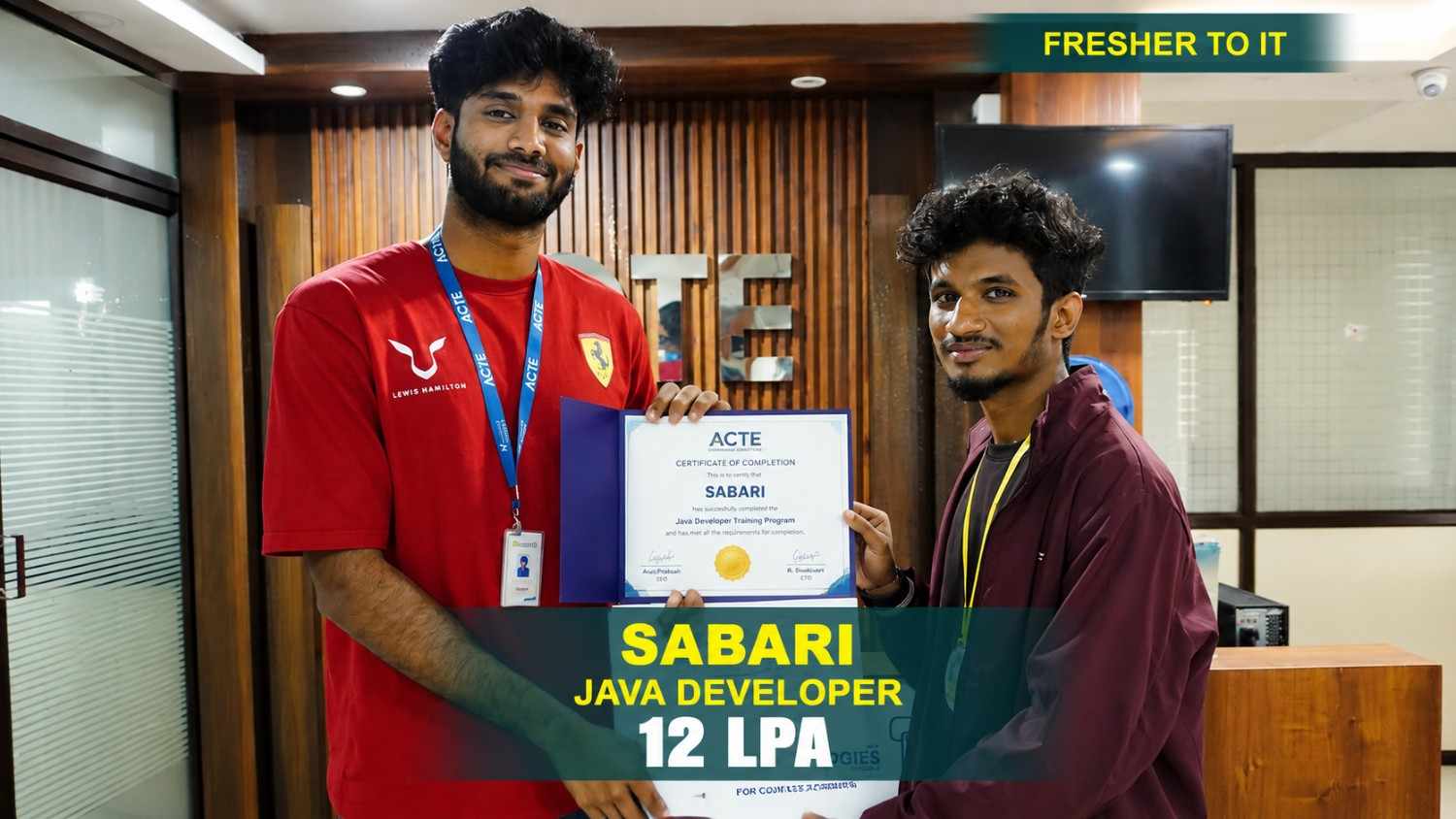
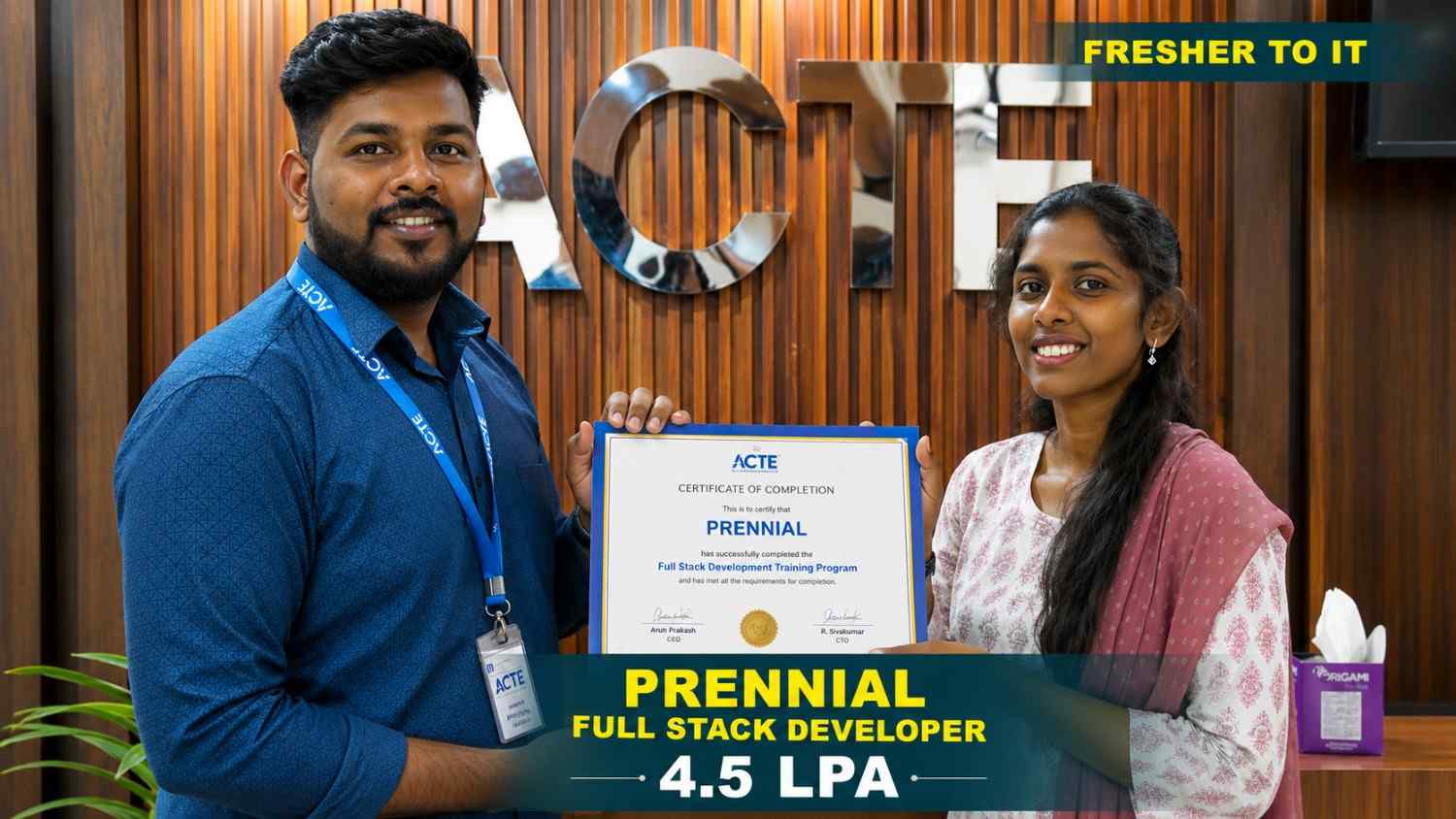
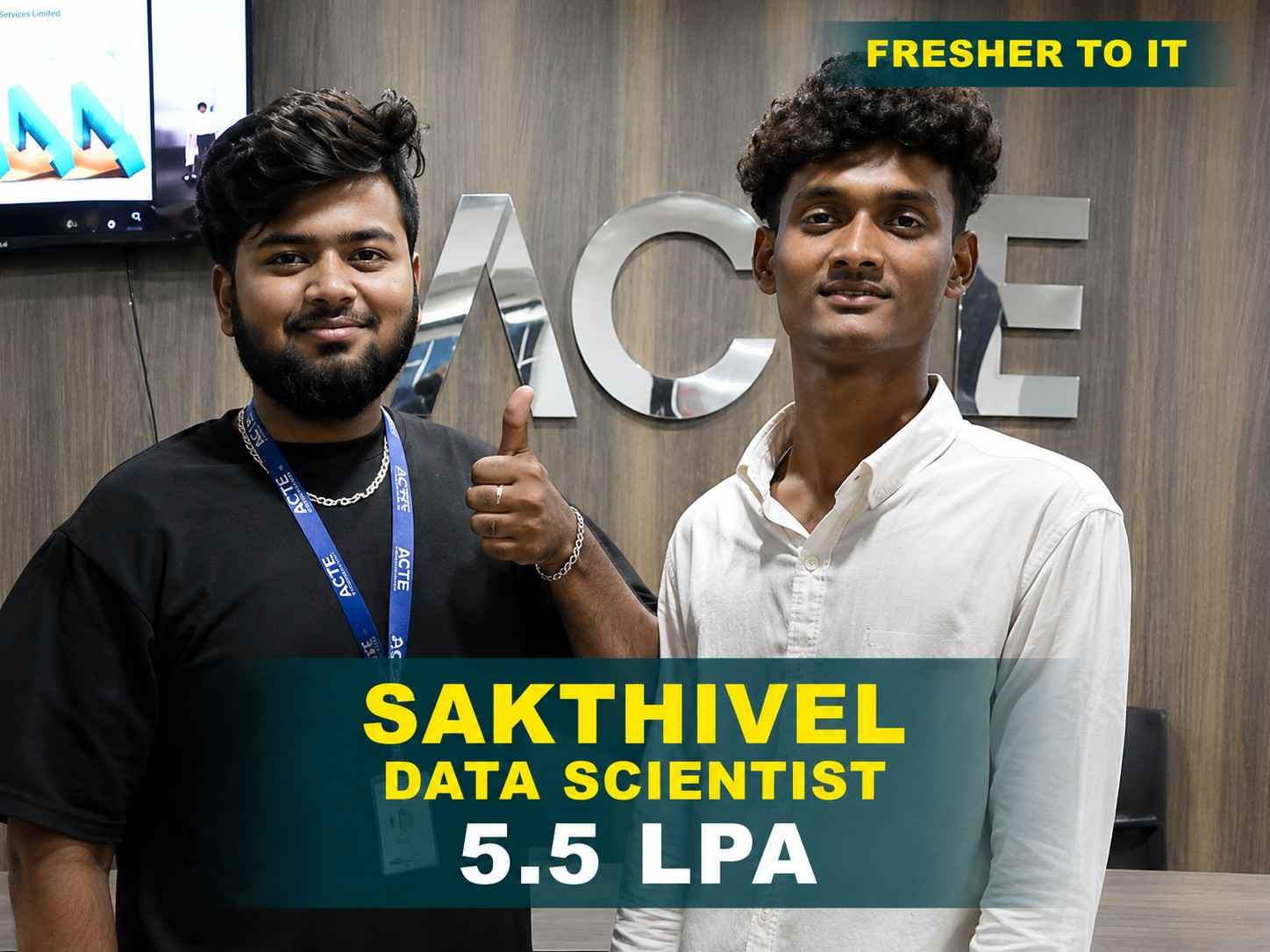
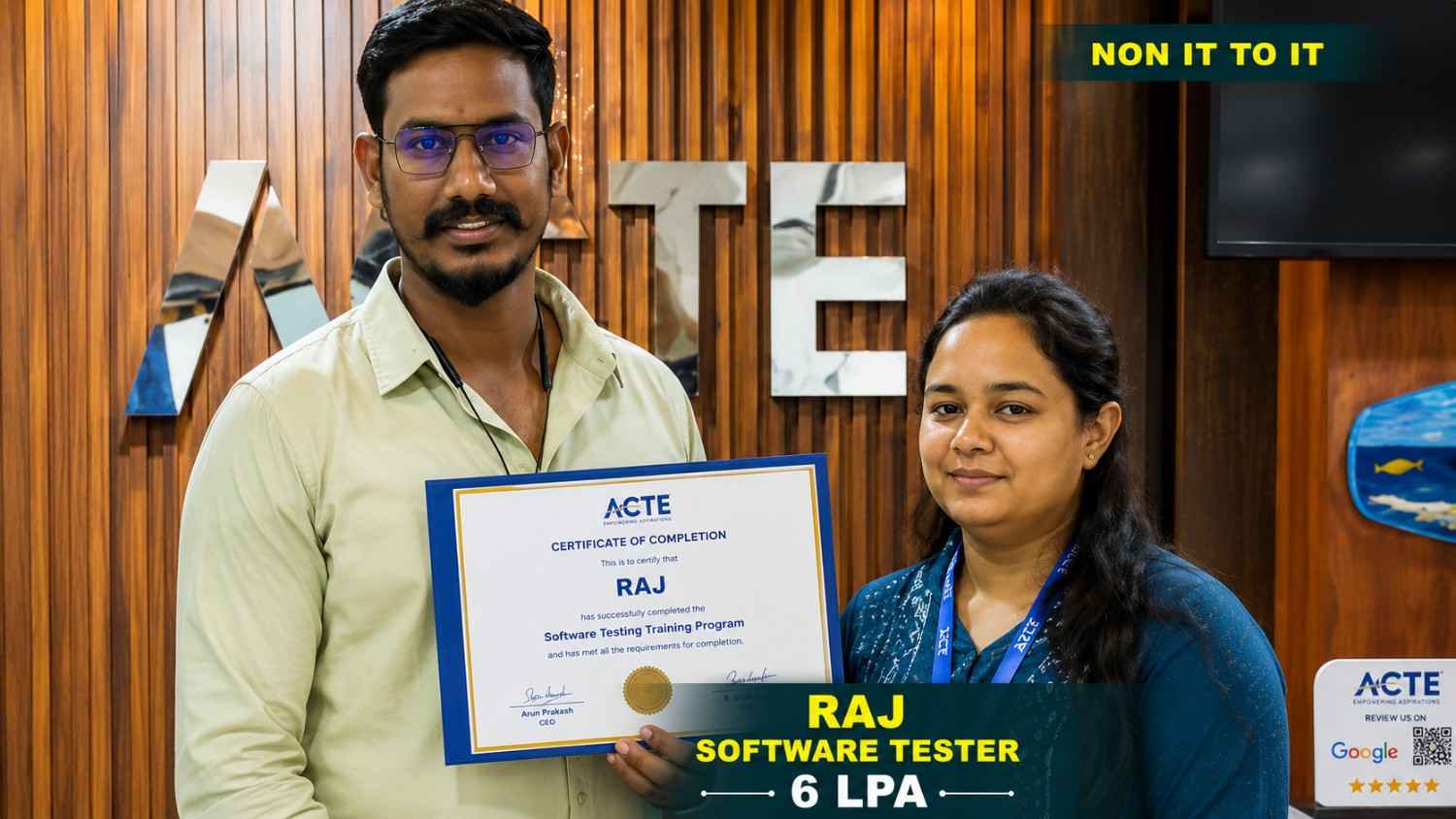
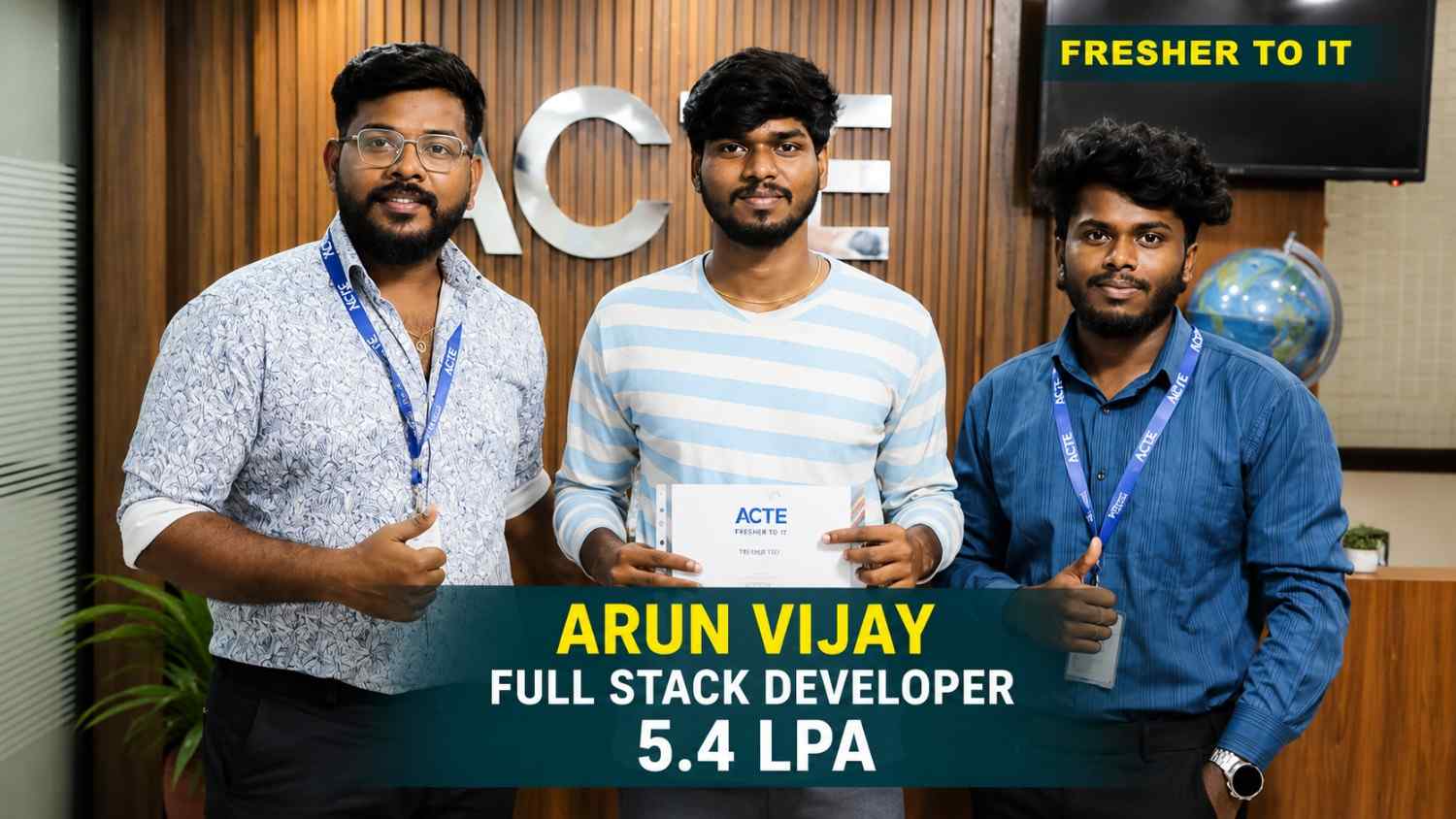
550+ Students Placed Every Month Be The Next!





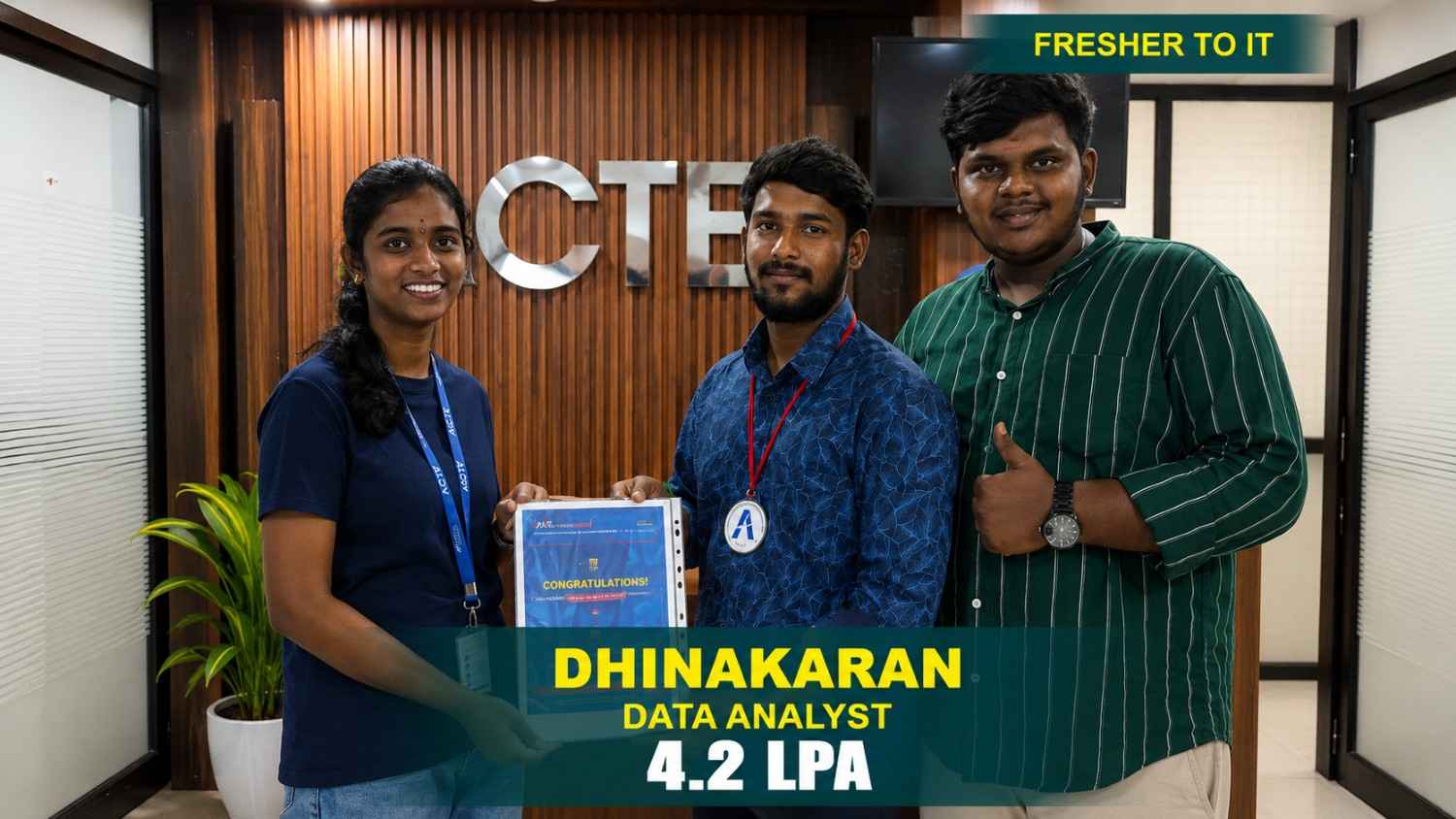
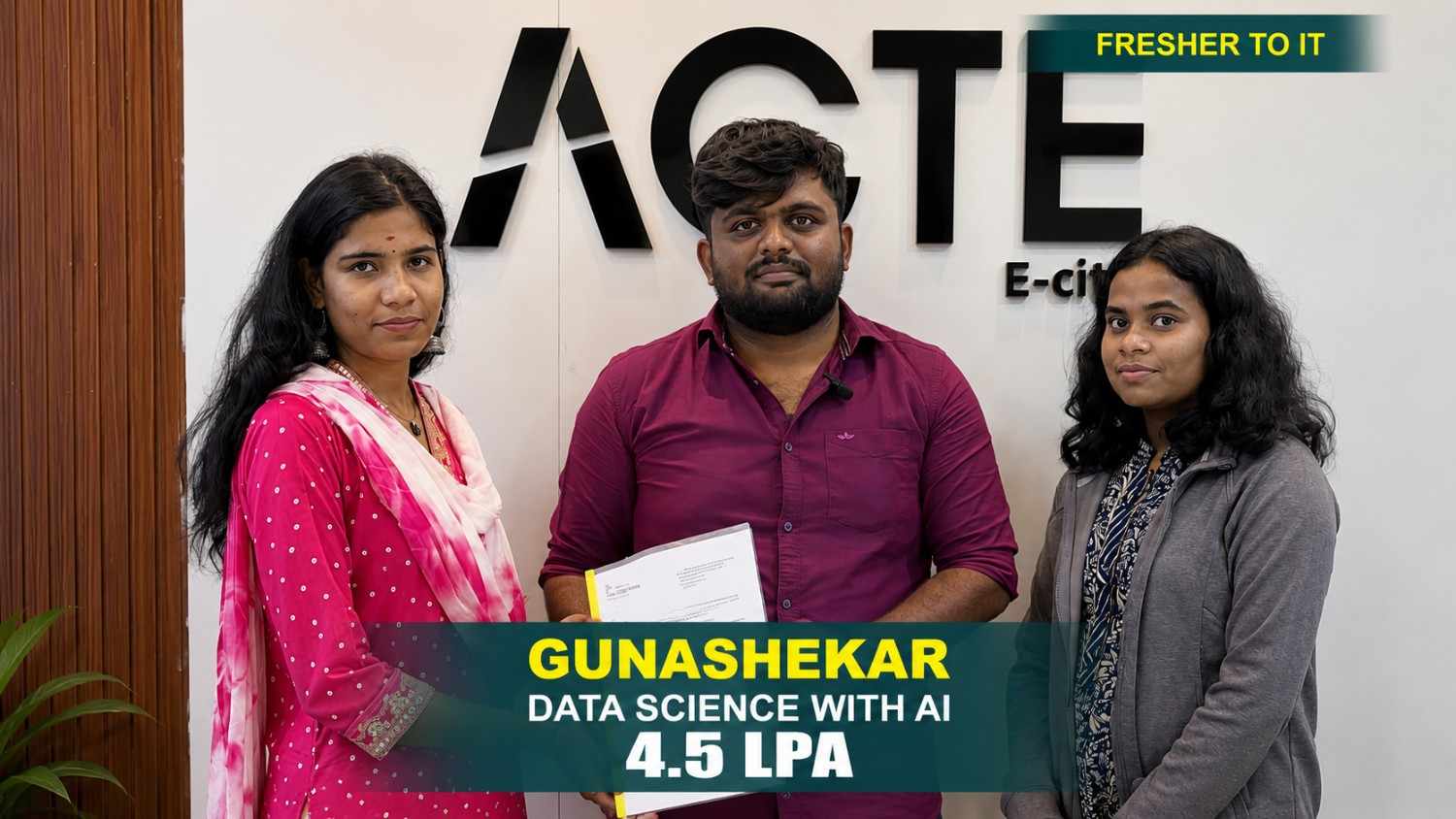
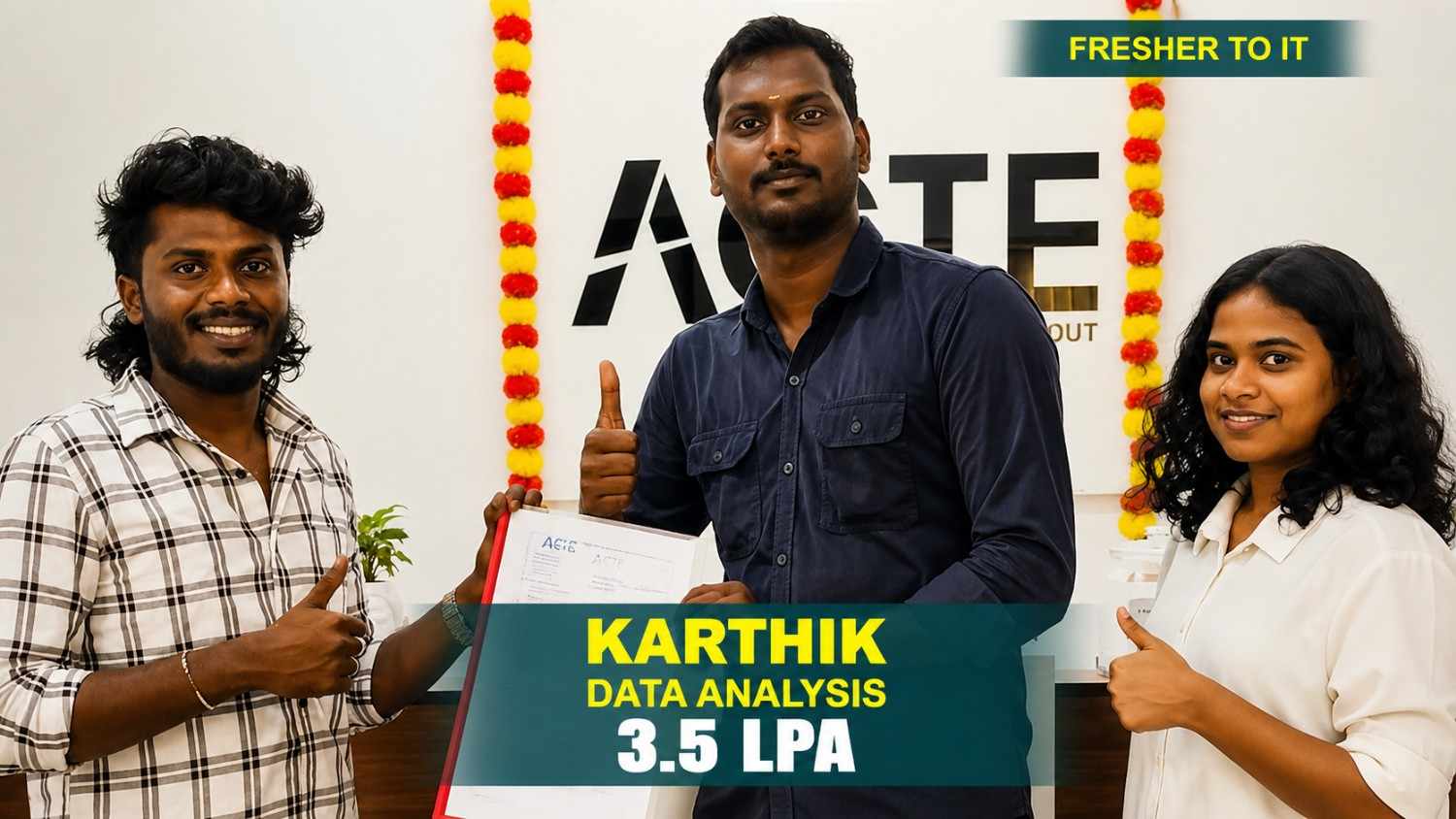
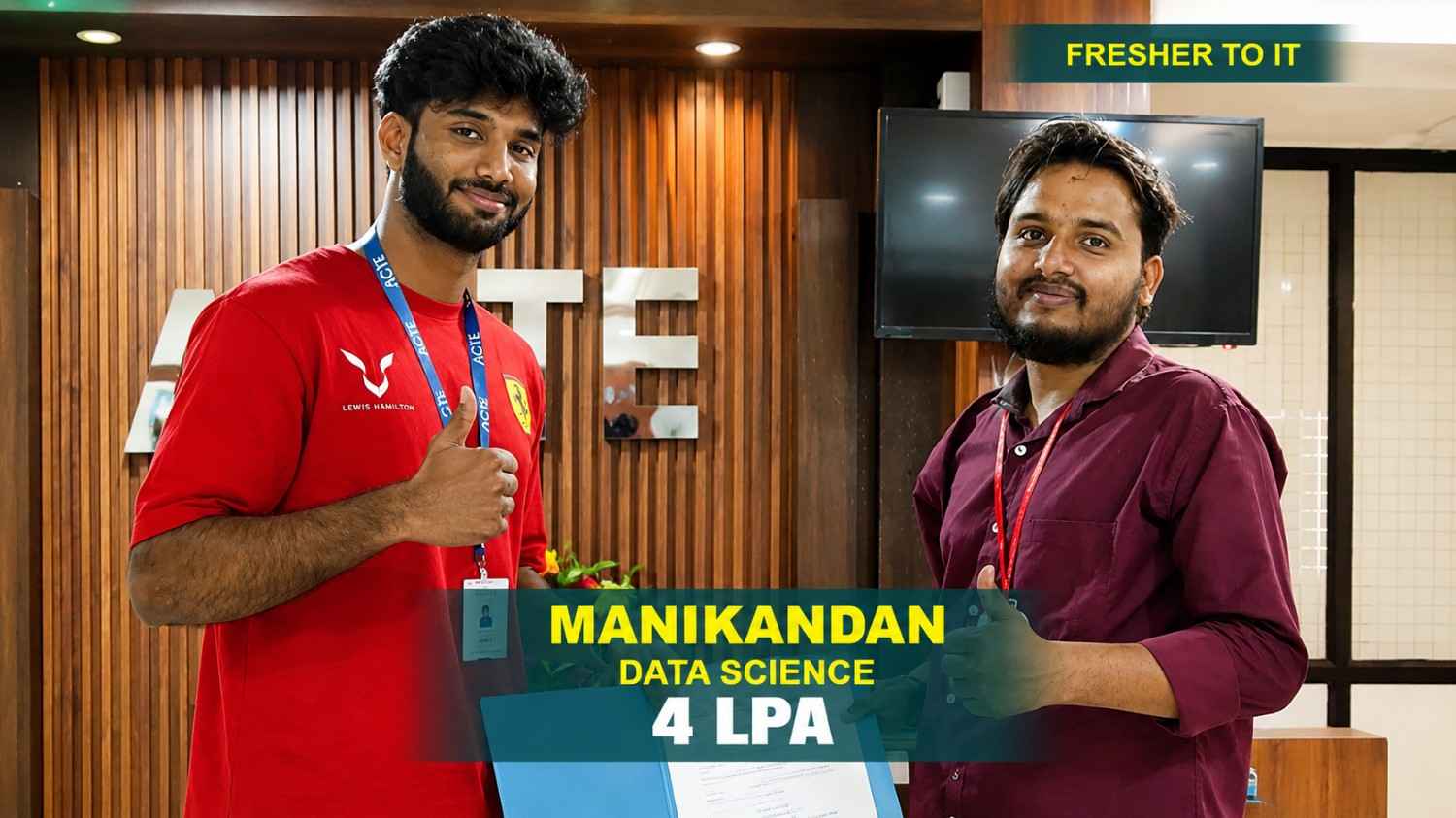


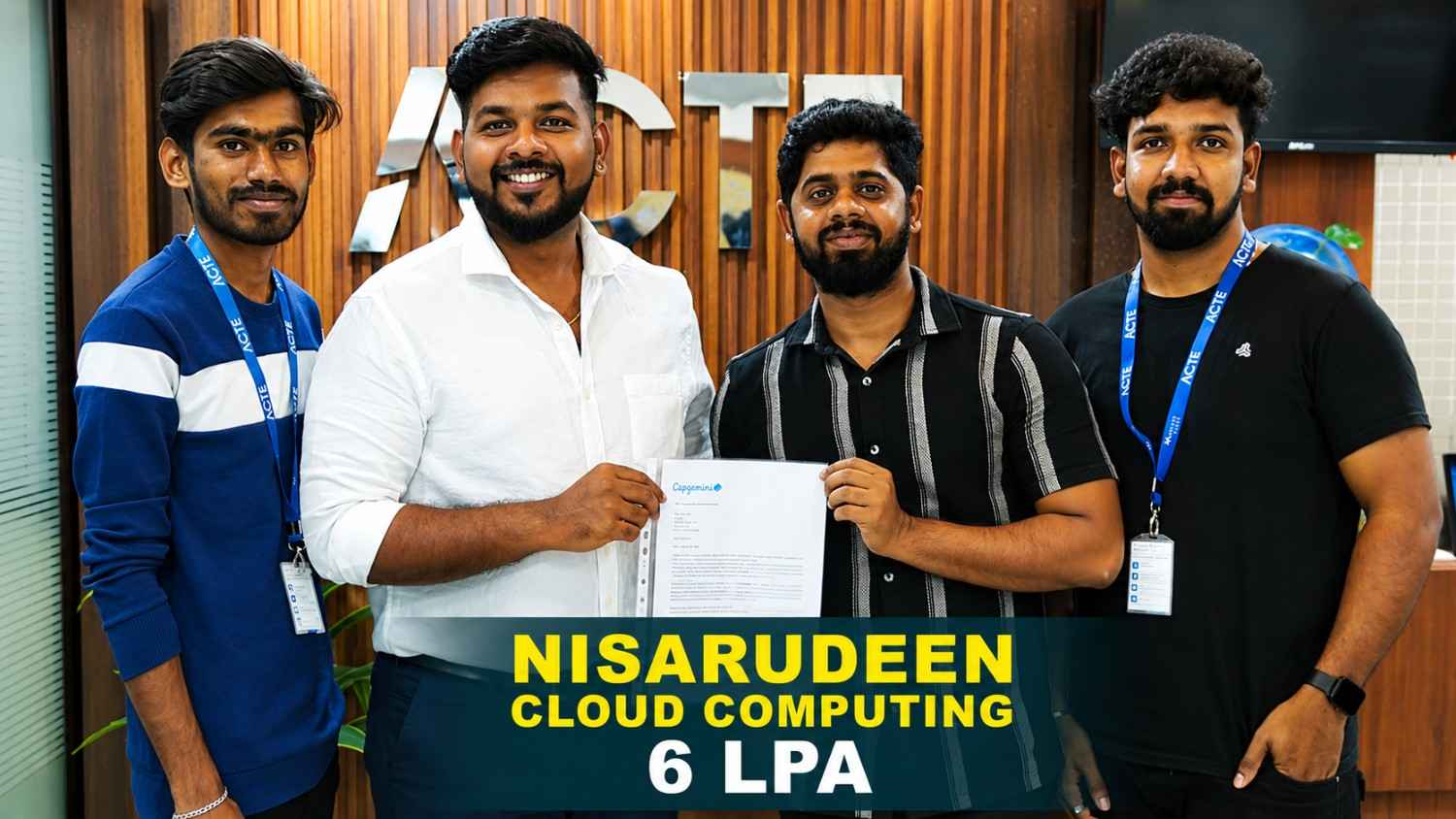

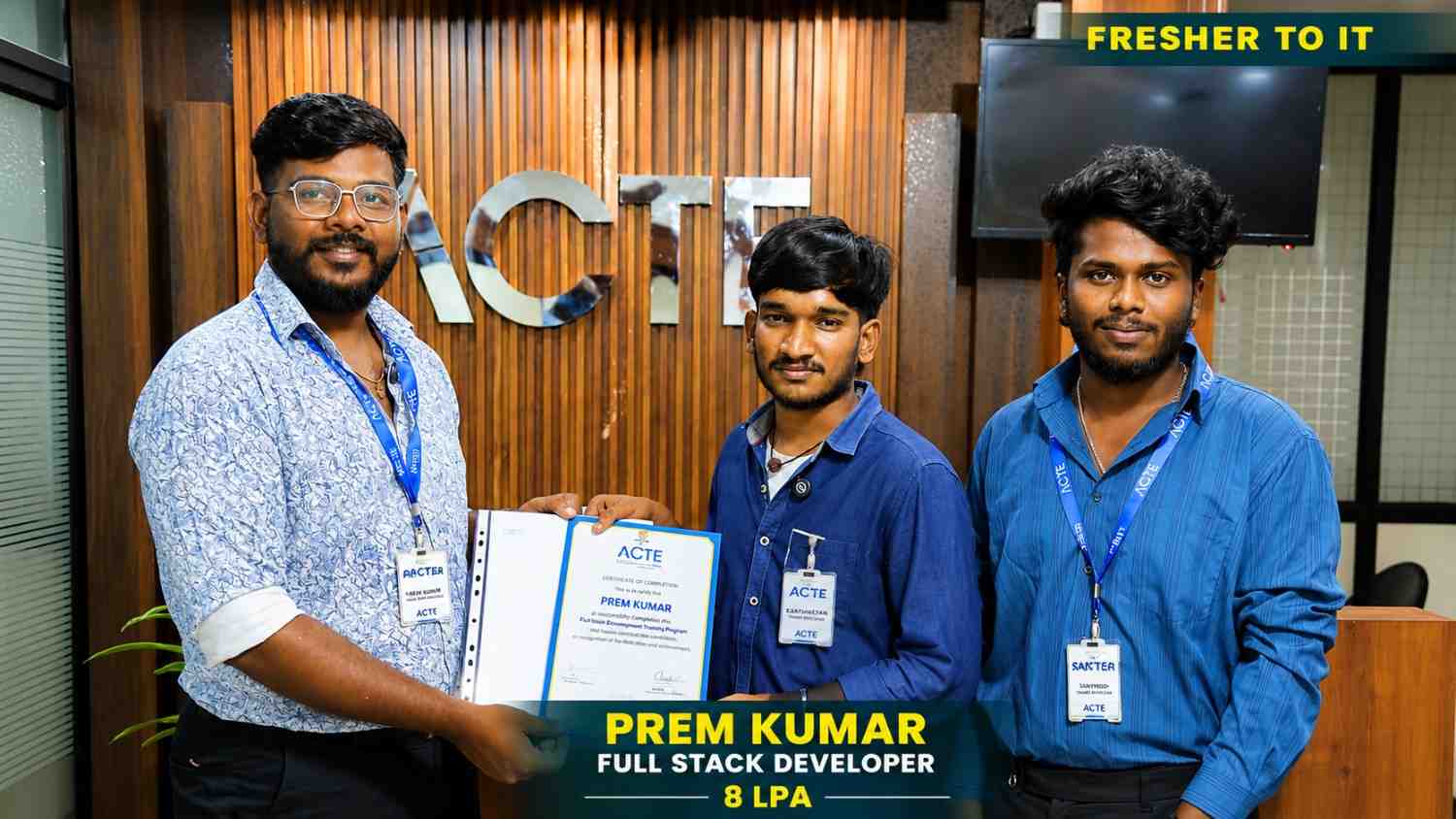
Our Hiring Partners

Curriculum Designed By Experts
Expertly designed curriculum for future-ready professionals.
Industry Oriented Curriculum
An exhaustive curriculum designed by our industry experts which will help you to get placed in your dream IT company
-
30+ Case Studies & Projects
-
9+ Engaging Projects
-
10+ Years Of Experience
Microsoft Azure Training Projects
Become a Microsoft Azure Expert With Practical and Engaging Projects.
- Practice essential Tools
- Designed by Industry experts
- Get Real-world Experience
Azure Virtual Machines
Set up Azure Virtual Machines to deploy applications, handle computing resources, and track performance while applying cloud infrastructure configurations and security settings.
Azure Storage Management
Manage Azure Storage services for files, databases, backups, and data access while configuring storage accounts, security settings, and access permissions.
Azure Networking
Build Azure networking configurations to handle virtual networks, subnets, IP addresses, and connectivity while implementing network security rules and traffic management.
Azure Resource Management
Manage Azure resource processes to create resources, organize resource groups, track deployments, and maintain cloud infrastructure through access controls and configuration.
Azure DevOps Workflow
Manage Azure DevOps processes to handle source code, track development tasks, automate build pipelines, and coordinate application deployments through repositories.
Azure Security Management
Develop Azure security settings to control user permissions, identify threats, secure cloud resources, maintain security policies, and support access decisions through identity management.
Azure Security Configuration
Manage Azure security groups, network policies, access permissions, and role assignments to secure cloud resources and track activities while implementing security policies.
Cloud Deployment
Build Azure deployment solutions to provision cloud resources, configure applications, monitor deployment status, and prepare deployment reports through automation tools and pipelines.
Azure Data Migration
Organize and perform Azure data migration tasks by transferring databases, correcting discrepancies, and ensuring data integrity through Azure migration tools.
Career Support
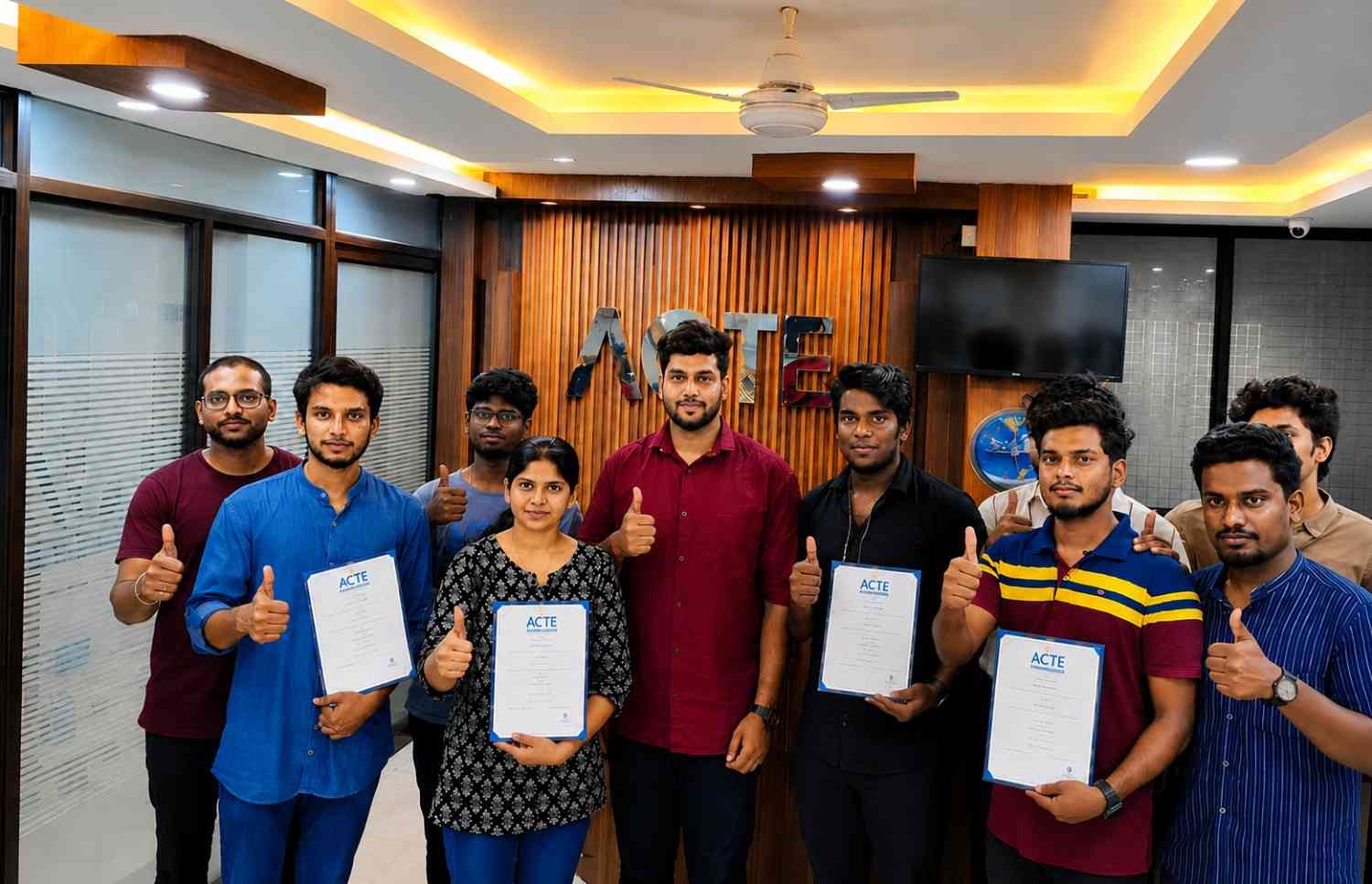

Placement Assistance

Exclusive access to ACTE Job portal

Mock Interview Preparation

1 on 1 Career Mentoring Sessions

Career Oriented Sessions

Resume & LinkedIn Profile Building
Key Features

Practical Training

Global Certifications

Flexible Timing

Trainer Support

Study Material

Placement Support

Mock Interviews

Resume Building
Upcoming Batches
What's included

 Free Aptitude and
Technical Skills Training
- Learn basic maths and logical thinking to solve problems easily.
- Understand simple coding and technical concepts step by step.
- Get ready for exams and interviews with regular practice.
 Hands-On Projects
- Work on real-time projects to apply what you learn.
- Build mini apps and tools daily to enhance your coding skills.
- Gain practical experience just like in real jobs.

 AI Powered Self
Interview Practice Portal
- Practice interview questions with instant AI feedback.
- Improve your answers by speaking and reviewing them.
- Build confidence with real-time mock interview sessions.

 Interview Preparation
For Freshers
- Practice company-based interview questions.
- Take online assessment tests to crack interviews
- Practice confidently with real-world interview and project-based questions.
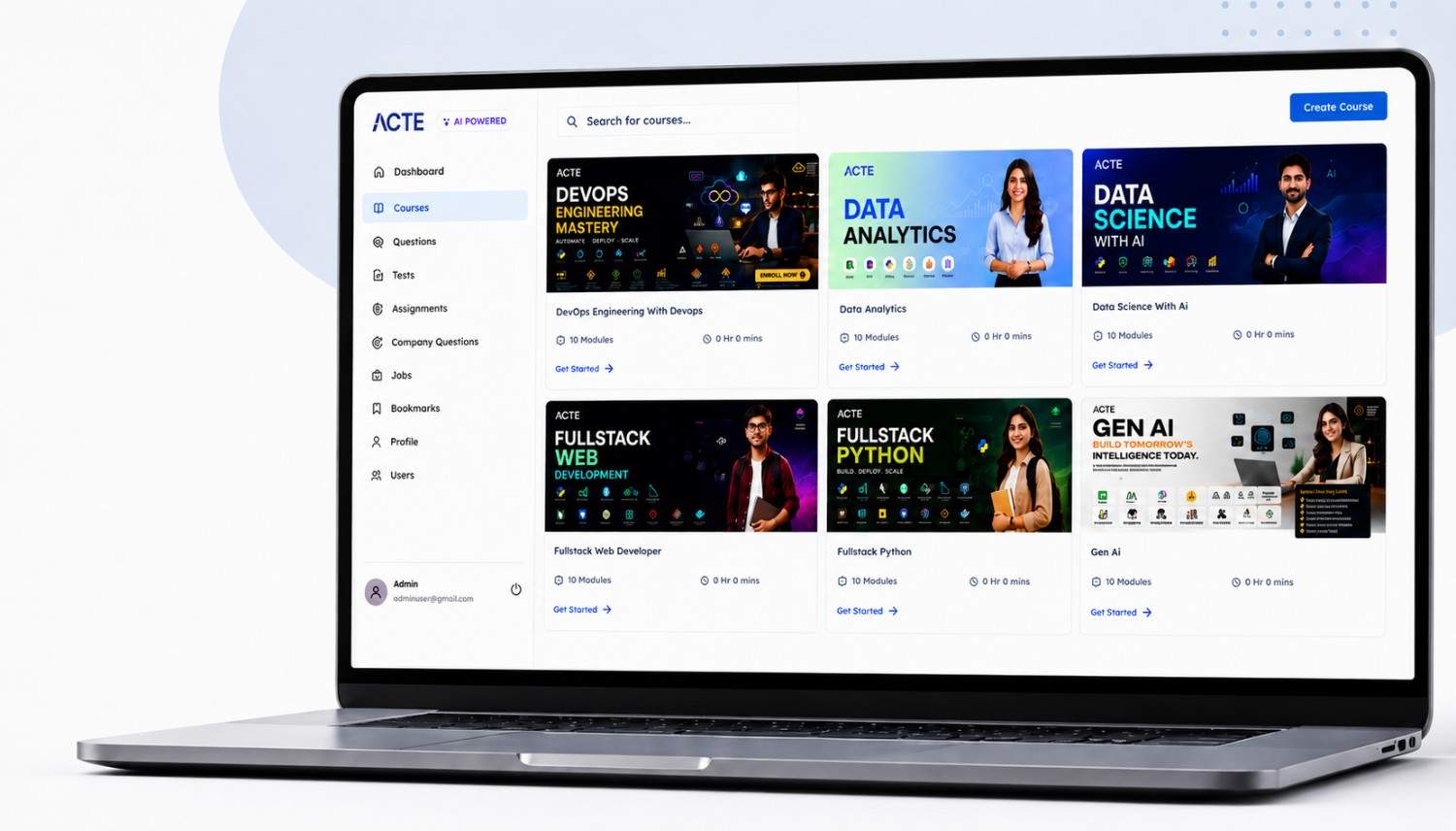
 LMS Online Learning
Platform
- Explore expert trainer videos and documents to boost your learning.
- Study anytime with on-demand videos and detailed documents.
- Quickly find topics with organized learning materials.
- Learning strategies that are appropriate and tailored to your company's requirements.
- Live projects guided by instructors are a characteristic of the virtual learning environment.
- The curriculum includes of full-day lectures, practical exercises, and case studies.

Microsoft Azure Training Overview
Gain Cloud Computing Knowledge with Microsoft Azure Training in Hyderabad
Businesses increasingly rely on cloud computing platforms, reliable infrastructure, and efficient cloud management solutions to handle everyday organizational activities. Through guided practical training, learners explore how Microsoft Azure applications assist cloud administration, virtual machine management, application deployment, data storage, networking, and enterprise operations. The Microsoft Azure Internship Course In Hyderabad introduces important cloud computing concepts, Azure fundamentals, virtual networks, resource management, storage services, identity management, security, monitoring, and deployment using industry-relevant tools such as Microsoft Azure Portal, Azure Virtual Machines, Azure Storage, Azure Active Directory, and Azure Resource Manager. Participants practise configuring cloud resources, deploying applications, managing storage accounts, developing virtual networks, assigning security permissions, and monitoring cloud services across realistic business situations efficiently. The Microsoft Azure Course Institute also explores cloud migration, infrastructure management, and troubleshooting techniques used within enterprise environments. Through guided exercises, cloud application labs, and project-based assignments, learners practise developing cloud solutions, improving infrastructure operations, organizing cloud resources, and addressing common application issues. Additionally, the program strengthens technical capabilities while demonstrating how Microsoft Azure platforms assist business operations, and cloud infrastructure management across various industries and evolving organizational requirements while preparing learners for changing workplace expectations and sustained professional success in cloud computing careers.
Build Practical Expertise Through the Microsoft Azure Internship Program
Practical learning helps participants discover how cloud professionals configure, deploy, and maintain cloud infrastructure based on business needs. The Microsoft Azure Placement Training sessions include practical projects covering virtual machine configuration, cloud resource management, application deployment, storage administration, network configuration, security management, and monitoring. Participants complete Microsoft Azure assignments to create resource groups, establish virtual networks, develop cloud storage solutions, configure integrations, and extract meaningful insights from cloud monitoring data. These exercises demonstrate how Azure applications enhance resource availability, automate cloud tasks, safeguard confidential information, and maintain efficient infrastructure administration. Through guided activities, learners practise working with Azure Portal, adjusting resource configurations, handling cloud services, and testing deployment workflows. Project assignments also encourage participants to document configuration updates, investigate errors, validate cloud resources, review monitoring outcomes, and improve solutions based on business requirements. Guidance from experienced Microsoft Azure Trainers helps learners gain practical project knowledge showcasing cloud configuration, deployment capabilities, analytical thinking, and understanding of enterprise cloud administration practices across different industries and workplace environments.
Strengthen Technical Abilities with Microsoft Azure Offline Course
Microsoft Azure Fundamentals and Cloud Computing: Participants explore cloud services, Azure architecture, resource groups, subscriptions, and infrastructure management. Practical sessions cover cloud deployment, virtual machine administration, and Azure resource management.
Azure Networking and Infrastructure Configuration: Azure networking includes virtual networks, subnets, network security groups, routing, and connectivity needs. Learners practise creating network resources, improving infrastructure operations, and handling connectivity issues.
Azure Administration and Security: Participants learn about Microsoft Entra ID, role-based access control, security policies, resource permissions, and access controls. Practical sessions introduce user permissions, system monitoring, data protection processes, and administration.
Cloud Monitoring and Performance Optimization: Azure Monitor and monitoring applications help learners assess resource performance and enhance infrastructure visibility. Participants practise monitoring dashboards, alerts, cloud analytics, and performance improvements.
Azure Projects, Deployment, and Maintenance: Learners build practical familiarity with Azure Virtual Machines, Azure Storage, Azure Portal, and Azure Resource Manager. They practise applying cloud configurations,alidating resource availability, and performing maintenance tasks.
Discover the Advantages of Enrolling in a Microsoft Azure Course Institute
Building expertise in cloud infrastructure, resource management, application deployment, monitoring, security, and networking helps learners understand modern enterprise cloud applications. The Microsoft Azure Internship Program combines structured guidance with practical exercises and cloud projects to illustrate how Azure solutions meet everyday organizational needs. Participants practise deploying applications, configuring virtual networks, automating administrative tasks, managing resource access, and reviewing cloud infrastructure. Learning activities can include configuration projects, deployment exercises, monitoring practice, application troubleshooting, and career preparation support. Experienced Trainers demonstrate how IT teams manage cloud resources, maintain data integrity, simplify infrastructure procedures, and operate effective cloud management systems. This comprehensive learning method strengthens configuration knowledge, analytical thinking, troubleshooting capabilities, and cloud application administration skills, helping participants explain technical solutions and apply appropriate methods to different project situations while building professional confidence and practical workplace readiness for rewarding careers in enterprise cloud technology.
Discover Career Opportunities After Microsoft Azure Internship Course In Hyderabad
Microsoft Azure Cloud Engineer: Azure Cloud Engineers configure cloud infrastructure, manage virtual machines, deploy applications, and maintain enterprise cloud environments. Training covers Azure fundamentals, infrastructure services, and cloud troubleshooting techniques.
Azure Cloud Administrator: Azure Cloud Administrators manage cloud resources, virtual networks, storage accounts, and security settings to strengthen infrastructure operations. They use configuration methods, access management, and cloud administration solutions.
Microsoft Azure System Administrator: Microsoft Azure System Administrators manage application access, security settings, cloud resources, monitoring, and regular system administration. Practical exercises cover system monitoring, maintenance tasks, and initial troubleshooting.
Azure Support Analyst: Azure Support Analysts resolve cloud application errors, examine connectivity issues, review resource configurations, and assist with routine system activities. Practical training introduces diagnostic methods and cloud support techniques for enterprise environments.
Azure Cloud Solutions Analyst: Azure Cloud Solutions Analysts examine cloud infrastructure, identify resource inconsistencies, and discover ways to enhance cloud operations. Training covers resource monitoring, cloud services, infrastructure analysis, and performance improvement techniques.
Career Opportunities with Microsoft Azure Course
Azure Cloud Engineer
Design and maintain Azure cloud infrastructure, configure virtual machines, storage, and networking services. Monitor cloud resources and ensure secure, stable, and efficient operations.
Azure Administrator
Administer Azure subscriptions, resource groups, and cloud services while maintaining availability and security. Resolve infrastructure issues and track resource performance and usage.
Azure Solutions Architect
An Azure Solutions Architect develops cloud solutions according to business requirements. They plan infrastructure, choose Azure services, and maintain scalability, security, performance, best services.
Azure DevOps Engineer
Develop and maintain CI/CD pipelines, automate deployments, and manage development workflows. They collaborate with development teams and enhance application delivery.
Azure Data Engineer
Use Azure data services to develop data pipelines, manage storage, and process information. Evaluate data workflows and support reliable data integration solutions.
Azure Security Engineer
Develop and maintain cloud security solutions using Azure security services. Control access permissions, monitor threats, and maintain compliance to safeguard cloud infrastructure.
Skills
Azure Cloud Administration
Azure VM and Network Setup
Microsoft Entra ID Management
Azure Storage Management
Cloud Security and Governance
Azure Solution Deployment
Azure DevOps Automation
Azure Kubernetes Management
Azure Serverless Development
Azure Data Services
Azure Monitoring and Support
Azure Backup and Recovery
Tools
Azure Portal
Azure CLI
Azure PowerShell
Azure Resource Manager (ARM) Templates
Azure DevOps
Azure Monitor
Azure Security Center
Azure Kubernetes Service (AKS)
Azure Data Factory
Azure Functions
Azure SQL Database
Azure Blob Storage
Learn from certified professionals who are currently working.

Training by
Arun Kumar, having 8 yrs of experience
Specialized in: Azure Cloud Computing, Virtual Machines, Networking, Storage Services, DevOps, and Cloud Security.
Note: Arun Kumar brings extensive experience in configuring and managing Microsoft Azure environments, specializing in cloud infrastructure, resource deployment, system administration, and optimizing cloud solutions across various technical areas to improve business efficiency.
Premium Training at Best Price
Affordable, Quality Training for Freshers to Launch IT Careers & Land Top Placements.
What Makes ACTE Training Different?
Feature
ACTE Technologies
Other Institutes
Affordable Fees
Competitive Pricing With Flexible Payment Options.
Higher Fees With Limited Payment Options.
Industry Experts
Well Experienced Trainer From a Relevant Field With Practical Training
Theoretical Class With Limited Practical
Updated Syllabus
Updated and Industry-relevant Course Curriculum With Hands-on Learning.
Outdated Curriculum With Limited Practical Training.
Hands-on projects
Real-world Projects With Live Case Studies and Collaboration With Companies.
Basic Projects With Limited Real-world Application.
Certification
Industry-recognized Certifications With Global Validity.
Basic Certifications With Limited Recognition.
Placement Support
Strong Placement Support With Tie-ups With Top Companies and Mock Interviews.
Basic Placement Support
Industry Partnerships
Strong Ties With Top Tech Companies for Internships and Placements
No Partnerships, Limited Opportunities
Batch Size
Small Batch Sizes for Personalized Attention.
Large Batch Sizes With Limited Individual Focus.
LMS Features
Lifetime Access Course video Materials in LMS, Online Interview Practice, upload resumes in Placement Portal.
No LMS Features or Perks.
Training Support
Dedicated Mentors, 24/7 Doubt Resolution, and Personalized Guidance.
Limited Mentor Support and No After-hours Assistance.
We are proud to have participated in more than 40,000 career transfers globally.

Microsoft AzureCertification
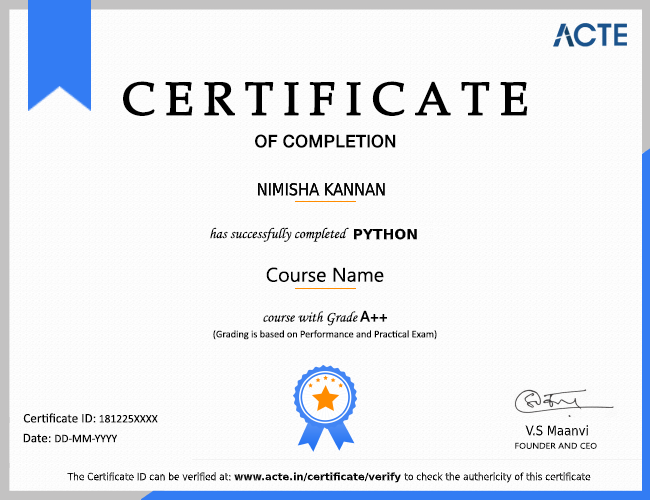
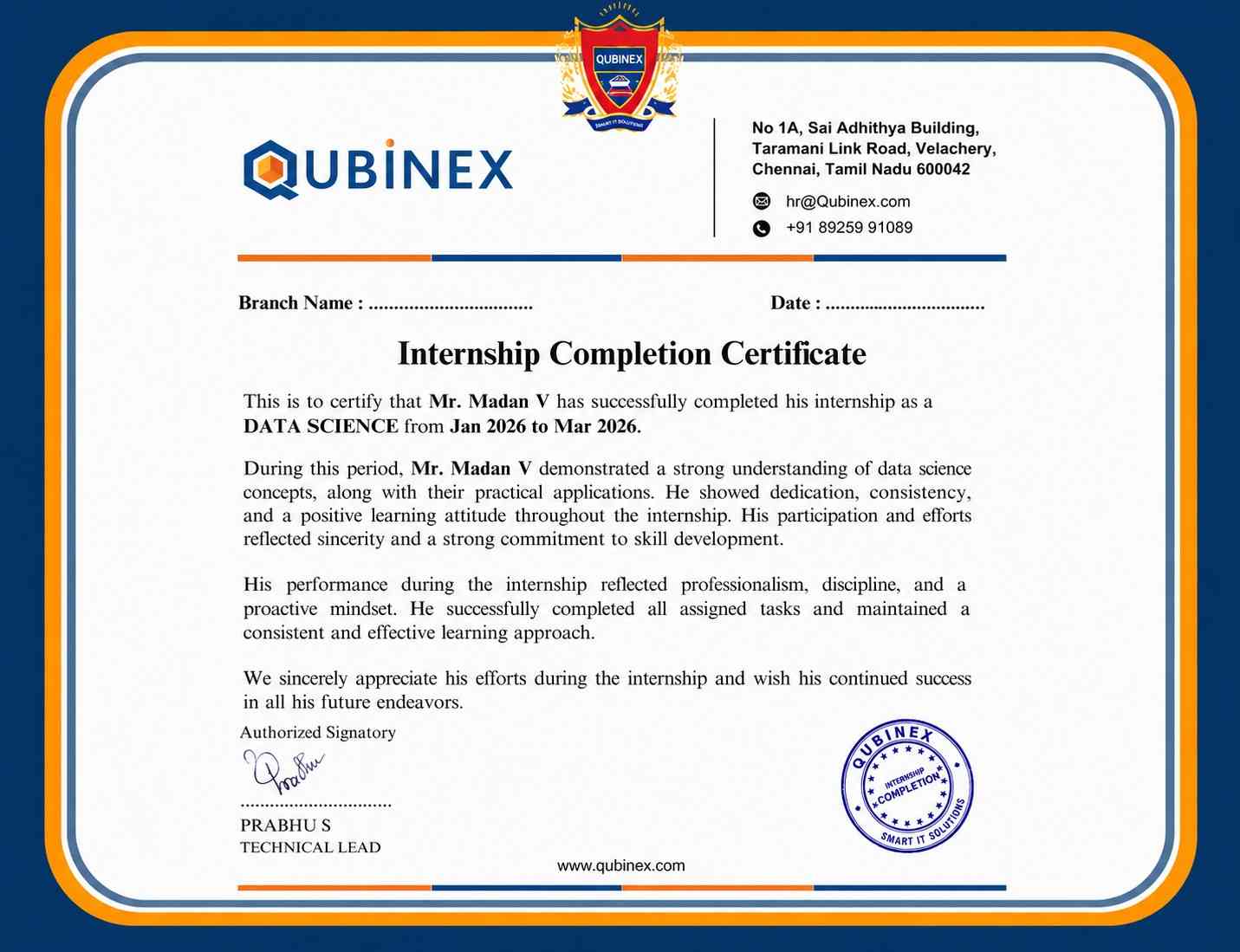
Microsoft Azure Training helps participants develop a strong understanding of cloud computing concepts, explore essential Azure technologies, and gain practical skills in configuring, deploying, and maintaining secure cloud infrastructure.
Microsoft Azure helps businesses deploy applications, store and process information, integrate cloud infrastructure, strengthen security, and adjust computing resources to meet changing operational needs.
Microsoft Azure expertise is increasingly relevant for businesses implementing cloud infrastructure, managing enterprise applications, developing data solutions, and supporting hybrid cloud operations.
Practical lab exercises introduce learners to real-world Azure technologies through guided tasks and project-based activities. Participants gain experience in the following areas:
Frequently Asked Questions
- Yes, Microsoft Azure training offers both classroom and online training options, providing flexibility based on your schedule and learning preference.
- Typically, the Microsoft Azure course certification duration ranges from 4 to 8 weeks depending on the modules covered and training mode.
- Self-paced learning options provide flexibility, extending the duration according to individual progress.
- Assists students with resume building, mock interviews, and connections with partner companies.
- The placement team follows up and schedules interviews based on the candidate’s readiness.
- It provides a course completion certificate which may not be government-recognized but is widely accepted by IT companies and recruiters.
- Yes, Microsoft Azure certification in Hyderabad includes hands-on work on industry-relevant projects that simulate real client scenarios, providing practical experience.
