
550+ Students Placed Every Month Be The Next!






Our Hiring Partners

Curriculum Designed By Experts
Expertly designed curriculum for future-ready professionals.
Industry Oriented Curriculum
An exhaustive curriculum designed by our industry experts which will help you to get placed in your dream IT company
-
30+ Case Studies & Projects
-
9+ Engaging Projects
-
10+ Years Of Experience
Graphic Design Training Projects
Become a Graphic Design Expert With Practical and Engaging Projects.
- Practice essential Tools
- Designed by Industry experts
- Get Real-world Experience
Business Card Design
Create professional business cards using typography, colors, and vector graphics. Learners explore brand consistency and develop polished layouts for corporate and personal branding.
Digital Banner Design
Develop attractive digital banners using images, typography, colors, and graphic elements. Learners practice designing promotional layouts for websites and online advertising platforms.
Magazine Cover Design
Create an eye-catching magazine cover using typography, images, colors, and visual composition. Learners practice organizing headlines and graphics for editorial presentation.
Social Media Graphics
Create engaging social media posts using Photoshop and Illustrator. Learners explore color combinations, typography, image placement, and layouts for digital promotional campaigns.
Digital Poster Creation
Design attractive posters using Photoshop, visual effects, typography, and image editing. The project covers event promotions, creative compositions, and advertising graphics.
Product Packaging Design
Develop product packaging concepts using Illustrator, color palettes, typography, and graphic elements. Learners practice creating appealing layouts for product labels and boxes.
Complete Brand Design
Create a complete brand identity using logo design, color palettes, stationery, social media graphics, and brand guidelines. Learners practice developing a consistent branding solution.
Digital Marketing Creative
Design digital marketing creatives including social media posts, website banners, advertisements, promotional graphics, and campaign visuals. Learners gain practical experience.
UI Visual Design
Create a website or application interface using Figma, typography, colors, icons, layouts, and reusable components. Learners practice designing professional interfaces and basic prototypes.
Career Support

Placement Assistance

Exclusive access to ACTE Job portal

Mock Interview Preparation

1 on 1 Career Mentoring Sessions

Career Oriented Sessions

Resume & LinkedIn Profile Building
Key Features

Practical Training

Global Certifications

Flexible Timing

Trainer Support

Study Material

Placement Support

Mock Interviews

Resume Building
Upcoming Batches
What's included
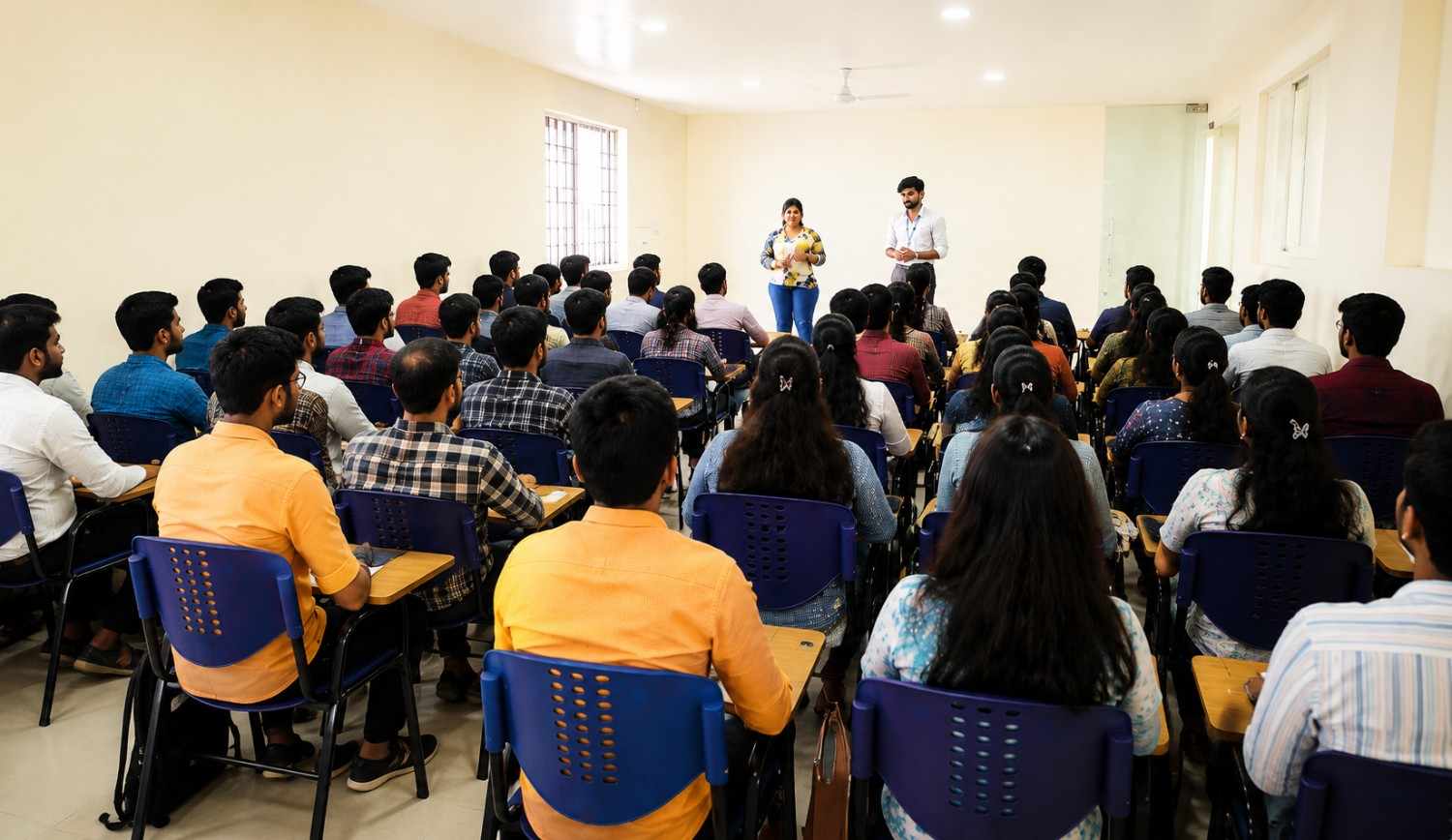
 Free Aptitude and
Technical Skills Training
- Learn basic maths and logical thinking to solve problems easily.
- Understand simple coding and technical concepts step by step.
- Get ready for exams and interviews with regular practice.
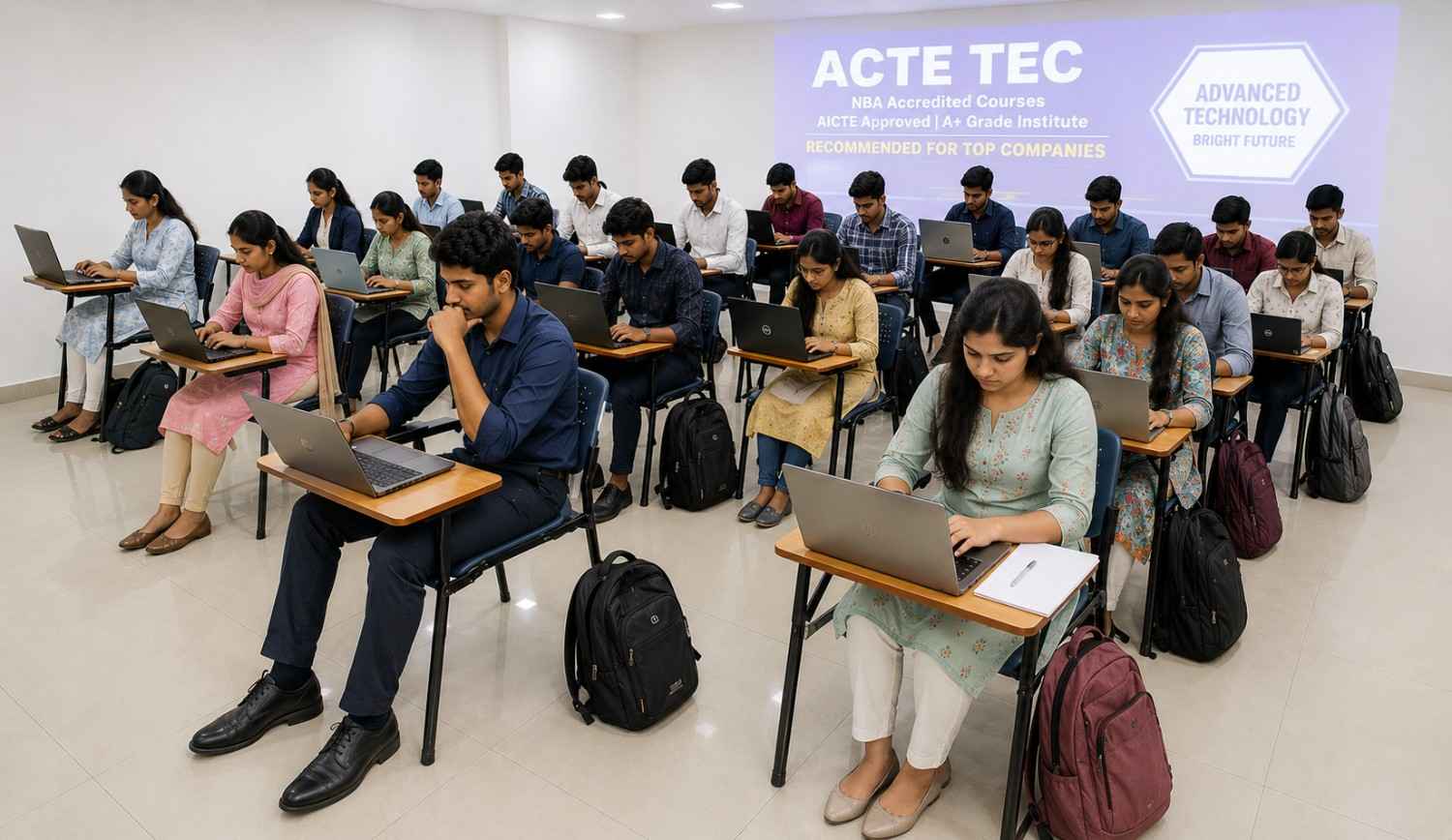
 Hands-On Projects
- Work on real-time projects to apply what you learn.
- Build mini apps and tools daily to enhance your coding skills.
- Gain practical experience just like in real jobs.

 AI Powered Self
Interview Practice Portal
- Practice interview questions with instant AI feedback.
- Improve your answers by speaking and reviewing them.
- Build confidence with real-time mock interview sessions.
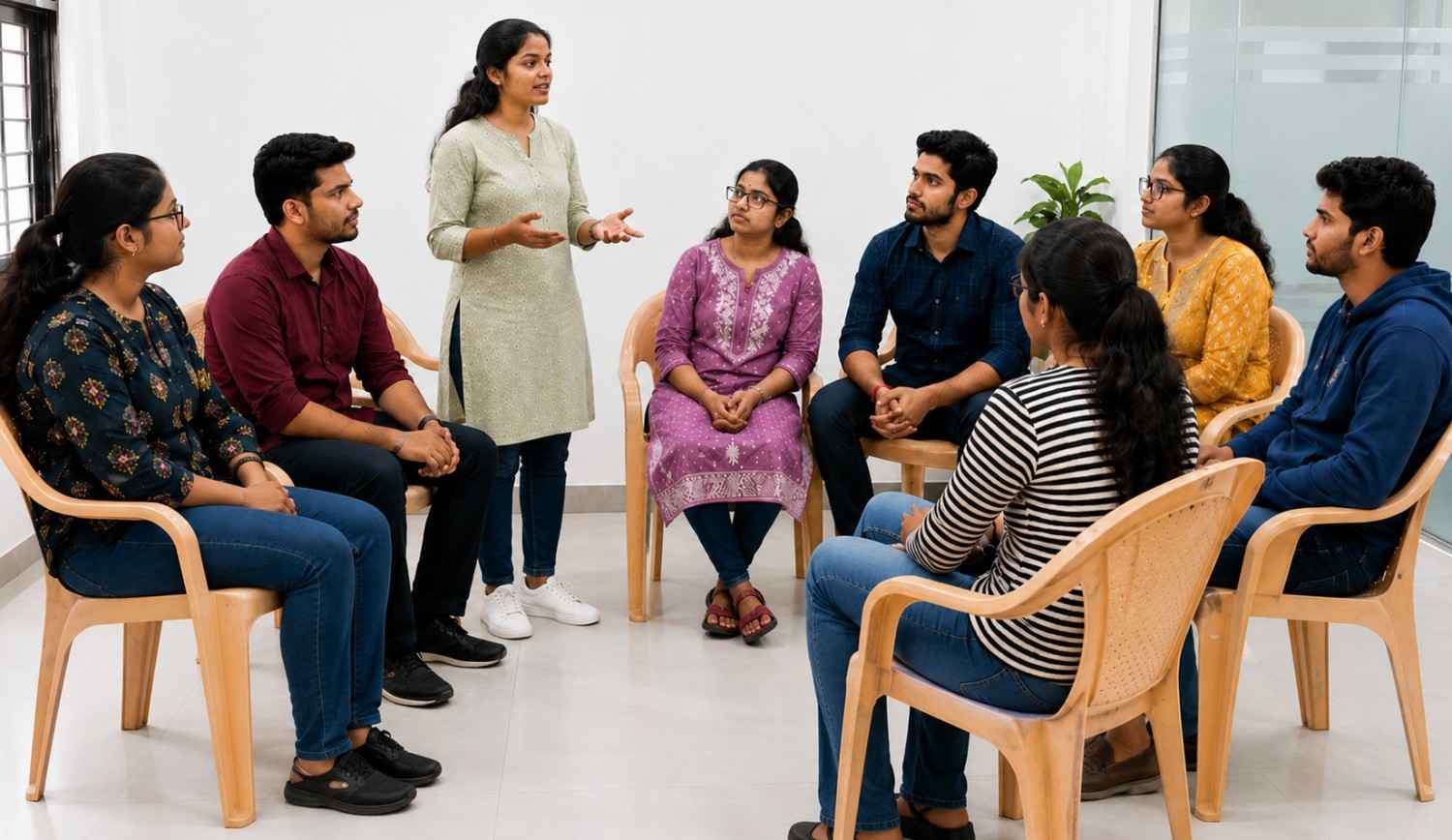
 Interview Preparation
For Freshers
- Practice company-based interview questions.
- Take online assessment tests to crack interviews
- Practice confidently with real-world interview and project-based questions.
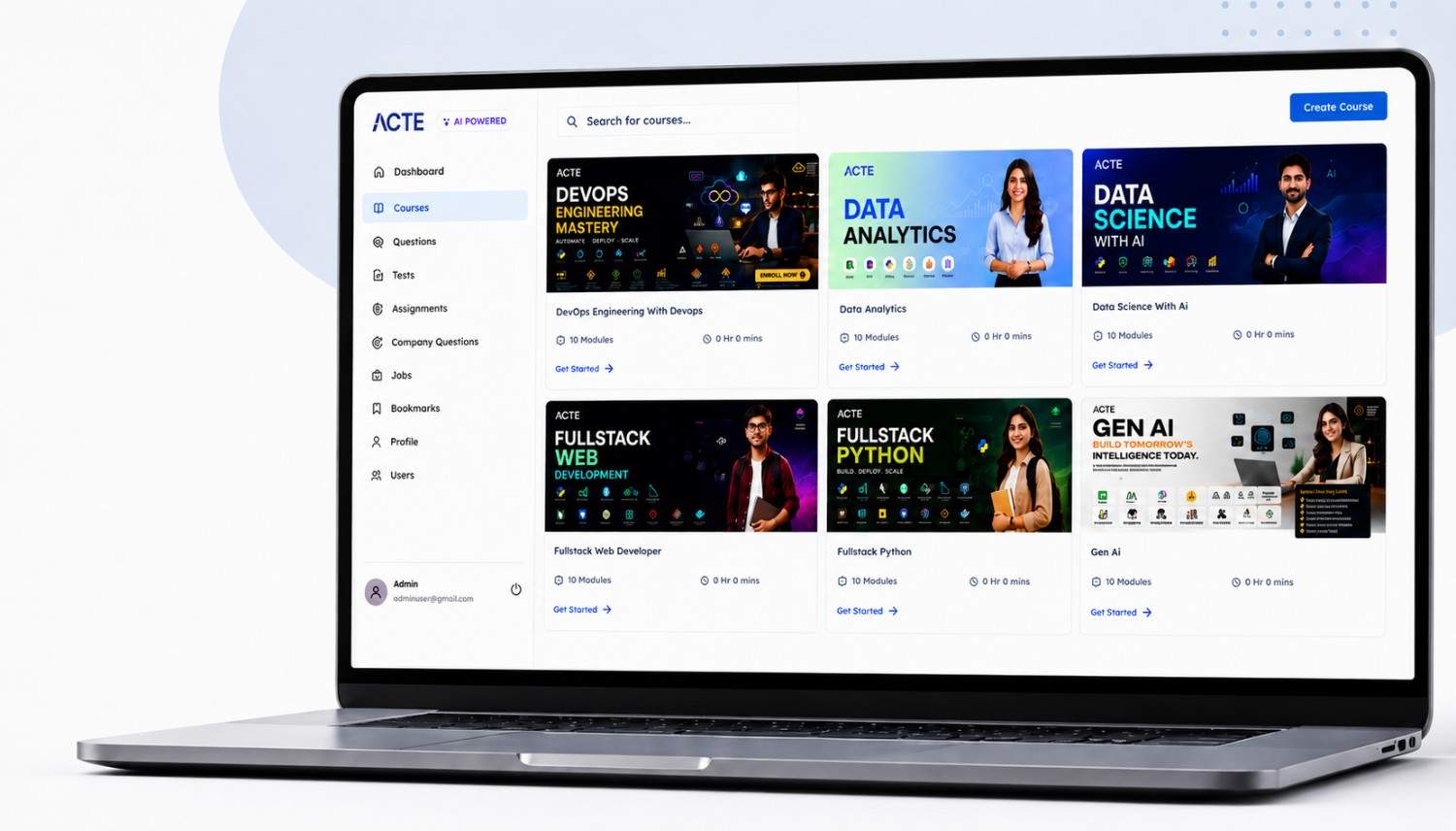
 LMS Online Learning
Platform
- Explore expert trainer videos and documents to boost your learning.
- Study anytime with on-demand videos and detailed documents.
- Quickly find topics with organized learning materials.
- Learning strategies that are appropriate and tailored to your company's requirements.
- Live projects guided by instructors are a characteristic of the virtual learning environment.
- The curriculum includes of full-day lectures, practical exercises, and case studies.

Graphic Design Training Overview
Build Creative Design Skills with Graphic Design Training in BTM Layout
Modern businesses depend on effective visual communication to promote products, establish brand identity, attract audiences, and deliver engaging digital experiences. Through practical training sessions, learners develop a strong understanding of how graphic design supports branding, advertising, digital marketing, publishing, and print production across different industries. The Graphic Design Placement Course in BTM Layout covers essential design principles, color theory, typography, layout composition, image editing, vector illustration, logo creation, brand identity, and digital graphics. Participants gain hands-on experience creating promotional materials, editing images, developing visual concepts, designing layouts, and preparing artwork for digital and print applications. Additionally, our practical Graphic Design Course Institute introduces creative workflows, image manipulation, typography management, design presentation, and artwork preparation using industry-relevant tools such as Adobe Photoshop, Adobe Illustrator, Adobe InDesign, CorelDRAW, and Figma. Through guided exercises, creative assignments, and project-based activities, learners practise developing visual concepts, refining graphic compositions, creating marketing materials, and resolving common design challenges. Additionally, the course strengthens creative thinking, technical proficiency, visual communication skills, and professional design capabilities.
Gain Practical Experience Through the Graphic Design Internship Program
Practical experience helps learners understand how graphic designers develop visual concepts, create digital artwork, and produce design materials for different communication requirements. The Graphic Design Placement Training sessions include project-based activities covering logo creation, image editing, typography selection, layout development, brand identity, and digital graphic production. Participants work on creative design scenarios to organize visual elements, select appropriate colors, combine typography, develop illustrations, and prepare promotional materials. These exercises demonstrate how graphic design supports brand recognition, marketing communication, and effective content presentation. Through guided assignments, learners practise using creative software, editing photographs, developing vector graphics, preparing design layouts, and exporting artwork in suitable formats. Each project-focused activity also encourages participants to organize design files, refine compositions, review visual consistency, and improve creative outputs based on project requirements. Guidance from experienced Graphic Design Trainers helps learners build a professional portfolio showcasing image editing, branding, digital artwork, layout development, and an understanding of creative design practices.
Enhance Creative Knowledge with Graphic Design Offline Course
Graphic Design Fundamentals and Visual Composition: Learners explore design principles, color theory, typography, and visual hierarchy. Practical exercises cover layout organization, image placement, spacing, and the effective arrangement of graphic elements.
Image Editing and Vector Illustration: Graphic Design training introduces image manipulation, photo retouching, vector drawing, shapes, and illustration techniques. Participants practise editing photographs, creating scalable graphics, and developing visually appealing digital artwork.
Brand Identity and Marketing Design: Learners understand how logos, colors, typography, and graphic elements contribute to brand recognition. Practical activities introduce logo development, promotional materials, brand consistency, and creative asset preparation.
Digital Artwork and Print Production: Learners explore social media graphics, brochures, posters, banners, and print layouts. Participants practise preparing artwork, adjusting image dimensions, selecting color modes, and exporting designs for different publishing requirements.
Design Presentation, Tools, and Portfolio Development: Participants gain practical exposure to Adobe Photoshop, Adobe InDesign, CorelDRAW, and Figma. They practise presenting creative concepts, preparing design mockups, and compiling completed artwork into a portfolio.
Discover the Practical Benefits of a Graphic Design Course Institute
Building a strong foundation in visual communication, typography, color selection, image editing, vector illustration, brand development, layout composition, and design presentation helps learners understand modern creative environments. The Graphic Design Internship Program combines structured instruction with practical assignments and creative design activities to demonstrate how graphic design tools are applied to real-world requirements. Participants gain experience developing logos, designing promotional materials, creating digital graphics, and preparing artwork for print and online platforms. Practical learning activities may include branding exercises, poster design assignments, image editing demonstrations, layout development sessions, and professional portfolio guidance. Experienced Graphic Design Trainers guide learners in understanding how designers organize visual elements, select suitable colors, maintain brand consistency, develop creative concepts, and produce effective design materials. This combination of technical knowledge and practical exposure strengthens design accuracy, creative thinking, problem-solving abilities, and visual presentation capabilities, helping participants communicate design ideas and develop graphics for different project requirements.
Explore Career Opportunities After Graphic Design Certification Course in BTM Layout
Graphic Designer: Graphic Designers create visual materials, promotional graphics, advertisements, and digital artwork. Training helps learners understand typography, image editing, layout development, color coordination, and professional design preparation.
Visual Designer: Visual Designers develop engaging graphics for websites, marketing campaigns, digital platforms, and business communications. Practical exercises introduce visual hierarchy, graphic composition, asset creation, and consistent design presentation.
Brand Identity Designer: Brand Identity Designers develop visual elements that communicate a company's image and values. Practical training introduces logo creation, color palette selection, typography guidelines, brand assets, and visual identity development.
Social Media Designer: Social Media Designers create digital graphics for promotional campaigns, social networking platforms, and online advertisements. Practical training introduces creative layouts, image selection, typography, and platform-specific design preparation.
Desktop Publishing Designer: Desktop Publishing Designers prepare brochures, catalogs, flyers, magazines, and other publication materials. Graphic design training introduces page layout, typography, image placement, print specifications, and professional document preparation.
Career Opportunities After Graphic Design Training
Web Designer
This person specializes in creating visually appealing and user-friendly websites, blending aesthetics with functionality to enhance overall user experience.
UX/UI Designer
UX/UI Designer position focuses on designing intuitive and engaging interfaces and user experiences for digital products, ensuring seamless usability and accessibility.
Digital Artist
Creates visual content for various digital platforms, including creative illustrations, animations, and graphic elements, often using software like Photoshop and Illustrator.
Front-end developer
This person combines graphic design with coding skills to build and style responsive, interactive websites, ensuring they are both visually appealing and technically sound.
Multimedia Artist
Multimedia Artist Produces engaging visual content for media, including an animations, video effects, and interactive elements, using tools like After Effects and Blender.
Brand Designer
Develops visual identities for brands, including logos, packaging, and creative marketing materials, ensuring consistency and alignment with brand messaging
Skill to Master
Creativity
Design Software
Typography
Color Theory
Layout Design
Brand Identity
UX Design
Web Design
Digital Illustration
Motion Graphics
Problem-solving
Visual Communication
Tools to Master
Adobe Photoshop
Adobe Illustrator
Adobe InDesign
Sketch
Figma
CorelDRAW
Affinity Designer
Procreate
Canva
GIMP
Inkscape
Blender
Learn from certified professionals who are currently working.

Training by
Priya, having 8 yrs of experience
Specialized in: e-commerce design, Shopify, WordPress, and WooCommerce.
Note: Priya has developed and designed numerous e-commerce websites, focusing on user-friendly interfaces and seamless shopping experiences. Her expertise includes both design and functionality, responsive layouts, intuitive navigation, visual consistency, and optimizing website usability across different devices.
Premium Training at Best Price
Affordable, Quality Training for Freshers to Launch IT Careers & Land Top Placements.
What Makes ACTE Training Different?
Feature
ACTE Technologies
Other Institutes
Affordable Fees
Competitive Pricing With Flexible Payment Options.
Higher Fees With Limited Payment Options.
Industry Experts
Well Experienced Trainer From a Relevant Field With Practical Training
Theoretical Class With Limited Practical
Updated Syllabus
Updated and Industry-relevant Course Curriculum With Hands-on Learning.
Outdated Curriculum With Limited Practical Training.
Hands-on projects
Real-world Projects With Live Case Studies and Collaboration With Companies.
Basic Projects With Limited Real-world Application.
Certification
Industry-recognized Certifications With Global Validity.
Basic Certifications With Limited Recognition.
Placement Support
Strong Placement Support With Tie-ups With Top Companies and Mock Interviews.
Basic Placement Support
Industry Partnerships
Strong Ties With Top Tech Companies for Internships and Placements
No Partnerships, Limited Opportunities
Batch Size
Small Batch Sizes for Personalized Attention.
Large Batch Sizes With Limited Individual Focus.
LMS Features
Lifetime Access Course video Materials in LMS, Online Interview Practice, upload resumes in Placement Portal.
No LMS Features or Perks.
Training Support
Dedicated Mentors, 24/7 Doubt Resolution, and Personalized Guidance.
Limited Mentor Support and No After-hours Assistance.
We are proud to have participated in more than 40,000 career transfers globally.

Graphic Design Certification
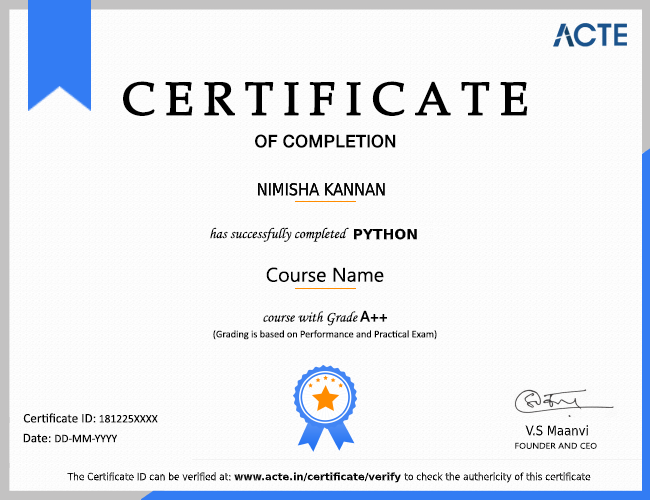
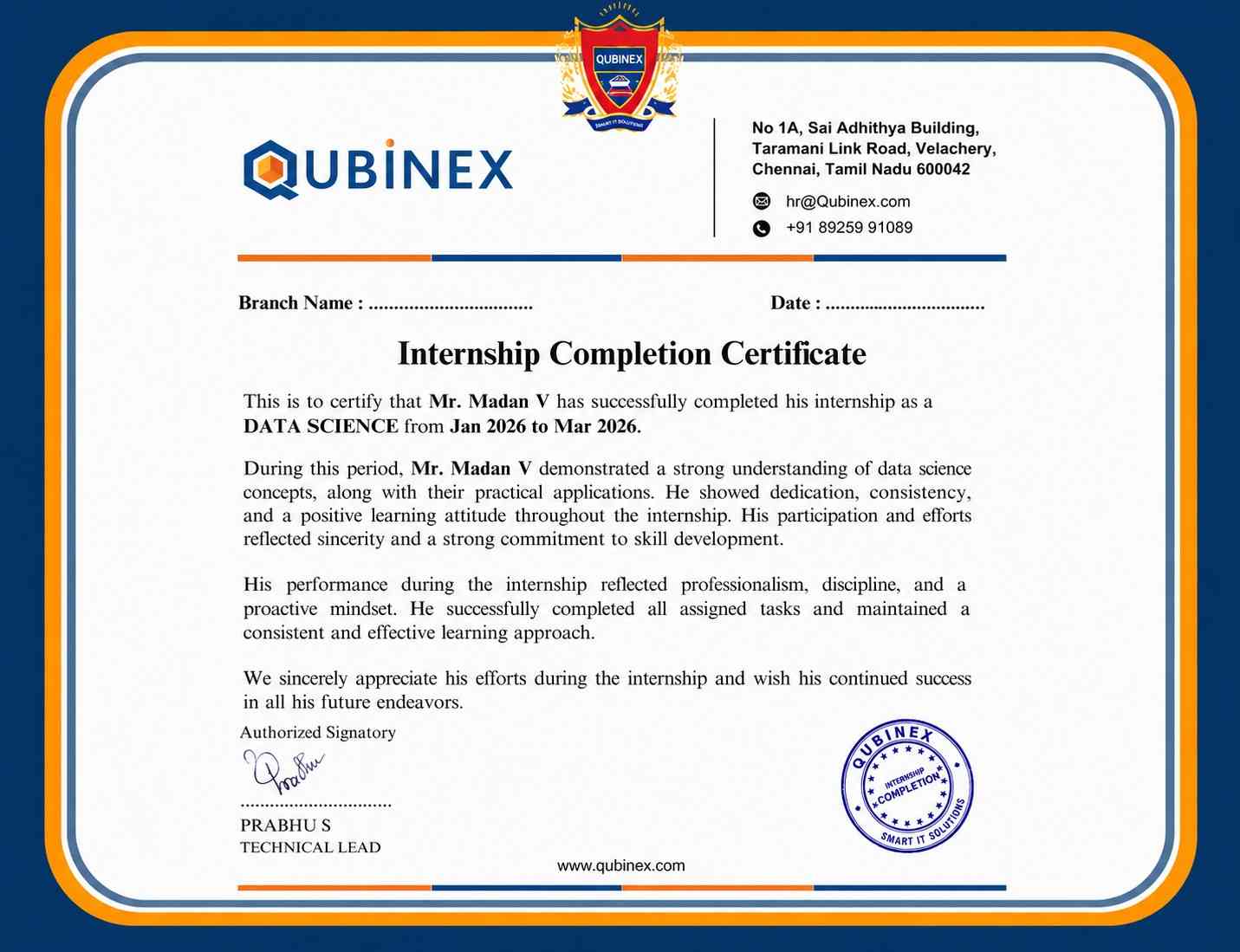
Graphic Design Training aims to help learners understand essential design principles and practical creative workflows. The course focuses on visual communication, typography, color theory, image editing, branding, layout design, and digital graphics.
Graphic design skills are used across advertising, digital marketing, branding, publishing, media, e-commerce, social media, web design, and other creative industries.
Learners can practice Graphic Design through hands-on exercises involving image editing, logo creation, typography, branding, social media graphics, and UI layouts.
Learners can benefit from basic computer knowledge, visual interest, and willingness to learn design tools. Students from any educational background can explore graphic design.
Graphic Design knowledge helps professionals understand visual communication, branding, digital content creation, and creative production workflows. Tools such as Photoshop, Illustrator, InDesign, and Figma support different stages of professional design work.
Frequently Asked Questions
- Learners can enquire about demo sessions to explore the teaching approach, course modules, graphic design software, practical assignments, and portfolio projects before joining. This helps them understand the learning environment and decide whether the program matches their creative goals.
- Trainers may have relevant design qualifications, software knowledge, and practical experience in visual communication, branding, and digital artwork.
- Industry experience can help learners understand creative workflows, client requirements, design revisions, and professional project standards.
- Depending on the training provider, learners may receive resume guidance, portfolio reviews, and interview preparation to support their job search.
- Career assistance may also include mock interviews, recruitment updates, and guidance on presenting creative projects to potential employers.
- A course completion certificate confirms that a learner has completed the relevant training. Employers may also assess portfolio quality, creative thinking, software proficiency, practical project experience, visual communication skills, and interview performance.
- Practical workshops may include graphic design exercises and creative projects using Adobe Photoshop, Adobe Illustrator, Adobe InDesign, CorelDRAW, and Figma. Learners can practise branding, typography, image editing, digital graphics, layout creation, and portfolio development.
